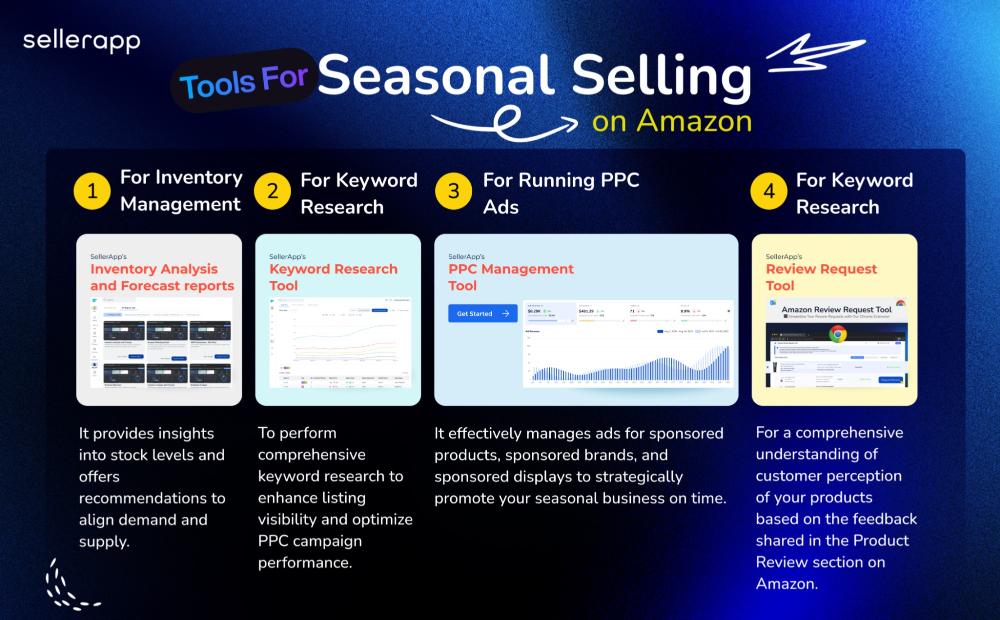
From finding the right supplier for your next product launch to review management, from listing analysis to PPC, you get all the tips and shortcuts to boost your sales on Amazon.
We turn down business on purpose. Every strategist we hire could carry thirty or forty accounts, the way most agencies staff them. We cap them at a fraction of that, which means we say no to brands we’d like to work with and leave money on the table doing it.
That sounds like a bad way to run an agency. It might be. But it’s the only way we’ve found to run DSP that actually works, and the 9.38% click-through our retargeting segments hit against a 0.47% platform average is the entire argument for it.
Here’s what nobody tells you about Amazon DSP. Two brands can run the identical budget, in the same category, on the same platform, and one triples its business while the other loses money the whole way. The difference usually isn’t strategy. It’s who is actually watching the account.
This is a question about DSP account management, and about whether managed DSP earns its keep, so let’s get concrete.
Picture two versions of the same brand. Call them Brand A and Brand B. Same catalog, same $100k monthly DSP budget, same starting point, TACoS stuck at 33% with search tapped out.
Brand A (thin attention)
Brand B (daily senior attention)
Who runs it
One strategist across 40 accounts
Dedicated senior strategist
Time on the account
~30 minutes a week
Every day
Audiences
Off-the-shelf demographic segments
Built from real purchase behavior
Pacing
Checked at month-end
Watched and corrected daily
Attribution
Blended monthly report
AMC-split, incrementality proven
Six-month outcome
Spend flat, TACoS climbs
DSP scales to 35% of revenue, TACoS holds
Brand B is TubShroom. We’ll come back to them. Brand A is most DSP campaigns running right now, and the brands inside them usually have no idea that’s what they are.
The budget didn’t decide the outcome. The attention did.
Forty accounts per strategist works out to thirty minutes a week for yours
Most Amazon DSP agencies run 30 to 50 accounts through a single strategist. Do the arithmetic and that’s about half an hour of senior attention per account, per week.
Half an hour is enough to pull a report. It is nowhere near enough to run the channel. DSP isn’t a set-and-forget line item where you pick an audience and let it ride. It needs daily calls, which audiences to scale, which to cut, where pacing is slipping, when a placement stops earning its keep. A weekly report can’t make those calls, and a strategist with 39 other accounts won’t.
This is the part that surprised even us at scale. Across our first hundred enterprise accounts, the single biggest predictor of whether DSP worked wasn’t the brand’s budget, the category, or the creative. It was whether someone senior was in the account every day. Strategy is where agencies compete on the pitch. Staffing is where the results are actually won or lost.
Thin attention shows up directly in your click-through rate
Attention isn’t a soft quality you can’t measure. It turns into performance, and you can follow the line from one to the other.
A strategist who actually has time builds custom audiences from purchase behavior across hundreds of millions of shoppers, instead of grabbing the off-the-shelf demographic segments a rushed one reaches for. Better audiences get clicked. Our retargeting segments run at 9.38% click-through against a 0.47% platform norm, and that gap isn’t a trick. It’s what happens when someone builds the audience properly.
Then it compounds. Higher click-through lowers your effective CPM, which buys more impressions on the same budget, which feeds the algorithm more signal to optimize against.
Thin attention runs that same flywheel in reverse. Weaker audiences, lower click-through, higher CPMs, less reach for every dollar. Same budget, worse math, and nobody watching closely enough to catch it.
As Nithin Mentreddy, who runs our customer success, puts it, the next customer isn’t searching yet, so reaching them before a competitor does and then showing the brand it happened is the entire job. Most agencies stop at the first half, because the second half is hard to staff for.
The half most agencies skip is proving the spend was incremental
Reaching new buyers is the visible half. Proving the spend was incremental is the half that separates a real DSP operation from an expensive one, and it’s the half thin attention never reaches.
Through direct Amazon Marketing Cloud access, we separate DSP-assisted, DSP-only, and DSP-to-search purchases, and across the hundred accounts 42% of conversions came back DSP-assisted.
That number matters because it answers the only question your CFO actually asks, did this spend add sales, or just take credit for ones search would have closed anyway.
A blended monthly report can’t answer that. It’s built not to. And an agency running 40 accounts per head doesn’t have the hours to build proper attribution for each one, so it doesn’t, and the brand never learns whether its DSP budget was incremental or just expensive.
TubShroom is the Brand B, in full
Here’s the case the whole article stands on.
TubShroom is a household-goods brand that came to us with margins under pressure and TACoS stuck at 33%, search fully tapped out. We made DSP the primary growth engine and scaled it from zero to 35% of total revenue over six months. The number that proves the model isn’t the growth, it’s what stayed still underneath it. TACoS held flat in a 15 to 17% band the whole time.
That flat line is everything. If DSP had been reshuffling sales away from Sponsored Ads, efficiency would have dropped and TACoS would have climbed. It didn’t move, which means the revenue was genuinely new. That result doesn’t come from a bigger budget. It comes from someone senior watching the account closely enough to grow it without letting cost of sales drift up.
The mirror image is a premium gaming-chair brand that had exhausted search and grew revenue six times in five months by reaching Twitch viewers mid-stream, buyers who were weeks from ever typing the category into a search bar. Different category, same principle, someone in the account who knew where the next customer actually was.
Category math is where a thin-attention agency breaks completely
Even a well-meaning generalist gets buried by one thing. DSP economics swing hard by category, and running one playbook across all of them wastes budget you’ll never see leave.
Category
Converts at
On a click of
What a good strategist does
Grocery
15.57%
$0.58
Leans in, reach is cheap and the flywheel spins
Electronics
4.60%
Higher
Protects margin, only works on a ~$104 basket
A strategist running fifty accounts can’t see these differences, let alone act on them. As our co-founder Dilip Vamanan puts it, the brands that win treat DSP as a discipline, not a switch you flip, and building the team around that gap is the whole reason the numbers land where they do.
These figures come straight from our own State of Amazon Advertising 2026 benchmark report, which we built from $3 billion in managed ad spend and measured against 28 independent sources to keep ourselves honest.
(Source: SellerApp State of Amazon Advertising 2026, published June 2026. Built on $3B in managed spend across 33,000+ brands, cross-referenced against 28 independent sources including Amazon Ads, Statista, and Skai.)
Four questions that tell you which brand you are
You don’t need us to run this diagnostic. Ask your current setup four questions and the answer comes fast.
How many accounts does the person on mine also manage? If it’s 30-plus, you’re getting minutes a week.
Are my audiences built from purchase behavior, or picked off a demographic menu?
Does anyone check pacing before month-end, or do the problems surface after the budget’s gone?
Can they show me, through AMC, that DSP added sales rather than reshuffled them?
If those answers make you wince, you’re Brand A, and the budget was never your problem.
What we’d tell you either way
The lesson from a hundred accounts is simple. The budget doesn’t decide the outcome, the attention on it does.
A dedicated senior strategist who knows your catalog, watches your pacing daily, builds real audiences, and proves incrementality beats a bigger budget run thin every single time.
That’s why we cap our strategists’ load and turn down the accounts we can’t run right. It’s a worse business in a spreadsheet. It’s a better campaign in the account, and TubShroom’s flat TACoS is the receipt.
If you’re spending six figures a month on Amazon and you suspect you’re Brand A, tell us where you are. We’ll pull your campaign data, run it against what a properly staffed account should look like, and show you the gap before you spend another dollar into it.
Frequently Asked Questions
Why do two brands with the same Amazon DSP budget get different results?
Because who manages the account matters more than the budget. Most agencies run 30 to 50 accounts per strategist, roughly 30 minutes of attention per account each week. DSP needs daily decisions on audiences, pacing, and placements that thin coverage can’t deliver.
How many accounts should one Amazon DSP strategist manage?
Far fewer than the 30 to 50 typical at volume agencies. DSP is a daily-decision channel, so a dedicated senior strategist per account consistently beats one spread thin.
How do you prove Amazon DSP is actually incremental?
Through Amazon Marketing Cloud, which separates DSP-assisted, DSP-only, and DSP-to-search purchases. In our accounts, 42% of conversions were DSP-assisted, the proof a CFO needs that spend added sales rather than reshuffling them.
Does Amazon DSP performance vary by category?
Significantly. Our research shows Grocery converting at 15.57% on a $0.58 click while Electronics converts at 4.60% and only works on a larger basket. One playbook across all categories wastes budget.
Amazon DSP has become the headline of almost every agency pitch. It used to be a footnote near the end of the call.
Now it anchors the retainer and carries the premium price, and for good reason. DSP’s share of total Amazon ad spend grew from 17.7% to 23.4% across 2025. It reaches the shoppers search never will.
The harder question for a brand is whether the agency selling premium DSP management is delivering management or simply reselling access to a platform. This is a breakdown of why the premium exists, what it should buy, and how to tell the two apart before you sign.
How DSP Turned Into Agencies’ Highest-Margin Offer
For years, the reliable money in Amazon advertising sat in Sponsored Products. It was straightforward to run and easy to report on. DSP was the thing agencies mentioned late and rarely executed well.
That changed as the platform matured. Brands started asking for DSP by name, and agencies noticed two things at once. DSP does something search structurally cannot, and it is complex enough that clients will happily pay someone else to run it. The result is an industry that now leads with DSP and prices it as a premium service.
The work behind it is real. Running DSP well means coordinating audiences, creative, programmatic bidding, and measurement across display, video, and streaming at the same time. That difficulty is the honest justification for the fee. It is also the cover that lets weaker shops charge the fee without doing the work.
Why Agencies Can Charge a Premium Now
Three shifts across 2025 turned DSP from an optional test into the discipline that now decides whether a brand grows or overpays in 2026.
Agencies typically charge 10–15% of ad spend for DSP management. But that fee does not always include proprietary technology, advanced data infrastructure, and dedicated specialists under one roof. SellerApp brings all three together, giving brands access to the technology, intelligence, and expertise needed to run DSP as a more connected, measurable growth channel.
The CPM Surge That Punishes Unmanaged Spend
Platform CPM rose 47 percent in 2025 to $7.82 per thousand impressions, the sharpest year-onr-year cost increase of any metric on any major digital channel. Reach became expensive fast. What makes the number worth understanding is what happened next to it.
Cost per acquisition fell and return on ad spend rose over the same period. Costs climbed while efficiency improved, which only happens when better-structured accounts win, and loose ones get priced out.
When reach was cheap, weak targeting was survivable. At a $7.82 CPM, it lands in the P&L immediately, and the gap between disciplined management and set-and-forget spending widens every month.
Why DSP Is Now Table Stakes, Not a Test Budget
DSP’s share of total Amazon ad spend climbed from 17.7 percent to 23.4 percent across 2025 and kept moving toward 25.5 percent. In the first quarter of 2026, DSP clicks grew 156 percent year over year, and for the first time in five years of data DSP came in cheaper per click than Sponsored Products.
A brand still treating DSP as a small experiment funded by leftover budget is already behind the competitors who moved it to the center of the plan.
The New-Customer Engine You Can’t Build on Search Alone
At any given moment, roughly 95 percent of Amazon shoppers are not searching for a given brand’s category. Sponsored Products can never reach that audience, because it captures demand that already exists. DSP reaches the people who have not started looking yet. This is why new-to-brand rate matters more than any single efficiency number.
Across the platform, 36.5 percent of DSP-attributed purchases come from customers who have never bought the brand on Amazon before. Managed with intent, that figure climbs.
SellerApp reports lifting new-to-brand rate above 60 percent of campaign purchases while tripling a brand’s share of voice inside six months. No amount of keyword bidding produces that.
What the Premium Actually Buys You
This is the section that decides everything, because it is where a premium either earns itself or does not.
The tool alone is not the differentiator.
SellerApp will hand you the same platform to run yourself through its do-it-yourself solution if that is what you want. What the premium buys is a strategist who runs that platform against your catalog, your margins, and your competitors, and who catches the money leaking out of the account before the month closes.
Here is what that looks like in practice, mapped to the exact problems the platform was built to solve.
Full-Funnel Planning Built on Category Benchmarks
Real strategy starts with where your category actually sits. Grocery converts at 15.57 percent on a cheap $0.58 click and settles near a 21 percent ACoS. Electronics grinds at 4.60 percent and only works because the basket is large.
Plan without those numbers and you are guessing. A managed service worth its fee maps prospecting, retargeting, and budget pacing against how brands like yours perform, not against a house template built for everyone.
Budget size changes the math too. Under $10,000 a month, DSP access is not even on the table, and ACoS runs 30 to 45 percent. In the $50,000 to $250,000 band, managed DSP becomes viable and the account enters its best efficiency zone at 22 to 32 percent ACoS. The account manager’s job is to know which tier you are in and to build the plan the tier can actually support.
How AMC Attribution Reveals the New-to-Brand Story ROAS Hides
ROAS hands every attributed sale a trophy, including customers who would have bought without ever seeing the ad. It also flatters you while the account bleeds underneath. A campaign can post a strong ROAS while the brand is underwater after FBA fees, storage, ad cost, and refunds.
SellerApp’s platform tracks true profit and TACoS at the ASIN level for exactly that reason, so the strategist optimizes to what stays rather than what came in. On top of that sits Amazon Marketing Cloud.
Direct AMC access separates DSP-assisted, DSP-only, and DSP-to-search purchases, and shows the full path to conversion instead of last click. In practice, 42 percent of conversions come through as DSP assisted, which is the part a search-only view erases. Campaign overlap analysis in AMC also shows where your own campaigns are competing for the same shopper, which is the first place a good account manager goes looking for wasted money.
Audience Optimization for the Customers You Don’t Have Yet
Anyone can retarget people who have already viewed your listing. The valuable work is building prospecting audiences from real purchase behavior across hundreds of millions of shoppers rather than renting off the shelf demographic segments. Done properly, it shows in the numbers.
SellerApp’s custom segments have run at 9.38 percent click-through against a 0.47 percent platform norm, and higher click-through lowers effective CPM, which buys more qualified impressions on the same budget.
The same discipline applies lower in the funnel. Auto campaigns constantly surface converting search terms and competitor Amazon ASINs that should be moved into controlled targeting, and most of that intelligence sits in a report nobody opens. The account manager captures those signals with the platform’s Keyword and ASIN harvesters and turns them into precise targeting instead of leaving revenue on the table.
Creative, Video, and Seasonal Bid Management
DSP is a creative and video channel, not just a bidding one, and the timing of spend matters as much as the targeting. Amazon Marketing Stream delivers hourly performance data, and dayparting heat maps show exactly when conversions happen and when budget is being thrown away, so spend shifts toward the windows that convert and pulls back when traffic does not.
Season matters just as much. ACoS swings about 4.5 points across the year, from roughly 28 percent in October to 32.5 percent in January, and flat budget plans systematically buy at the expensive peak and skip the cheap trough.
This is also where the account manager recovers money that a thin service never touches. The platform’s Campaign Manager flags in plain view when a campaign is exceeding its target or bleeding budget, and the strategist acts on that before month-end rather than reading about it afterward.
When a winning keyword moves to a controlled campaign, the harvester adds the negative in the source in the same operation, so you stop paying twice for the same click and stop inflating your own CPCs.
The Insights view automatically surfaces search terms carrying impressions and spend with zero orders, and those get cut. None of this is mysterious once someone has the time to watch it, which is the entire point of paying for management. And because the automation runs on schedule with full consistency, saving more than ten hours a week on a 200 campaign account, the senior time goes to decisions rather than busywork.
What all of this adds up to is worth putting in dollars. Take a brand doing two million dollars a year on Amazon. At a 33 percent TACoS, the level TubShroom carried before SellerApp took over the account, that is roughly 660,000 dollars a year going to advertising.
Hold TACoS in the 15 to 17 percent band that SellerApp kept TubShroom in through six months of growth, and the same revenue costs closer to 320,000 dollars. That is around 340,000 dollars a year that stops leaking, on revenue that grew rather than shrank.
The 25 percent ACoS improvement that SellerApp’s workflow automation typically delivers points in the same direction. Results vary by category and account structure, but the mechanism is not a mystery. Money stops going to clicks you pay for twice, to search terms that never convert, and to budget that keeps running after a campaign has stopped earning.
How to Tell Real Management From a Markup
The uncomfortable reality is that plenty of agencies bill premium rates while doing little more than switching on access and emailing a monthly report. A few things separate the real thing from the markup.
What the SellerApp Benchmark Report Reveals About Top Performers
SellerApp’s benchmark report draws on more than 3 billion dollars in managed spend across 33,000 brands and 12 categories, cross-referenced against 28 independent sources. What it shows is that the accounts that win are not the ones with the biggest budgets.
They are the ones run against real category benchmarks, the correct CPM ceiling for the vertical, the new-to-brand rate the category should produce, and the seasonal windows worth exploiting. A capable provider references data like this constantly.
A markup shop cannot, because it has no benchmark book to manage against in the first place. If a prospective partner cannot tell you how your category ought to perform, the management is running blind.
Questions to Ask Before You Sign
How many accounts does my strategist carry? (30–50 accounts per person leaves roughly half an hour of senior attention on yours each week.)
How do you measure incrementality, rather than blended ROAS?
What new-to-brand rate do you target for my category, and where does that number come from?
Do you build custom audiences from purchase behavior, or rent demographic segments?
How do you handle budget pacing, especially the October-to-January efficiency swing?
Can I see the actual report you would send me?
Vague answers to specific questions are the clearest sign you’re buying a markup with a dashboard attached.
Common Ways Brands Overpay for DSP Management
Paying premium fees for work that never gets past retargeting, the cheapest and least differentiated corner of the channel
Accepting a flat monthly budget that ignores the seasonal ACoS swing and overspends in the priciest months
Judging everything on blended ROAS while true profit sits underwater after fees
Percentage-of-ad-spend pricing, which charges you more precisely as you grow, punishing the outcome you hired the agency to produce
Self-competition, where two campaigns bid on the same click for weeks because nobody negated the source
Knowing these patterns is the cheapest protection a brand has when walking into any managed service agreement.
How SellerApp Delivers Premium DSP Without the Agency Markup
SellerApp comes at managed DSP from a different starting point than a traditional agency. It is a commerce intelligence company first and a managed service second, so the data leads and the management is built on top of it.
The model is deliberate. Every account gets a dedicated senior strategist whose capacity is kept low enough that they are in the account daily.
The pricing is predictable rather than a percentage of spend that grows as you do. And the service reaches brands most managed DSPs will not touch, sitting below the 35,000-dollar monthly minimum that Amazon’s own managed service generally requires, across 19 Amazon marketplaces from the US, UK, and Germany to Japan, Australia, the UAE, and India, with localized strategy for each.
The Data Moat Behind $3B+ in Managed Spend Across 33,000+ Brands
Founded in 2017 and an Amazon Advanced Partner, SellerApp is wired into Amazon Marketing Cloud and Amazon Marketing Stream. That scale is the moat.
When SellerApp runs your account, it is not steered by one team’s instinct or by whatever worked for a different client last quarter. It is benchmarked against how thousands of comparable accounts in your exact category actually behave. A boutique agency, however talented, does not have that reference set, and it is the difference between decisions made on evidence and decisions made on hope.
How SAPI Scores Your Category on the Same Index We Manage Against
SellerApp scores each category from 0 to 100 using the SellerApp Advertising Performance Index (SAPI). The score combines key metrics such as CTR, conversion rate, ACoS, ROAS, CPC, DSP CPM, and new-to-brand potential.
When you engage the managed service, your category is scored on the same index the entire managed book runs on, so strategy is anchored to a measurable environment rather than a hunch. The connection runs deeper than a report.
The same Q1 advertising benchmark data that sits in SellerApp’s published research is fed back into the models that optimize client accounts, which means the category intelligence you read about is the intelligence bidding on your campaigns.
Final Takeaway: When Premium DSP Management Is Worth It
Everything here reduces to one distinction, and it is not the price on the contract.
DSP is worth paying for. The catch is that the same fee buys two very different things.
A premium is worth it when it means a senior strategist who knows your catalog and margins, audiences built from real purchase behavior, results proven through AMC rather than a flattering blended ROAS, and budget watched closely enough to catch waste the week it happens.
It is a waste when it buys a self-serve platform with a monthly report stapled on top, run by a strategist splitting attention across forty other accounts.
So carry one question into every pitch. Is someone actually managing this account with the time and data the channel demands, or are you paying agency rates for a dashboard and a login?
SellerApp will show you the answer for your own account. Book a personalized demo and free waste audit at sellerapp.com and see exactly where your reach and margin are going.
FAQs
1. What is Amazon DSP and how is it different from Sponsored Products?
Sponsored Products shows your ads to people already searching your category. Amazon DSP is programmatic, so it reaches shoppers across Amazon, Prime Video, Twitch, and the web before they search at all. That is its whole value, since roughly 95 percent of shoppers are not searching for you at any moment. It only pays off with daily management, not a set-and-forget build. SellerApp runs DSP with a dedicated senior strategist per account, turning that reach into new customers instead of wasted impressions.
2. How much does Amazon DSP cost to run?
Costs rose sharply. Platform CPM climbed 47 percent in 2025 to 7.82 dollars per thousand impressions, so wasted reach is more expensive than ever. Beyond media, most agencies charge either a flat retainer or a percentage of spend, and the percentage model charges you more as you grow. What actually protects your budget is management that catches waste early. SellerApp prices predictably rather than as a share of spend, and takes brands below the minimum Amazon’s own managed service usually requires.
3. Is Amazon DSP worth it for smaller brands?
It depends on your spend and who runs it. Under about 10,000 dollars a month, DSP access is limited, and efficiency is thin. Between 50,000 and 250,000, managed DSP becomes viable and hits its best efficiency zone. The bigger issue is capacity, since DSP run without daily attention underperforms. SellerApp brings a dedicated strategist to accounts most managed services will not touch, backed by category benchmarks from over 3 billion dollars in managed spend, so smaller brands still get senior-level management.
4. What is a good new-to-brand rate on Amazon DSP?
Across the platform, about 36.5 percent of DSP-attributed purchases come from first-time brand buyers, which already beats what search can deliver. Managed well, it climbs higher. The lever is prospecting audiences built from real purchase behavior rather than off-the-shelf demographics that mostly re-touch people who already know you. SellerApp has pushed new-to-brand above 60 percent on managed accounts using custom audiences that run well above platform-average click-through, so more of your budget reaches genuinely new customers.
5. How do I measure whether Amazon DSP is actually working?
Not by ROAS alone. ROAS credits sales that would have happened anyway and ignores fees, so it can look strong while profit sinks. You need true profit and TACoS at the product level, plus incrementality that separates new demand from repeat buyers. SellerApp tracks profit and TACoS per ASIN and uses Amazon Marketing Cloud to show the real path to conversion, not last click, so you can tell whether DSP is creating growth or just claiming it. Book a demo at sellerapp.com.
We closed 100 enterprise clients in the first six months of 2026. A hundred, in two quarters, all for Amazon DSP.
We’re giving ourselves one sentence to enjoy that, so this is it.
Now the number that actually runs this article. Across all hundred accounts, more than 60% of the revenue we drove came from people who had never bought the brand before.
Not repeat buyers we chased with retargeting. Not shoppers already reaching for their wallet. First-time customers, at a volume these brands had spent years being told was out of reach.
That one number told us something almost every one of them had missed. Their Sponsored Products campaigns had stopped growing, and they were still shoveling money in. We call the thing they hit the search ceiling. This is what it is and what to do about it.
If you’ve been weighing Amazon DSP against Sponsored Products, or asking whether DSP is worth it at your spend, this is the same answer we give our own clients.
Here’s our 100-client scoreboard
What we did
The numbers that matter
Enterprise DSP clients closed in H1 2026
100
Average new-to-brand rate across those accounts
Above 60%
Platform-average new-to-brand rate, for comparison
36.5%
Share of conversions that were DSP-assisted
42%
Share of voice growth within six months
Tripled
We didn’t get there with a trick. We got there by putting the next dollar where it still compounds, at the exact moment the economics flipped. Here’s the walk-through.
More spend stops buying more growth the day you max out search
Almost every Amazon brand runs on one belief. Spend more, grow more. It isn’t a dumb belief. It’s precisely how the platform pays you back, right up until it doesn’t.
Sponsored Products does one job, and it does it well. It puts you in front of people already searching for your Amazon product category. But there are only so many of those people. Once your campaigns have caught them, you’ve reached the edge of what search will ever give you.
Push past that edge and the math flips on you. You start paying more for clicks you were already winning. Our own State of Amazon Advertising 2026 benchmark report, which we built from $3 billion in managed ad spend and then held against 28 independent sources to keep ourselves honest, found Sponsored Products CPC climbed 15.5% year over year to $1.12 while conversion sat flat.
(Source: SellerApp State of Amazon Advertising 2026, published June 2026. Built on $3B in managed spend across 33,000+ brands, cross-referenced against 28 independent sources including Amazon Ads, Statista, and 26 other independent sources including our competitors like Skai, Pattern.)
That’s the ceiling. It doesn’t mean you failed at search. It means you won at search and used it up.
Your next search dollar returns less than your next DSP dollar
This is where the money leaks, and it’s a logic point, so stay with me.
These brands didn’t overspend. We want them spending more, not less. The trouble is where the next dollar goes. On a maxed-out search campaign, your hundred-thousandth dollar buys a fraction of what your ten-thousandth bought, because you already won the easy conversions and now you’re paying top bids to chase the stragglers. That’s diminishing returns, and it’s not an opinion, it’s arithmetic.
So the question was never “should we spend less.” It was “does the next dollar do more in search, or somewhere we haven’t drained yet.” For a brand at six figures a month, that somewhere is almost always DSP.
Most brands read this exactly backwards. They hit the ceiling, mistake flat growth for under-spending, and pour more into the one channel with the least left to give. It feels like the responsible call. It’s the most expensive one on the table.
In Q1 2026, DSP became cheaper per click than Sponsored Products
For years, there was a fair reason to keep money out of DSP. It cost more, and it was a nightmare to justify to finance. That reason is dead, and most of the market hasn’t noticed the funeral.
Our research caught something that hadn’t happened in the five years we’ve tracked this. In Q1 2026, DSP became cheaper per click than Sponsored Products. DSP clicks grew 156% year over year, and its share of total Amazon ad spend rose from 17.7% to 23.4% across 2025.
Now put that next to the ceiling.
The channel that reaches 95% of shoppers who aren’t searching for you is now cheaper per click than the channel where you’ve run out of people to reach. The marginal-dollar math isn’t close anymore. It’s lopsided. That’s why a hundred brands moved, and most of them moved before their competitors ran the numbers.
DSP rewards scale, so here’s the spend line where it starts working
We’d rather tell you the truth than sell the whole room. DSP pays off at scale, and under a certain spend it’s the wrong tool.
Monthly Amazon ad spend
What we’d tell you
Under $10k
Not yet. Tighten search, grow the catalog first
$10k to $50k
DSP starts to make sense, mostly self-serve
$50k to $250k
Full-funnel DSP viable, best efficiency zone opens
$250k and up
DSP is essential, ACoS tightens to 18 to 28%
Under that line, wait. There’s no shame in it. But if you’re already spending six figures on Amazon, you’re past it, which is exactly where all hundred of these brands were standing when they called us.
Six in ten new customers is what that next dollar actually bought
Cheaper clicks are worth nothing if they don’t hand you customers you didn’t already have. Which is the entire point of that opening number. New-to-brand rate above 60% across the hundred, against the 36.5% platform average our research documents.
That’s the new-customer growth search physically cannot produce once you’ve captured the searchers. Our data doesn’t hedge on this. New-to-brand acquisition is DSP’s structural advantage, and no other Amazon format brings in first-time buyers at that scale.
One thing separates the brands who scale from the brands who only spend. Our research shows how hard the math swings by category.
Category
Converts at
On a click of
What it means
Grocery
15.57%
$0.58
Cheap reach, fast flywheel
Electronics
4.60%
Higher
Only works on a ~$104 basket
Run one identical playbook across both and you’ll overfeed one and starve the other. That’s the generalist’s mistake, and at six figures a month it gets expensive fast.
Reaching new buyers is the easy half. Proving it is what unlocks a bigger budget.
Reaching new people is the visible half of the job. The half that gets your budget increased is proving the spend was incremental, that DSP added sales instead of taking credit for ones search would have closed anyway.
Our research shows why the scrutiny gets sharp here. Full managed DSP becomes viable around $250,000 a month, which is also where incrementality testing through Amazon Marketing Cloud stops being optional and becomes something the board expects. At that spend, a blended monthly report isn’t a reporting style. It’s a number nobody wants to stand up and defend.
The fix is structural, not clever. Attribution has to separate DSP-assisted, DSP-only, and DSP-to-search purchases, so you can point at exactly what the channel added. Across these hundred accounts, that split showed 42% of conversions as DSP-assisted, the figure that gets a budget increase signed.
As Nithin Mentreddy, who runs our customer success, puts it, a number you can’t take apart is a number you can’t defend.
Every lesson from the 100, in one table
Six months, a hundred accounts, the same lessons on repeat. Here they are, each mapped to the fix.
The mistake we kept seeing
What actually works
Reading flat growth as under-spending
Treat it as diminishing returns, move the next dollar
Pouring more into maxed-out search
Shift budget to DSP while it’s cheaper per click
One DSP playbook across every category
Match the playbook to category economics
Reporting blended numbers to the board
Prove incrementality with AMC-split attribution
Chasing revenue at any cost
Grow only where cost of sales holds flat
That last row is the rule under all the others. Growth only counts if your margins live through it. TubShroom took DSP from zero to 35% of total revenue in six months while advertising cost of sales stayed flat, which is proof the revenue was new, not lifted out of Sponsored Ads.
A gaming-chair brand that had run search dry grew revenue six times in five months by reaching people mid-stream on Twitch, buyers who were weeks from ever searching the category.
Most agencies can’t run DSP this way, and won’t
We’ll be straight about the model, because it explains both the results and our limits.
Most agencies run DSP as a set-and-forget line item, and we get why.
Done right, it needs a senior strategist in the account every day, not a junior stretched across forty logins. It needs someone who reads the category math, watches the pacing, and rebuilds the attribution when the board asks a harder question. That’s expensive to staff and it doesn’t scale to hundreds of accounts per head, so most shops just don’t.
We built the opposite way on purpose, and it caps how many brands we can take. A worse business in a spreadsheet. A better campaign in the account.
What to do next, whether you call us or not
Stop reading a growth stall as an under-spending problem. It’s diminishing returns, and the fix isn’t less budget, it’s the next dollar aimed where you haven’t drained the well.
Be honest about whether you’ve actually maxed search. If you have, treat it as a graduation, not a failure. Move budget into DSP while it’s still cheaper than search, build attribution that proves what it added, and respect the category math instead of running one playbook everywhere.
That’s the whole lesson from our first hundred, handed over in full.
None of it needs us.
Where we come in is the part teams find hardest, running it well when the standard agency won’t. Tell us where you are and we’ll pull your campaign data and show you where the next dollar belongs, before you spend it.
Frequently Asked Questions
Is Amazon DSP cheaper than Sponsored Products?
As of Q1 2026, yes, on a cost-per-click basis. In our State of Amazon Advertising 2026 research, DSP became cheaper per click than Sponsored Products for the first time in the five years we’ve tracked it, while DSP clicks grew 156% year over year.
When should a brand move from Sponsored Products to Amazon DSP?
When search stops growing no matter how much budget you add. Once you’ve captured the shoppers already searching your category, every extra search dollar returns less. Our data shows DSP becomes genuinely viable in the $10k to $50k monthly range and hits peak efficiency above $250k a month.
What is a good new-to-brand rate on Amazon DSP?
The platform average is 36.5% by our research. Well-run, full-funnel DSP campaigns can push above 60%, meaning six in ten purchases come from customers who have never bought the brand before.
What is the Amazon DSP minimum spend?
Amazon’s own managed service generally requires a $35,000 monthly commitment. Specialist agencies can bring the same depth to brands spending less.
The best Sellerboard alternative for growing Amazon brands is the platform that connects profitability with advertising, inventory, and performance data. Sellerboard remains a strong choice for profit tracking, but brands managing larger catalogs, higher ad spend, or more complex operations often need deeper visibility into what’s driving growth. Tools like SellerApp, Helium 10, and Perpetua extend beyond profitability reporting to provide broader operational insights.
That works well in the early stages. But as ad spend increases, product catalogs expand, and competition becomes more aggressive, understanding whether profit increased or decreased is no longer enough. Sellers need to understand why it happened and which factors are influencing profitability.
In this guide, we’ll look at where Sellerboard works well, where its limitations start to appear, and the best Sellerboard alternatives for Amazon US sellers in 2026.
What Sellerboard Doesn’t Cover And When It Becomes a Problem for US Sellers
Most sellers looking for a Sellerboard alternative are not actively trying to replace Sellerboard. In fact, it remains one of the most widely used profit tracking tools among Amazon sellers because it solves an important problem well: understanding profitability.
Sellerboard gives sellers visibility into revenue, profit, Amazon fees, refunds, advertising costs, and operational expenses through a straightforward dashboard. For smaller brands managing a limited catalog and modest advertising budgets, this level of reporting is often enough to understand whether the business is moving in the right direction.
Image Title: Sellerboard Profitability Dashboard and Expense Tracking Features
The challenge appears when profitability is no longer influenced by a handful of variables. As brands grow, advertising spend increases, Amazon catalogs expand, and competition becomes more aggressive. A decline in profit could be caused by rising CPCs, lower conversion rates, inventory constraints, organic ranking losses, or increased competition on high-intent keywords.
Sellerboard can help identify the outcome. However, improving that outcome often requires visibility beyond profitability reporting alone. Sellers need to understand which campaigns are driving growth, which keywords are becoming more expensive, whether inventory issues are affecting performance, and how competitors are influencing market share.
This is where many Sellerboard competitors begin to differentiate themselves. Rather than focusing primarily on profit tracking, they combine advertising intelligence, inventory visibility, competitive insights, and operational analytics to help sellers understand what is actually driving profitability and long-term growth.
Sellerboard Alternatives for Amazon
Where Sellerboard Works Well
Before comparing Sellerboard competitors, it’s worth acknowledging where Sellerboard delivers the most value. The platform is designed for sellers who want straightforward profitability reporting without the complexity of a larger Amazon software stack.
Sellerboard Strength
Why It Matters
Profit Tracking
Provides visibility into revenue, profit,
fees, refunds, and advertising costs from a single dashboard.
Expense Monitoring
Helps sellers account for operational expenses beyond Amazon fees.
Advertising Cost Visibility
Connects ad spend to profitability, making it easier to understand margin impact.
Refund & Fee Tracking
Highlights deductions that affect overall profitability.
Simple Reporting
Easy to understand without requiring extensive training or setup.
The Gap That Appears When You Start Scaling Ad Spend
The search for a Sellerboard alternative often begins when advertising becomes a major growth channel.
A brand spending $5,000 per month on Amazon Ads can often review campaigns manually and make decisions based on profitability reports. A brand spending $100,000 per month across dozens of campaigns, hundreds of keywords, and multiple products faces a different challenge entirely.
Sellerboard provides useful visibility into profitability by helping sellers track revenue, fees, refunds, advertising costs, and margins. For smaller operations, these insights are often enough to understand whether the business is performing well.
As advertising budgets and product catalogs grow, however, profitability becomes the result of multiple interconnected factors. Rising CPCs, declining organic visibility, inventory constraints, changing Amazon conversion rates, and increased competition can all impact performance long before they become visible in a profit report.
At that stage, understanding profit is only part of the equation. Brands also need visibility into campaign performance, keyword trends, inventory health, competitive activity, and customer acquisition costs to understand what is driving growth and profitability.
This is where many Sellerboard alternatives begin to differentiate themselves. While Sellerboard helps measure financial outcomes, growing brands often need additional intelligence across advertising, Amazon inventory, and market performance to identify opportunities, reduce inefficiencies, and scale profitably.
sellerboard competitors
Who Should Use Sellerboard And When To Consider Sellerboard Alternatives
Not every Amazon seller needs a Sellerboard alternative.
Sellerboard remains a strong option for sellers who want a cost-effective way to manage profitability while also gaining access to features such as Amazon PPC optimization, inventory monitoring, reimbursement tracking, and seller alerts. For many small and mid-sized Amazon businesses, this combination provides enough visibility to manage day-to-day operations effectively.
Sellerboard is particularly well-suited to sellers managing a smaller catalog, running modest advertising budgets, or using separate tools for advertising, product research, and inventory planning. In these situations, its profitability-focused approach often delivers the insights needed without adding unnecessary complexity.
At that point, the question is no longer whether the business is profitable. The question is what is driving that profitability and how it can be improved.
What to Look for in a Sellerboard Alternative
Most sellers searching for a Sellerboard alternative assume they need another profit tracking tool.
In reality, profit is usually the symptom, not the problem.
If margins are shrinking, the cause could be rising advertising costs, declining organic visibility, inventory constraints, increased competition, or even poor product selection. That is why many sellers eventually move beyond simple profitability reporting and look for tools that help them understand what drives business performance.
Before comparing Sellerboard competitors, it helps to identify the capabilities that matter most to your business. Some tools specialize in product research. Others focus on Amazon PPC automation, customer retention, Amazon inventory management, or profitability analytics. A few attempt to connect multiple drivers of growth within a single platform.
The table below breaks down the key capabilities worth evaluating when choosing a Sellerboard alternative and highlights the tools most commonly associated with each area.
Capability
What It Helps You Understand
Why It Matters
Tools Often Considered
Profit Tracking Beyond Revenue and Fees
True profitability after fees, ad spend, refunds, and operational costs
Helps sellers understand whether revenue growth is
Best Sellerboard Alternatives for Amazon US Sellers
Most sellers searching for a Sellerboard alternative are not actually looking for another way to track profit. They’re trying to understand what is affecting profit.
A drop in margins rarely happens because of a single factor. It could be rising advertising costs, declining conversion rates, inventory issues, increased competition, or poor product selection. Profit is simply the result of everything happening across the business.
That is why different Sellerboard competitors appeal to different types of Amazon sellers. Some focus on helping sellers find better products. Others specialize in advertising automation, customer retention, inventory visibility, or profitability analytics.
The best Sellerboard alternative depends on which part of the profitability equation you need help improving. Here are the best of the best:
SellerApp: For Brands Building a Full-Funnel Amazon Growth Engine
For Amazon brands that need visibility beyond profitability reporting, SellerApp is one of the most comprehensive Sellerboard alternatives available.
While Sellerboard excels at helping sellers understand profitability, SellerApp is designed to help brands understand the factors influencing that profitability. The platform combines PPC intelligence, Amazon DSP, Amazon Marketing Cloud (AMC), inventory forecasting, keyword intelligence, listing quality analysis, category share reporting, competitive insights, and profitability analytics within a single ecosystem.
This approach is particularly valuable for larger brands, aggregators, and agencies managing increasingly complex operations. Rather than switching between multiple tools to understand advertising performance, inventory health, market share, and profitability, teams can evaluate these metrics within a broader business context.
As businesses scale, profitability becomes the result of multiple interconnected factors. A product may appear less profitable because CPCs are rising. Another may be losing organic visibility. Inventory constraints may be limiting growth opportunities, while competitors gain share on high-intent keywords. Looking at these signals in isolation often creates blind spots. Looking at them together creates context.
sellerboard vs
SellerApp’s full-funnel approach extends beyond Sponsored Ads. By combining Amazon DSP, AMC analytics, Sponsored Ads performance, and profitability data, brands gain a clearer understanding of how customers move from awareness and consideration to conversion and long-term growth.
For brands asking not just “What is my profit?” but “What is driving my profit?”, SellerApp offers a broader set of capabilities than traditional profitability-focused platforms.
Strengths:
Profitability analytics connected to advertising performance
Amazon DSP and AMC integration
PPC intelligence and automation
Inventory forecasting and operational visibility
Keyword intelligence and listing quality analysis
Category share and competitive insights
Built for brands, agencies, and aggregators managing growth at scale
Limitations:
More functionality than smaller sellers may require
Greater learning curve than basic profit-tracking tools
May be more platform than early-stage sellers need
Shopkeeper: For Sellers Who Want Another Profit-First Tool
For sellers whose main frustration with Sellerboard is the interface rather than the feature set, Shopkeeper is worth evaluating as a Sellerboard alternative.
Best Sellerboard Alternatives
It matches Sellerboard closely on profit tracking revenue, fees, refunds, and margins in a clean dashboard, but adds a more visual, per-product profit breakdown that some sellers find easier to act on. Pricing is comparable, and the learning curve is minimal.
Best for: Sellers who want a profit-tracking experience similar to Sellerboard.
Strengths:
Clear profitability reporting
Easy-to-understand financial dashboards
Accurate fee and expense tracking
Simple implementation and setup
Useful for monitoring business health
Limitations:
Limited PPC optimization features
No advanced competitive intelligence tools
Minimal inventory forecasting capabilities
Focused more on reporting outcomes than identifying growth opportunities
The honest limitation is the same one Sellerboard has: it tells you what your profit is, not what’s driving it. For a small catalog with stable ad spend, that’s often enough.
Jungle Scout: For Sellers Who Believe Profit Starts With Product Selection
When comparing Sellerboard vs Jungle Scout, you’re really comparing two different phases of the Amazon business. Jungle Scout is built for decisions made before launch, validating demand, sizing markets, and identifying gaps in a category. It does this better than almost any other tool.
Best Sellerboard Alternative
Where it falls short as a sellerboard alternative is post-launch: there’s no meaningful profit tracking, no PPC intelligence, and limited inventory visibility. Sellers who are still building their catalog will find Jungle Scout genuinely useful.
Sellers already running at scale will likely need it alongside something else, not instead of something else.
Best for: Product research, market validation, and catalog expansion
Strengths:
Market and product opportunity research
Keyword research and rank tracking
Supplier database and sourcing support
User-friendly interface for new and growing sellers
Strong product launch support
Limitations:
Primarily focused on product research rather than operational intelligence
Limited advertising optimization capabilities
Basic profitability analysis compared to specialized tools
Less suited for brands managing complex advertising operations
ManageByStats: Best for Customer Retention and Lifetime Value Tracking
ManageByStats occupies a niche that many Sellerboard alternatives largely overlook: what happens after the first sale. The platform combines profitability reporting with customer analytics, repeat purchase tracking, email follow-up automation, and lifetime value measurement.
Sellerboard Alternative for Amazon
This makes it particularly useful for brands selling consumables, supplements, beauty products, or other products with strong repurchase potential. In these categories, increasing customer lifetime value can often have a greater impact on profitability than improving advertising efficiency alone.
Best for: Brands focused on repeat purchases, customer retention, and lifetime value optimization.
Strengths:
Customer lifetime value tracking
Repeat purchase analytics
Email follow-up automation
Customer segmentation and retention insights
Limitations:
Limited PPC intelligence
No advanced DSP or AMC capabilities
Less visibility into inventory forecasting and competitive intelligence
For sellers primarily focused on improving retention and customer value, ManageByStats offers capabilities that many Sellerboard competitors do not. However, brands looking to connect advertising performance, inventory health, profitability, and customer acquisition within a single platform may find broader solutions, such as SellerApp, better suited to long-term growth initiatives.
Perpetua: Best for PPC Automation at Scale
Among Sellerboard competitors focused on advertising, Perpetua is one of the most established platforms for PPC automation. Its core strength lies in helping brands automate bidding, optimize campaigns, and improve advertising efficiency without requiring constant manual intervention.
better than sellerboard
For brands spending tens of thousands of dollars per month on Sponsored Ads, this can translate into meaningful time savings and performance improvements. Campaign management becomes increasingly complex as keyword counts grow, product catalogs expand, and advertising budgets scale. Perpetua is designed to reduce that operational burden through automation.
Best for: Brands prioritizing PPC automation and campaign efficiency.
Strengths:
Automated bid optimization
Campaign management at scale
Advertising performance monitoring
Reduced manual PPC workload
Limitations:
Limited visibility into inventory health and forecasting
No native competitive intelligence capabilities
Less focus on profitability analytics beyond advertising metrics
Limited DSP and AMC integration compared to broader growth platforms
The primary tradeoff is visibility. Perpetua helps brands improve advertising performance, but advertising is only one part of the profitability equation. A stronger ROAS does not always translate into stronger margins once fees, inventory constraints, and operational costs are considered.
For sellers whose primary bottleneck is Amazon PPC management, Perpetua can be a strong alternative to Sellerboard. For brands looking to connect advertising performance with inventory, profitability, competitive insights, and full-funnel growth strategies, broader platforms such as SellerApp may provide a more complete view of business performance.
Helium 10: For Operators Managing Multiple Moving Parts
In most sellerboard vs Helium 10 conversations, the real question is whether you want one platform or best-in-class tools stitched together.
sellerboards alternative
Helium 10 covers an unusually wide range of keyword research, listing optimization, inventory alerts, profit tracking, and market intelligence under one login.
Best for: Sellers who want product research, listings, inventory, and operations in one platform.
Strengths:
Comprehensive product research tools
Keyword tracking and listing optimization
Inventory management capabilities
Large suite of seller tools in one platform
Strong support for product discovery and launch strategies
Limitations:
Can feel overwhelming due to the number of tools available
Profitability insights are not as central as dedicated profit-tracking platforms
Limited DSP and AMC capabilities
Less focused on connecting advertising, inventory, and profitability within a single workflow
The tradeoff is depth: each tool is solid but rarely class-leading in its specific category. For operators who find tool-switching genuinely painful and want one ecosystem that covers 80% of their needs reasonably well, Helium 10 is one of the strongest Sellerboard alternatives available. For sellers who need deep PPC analytics or serious DSP capability, it may still leave gaps.
Sellerise: For Sellers Balancing Capability and Cost
Sellerise sits in an interesting position among sellerboard alternatives: it bundles more features than Sellerboard at a price point designed for sellers who aren’t ready to pay for a premium suite.
sellerboard alternatives
You get profitability tracking, keyword alerts, reimbursement monitoring, and listing tools in one subscription. None of these match the depth of a dedicated tool in each category, but for a seller managing a mid-sized catalog without a large software budget, the breadth-for-price ratio is genuinely competitive.
It’s worth evaluating if your main frustration with Sellerboard is needing to pay for three additional tools to cover basic operational needs.
Best for: Sellers looking for a broader feature set than Sellerboard without investing in an enterprise platform.
Strengths:
Affordable pricing
Profit tracking and operational reporting
Inventory alerts and reimbursement monitoring
Customer engagement features
Broad functionality for small and mid-sized sellers
Limitations:
Limited advanced advertising intelligence
Less comprehensive competitive analysis
Not designed for large-scale advertising operations
Fewer enterprise-grade reporting capabilities
Why Amazon DSP Changes the Sellerboard Conversation
Most profit tracking tools help sellers understand what happened after a sale. The challenge for growing brands is understanding what influenced the sale in the first place.
As brands scale advertising spend, growth increasingly depends on reaching shoppers before they enter the buying stage. Amazon DSP allows advertisers to build awareness, retarget audiences, and engage potential customers across multiple touchpoints, extending visibility beyond traditional Sponsored Ads.
This creates a new layer of complexity that profit reporting alone cannot explain. A customer may interact with multiple campaigns before converting, making it difficult to understand which touchpoints contributed to revenue.
By combining Amazon DSP, Sponsored Ads, AMC insights, and profitability analytics, SellerApp helps brands connect advertising activity across the funnel rather than evaluating individual campaigns in isolation.
Recent additions such as SellerApp’s DSP dashboard further simplify full-funnel campaign management by giving brands a unified view of DSP and Sponsored Ads performance alongside profitability metrics.
sellerboard competitor
For larger brands and agencies, this creates a more complete view of how advertising investments influence business growth.
When Ad Spend Outgrows Profit Tracking
Sellerboard does a good job of helping sellers understand whether they’re making money.
The challenge is that profitability becomes increasingly difficult to improve as advertising budgets grow.
A seller spending $2,000 per month on Amazon Ads can often identify performance issues manually. A brand spending $50,000, $100,000, or even $500,000 per month faces a different reality. At that scale, profitability is influenced by thousands of keyword decisions, changing competitive dynamics, inventory availability, conversion rates, and customer acquisition costs.
The question is no longer whether profit increased or decreased. The question is why.
How SellerApp Connects Ad Performance to Actual Profit
Most profit tracking tools answer one question: What happened? Growing brands often need answers to a different question: Why did it happen?
This is where platforms that combine advertising intelligence, inventory visibility, and profitability analytics begin to create more value than standalone reporting tools.
Geomag is a good example of this. After restructuring campaigns, implementing search term audits, improving keyword targeting, and optimizing bids through SellerApp, the brand increased total sales from $174K to $215K, reduced CPCs from $1.77 to $1.17, cut wasted ad spend by 98%, and achieved an all-time low 16% TACoS.
Instead of viewing profitability as a standalone metric, Geomag gained visibility into the campaign-level factors influencing growth, allowing the brand to scale sales while improving advertising efficiency.
Inventory and Listing Intelligence Without Switching Tools
Advertising performance rarely exists in isolation. A product with poor inventory health may lose sales despite strong advertising. A listing with weak content may struggle to convert traffic regardless of how much budget is allocated to campaigns.
The challenge is that many sellers monitor these metrics across separate platforms.
Inventory data lives in one dashboard. Advertising data lives in another. Listing performance sits somewhere else. Profitability reporting exists in a fourth system.
As businesses grow, switching between platforms becomes increasingly inefficient.
SellerApp brings inventory forecasting, listing quality analysis, profitability reporting, advertising intelligence, and competitive data together, allowing sellers to evaluate performance within a broader business context.
Instead of reacting to individual metrics, teams can understand how changes in one area affect performance across the entire account.
A recent example is NorthSide, where SellerApp combined multiple capabilities into a unified growth strategy.
Using Amazon DSP, Amazon Marketing Cloud (AMC), AI-powered bid automation, search term audits, and inventory-aware budget allocation, SellerApp helped NorthSide transform advertising efficiency at scale.
The brand achieved a 241% increase in revenue, improved ROAS from 2.58x to 20.3x, and reduced ACoS from 84% to 4.71%, demonstrating how a full-funnel strategy can improve both growth and profitability simultaneously.
NorthSide’s results highlight an important reality for growing brands: profitability is rarely driven by a single metric. It is the combined impact of advertising efficiency, audience targeting, inventory readiness, and visibility that ultimately determines growth.
A product may appear less profitable because CPCs have increased. Another may be losing visibility on high-intent keywords. A third may be constrained by inventory availability. Looking at profitability alongside advertising and operational data helps sellers identify those patterns much faster.
Final Verdict: Which Sellerboard Alternative Should US Amazon Sellers Choose in 2026?
The best Sellerboard alternative depends on what you’re trying to improve. If your primary goal is profit tracking, Sellerboard remains a strong choice. It delivers the visibility most small and mid-sized sellers need to understand revenue, fees, advertising costs, and margins without adding unnecessary complexity.
However, profitability becomes harder to manage as businesses grow. Advertising costs increase. Product catalogs expand. Competition becomes more aggressive. Inventory issues begin affecting performance.
At that point, understanding whether profit increased or decreased is only part of the equation. The bigger challenge is understanding why.
That is where different Sellerboard competitors begin to separate themselves.
Jungle Scout is a strong option for sellers focused on product research and market validation. ManageByStats appeals to brands that prioritize customer retention and lifetime value. Perpetua is designed for sellers looking to automate advertising decisions at scale. Helium 10 remains one of the most comprehensive platforms for sellers managing multiple aspects of their Amazon business.
SellerApp takes a different approach.
Instead of focusing on a single function, it combines profitability analytics, PPC intelligence, Amazon DSP, Amazon Marketing Cloud (AMC), inventory forecasting, listing intelligence, keyword tracking, and competitive insights into a unified growth platform. This allows brands to understand how advertising, inventory, visibility, and profitability influence one another across the customer journey.
If all you need is a profit dashboard, Sellerboard is still a solid choice.
If you’re asking deeper questions about what is driving profitability and how to improve it, SellerApp is one of the strongest Sellerboard alternatives for brands that need visibility beyond profit tracking.
As your Amazon business grows, the question changes from “What happened?” to “Why did it happen?” SellerApp helps answer both. Explore how full-funnel visibility can help you uncover growth opportunities, improve advertising efficiency, and make more profitable decisions. Talk to a SellerApp expert.
FAQs
1. What is the best Sellerboard alternative for Amazon sellers in 2026?
The best Sellerboard alternative depends on your business goals. If you primarily need profit tracking, Sellerboard and Shopkeeper remain strong options. However, brands managing larger catalogs, higher advertising budgets, and more complex operations often look for Sellerboard alternatives that combine profitability analytics with PPC intelligence, inventory visibility, and competitive insights. Platforms like SellerApp are designed to provide that broader visibility across the Amazon business.
2. Which tool is better than Sellerboard for sellers spending heavily on Amazon Ads?
For brands investing heavily in Amazon PPC, the challenge is rarely profit tracking alone. Sellers often need visibility into keyword performance, advertising efficiency, inventory health, and organic rankings alongside profitability data. This is where tools that combine advertising intelligence with profit analytics can be better than Sellerboard for growth-focused brands. SellerApp, for example, connects PPC performance, Amazon DSP, profitability analytics, and inventory forecasting within a single platform.
3. How does Helium 10 compare as a Sellerboard alternative?
The Sellerboard vs Helium 10 comparison comes down to specialization versus breadth. Sellerboard focuses purely on profitability reporting. Helium 10 covers keyword research, listing optimization, inventory alerts, and basic profit tracking under one login. For sellers who want one platform to handle multiple operational needs, Helium 10 is one of the more comprehensive sellerboard alternatives available. For sellers who need deep PPC analytics or DSP capability, both tools have gaps.
4. Which Sellerboard competitors offer both profit tracking and PPC management?
Many Sellerboard competitors focus on a single area such as product research, customer retention, or advertising automation. SellerApp is one of the few solutions that connects advertising performance, keyword tracking, inventory health, and profitability reporting in one ecosystem, making it particularly useful for brands scaling their Amazon advertising efforts.
5. When should an Amazon seller switch from Sellerboard to another platform?
Most sellers start looking for a Sellerboard alternative when profit tracking no longer answers the questions they need answered. If you’re constantly switching between multiple tools to understand why profits changed, why advertising costs increased, or why visibility is declining, it may be time to evaluate Sellerboard alternatives that offer deeper operational insights. Growing brands often find that platforms like SellerApp provide a more complete picture of how advertising, inventory, visibility, and profitability work together to drive business performance.
6. Is SellerApp better than Sellerboard for agencies and aggregators?
For agencies and aggregators managing multiple brands, SellerApp often provides broader visibility than Sellerboard. While Sellerboard focuses on profitability reporting, SellerApp combines PPC intelligence, Amazon DSP, AMC analytics, inventory forecasting, and competitive insights alongside profitability data.
Sellerboard is a strong choice for tracking profit. SellerApp is better suited for teams that need to understand what’s driving profit across advertising, inventory, and market performance.
Amazon dynamic pricing is not about slashing your prices every time a competitor moves. If that’s been your strategy so far, you’re not competing. You’re just slowly giving away your margins.
What most Amazon sellers miss is that prices on Amazon change constantly, sometimes multiple times a day. Not to make everything cheaper, but to align with demand, competition, and conversion behavior.
As Jeff Bezos, founder of Amazon, once said, “Your margin is my opportunity.” And if you’ve been blindly undercutting prices, you’ve probably felt that firsthand.
You drop your price to win the Buy Box. A competitor goes lower. You follow again. Sales might go up, but your profit quietly disappears. The real game is not about being the cheapest.
It is about knowing when to adjust, when to hold, and when to stop reacting altogether.
In this article, we are going to break down how Amazon dynamic pricing works, what drives it, and how you can build a strategy that protects your margins rather than eroding them.
Quick Guide
What is Amazon Dynamic Pricing and How It Works
Amazon dynamic pricing is the process of adjusting product prices in real time based on demand, competition, inventory, and performance.
On Amazon, pricing is not fixed. It constantly shifts as the market changes. If your price does not move, you lose visibility and Buy Box share.
For example, a product at $30 can sell at $32 when demand increases or competitors go out of stock. But if new sellers enter at $28 and start undercutting, holding your price can reduce conversions.
This is how it works. Amazon continuously compares your offer with competing listings. As prices, demand, and performance signals change, your competitiveness is recalculated in real time.
Dynamic pricing is not about reacting to every change. It is about aligning your price with your offer and market conditions.
How pricing impacts the Buy Box
Amazon evaluates your entire offer, including price, fulfillment method, delivery speed, seller performance, and stock availability.
This means you can lose the Buy Box even with a lower price and win it at a slightly higher price if your overall offer is stronger.
Constant undercutting often reduces margins without improving visibility.
The goal is to stay within a competitive range while maintaining a strong offer. Sellers who align pricing with performance tend to win the Buy Box more consistently.
Amazon Dynamic Pricing Algorithm and Key Factors
The Amazon dynamic pricing algorithm adjusts prices by evaluating multiple signals at the same time to determine how competitive your offer is.
Most sellers react to one change, usually a competitor dropping price. Amazon does not. It looks at a combination of factors together.
Competitor pricing is the most visible signal, but it is only one part of the system. Inventory levels, demand shifts, conversion rates, and overall offer strength all influence how prices move.
The real challenge is not understanding these factors individually. It is seeing how they interact.
That is where better visibility helps. Tools like SellerApp give you access to performance, competition, and demand signals in one place, so pricing decisions are based on context, not guesswork.
Amazon Dynamic Pricing Strategies for Sellers
A strong amazon dynamic pricing strategy is built on three layers: control, automation, and intelligence.
Amazon dynamic pricing decision framework
Instead of reacting to every price change, use a simple set of checks.
If a competitor drops price and you still hold the Buy Box, do nothing.
If you lose the Buy Box, check the seller type. If they are FBM and you are FBA, holding your price can still work.
If a competitor is FBA and priced lower, adjust only within your floor. Never go below it.
If demand is increasing and competitors are going out of stock, raise prices gradually.
If conversions drop without any pricing change, the issue is likely your listing, not your price.
These checks help you react in the moment. But to stay consistent and scalable, you need a structured pricing system.
Strategy 1: Set pricing guardrails before you react
Before adjusting prices, define clear boundaries based on contribution margin, not just cost.
For example, if your selling price is $30 and total cost including fees and ads is $21, your floor should not drop below $25 to $26 to maintain a safe margin.
At the same time, define how far you are willing to compete. Matching every competitor leads to price wars. Instead, compete only within a 2 to 3 percent range of the lowest price.
Guardrails ensure that even in aggressive markets, your pricing never turns into a loss.
Strategy 2: Move from manual pricing to rule-based automation
Manual pricing breaks when competition moves faster than you. Instead of reacting, define rules that execute automatically.
For example:
Match competitors only if the price difference is within 3 percent
Increase price by 5 to 10 percent when top competitors go out of stock
Hold price when you already have Buy Box share above 60 percent
This keeps pricing consistent across SKUs and prevents overcorrection.
SellerApp supports this by helping you track competitor movement and performance signals in one place, so these rules are applied with context.
Strategy 3: Use performance data to decide when not to compete
Not every price drop needs a response. If your conversion rate is already high or your ads are performing efficiently, lowering the price often reduces profit without improving sales.
For example, if your conversion rate is above category average or your ACoS is stable, holding price can maintain performance while improving margins.
Most sellers lose money by reacting to price without checking these signals first.
SellerApp helps by bringing conversion, demand, and ad data together, so you can decide when to hold instead of react.
So, what does this look like in practice, A seller pricing a product at $28 noticed a competitor drop to $26. Instead of reacting immediately, they checked performance.
Their conversion rate was already strong, and Buy Box share was stable at around 65 percent. Ads were also performing efficiently.
Instead of matching the lower price, they held at $28.
Over the next 48 hours, the competitor ran out of stock. The seller increased price to $29.50 and maintained sales while improving margins by over 15 percent.
This is what performance-driven pricing looks like. Not reacting to every change, but responding when it actually matters.
Strategy 4: Use AI signals to identify profitable moments
AI-driven signals help you move beyond single triggers and look at patterns.
Instead of reacting to one competitor’s drop, you evaluate trends like the following:
consistent increase in conversion rate
improving ad performance
rising demand over multiple hours or days
In these situations, lowering the price may not be necessary. Holding or slightly increasing the price can improve profit without hurting volume.
This is where pricing shifts from reactive to predictive.
Strategy 5: Use dayparting and demand signals for pricing
Most sellers price based on competitors. Smarter sellers price based on when buyers convert.
Conversion rates can vary by 20 to 40 percent during the day. Holding the same price throughout means either losing margin or missing sales.
Dayparting aligns pricing with intent. During high conversion periods, you can hold or slightly increase prices. During low intent windows, staying competitive helps maintain visibility.
Seasonal spikes like Prime Day or Q4 create similar opportunities. Strong demand and reduced competition often allow higher pricing without hurting conversions.
SellerApp helps you by monitoring these signals in one place, so pricing decisions are based on actual demand, not assumptions.
Inventory-aware pricing to protect margins
Pricing should not stay constant when your inventory changes.
If stock levels are high, staying competitive helps maintain sales velocity and avoid excess holding costs. But when inventory is limited, aggressive pricing can hurt more than help.
For example, if you have only 20–30 units left and strong demand, lowering your price to win more orders may lead to stockouts without maximizing profit.
In these cases, holding or slightly increasing price helps extend inventory while improving margins per unit.
On the other hand, if inventory is high and sales are slowing, controlled price adjustments can help maintain movement without triggering a price war.
This is where pricing shifts from being competition-driven to inventory-aware.
Pricing for Buy Box wins vs profit margins and when not to compete on price
This is where most Amazon dynamic pricing strategies break. Sellers treat the Buy Box like the only goal. But winning it at the wrong price can quietly destroy your margins.
A small price drop feels harmless. But the math says otherwise.
If you are selling at $25 with a $5 profit and drop to $23 to stay competitive, your profit may fall to around $3. That is a 40 percent hit for a minor price change. Scale that across hundreds of orders, and the impact adds up fast.
This is why advanced sellers do not chase the Buy Box blindly. They define when it is worth competing and when it is not.
For example, if your conversion rate is strong and your ads are performing well, dropping the price to win the Buy Box may not be necessary. Holding or even slightly increasing prices can improve profitability without losing momentum.
This is where pricing stops being reactive and becomes performance-driven. SellerApp supports this by connecting pricing decisions with real performance data, so you are not optimizing in isolation.
Common Mistakes Sellers Make With Dynamic Pricing
Even with the right strategy, small mistakes can quietly erode your margins.
Repricing at all hours equally, which cuts margins during low-intent periods where price changes have little impact.
Setting price floors based only on product cost, without factoring in fees and ad spend.
Reacting to every competitor move, even when it does not affect your Buy Box position.
Applying the same pricing strategy across all SKUs, instead of adjusting for demand and sales velocity.
How to Beat Amazon Dynamic Pricing Without Losing Margins
If you are trying to beat Amazon dynamic pricing by lowering your price, you are playing the wrong game.
You win by becoming harder to compare.
If your product looks identical to others, price becomes the only factor. Differentiation through better packaging, features, or quality gives you room to hold higher prices.
Bundles help break direct comparisons, while strong listings and reviews reduce price sensitivity.
At the same time, pricing discipline is critical.
Your floor should include product costs, fees, and ad spend. For example, if your break-even is $16, pricing below $18 to $19 starts eating into profit.
Anything below that is not competing. It is losing money.
The shift is simple. Stop reacting to price changes and build an offer that lets you price on your own terms.
What good dynamic pricing actually looks like day to day
A good Amazon dynamic pricing setup should feel predictable, not chaotic.
You are not checking prices every hour or reacting to every competitor move. Instead, your pricing follows a clear system.
When demand is strong, your prices hold or move up slightly without hurting conversions. When competition increases, your pricing adjusts within a defined range without cutting into your margins.
You are not guessing why sales dropped. You can see whether it is due to pricing, demand, or listing performance.
Your Buy Box wins are more stable because your pricing is aligned with your overall offer, not just the lowest number.
And most importantly, your margins stay consistent. You are not making sales at the cost of profitability.
This is the difference between reactive pricing and structured pricing. One feels like constant firefighting. The other feels controlled.
Final Takeaway: Winning Amazon Dynamic Pricing Is About Strategy, Not Just Price
Most sellers treat dynamic pricing like a problem to solve. The ones who actually win treat it like information. Every price shift in your category is telling you something about demand, competition, and where the real margin opportunities are.
The sellers who read those signals correctly and act with a plan do not just survive Amazon’s pricing environment. They use it to pull ahead while everyone else is busy racing to the bottom.
If you are still adjusting prices manually or reacting to competitors, you are leaving money on the table. Tools like SellerApp’s DIY platform help you bring structure to your pricing without added cost, so decisions are based on data, not guesswork.
And if you want to go beyond basic execution and actually connect pricing with advertising and demand signals at scale, working with an Amazon PPC agency like SellerApp can help you turn pricing into something that reliably grows your business instead of a constant risk.
FAQs:
1. Does Amazon use dynamic pricing?
Yes, Amazon uses dynamic pricing across most categories, and it happens far more frequently than most sellers expect. Prices can change multiple times a day based on factors like competitor pricing, demand shifts, inventory levels, and seller performance. This is not a manual process but part of Amazon’s automated system designed to optimize conversions.
It is a core part of how the marketplace functions, influencing visibility, Buy Box eligibility, and overall sales performance.
2. How does Amazon use dynamic pricing?
To understand how does Amazon use dynamic pricing, you need to look at how its system evaluates multiple signals at once. The Amazon dynamic pricing algorithm considers competitor prices, conversion rates, demand trends, and stock availability before adjusting prices.
It is not about simply lowering prices but about improving the chances of conversion and Buy Box wins. This means two sellers with similar prices can still perform differently. Amazon’s dynamic pricing focuses on optimizing the overall offer, which includes fulfillment speed and seller performance, not just price positioning.
3. What is an effective Amazon dynamic pricing strategy?
An effective Amazon dynamic pricing strategy is built around control and consistency. Instead of reacting to every competitor price change, sellers define clear pricing rules, including minimum and maximum price limits. Strong amazon dynamic pricing strategies also factor in demand, conversion rates, and inventory levels before making adjustments.
Automation plays a key role here, helping sellers execute pricing decisions without delay. The goal is not to always be the lowest priced seller, but to remain competitive while protecting margins and maintaining long term profitability across different market conditions.
4. How to beat Amazon dynamic pricing without losing profit?
If you are trying to figure out how to beat Amazon dynamic pricing, the answer is not constant undercutting. Competing only on price leads to shrinking margins over time. Instead, sellers should focus on differentiation through better listings, bundles, and product quality. Strong branding and customer trust also reduce how much price actually influences their decision to buy.
Setting a clear pricing floor ensures you do not drop below a profitable range. When combined with data-driven decisions, these approaches help sellers compete effectively without falling into price wars or sacrificing long-term profitability.
5. Should I use a tool or a PPC agency for Amazon dynamic pricing?
Many sellers manage Amazon’s dynamic pricing using tools in the early stages, but as operations grow, complexity increases. Pricing decisions start connecting with ad performance, demand shifts, and customer behavior, making manual control difficult.
Based on common seller discussions, the challenge is not just adjusting prices but aligning them with overall performance. This is where solutions like SellerApp come in. Its DIY platform helps bring structure and visibility to pricing decisions, while its Amazon PPC agency supports advanced strategies by connecting pricing with advertising and demand signals for better results.
The most expensive items on Amazon are not what you would expect. There is a common buying pattern among most people. They open Amazon looking for something practical, like a phone charger, a kitchen gadget, or maybe a book they have been putting off buying. But there is another side of Amazon hiding in plain sight, and you can find it out easily by sorting any category from price: high to low. Now, you are suddenly looking at a $1.6 million baseball, a $32 million painting made by a blind artist, and a diamond necklace with a price tag that would make anyone assume that it was a mistake. But surprisingly, these are real listings, and shockingly, they have real buyers. Now, if you’re wondering what is the most expensive item on Amazon? |We’ve compiled a list that can help you out. We covered 13 of the most expensive items on Amazon, ranging from jewelry and fine art to sports memorabilia, rare coins, luxury tech, and home decor. We’ve gone a step further and even reviewed each to find out why it costs what it does and what any Amazon seller or buyer, regardless of price point, can take away from it.
Quick Guide
Top 13 most expensive items on Amazon you probably didn’t know about
If you’re standing, we recommend you sit down. Especially as this list of expensive items on Amazon can make you feel like the ground is slipping out from under your feet. Many of these listings rotate on and off Amazon’s marketplace due to their one-of-a-kind nature, authentication reviews, or completed sales.
1. Cal Ripken Jr. 1981 Rookie Debut Jersey | $623,633
The first on the list of most expensive items on Amazon is the actual game-worn jersey from Cal Ripken Jr.’s 1981 MLB debut, signed by Ripken himself. He was a former American baseball player, regarded as one of the best shortstops in baseball history.
Graded MEARS 10, this is the highest possible rating from the most respected game-used equipment authentication organization and is verified by Fanatics Authentic with an individually numbered, tamper-proof hologram.
You must be thinking, why is this listed as the most expensive item sold on Amazon? It is mainly because of three factors converging.
The historical moment that is his debut, the starting point of a record 2,632 consecutive games, the grade (MEARS 10 bulletproof authentication), and the signature (Ripken, one of baseball’s most beloved figures).
If you remove any one of those three, the price drops significantly. Together, they create a collectible that checks every single box a serious buyer has.
If you are a seller reading this, you should understand why this can benefit you. MEARS grading is to game-worn equipment what PSA is to cards, and most buyers outside the memorabilia world have no idea what it means.
The takeaway for sellers is that every sentence in your listing is a direct barrier to a buyer leaving your page to Google the terminology, finding a competitor, and not coming back. You have to explain what your credentials mean and not just what they are.
2. Frank Chance Single-Signed Baseball | $363,639
This is described as the only Frank Chance single-signed baseball on the listing, authenticated by PSA with a Certificate of Authentication included. Frank Chance was a Hall of Fame first baseman and player-manager for the Chicago Cubs, known for his leadership and his. 296 career batting average, and his ferocity both on and off the field.
During the offseason, he worked as a prizefighter. The professional boxers of the era called him “the greatest amateur brawler of all time.”
The baseball is listed as one of the most expensive item on Amazon because Chance played in baseball’s Deadball Era before memorabilia culture existed. He died in 1924. The supply of anything bearing his signature has been permanently closed for over a century.
PSA authentication on a piece described as the only one of its kind on earth converts historical scarcity into a defensible price. Without the PSA certification, this is a historically interesting baseball. With it, it’s a $363K artifact with no comparable alternative anywhere in the market.
For sellers, when supply is permanently closed, a player is deceased, a model is discontinued, and an era is over, the price is no longer set by the market. It’s set by the buyer who wants it most. Your listing’s job in that scenario shifts entirely. You’re not competing on price or features. You’re building the case for why this specific piece, at this specific moment, is the only one that will ever exist.
3. 1952 Topps Baseball Complete Set | $441,050
Hands down, the most iconic baseball card set ever produced had 407 cards, all in collectible condition, founded by the Mickey Mantle #311 card.
The Mantle card alone, in high grade, sells for millions individually. A complete set of this magnitude, assembled across decades of collecting, is extraordinarily rare to find in a single listing.
The price puts it on the list of the most expensive items on Amazon. Completeness commands a premium that individual cards never capture. The effort, knowledge, and decades of acquisition required to build a full 1952 Topps set is itself a form of value, and the market prices it accordingly. The Mantle is the crown jewel, but the completeness is what justifies the listing price over the sum of individual cards.
A buyer acquiring this set is acquiring both the collection and the work that built it.
Sellers should lead with their most compelling asset. If you’re selling a bundle, kit, or set, never bury the headline item inside a list. Your best piece should drive the opening image, the title, and the first sentence of copy.
Everything else supports it. Buyers decide in seconds whether to keep reading; give them the best reason immediately.
A single-signed baseball from Babe Ruth, dated to 1918, his final season with the Boston Red Sox before the sale to the Yankees that Red Sox fans still call “The Curse.” Carefully authenticated and presented as one of the finest examples of a Ruth single-signed ball still in existence.
Ruth’s signatures are not rare in the way that Frank Chance or Josh Gibson signatures are rare enough to exist that the market has comparables. What drives the price here is condition and date specificity.
A 1918 Ruth ball predates his Yankees era, predates his home run records, and represents a specific historical moment that fewer authenticated pieces document. The combination of signature clarity, ball preservation, and provenance specificity is what separates a $240K Ruth ball from a $40K one.
As a seller, in a category with multiple comparable items at different price points, your listing’s job is to explain the gap. If Ruth balls range from $40K to $240K, a buyer at the high end needs to understand why this one sits there and not at the bottom. That explanation lives in the specific details date, condition, signature placement, and provenance not in broad authenticity statements. The more specific your copy, the more defensible your price.
5. Queen Victoria Londres Mexico Stamp | $241,000
This is a rare historical financial document, an uncanceled stock certificate issued by Banco de Londres y Mexico, bearing the Queen Victoria stamp, complete with original dividend coupons. Interestingly, only 7 known copies exist. It is not a postage stamp in the traditional collecting sense. It is an original financial instrument from 1905, undisturbed and uncanceled, with dividend coupons still attached.
There are only seven known copies. That number does all the heavy lifting. When only 7 of anything survive from a documented historical financial institution, the price is set by the buyer who wants it most, not by market comparables, because comparable supply essentially doesn’t exist.
The dividend coupons still attached confirm it was never redeemed, adding a layer of historical completeness that a stripped certificate would lack entirely.
Unsupported scarcity language like “limited edition,” “rare find,” and “one of a kind,” which does almost nothing because buyers have been conditioned to distrust it. Verifiable scarcity with a documented source behind it multiplies perceived value immediately and removes the skepticism that vague claims create.
6. 1886-O American Silver Morgan Dollar MS-65 | $299,995
A Morgan Dollar minted in New Orleans in 1886, graded MS-65 by the Professional Coin Grading Service (PCGS), is in near-perfect condition with only minor imperfections visible under magnification. The “O” mint mark, which designates New Orleans production, is a single letter that accounts for a significant portion of the price.
There are three factors that make it stack. The O mint mark New Orleans production runs were lower than Philadelphia or San Francisco, making surviving examples rarer. The MS-65 grade jump from MS-64 to MS-65 is not marginal because coins at 65 are exponentially rarer and command exponentially higher prices.
The PCGS slab is the gold standard of coin grading, whose certification is itself a recognized and tradeable document in the collector market. This coin isn’t just rare. It’s rare in the right ways, verified by the right organization, at the right grade.
Industry-specific grading systems are a foreign language to buyers outside the category. If your product carries a certification, grade, or standard that is meaningful within your niche but opaque to outsiders, explaining it plainly in your listing is the bare minimum.
If a buyer has to leave your page to understand what MS-65 means, they may not come back. Explain it yourself and keep them there.
7. Michael Jordan 1986–87 Fleer Rookie Card | $99,999
The most iconic basketball card ever produced, Jordan’s rookie card from the 1986–87 Fleer set, autographed and listed by Sports Memorabilia.
Widely credited with shifting the entire trading card hobby’s center of gravity from baseball to basketball, this card defines the category the way the 1952 Topps Mantle defines baseball cards.
Cultural weight plus condition plus signature. At PSA 10 gem mint, unautographed, this card reaches millions. A $99,999 autographed listing suggests a strong but not perfect grade, still firmly investment-grade.
The Sports Memorabilia seller brand carries its own weight here. A card at this price from an unknown seller is a terrifying deal. From an established memorabilia house, it can lead to conversion.
Your seller identity is part of the product at high price points. A $99,999 card listed by an unknown account is a different transaction entirely from the same card listed by a named, established memorabilia house.
If you are selling high-ticket items, your seller name, history, and verifiable reputation need to be visible and prominent within the listing itself, not just on your seller profile page, because most buyers won’t navigate there.
8. Modern Tiny House on Wheels | $94,500
A fully customizable mobile home offering three bedrooms, dual lofts, and a sofa bed, sleeping up to six people. Exterior options include wood-grain steel or cedar siding, with white, charcoal, or black trim.
Built-in washer/dryer space, smart storage throughout, and eco-friendly materials. It does not include land, plumbing hookups, or assembly.
This is the only item on this list that isn’t a collectible, and that’s precisely why it belongs here. It represents Amazon’s quiet expansion into B2C high-ticket goods that have nothing to do with rarity or provenance.
The price is driven by materials, customization, and the sheer audacity of listing a house on a platform most people use for batteries and shampoo. What’s remarkable is that it works; the tiny house category on Amazon has grown significantly, driven by buyers who value Amazon’s trust infrastructure and logistics convenience, even at this price point.
Amazon’s trust infrastructure is worth more than most sellers realize. A buyer spending $94,500 on a tiny house could go directly to a manufacturer, but they choose Amazon because the platform’s checkout, payment protection, and seller accountability framework lower the psychological risk of a major purchase.
So if, as a seller, you are selling expensive items in a category where buyers are more likely to budge before making a purchase, then being on Amazon becomes more like a trust decision. How trustworthy your brand and products will appear to the buyers. You can use it explicitly in your listing copy.
9. Hewlett Packard (HP) Enterprise 52-Core AI Server | $74,480
A high-end enterprise AI server built for demanding data processing and advanced AI workloads. Specifically, 52 cores. Here, a 52-core server means it has 52 processing units working at the same time, allowing it to handle massive data and complex AI tasks much faster and more efficiently
Listed directly on Amazon with free shipping. Enterprise-level support is not included unless specifically stated in the listing; buyers should verify support terms before purchasing.
The cost reflects the processing architecture, memory capacity, and the infrastructure investment required to build machines capable of handling serious AI workloads. What’s notable is that it’s listed on Amazon at all.
The B2B purchasing behavior on Amazon is underestimated by almost every seller not actively participating in it. A procurement manager ordering a $75K server on Prime because it can arrive in 2 days is not an outlier; it’s a documented pattern in enterprise buying.
B2B buyers on Amazon are real, motivated, and have purchasing authority. They make decisions on specifications.
If you sell industrial or enterprise products, your listing needs to function like technical documentation, with exhaustive specs, compatibility details, support terms, and lead times clearly stated. A $75K server listed like a consumer product is leaving serious conversion on the table.
10. PASHWRAP Kashmiri Pure Silk Handmade Rug | $50,000
A handmade rug crafted entirely from pure Kashmiri silk, featuring the traditional Tree of Life design with a knot density of 4,624 knots per square inch. At that density, a single square foot contains thousands of individually hand-tied knots, work that takes a master artisan months to complete.
Four pillars drive rug pricing, and this listing hits all of them. Pure Kashmiri silk commands a significant premium over wool. Knot density of 4,624 knots per square inch is exceptional; most commercial rugs sit under 200.
There are several rugs in this category; then why is this so expensive? Let us break it down for you. If you look closely, the design is intricate and complex. The Tree of Life pattern requires consistent precision across tens of thousands of individual knots. And machine irrepeatability, every knot was tied by a human hand; above that, the labor cannot be approximated. Remove any one pillar and the price drops. All four together justify the number.
Sellers should be mindful that if an amount is associated with a product and there is no clear justification for the number, it will not help with purchases. For this product, 4,624 knots per square inch is powerful, but only when you explain that a standard rug has under 200. Every technical detail in your listing should include a plain-English explanation of why it matters to the buyer, not just what it measures.
11. Rolling Stones Full-Band Signed Guitar | $44,999
A full-size electric guitar signed by all four members of the Rolling Stones, Mick Jagger, Keith Richards, Charlie Watts, and Ronnie Wood, accompanied by a letter of authenticity.
Here is a thing, though. Full-band signatures are inherently rarer than individual ones, and Charlie Watts’ death in August 2021 permanently changed the valuation on every authenticated Stones piece bearing his signature.
The existing inventory of four-signature Stone pieces is now fixed. No new ones will be created. The letter of authenticity present in this listing matters, though JSA or Beckett certification would carry more weight than a generic COA and would likely support a higher price point.
External events permanently change the value of what you’re selling, and your listing needs to reflect that in real time. Watts’ death made every authenticated four-signature Stones piece more scarce overnight.
If something changes in your product’s world, a figure passes, a brand gets acquired, or a model is discontinued, update your listing immediately to reflect the new scarcity reality. Listings that don’t account for market-shifting events are priced in yesterday’s world.
12. 14K Diamond White Gold Necklace | $40,381
A handcrafted diamond necklace featuring VS1–VS2 clarity stones set in 14K white gold. The VS1–VS2 clarity means the diamond has very tiny inclusions that are hard to see even under magnification, so it looks clean and sparkly to the naked eye while maintaining strong value.
Even though it is not listed in Amazon’s jewelry category in 2026, it represents the high end of fine jewelry available through the standard Amazon marketplace rather than Amazon Luxury Stores.
VS1–VS2 clarity is a specific, verifiable grade. Diamonds at this clarity level have only minor inclusions invisible to the naked eye, placing them firmly in the investment-quality range. The 14K white gold setting adds material value.
The price reflects genuine material cost and craftsmanship rather than brand premium, which is both the strength and the weakness of this listing. The price must be justified entirely by the specification and documentation.
In jewelry, third-party diamond grading (GIA, AGS) is crucial. The same stone, graded versus ungraded, can differ by multiples in perceived and actual value.
If you sell fine jewelry and your listing doesn’t clearly state the grading body and the specific grade in the title and first bullet point, you are competing against certified stones at a structural disadvantage, regardless of your actual quality.
13. Roberto Clemente’s Last Game Bat | $46,970
The last game bat was used by Roberto Clemente in 1972, the final season of his career before his death on a humanitarian mission on December 31, 1972. Stamped with Clemente’s name and accompanied by a PSA Certificate of Authenticity. Listed by Sports Memorabilia.
He was a Hall of Fame baseball player for the Pittsburgh Pirates, famous for his 3,000 hits, championship career, and humanitarian legacy.
The “last game bat” provenance is one of the most powerful narratives in sports memorabilia, and Clemente’s death makes it permanent. He died at 38 on New Year’s Eve, delivering aid to earthquake victims in Nicaragua.
In 1973, he became both the first Caribbean and first Latino-American player inducted into the Baseball Hall of Fame, with the standard five-year waiting period waived immediately after his death. The bat is not just a piece of equipment. It is the last physical object he used professionally before his death that made him a humanitarian icon. The PSA certification confirms what it is. The story explains what it’s worth.
Provenance attached to a specific historical moment, the last game, the debut, or the record-breaking at-bat commands a premium that general provenance never reaches.
If your product has a documented connection to a specific, verifiable moment in history, that moment is the most valuable thing in your listing. Build every sentence around it. The object is the evidence, and the moment is the product.
Why Do These Listings Exist as the Most Expensive Items Sold on Amazon?
The obvious question nobody asks out loud is: why on earth would a serious buyer spend $561,000 on Amazon when Christie’s, Sotheby’s, and Heritage Auctions exist specifically for this?
We have listed three reasons, and none of them is what you’d expect:
1. The listing is a discovery tool & not a checkout page
At these price points, no serious buyer is clicking “Add to Cart.” They find the listing, verify the seller is legitimate, and contact the seller outside Amazon entirely, avoiding the referral fee on a transaction that could run into six figures.
The listing does its job the moment a collector Googles the item and finds a verified seller. Everything after that happens offline.
2. Amazon’s verification infrastructure changes what a buyer is willing to risk
Outside Amazon, a $200,000 collectibles purchase means wiring money to a stranger and hoping for the best.
The same purchase through a verified Amazon seller, with seller history, buyer reviews, and account accountability, feels structurally different even when the actual transaction never goes through Amazon’s checkout. The platform’s reputation builds trust before a single message is exchanged.
3. Expensive listings are the passive price base for everything beneath them.
This is the most underappreciated dynamic in high-ticket Amazon selling, and it works whether the expensive listing ever sells or not.
When a buyer lands on a category page and sees a $561,000 jersey at the top, something shifts psychologically before they’ve read a single word. The brain immediately recalibrates what “expensive” means in this category.
A $2,500 signed bat that would have felt like a significant purchase five minutes ago now reads as an accessible entry point. A $15,000 game-worn jersey feels mid-range. The expensive listing at the top doesn’t just turn heads; it makes everything below it look affordable.
This is called price anchoring. It’s a documented cognitive bias with decades of behavioral economics research behind it. The first number a buyer sees in a category disproportionately influences every subsequent price evaluation. Retail stores use it deliberately, placing a $4,000 watch next to a $900 one to make the $900 feel like the sensible choice. Amazon’s open marketplace creates it accidentally, at scale, across every category where expensive listings exist.
If you had to take away anything from this, make sure it is this one. When you’re building a listing, look at what sits above you in the category before you look at what sits beside you.
The listing above yours is shaping how buyers feel before they read a single word you’ve written. If you can position yourself as the anchor, even temporarily, you’re not just competing for one sale. You’re influencing the price expectations of every buyer who enters the category.
What Every Amazon Seller Can Learn From These 13 Most Expensive Items Sold on Amazon
If you are a seller reading this, here are five takeaways you can apply to your business, regardless of what you sell.
1. Product Authentication is important to justify the pricing
Professional Sports Authenticator, James Spence Authentication, Professional Coin Grading Service, Memorabilia Evaluation and Research Services, and Gemological Institute of America certifications are not badges of credibility; they are pricing mechanisms.
The same coin, graded versus ungraded, can differ by ten times in price.
The same signed baseball with one authentication body versus two commands a measurably higher price, not because the second certification adds new information, but because it adds a second independent party willing to put their institutional reputation behind the claim.
Every certification you add to a listing is a documented, verifiable reason to charge more. Buyers do not pay more because they trust you. They pay more because a recognized outside institution has removed the need to trust you at all.
2. How storytelling matters more than technical details for expensive items on Amazon
Look at the Cal Ripken Jr. jersey versus the Hewlett-Packard Enterprise server. The server listing needs exhaustive technical specifications, including cores, memory, and compatibility, because the buyer is making an infrastructure decision, and emotions are irrelevant.
The jersey buyer is not purchasing fabric and thread.
They are purchasing the weight of a 1981 debut and what it represents in baseball history. Listing copy that leads with specifications on an emotionally driven product asks the buyer to do the interpretive work themselves.
Most will not bother. The listings on this page that command the highest prices are not the most technically detailed; they are the ones where the human story behind the object is impossible to miss. If your product has a founding story, a craft tradition, or a historical moment attached to it, and your listing leads with dimensions and materials instead, you are competing on price by default.
3. Verifiable scarcity can make better conversions than claimed scarcity
As we have already discussed in the previous section, creating scarcity like “Only 7 known copies” requires $241,000 because the number is sourced, documented, and independently verifiable. A buyer can research it, confirm it, and trust it. But a listing with a claim of scarcity, like “Limited quantities available,” commands nothing because buyers have been conditioned by a decade of false urgency to dismiss it on sight.
The mechanism is the same; scarcity drives price, but the execution is entirely different. Claimed scarcity asks buyers to take your word for it. Verifiable scarcity gives them the tools to confirm it themselves and arrive at the same conclusion independently. One closes premium sales. The other gets ignored.
4. Your seller identity is part of the product
A $99,999 Michael Jordan rookie card listed by an unknown account is fundamentally different from the same card listed by Sports Memorabilia, an established, named memorabilia house with documented history and a verifiable reputation.
At high price points, buyers are not just evaluating what they are buying; they are evaluating who they are buying it from and what recourse they have if something goes wrong. Your seller name, history, and publicly visible reputation are not background details.
They are active components of the purchase decision. If your seller profile is thin, anonymous, or unverifiable, your listing is working against itself regardless of how strong the product is.
5. Your product specifications without context will not help with sales
4,624 knots per square inch is a number. 4,624 knots per square inch, compared to a standard commercial rug’s 200, is a reason to pay $50,000. The difference between those two sentences is the difference between a specification and a value argument.
Every technical detail in a listing carries latent persuasive power that only activates when the buyer understands what the number means relative to something they already know. Grading scales, knot densities, carat weights, and core counts.
None of them sells on its own. Which suggests that the moment you give a buyer a comparison that makes the specification meaningful, the number starts justifying itself. Translate every specification into plain language before your competitor does.
Final Thoughts
The most expensive items on Amazon have nothing in common with the cheapest ones except one thing: trust. The expensive items on Amazon exist just to make the mechanics of that competition impossible to ignore.
For a product priced at $561,000, you cannot get away with a blurry thumbnail and three bullet points. At $241,000, you cannot claim scarcity without documenting it. And at $99,999, you definitely cannot hide behind an anonymous seller account.
What is interesting is that the lessons these listings teach are not exclusive to sellers who are selling products at these price points. A brand selling $49 kitchen gadgets faces the exact same fundamental challenges. They have to build trust quickly, justify the price visually, make the story impossible to miss, and give buyers a documented reason to choose you over the listing next to yours. The mechanics do not change with the price.
The gap between a $29 listing and a $29,000 listing on Amazon is almost never the product alone. It is the story, the proof, and the positioning. These 13 most expensive items on Amazon, whether they sell tomorrow or sit untouched for years, are not unusual.
If you’re considering selling expensive products, understanding product categories is essential. This is where SellerApp’s detailed reports and insights can help you understand where you actually stand before you price high.
And for brands ready to operate confidently in premium segments, SellerApp’s full account management services bring together positioning, listing optimization, and advanced advertising strategy to ensure that higher pricing is supported by stronger fundamentals.
The GTIN exemption on Amazon lets you list products without buying expensive UPC barcodes, but most sellers don’t know it exists. Let’s take a step back and assume that you’ve done everything right for your brand.
Your private label product samples arrived last week, and they’re better than you imagined. The photos came back from your photographer looking crisp and professional. Your supplier invoice is paid in full. You’ve even settled on the perfect product title after three days of keyword research. Brilliant stuff, and you’re excited.
Now, you log into Seller Central, ready to finally launch this thing. Click “Add a Product.” Start filling out the listing form. Everything’s going smoothly until you hit that one field:
“GTIN required.”
You stare at it. What the hell is a GTIN? You Google it. Oh, it’s a UPC barcode. Fine, how much can that cost? You click over to GS1.org. $250 for a pack of barcodes. Plus a $50 annual renewal fee. But did you know that you don’t always need to buy those barcodes?
GTIN exemption on Amazon lets you list products without spending a dime on UPCs. It’s an official Amazon program designed specifically for sellers, especially private-label brands, handmade creators, people building custom bundles, and anyone selling products without manufacturer barcodes.
This article will help you understand what a GTIN exemption on Amazon is and if it truly fits your business.
Before we jump straight into exemptions, did you know that a GTIN (Global Trade Item Number) is the barcode number that identifies your product globally?
UPCs in the US and EAN codes in Europe are the same thing. Amazon uses GTINs to organize its massive catalog, prevent duplicate listings, and track inventory across millions of products.
So without it, Amazon’s system basically says, “I don’t know what this product is, so you can’t sell it.”
That’s where the GTIN exemption on Amazon comes in.
It’s an approval that lets you create listings using only your brand name and product category, so you don’t need a barcode.
Amazon built this specifically for sellers who’d otherwise be locked out, such as private-label brands launching new products, handmade artisans, people bundling multiple items, and anyone selling products without manufacturer barcodes.
Think of it as Amazon saying, “Okay, we trust you’re not trying to game the system. You can list without a GTIN, but you need to prove your product qualifies.”
But this is only a short-term strategy. If you’re building a real brand that’ll expand beyond Amazon, Walmart, your own Shopify store, and retail distribution, you’ll eventually need GS1 barcodes anyway. GTIN exemption only works on Amazon. The moment you try listing on another marketplace, you’re back to square one.
But for testing a product concept, launching handmade items in small batches, or getting to market fast without dropping $250 upfront, a GTIN exemption on Amazon is exactly what you need.
The question here is whether your product actually qualifies, because Amazon rejects plenty of applications from sellers who think they’re eligible but aren’t even close.
Who Actually Qualifies for GTIN Exemption on Amazon?
Amazon approves GTIN exemptions for sellers who can’t obtain manufacturer barcodes, such as private label sellers like Peak Performance Nutrition.
1. The private label seller
These sellers create products under their own brand (your supplements, phone cases, whatever, as long as it’s your brand and has no existing GS1 barcode).
2. Handmade creators
Then come the handmade creators making jewelry, pottery, or artisanal goods in small batches.
3. Parts and Accessories sellers
They are offering automotive components or mobile accessories that never came in retail packaging.
4. Bundle builders
These sellers are creating custom gift sets from multiple products. and sellers of truly generic/unbranded products (though listing as “Generic” shows “By Generic” under your title, which kills any brand-building effort).
The common thread here is you own the brand, or the product genuinely doesn’t have a manufacturer barcode, or you’re combining items into something new.
Here is which sellers get rejected for the GTIN exemption on Amazon
Anyone reselling established brands (Nike, Apple, Samsung) must use the manufacturer’s barcode, period.
Products from brands on Amazon’s GTIN-required list (major brands that already provide GS1 barcodes) and products already in Amazon’s catalog with existing GTINs (you can’t create a duplicate listing to dodge using the barcode; add your offer to the existing ASIN instead).
If you don’t own the brand or you’re trying to bypass an existing barcode system, Amazon will reject you every time. Exemption is for new products that genuinely lack barcodes, not a workaround for sellers who don’t want to spend money.
How to apply for a GTIN exemption on Amazon:
If you have been with us so far, then you must be thinking, “How do I request a GTIN exemption from Amazon?” Here is a clear breakdown of that.
Three essential prerequisites
Before you think about how to apply for a GTIN exemption on Amazon, you need to be aware that most rejections happen because sellers rush the application without proper prep.
Amazon’s requirements seem simple until you realize how picky they are about execution. If there is one digital mockup instead of a real photo and one capitalization error in your brand name, you’re back to square one, waiting another 48 hours for a rejection email.
1. Photo Requirements for approving a GTIN exemption on Amazon
This is something you need to absolutely know. Amazon rejects digital mockups instantly. It doesn’t matter how professional your 3D renders look or how realistic that Photoshop mockup is. If it’s not a physical product photographed with an actual camera, there are high chances that you’re getting rejected.
To avoid this, you can order your sample, take real photos, and save yourself the hassle.
Here is what you can do. Take 2-9 images showing all sides of your product and packaging. Amazon wants to see that what they’re approving actually exists. Front, back, sides, top, and bottom, if relevant, plus packaging shots.
You don’t need photos of every color or size variant. If you’re selling yoga mats in blue, black, purple, pink, and gray, a single set of photos will suffice for the exemption application.
Once approved, you’ll create variation listings where customers can select their color, but for the exemption itself, Amazon just needs to see one example that proves your product is real and matches your brand.
The critical rule here is no GS1-issued barcodes are visible anywhere. If Amazon sees a UPC or EAN on your product or packaging in the photos, Amazon will instantly reject it. The whole point of the exemption is that your product doesn’t have these barcodes. If one’s visible in your photos, Amazon assumes you’re trying to game the system or don’t actually qualify. So either cover it, crop it out, or reshoot without it.
2. How a precise brand name helps you to get a GTIN exemption on Amazon
The brand name in your exemption request must match exactly what’s on your product and exactly what you’ll enter in the listing form later. Not “close enough.” Not “basically the same.” Character-for-character identical.
Amazon’s system is case-sensitive. “MyBrand” ≠ “mybrand” ≠ “My Brand.” The spelling matters the most here. The wrong punctuation can lead to rejection. If your product says “Smith & Co.” but you type “Smith and Co.” in the application, Amazon will reject your request. If your packaging shows “FITPRO” but you enter “FitPro” in the form, it is rejected.
Check your product packaging right now. Write down the brand name exactly as it appears. Check capitals, lowercase, spaces, ampersands, periods, everything. That’s what goes in your application. If possible, you can copy and paste to avoid typos.
3. The Brand Approval Trap that rejects your GTIN exemption on Amazon
Here’s where sellers screw up without realizing it. Your brand must already exist in Amazon’s system before you apply for the GTIN exemption on Amazon. If it’s a brand you created for this private-label product and Amazon’s never heard of it, your exemption application will fail.
Submit a brand approval request first. Go to Amazon Seller Central, search for “Add a new brand,” and get your brand name added to Amazon’s database.
This usually happens automatically when you create your first listing if you have Brand Registry, but if you’re doing an exemption application, you need the brand approved before the exemption application.
Ideally, your brand should be registered in the Amazon Brand Registry, as it provides trademark protection, gives you access to A+ content, and makes the process smoother.
But if you’re not eligible for Amazon Brand Registry yet, you can get an exception by contacting Selling Partner Support and mentioning error code 5665. Amazon will manually add your brand to the system so you can proceed with the exemption application.
Step-by-Step Application Method for GTIN Exemption on Amazon
You can request a GTIN exemption in two ways on Amazon. The new methods let you do it while creating your listing. The traditional method is to submit a separate application first, then create the listing after approval.
Here are the two methods:
Method 1: Direct Application While Creating Your Listing
Log in to Seller Central
Go to Catalog → Add Products
Click “I’m adding a product not sold on Amazon.”
Click “Create a new listing.”
5. Select your product category 6. When you hit the Product ID field, check “I don’t have a Product ID.” 7. Amazon prompts you to request an exemption, upload photos, and submit This method is faster if you’re ready to list immediately. Once approved, you continue filling out the same listing form without starting over.
Method 2: Traditional Application where you Submit First, & List Later
Click the exemption application link
In Seller Central, search “Apply for GTIN exemption” in the help bar
3. Select your product category from the dropdown.
4. Enter your brand/publisher name exactly as it appears on product (or “Generic” for unbranded)
5. Click “+ Add more brands/publishers” if applying for multiple (up to 10 at once) 6. Click “Check for eligibility.” 7. Upload 2-9 product photos (real photos, no mockups, no visible barcodes) 8. Click “Submit request.”
This method works better if you’re applying for multiple brands at once or want approval confirmed before investing time in listing details.
What Happens After You Submit your GTIN exemption on Amazon
After you submit your GTIN exemption on Amazon by following the process we mentioned before, Amazon will review it within 48-72 hours, while some applications get approved in just a few hours. You’ll receive an email with approval or rejection.
If approved, wait 30 minutes before creating your listing. Amazon’s system needs time to register the exemption across all databases. If you try listing immediately, you might still see “GTIN required” errors.
After 30 minutes, create your listing normally. Enter your brand name exactly as it appears in the approval email, select the same category, and the system will recognize your exemption; no product ID is required.
Final Thoughts
GTIN exemption on Amazon isn’t as complicated as it seems. Simply put, you qualify if you own the brand or sell genuinely unbranded products. You don’t qualify if you’re reselling someone else’s stuff. The application takes 10 minutes if you have real product photos and your brand name spelled correctly. Amazon approves within 48 hours.
Most sellers waste weeks researching this, while their inventory sits in a warehouse, costing them money. If you’re testing a product and need to launch cheaply, use an exemption. If you’re building a real brand or planning to sell anywhere beyond Amazon, spend the $30 on a GS1 barcode. If you’re not sure, start with the exemption and upgrade later when sales prove the product works.
The worst decision is no decision. As mentioned previously, take 2-9 photos of your actual product, ensure your brand is approved in Amazon’s system, submit your exemption application using the exact brand name on your product, wait 48 hours, and create your listing. Or you can go to GS1.org, spend $30, and have a barcode in your email within an hour that works everywhere forever.
Either way, the longer you wait to perfect your understanding of GTIN exemption on Amazon, the longer your competitors are building momentum. Apply today. Launch tomorrow. Optimize while you sell.
Do you also check your rankings and ad performance in the morning, focusing on the terms that used to convert but don’t anymore? You simply modify a bid, reload the website, and proceed to resolve this. The information seems a little outdated by the time you shut down Amazon Seller Central.
Even if they don’t realize it yet, the majority of professional sellers have silently incorporated Amazon AI capabilities into their everyday routines.
As of 2026, Amazon’s sales have surpassed a level that most dashboards don’t display. Nowadays, observable week-to-week demand volatility rather than season-to-season volatility affects about one in three active U.S. ASINs.
Advertisements will convey a similar narrative. In contrast to the early 2020s, the overall CPC increase has decreased, but bid efficiency has subtly grown more vulnerable. According to internal agency targets for 2026, keywords that were profitable but are no longer in line with live search intent account for more than 40% of lost ad spend.
Listings have also evolved in ways that most optimization tips don’t account for. These days, short-term engagement loss affects Amazon’s ranking systems more quickly than long-term keyword authority.
This implies that a listing with high historical relevance but diminishing click-through rates may become less visible more quickly than a more recent, less-optimized rival that better fits the language buyers use now. Amazon’s algorithm is now improving its understanding of what customers mean.
Inventory pressure has exhibited a similar trend. Stockouts already discourage future ranking recovery more aggressively than they did even two years ago, so by 2026, merchants with lean supply chains will have to make a more difficult trade-off.
Manual optimization used to be adequate. Nowadays, though, it’s frequently the cause of sellers stalling, as nobody can always keep an eye on everything.
In order to compete in a market where completing everything by hand is no longer rewarded, this guide offers sellers a useful look at where AI truly helps and where it doesn’t.
Quick Guide
Why do you need Amazon AI tools
Most days start the same way. You open Amazon Seller Central, check the ranking of your products, then take a look at ads, tweak them a bit, maybe second-guess a keyword, and move on, right?
Honestly, you are just not the only one; that is the reality of selling on Amazon in 2026.
The Amazon marketplace moves faster than any one person can track. Not season-to-season, but fast day-to-day. Search behavior shifts. Competitors are testing pricing. Reviews start leaning one direction before you even realize there’s a pattern. By the time a metric actually drops enough to catch your attention, the cause is usually already a few steps behind you.
This is where you should start considering Amazon AI tools, not because they’re trending, but because they notice things before humans realistically can.
You react to a spike in ACoS instead of the intent shift that caused it. Rewriting a product bullet point on your Amazon listing after conversion dips instead of seeing the engagement softening days earlier. You fix problems once they’re evident, not when they’re still quiet and cheap to solve.
AI changes that sequence. So when sellers search for Amazon AI tools, they’re asking:
How do I stop wasting time on tasks that don’t move the needle?
How can I identify and prevent problems before they result in financial losses?
How do I scale without living inside Seller Central?
Slow leaks are a financial aspect that sellers don’t discuss adequately. The majority of losses in 2026 are not the result of a single failure. They result from the accumulation of minor inefficiencies. a term that gradually ceases to convert. In order to steal clicks, a rival is slightly raising the price. Buy Box consistency is subtly harmed by a fulfillment glitch. These linger because none of them feel urgent by themselves.
The “this isn’t broken yet, but it’s headed there” moments are effectively identified by Amazon AI algorithms. More money can be saved by it alone than by any one optimization.
And there’s the part about burnout. The majority of vendors normalize this aspect, but they definitely shouldn’t.
Seller Central was never meant to be a full-time mental load. Yet scaling often means refreshing dashboards, pulling reports, and checking performance just in case something changed. You’re always half-working, even when you’re technically done for the day.
The right Amazon AI tools change that dynamic. Instead of you checking everything, the system checks itself and taps you on the shoulder only when something actually needs judgment. Not noise. Not every fluctuation. Just the moments where a decision matters.
That shift isn’t limited to Amazon, either — a growing share of product discovery now begins inside AI assistants, which is why marketers increasingly track AI search tools alongside their marketplace rankings.
When used properly, Amazon AI tools don’t tell you what to do. They give you back the headspace to do it well. They handle the scanning, the pattern-spotting, and the number-watching so you can focus on the parts of the business that still require instinct, experience, and taste.
The Modern Amazon Seller’s Method: Amazon AI tools for sellers
Selling on Amazon today isn’t about doing more work. It’s about deciding what to automate, rather than doing things manually.
Every vendor eventually encounters the same obstacle. It takes longer than it should to conduct product research. Listings don’t move, but they feel “done.” Ad expenses increase without an apparent cause. Even though you’re occupied all day, things seem to be moving slowly. Not because you’re irresponsible, but rather because selling on Amazon has now subtly evolved into a game of continual surveillance.
AI truly begins to matter at this point. Not as a quick fix, but as a means of surviving the volume of choices required by contemporary selling.
Usually, the initial breakthrough is product discovery. Validation prior to Amazon AI tools required exporting data, switching between tools, and relying more on instinct than you’d like to acknowledge. Surprises were frequent, and it could take days to feel secure in a product. When AI is incorporated, the process shifts from searching for statistics to signal interpretation. Faster, more informed judgments with fewer blind spots are made possible by the convergence of trends, demand stability, competitive gaps, and review sentiment.
Listing creation is another area where sellers feel stuck. Writing a listing used to feel like a one-time task. You optimized, indexed, waited, and hoped rankings would move. Listing creation is another area where sellers feel stuck. Writing a listing used to feel like a one-time task, and some sellers now use an AI humanizer to make AI-assisted copy sound more natural and buyer-friendly. You optimized, indexed, waited, and hoped rankings would move. If they didn’t, it was hard to know why. Keyword coverage becomes intentional instead of reactive. Indexing occurs more efficiently because listings are structured correctly from the outset. Over time, sellers see their catalogs gain visibility without the need for constant rewrites. With some brands reporting that organic visibility across their listings has grown threefold simply because relevance has improved.
Inventory and pricing are quieter stressors, but no less damaging. Without AI, most sellers realize something’s wrong only after it hurts when stock runs out, storage fees pile up, or the Buy Box disappears. AI tools don’t eliminate risk, but they shorten the distance between signal and action. Demand shifts are spotted earlier, pricing decisions are less emotional, and inventory planning stops being a guessing game.
Advertising is where the emotional relief is most obvious. Before AI, Amazon PPC management was a relentless task. You check search term reports, tweak bids, and pause keywords, and still feel like money leaks out in places you can’t see. AI automation doesn’t just move faster; it watches constantly. Wasted spending gets cut before it compounds. Budget flows toward what converts. Sellers who’ve adopted AI-driven ad optimization often see a drop in wasted spend of as much as sixty percent, not because they spend less, but because their spend finally has direction.
Customer feedback used to be something sellers skimmed when things went wrong. Now, AI reads reviews at scale. Patterns appear that humans miss. Repeated complaints, subtle friction points, and expectation gaps become visible early enough to fix them. Over time, listings become clearer, products improve, and returns decline quietly.
The final shift happens at the decision level. Before AI, insights were everywhere: Seller Central, ad dashboards, spreadsheets, and gut feelings. Decisions were reactive because signals arrived late. AI brings those signals together. Instead of reacting to drops or spikes, sellers start seeing movement as it begins. The work becomes calmer. More deliberate.
One mid-sized U.S. brand described the change best after integrating AI across its workflow. They weren’t trying to grow faster; they were trying to stop burning out. Their creative team had been recycling the same few ad assets until their performance began to fade. With an AI-powered creative studio, they were suddenly testing hundreds of creatives each month. Creative fatigue stopped being a mystery because underperforming assets were replaced before they dragged results down.
At the same time, AI automation in their ad account cleaned up inefficiencies they didn’t know existed. Search terms that never converted were removed automatically. Bids are adjusted based on performance signals, not habit.
Wasted spend dropped sharply by nearly sixty percent without shrinking reach. As listings became more closely aligned with buyer intent, indexing improved. Organic visibility across the catalog climbed, reducing reliance on paid traffic just to stay afloat.
Best Amazon AI Tools in 2026 That Actually Do the Work
Most sellers don’t wake up wanting “Amazon AI tools.” They want fewer blind spots and fewer expensive mistakes. The tools below are popular, not because they sound advanced, but because they remove specific friction from day-to-day Amazon selling.
1) SellerApp: All-in-one suite for amazon sellers with smart ad optimization
Sellers who require a single solution that links research, listings, PPC, and performance insights instead of managing five different dashboards are the ideal candidates for SellerApp.
The way the automation operates across functions is what distinguishes SellerApp. Keyword data is not a stand-alone entity. Ad performance is fed by listing optimization. Visibility and ranking decisions are influenced by PPC analytics. This fills in gaps that typically cost money over time for vendors who manage several ASINs.
In reality, sellers utilize SellerApp to make fewer decisions by hand. “Waste” is found early in the search. Performance signals, not habits, are used to modify PPC budgets. Faster improvements in listing relevance have a direct impact on organic visibility and indexing speed.
This is why many sellers report cutting wasted ad spend by as much as sixty percent while simultaneously seeing their catalog’s organic reach grow significantly.
There’s also a practical side to SellerApp that matters once ad spend starts getting serious. Automation isn’t treated like a black box. Sellers can set clear rules around bids, budgets, and performance thresholds, and the system acts on those rules automatically. No constant bid nudging. So you can save up your late nights for binging and not budget checks.
Furthermore, SellerApp leverages AI to identify performance trends that are difficult to overlook at scale. This greatly improves the accuracy of dayparting when used with streaming data and Amazon Marketing Cloud. Advertisements don’t just run nonstop because they usually do. Spend moves toward the hours when customers actually make purchases and retreats during periods of low-intent traffic.
The impact is unexpectedly immediate. Fewer advertisements during off-peak hours. Reduce the amount of money wasted on non-converting search phrases. improved visibility during the most important windows. This eventually improves both organic and sponsored performance since low-quality clicks no longer inflate listings.
The reason this holds up is data quality. SellerApp’s proprietary tech, combined with direct access to Amazon’s APIs as an official partner, means decisions are based on real marketplace signals, not delayed reports or rough estimates.
For sellers past the trial-and-error phase, this kind of automation doesn’t feel like giving up control. It feels like finally getting out of the way of the parts that shouldn’t need daily attention.
2) Jungle Scout
For sellers who want to be sure they’re not making a clear error before making a purchase, Jungle Scout is a good place to start. Beginners or early-stage sellers who are still learning how Amazon demand and competition actually behave would find it most beneficial.
Validation is most helpful there. Sellers can examine whether a product has sold consistently, how crowded the niche is, and how pricing has evolved over time, rather than making assumptions based solely on gut feeling or a single statistic like search volume. It provides basic yet significant answers to: Has this ever worked? Are there already too many vendors in this area? Does demand continue, or is it waning?
This is important since the majority of unsuccessful product launches don’t fail because no one wants the product. They fail because vendors underestimate the level of competition, enter the market at the wrong time, or commit capital to inventory before fully comprehending the market. Jungle Scout lessens those costly, early errors.
Ideation, early growth, or pre-launch planning before inventory is ordered and decisions become difficult to reverse are the greatest times to employ it.
After takeoff, Jungle Scout comes to a stop. It is not designed to manage continuing advertising systems, maintain massive catalogs, or make daily optimization decisions across hundreds or even thousands of ASINs.
This is where SellerApp functions differently.
Mid-market and enterprise brands that are currently selling at scale and require more detailed marketplace data to make decisions utilize SellerApp. SellerApp provides answers to questions like “Is this a decent idea?” and “What’s truly happening right now?” by using indicators such as a customized opportunity score linked to visibility and revenue impact, BSR movement, and expected daily order velocity.
Because of its depth, SellerApp is frequently utilized in the background. It is used by numerous Amazon agencies as a white-label client account management solution. To support forecasting, advertising strategy, and catalog-wide decisions, major CPG businesses use API access to seamlessly integrate SellerApp’s marketplace data into their internal systems.
3) ChatGPT
ChatGPT isn’t an Amazon tool in the traditional sense. If you open it expecting it to run your business, you’ll probably close it thinking it’s overrated. That’s not what it’s good at.
Where ChatGPT actually earns its keep is when something feels off, and you can’t quite name it. Ads are spending but not converting. A competitor suddenly leapfrogs you. Reviews keep circling the same complaint, but reading them one by one is frying your brain. That’s usually when sellers open ChatGPT.
It’s become the go-to “let me think this through out loud” tool. You paste in a few listings, some search terms, maybe a chunk of reviews, and start asking better questions. Not “fix this,” but “what am I missing?” That alone saves hours of second-guessing.
For listings, it works best when you don’t treat it like a copywriter. Sellers who say, “Write me a listing,” usually get something generic. The ones who get value feed it real buyer language. category context, and constraints, then clean it up themselves. The human touch still matters. ChatGPT just gets you closer without starting from a blank page. For sellers who want to know how to check if text is AI generated before pushing listings live, there are tools built specifically to flag those patterns.” he human touch still matters. ChatGPT just gets you closer without starting from a blank page.
At this point, most experienced sellers aren’t using it for brilliance. They’re using it for clarity. It reduces the mental load. It helps you calm down before you touch bids, prices, or creatives you’ll regret changing later.
But it’s important to be honest about what it can’t do. ChatGPT doesn’t see the Amazon marketplace. It doesn’t know what’s actually converting today, which keywords are leaking money, or how aggressive competitors are being right now. Once the question becomes specific ads, pricing, and inventory timing, you need tools that live inside Amazon data, not outside it.
Think of ChatGPT as the place you sort out your thinking. The execution still belongs to tools built for Amazon, backed by real marketplace signals. Used that way, it stops being a gimmick and quietly becomes something you rely on almost every day.
4) Amazon A+ Content AI
Amazon’s A+ Content AI is useful once you already know what you’re trying to say. It doesn’t give you a brand voice or a positioning strategy, but it does save you from rebuilding the same A+ layouts over and over again.
For sellers managing large catalogs, that alone is a relief. You can spin up structured, compliant A+ pages quickly and keep things consistent instead of chasing formatting issues or reinventing layouts for every ASIN. It cuts busywork, not thinking.
Where it really earns its keep is testing. Want to try a different feature order? Highlight a new benefit? Shift emphasis from lifestyle to specs? A+ Content AI makes it easy to put ideas live and see what actually moves conversion instead of debating them internally for weeks.
But it’s not the whole picture. A+ Content AI doesn’t know why shoppers are landing on your listing, what keywords you’re leaking, or how your competitors are framing the same promise. It won’t tell you if your bullets are misaligned with search intent or if your A+ is reinforcing the wrong expectations.
That’s why sellers who care about brand growth don’t stop at generation. They pair A+ creation with deeper listing optimization tools like SellerApp, where keyword data, review patterns, and performance signals shape what the content should say before AI helps build it.
Used this way, A+ Content AI becomes a speed layer, not a strategy shortcut. You move faster, test more, and improve steadily without losing control of the story you’re telling.
5) Perpetua
Perpetua is best suited for sellers and brands with large ad budgets who require sophisticated, rule-based automation.
Its strength lies in bid optimization, campaign structuring, and performance scaling across portfolios. For sellers managing complexity at scale, Perpetua reduces the manual overhead of daily PPC management, allowing teams to focus on strategic decisions rather than constant adjustments.
It’s especially effective when paired with clear goals and oversight; AI executes, and humans steer.
Teikametrics is usually something sellers come across once advertising stops feeling manageable. Not broken, not wildly unprofitable, just constantly demanding attention. You’re checking campaigns multiple times a day, reacting to swings, and still wondering whether the system is actually moving in the right direction.
At its core, Teikametrics is an advertising optimization platform built to take that pressure off. It’s designed around the idea that Amazon ads shouldn’t be managed in isolation. Bids, competition, seasonality, and inventory all influence each other, and Teikametrics tries to account for those relationships instead of treating each lever separately.
In real use, it feels less like a reporting tool and more like an active manager in the background. The system continuously watches search term behavior and performance shifts, adjusting bids before inefficiencies compound. Sellers who use it long enough often say the biggest benefit isn’t higher performance overnight, but fewer surprises. Campaigns drift less. Waste gets caught earlier. Decisions feel more grounded.
One thing Teikametrics does well is reframe how success is measured. Rather than pushing sellers to chase clean-looking ACoS numbers, it emphasizes outcomes that align more closely with profitability. Tools like predictive bidding and SmartACOS are meant to keep advertising decisions tied to real business impact, not just efficiency on paper. For sellers in competitive categories, that distinction matters more than most realize.
Teikametrics tends to work best once a seller already understands their economics and has stable listings in place. It’s not meant for early experimentation or idea validation. It’s meant for tightening and scaling what already exists. Sellers who benefit most are usually past the learning curve and now dealing with the harder problem of maintaining control as spend and competition increase.
For many, Teikametrics doesn’t feel flashy or exciting. It feels steady. And when ad spend grows into something that can quietly damage margins if left unattended, that steadiness is often the real value.
7) Seller Snap
Seller Snap is best for sellers who want to protect margins while staying competitive in Buy Box battles.
Instead of simple rule-based repricing, it uses AI to understand competitor behavior and price elasticity. This helps sellers avoid constant undercutting while maintaining competitiveness.
It’s particularly useful in categories with high pricing volatility, where manual repricing quickly becomes unmanageable.
The mistake many sellers make is choosing tools by feature lists. The smarter approach is choosing tools based on where you’re losing time, money, or clarity.
SellerApp works when you need automation across the funnel. Jungle Scout helps before you commit. ChatGPT supports thinking and iteration. Amazon A+ Content AI speeds up brand presentation. PPC and pricing tools take over repetitive optimization once the strategy is clear.
AI doesn’t replace sellers. It replaces the parts of Amazon that sell products quietly, draining energy and profit when done manually.
8) AMZ Prep
AMZ Prep is not an AI tool in the way PPC or research platforms are, but it still earns a place in an Amazon AI tools stack because of how it uses data and automation to solve one of the most expensive problems sellers face: logistics friction.
AMZ Prep operates as a tech-enabled fulfillment and prep network. Where the intelligence comes in is how it standardizes prep, routing, and compliance across warehouses so sellers aren’t making manual decisions every time inventory moves. For sellers scaling beyond a few SKUs, the real risk isn’t prep errors themselves; it’s inconsistency. One missed label, one delayed inbound, one wrong carton configuration, and listings go stranded or suppressed.
AMZ Prep reduces that risk by turning prep into a repeatable system. Inventory is routed based on destination, compliance requirements, and turnaround constraints. Sellers don’t need to think through edge cases every time they restock. That reduction in decision load matters more than people realize once volume picks up.
It’s most useful for sellers doing regular replenishment, running multiple ASINs, or selling across regions where prep rules and inbound workflows change. AMZ Prep doesn’t optimize keywords or ads, but it quietly removes a layer of operational chaos that often bleeds into lost sales, missed launches, and stockouts.
9) Quartile
Quartile is a performance-driven advertising platform built for sellers and brands spending serious money on Amazon ads. It uses machine learning to make continuous bidding and budget-allocation decisions across large catalogs, a process that breaks down very quickly when managed manually.
What makes Quartile an actual Amazon AI tool is that its models learn directly from Amazon advertising signals at scale. It analyzes keyword-level performance, placement behavior, conversion trends, and competitive pressure, then adjusts bids dynamically to keep spend aligned with performance goals. This isn’t recommendation-only software. It actively executes changes.
Quartile is typically used by high-spend sellers, agencies, and brands that care more about enforcing consistency than micromanaging campaigns. The AI is designed to answer practical questions like where the budget should be concentrated right now, which keywords deserve more exposure, and which areas are quietly wasting money.
It works best when there is enough data for the models to learn from. Smaller accounts won’t feel the full impact. But at scale, where human optimization lags behind volume, Quartile’s strengths lie in speed and discipline. Adjustments happen faster than weekly reviews, and inefficiencies don’t get weeks to compound.
Quartile doesn’t replace strategy. It enforces it. Sellers still decide targets and constraints, but the system handles execution without fatigue. That’s why it’s often adopted once advertising moves from “manageable” to “mission critical.”
3 Best Strategies for Sellers
Amazon AI tools are most effective when applied with intention. The sellers who get results aren’t using it everywhere at once; they’re using it in tight loops, with clear checkpoints and expectations. These strategies reflect how AI is being applied in practice, not just in theory.
Strategy 1: Launch a Product in 30 Days Using Amazon AI tools
The goal here isn’t speed for the sake of speed. It’s compressing the decision cycles that usually drag launches out for months.
Step 1: Trend Analysis
The process starts with trend analysis. Instead of validating a product on static demand numbers, AI is used to spot direction, whether interest is rising, flattening, or already peaking. This helps sellers avoid launching into markets that look good on paper but are already cooling off.
Step 2: Listing Creation
Once the product is locked, listing creation moves fast but deliberately. AI helps structure the listing around real buyer intent rather than a hunch. Keywords are grouped by meaning, not just volume, so indexing happens earlier and relevance builds faster. The listing isn’t treated as “done”; it’s treated as version one.
Step 3: PPC Automation
PPC automation comes next, but cautiously. AI handles bid adjustments and search term monitoring from day one, so early budget leaks don’t spiral out of control. Instead of waiting weeks to prune waste, the system learns quickly which terms are signals and which are noise.
Step 4: Review from Consumers
The final loop is review sentiment. As soon as feedback starts coming in, AI scans reviews for patterns. Even five or ten reviews can reveal expectation gaps worth fixing early, before scale locks them in.
Time to first meaningful sales, keyword indexing speed, early conversion rate stability, and wasted ad spend in the first two weeks.
A launch that feels controlled instead of chaotic. Fewer post-launch corrections, faster organic traction, and a listing that improves while it scales, not after.
Strategy 2: Scale Ads With AI Without Losing Margin
Most sellers don’t struggle to scale ads. They struggle to scale profitably.
Step 1: Sellers should focus on profit
This strategy starts by letting AI take over the parts humans are worst at: constant monitoring. Instead of adjusting bids based on instinct or habit, AI watches performance at the search-term level and reacts faster than a weekly optimization ever could.
Step 2: Redefine success
The key shift is how success is measured. Instead of obsessing over a single ACoS number, sellers track performance by campaign role. Some campaigns are allowed to discover, some to defend, and some to scale. AI helps enforce those boundaries consistently.
Step 3: Cut waste early
Waste is handled aggressively but quietly. Poor-performing search terms are identified and cut before they drain the budget for weeks. Budgets are reallocated toward pockets of demand that convert reliably, even if they don’t look impressive at first glance.
Step: scale gradually
Scaling happens gradually. Spending increases only when efficiency holds. AI makes this possible by surfacing trend signals early; when conversion rates soften or competition intensifies, adjustments happen before margins collapse.
Step: Track key metrics
ROAS by campaign type, frequency of wasted keyword pruning, margin stability as spending increases, and impression growth without conversion drop-offs.
Ad spend grows, but stress doesn’t. Sellers scale with confidence because inefficiencies are automatically contained, rather than being discovered too late.
Strategy 3: Turn Amazon AI tools Into Product and Listing Improvements
Reviews are one of the most underused data sources on Amazon, not because sellers ignore them, but because reading hundreds of reviews manually doesn’t scale.
AI changes that by grouping feedback into sentiment clusters. Instead of individual complaints, sellers see patterns: recurring confusion, unmet expectations, quality perceptions, or usage issues.
Step 1: Use ai for feedback
Once clusters are identified, the work becomes straightforward. Complaints about misunderstandings of the product are addressed in bullets. Packaging feedback influences images or A+ content. Featured praise gets elevated higher in the listing so future buyers see it sooner.
Step 2: Create the feedback loop
Over time, this creates a feedback loop. Listings become clearer. Buyer expectations align better with reality. Reviews improve not because sellers chase ratings but because fewer buyers feel misled.
Step 3: Monitor the loop
Sentiment clusters → identify expectation gap → update bullets or visuals → monitor changes in review tone and conversion.
Stronger listings, fewer negative surprises, and a product that quietly improves without constant reinvention.
AI works best when used in loops, rather than as one-off actions. Each strategy relies on the same principle: shortening the distance between the signal and the response.
That’s what separates sellers who feel constantly behind from those who feel in control even as they scale.
Mistakes Sellers Make With amazon AI tools
Amazon AI tools don’t usually fail sellers. Sellers fail with AI mostly because expectations are off.
Mistake 1: Mistaking Amazon AI tools for a strategy maker
One of the most common mistakes is letting AI make strategic decisions instead of using it to validate thinking. You’ll see this all over Reddit: sellers plugging numbers into a tool, getting a green signal, and launching without really understanding why the opportunity looked good.
When the product struggles, the conclusion is often “AI doesn’t work,” when the real issue was skipping judgment. AI excels at analysis and identifying patterns, gaps, and anomalies. It’s terrible in context. A strategy still requires a human who understands category behavior, capital risk, and long-term positioning.
Mistake 2: Over-automating Amazon ai tools for sellers
Another mistake shows up once sellers start seeing results: over-automation without boundaries. There are numerous Reddit threads from sellers who turned on full PPC automation, walked away, and returned weeks later to find inflated spending or campaigns drifting away from their original goals.
AI optimizes for what you tell it to optimize for. If guardrails aren’t clear about budget caps, campaign roles, and margin limits, it will chase performance that doesn’t always align with business reality. Automation should reduce effort, not remove oversight entirely.
Mistake 3: When Amazon AI tools fail because of data drift
Then there’s data drift, which almost no one discusses until it causes problems. Amazon data is not static. Buyer behavior shifts, competitors adapt, and seasonality sneaks up quietly. Sellers often trust AI outputs blindly without realizing the inputs have changed. A keyword that converted beautifully in Q2 might bleed money in Q4. A pricing strategy that worked last year may fail after a category is flooded with new entrants. Reddit is full of posts that start with “This worked for months, then suddenly tanked.” The AI didn’t break; the environment changed.
The fix isn’t to use less AI. It’s to use it more intentionally.
Strong sellers treat AI like a junior analyst who never sleeps. They let it surface insights, flag issues, and handle repetition, but they still set direction. They review trends regularly, reset assumptions when seasons change, and check whether the system is optimizing for the right outcome.
Sellers who struggle with AI are typically seeking relief from the mental burden of thinking. The sellers who succeed use it to think better, faster, calmer, and with fewer blind spots.
Measurement Framework: Best Amazon AI tools
If AI is doing its job, you shouldn’t need complicated dashboards to prove it. The signal appears in a handful of numbers that either move or remain unchanged.
The mistake many sellers make is tracking everything. The smarter move is tracking what changes when AI is introduced.
PPC optimization using AI tools
The first thing to watch is ACoS, but not in isolation. ACoS should stabilize or improve as automation learns. If it swings wildly week to week, something’s off. ROAS adds context, especially at the campaign level, because it tells you whether increased spending is actually producing a return, not just traffic.
Click growth matters more than most sellers realize. If impressions rise but clicks don’t, the AI may be expanding reach without relevance. When AI is working, click volume grows alongside efficiency, not at the expense of it.
If spending increases while ACoS worsens and clicks stay flat, that’s not scaling; it’s leakage.
Improve Listings performance
Listings give clearer signals than sellers expect. CTR is the fastest indicator. When AI-driven listing updates work, click-through rate lifts first, often before rank changes are visible. That tells you the listing is better at matching buyer intent.
Keyword rank delta matters, but only for terms that actually convert. Watching a handful of core keywords move steadily upward is far more meaningful than tracking dozens that don’t drive sales.
If indexing improves but CTR doesn’t, the listing is being seen but not chosen.
Inventory management
Stockout frequency is the simplest metric here. If AI forecasting is effective, stockouts become rarer and more predictable. You don’t eliminate them entirely, but they stop surprising you.
The real win is fewer emergency decisions. When you’re no longer rushing air shipments or killing ads unexpectedly, the system is working.
If stockouts still happen without warning, the forecast isn’t being trusted or isn’t accurate enough yet.
Pricing strategies using AI tools
Buy Box percentage tells the story quickly. If AI pricing tools are effective, Buy Box share stabilizes or improves without constant price drops.
Watch for patterns. If Buy Box share rises while margins hold, pricing logic is sound. If Buy Box wins spikes only when prices fall, the system may be competing too aggressively.
Winning the Buy Box isn’t a success if profitability disappears with it.
Sentiment analysis for the win
Review sentiment trend is more useful than the star rating alone. When AI is feeding real customer feedback back into listings or product changes, the tone of reviews slowly shifts.
Fewer repeated complaints. More consistent expectations. Less emotional language. These changes don’t happen overnight, but when AI review analysis is working, negativity becomes less repetitive.
If the same complaints keep showing up month after month, nothing is actually being acted on.
You don’t measure AI by how advanced it sounds. You measure it by whether fewer things surprise you.
Better ads leak less money. Listings get chosen more often. Inventory problems surface earlier. Pricing feels steadier. Reviews stop repeating the same frustrations.
If those things aren’t happening, the AI isn’t broken; it’s just not being used with the right expectations or guardrails.
Final Thoughts
Amazon AI tools are winning because they remove lag.
The sellers pulling ahead right now aren’t doing radically different things. They’re just seeing problems earlier, acting faster, and wasting less energy on work that doesn’t scale. That’s what modern AI does best. It shortens the gap between what’s happening in your account and when you respond to it.
The danger is treating AI like a shortcut. Tools don’t fix weak fundamentals, unclear goals, or poor discipline. But when the basics are in place, the right AI system becomes leverage. It absorbs the monitoring, pattern-spotting, and repetitive optimization that quietly drain time and margin.
This is where a platform like SellerApp fits naturally into a serious seller’s stack. Instead of stitching together product research, keyword insights, listing optimization, and PPC decisions across multiple tools, SellerApp consolidates these signals into a single workflow. The result isn’t just automation; it’s clarity. Less guesswork, fewer late surprises, and decisions that feel intentional instead of reactive.
If you’re already selling on Amazon and feeling overwhelmed by watching dashboards more than growing your business, that’s usually the signal to stop doing everything manually. Start by automating what slows you down the most, measure the impact, and build from there.
1. What is the best Amazon AI tool for a beginner seller?
There is no universal best Amazon AI tool for every beginner. Start with the task that consumes the most time or creates the biggest performance gap. A seller struggling with listing quality may benefit from Amazon listing AI, while a seller managing dozens of campaigns may need PPC automation. The best AI tools for Amazon sellers are therefore the ones that solve a clearly defined problem without taking over decisions the seller still needs to understand.
2. Can Amazon sellers use multiple AI tools together without conflict?
Yes, but each tool needs a clearly defined role. Problems arise when multiple Amazon AI automation systems change the same variable, such as bids, budgets, prices, or listing content, without knowing what the other system is doing. For example, one tool might increase bids based on conversion data while another cuts them based on efficiency targets. Sellers using multiple Amazon AI tools should establish one source of truth for each automated decision.
3. How much wasted ad spend can AI tools typically cut for Amazon PPC?
There is no reliable universal percentage. AI tools for Amazon PPC can identify inefficient search terms, bid opportunities, budget allocation problems, anomalies, and campaign patterns, but the recoverable waste depends on the account’s starting condition. A poorly structured account may have substantial waste to remove, while a mature account may already be tightly optimized. The right test is therefore to establish a baseline, make controlled changes, and measure whether efficiency improves without sacrificing profitable sales volume.
4. What is the biggest mistake sellers make with Amazon AI automation?
The biggest mistake is automating a strategy that has not been properly defined. Amazon AI automation can execute repetitive decisions quickly, but it cannot automatically determine whether your business should prioritize growth, profitability, new-to-brand acquisition, or inventory protection. For example, cutting every high-ACoS keyword may improve efficiency while eliminating profitable upper-funnel demand. AI should automate decisions that already have clear rules, rather than replace the strategic framework behind those rules.
5. Is ChatGPT a reliable tool for managing Amazon PPC campaigns directly?
ChatGPT can be useful for analyzing PPC data, identifying patterns, explaining performance changes, generating hypotheses, and helping teams design workflows. It should not, however, be treated as an autonomous PPC manager without the appropriate data connections, permissions, validation, and execution safeguards. Even the best AI tools for Amazon sellers need accurate account data and clearly defined objectives. A model can recommend a bid change, but that is very different from safely executing the change without human or system-level controls.
6. What size seller benefits most from tools like Quartile or Perpetua?
There is no universal revenue threshold. The value of Amazon AI tools tends to increase as the account becomes more complex: more products, campaigns, marketplaces, keywords, budgets, and daily optimization decisions create more work for a human team. A small seller with a few campaigns may not need sophisticated automation, while a larger advertiser can justify it because manual optimization becomes expensive. The better question is not “How much do I sell?” but “How many decisions am I trying to manage?”
7. How do sellers know if an AI tool is actually working for their Amazon listings?
Measure business outcomes rather than the AI tool’s own content score. Amazon listing AI can improve titles, bullets, descriptions, images, or keyword coverage, but the real test is whether the listing produces better qualified traffic and conversion. Track conversion rate, organic sessions, sales, ranking, and contribution margin before and after the change. If traffic increased at the same time as the AI-generated listing went live, you need to separate those effects before claiming that the Amazon listing AI caused the improvement.
8. What does AI-powered repricing actually protect against on Amazon?
AI-powered repricing can help sellers respond to changing competitor prices, Buy Box conditions, demand patterns, and inventory levels. But the goal should not simply be to become the cheapest offer. A good repricing strategy needs minimum-price and profitability guardrails. This is where Amazon AI automation can become risky: an automated system without margin constraints can win price competition while quietly destroying contribution margin. Sellers should define floor prices and business rules before allowing automated repricing to make frequent changes.
9. Can AI tools prevent Amazon stockouts?
No. AI can improve demand forecasting, identify sales trends, flag low inventory, and recommend replenishment quantities, but it cannot eliminate supplier delays, transportation disruptions, Amazon receiving delays, or unexpected demand spikes. Amazon AI tools are most useful when they are connected to a broader inventory process that includes safety stock and operational alerts. Sellers should treat AI forecasting as an input into replenishment decisions, not as a guarantee that inventory will always arrive before demand exceeds supply.
10. What is data drift and why does it cause AI tools to suddenly stop working well?
Data drift occurs when the patterns in the data used by an AI system change over time. For Amazon sellers, that can happen when CPCs rise, competitors change strategy, conversion rates shift, seasonality changes, Amazon alters its advertising environment, or customer behavior moves. An AI model trained on older conditions can therefore become less accurate even if the software itself has not changed. Sellers using Amazon AI automation should monitor whether model recommendations continue to produce the same business outcomes instead of assuming past performance will persist.
Are you also noticing something fishy these days? Social commerce platforms are building brand awareness with social commerce trends. These platforms have quietly become marketplaces where shoppers discover, evaluate, and buy products without ever leaving their favorite apps.
This is why keeping yourself informed of the latest social commerce trends is absolutely critical in 2026 and in the coming years. After all, the trend you act on today could be the one that takes your brand to the heights.
That reduction in friction is exactly why social commerce trends in 2026 are driving so much attention; people are scrolling and shopping at the same time.
If 2023 was the year when sellers stepped into social commerce, 2026 is the year it’s become impossible to ignore.
Since its U.S. launch in late 2023, it’s grown into a hustler, moving roughly $9 billion in gross merchandise value in 2024, with projections of doubling that by the end of 2026. What’s striking is how much of that boost comes from video.
The Rise Of Social Commerce And How To Tap Into It.
A decade ago, platforms like Instagram or TikTok were mainly about community and brand storytelling.
Today, social commerce trends have become high-performing marketplaces. With easy checkout options on Instagram Shops, Facebook Shops, TikTok Shop, and even Pinterest’s “Shop the Look” pins. Customers can move from scrolling to purchasing in just a few taps.
That reduction in friction is exactly why social commerce trends in 2025 are driving so much attention; people are scrolling and shopping at the same time.
For sellers, this shift is extremely important because now, instead of relying only on ads or organic search, you can funnel high-intent traffic directly from social channels to your listings.
Think of social as the top-of-funnel engine, where customers first see your product in action through a creator’s demo, a customer’s recommendation, or even a shoppable post, and your marketplace or D2C storefront as the trusted checkout source.
This fusion of strategy can help you diversify traffic, reduce ad fatigue, and reach audiences that would never discover you just by searching on Amazon.
Also, none of this works without clear credit. Sellers need to observe where the sales originate to double down on what works. That’s where tools like Amazon Attribution come in, letting you tag campaigns across Instagram, TikTok, or Pinterest and measure the subsequent impact on Amazon listings.
With platforms like SellerApp, you get even deeper insights into which social campaigns are building awareness, driving conversions, and boosting your TACoS efficiency.
In short, social commerce isn’t just another trend that will lose its spark over time; it’s a direct path for you to meet your potential customers where they already spend time and then guide them seamlessly to Amazon, where they already trust the checkout.
What are the emerging social commerce platforms?
If 2023 was the year when sellers stepped into social commerce, 2025 is the year it’s become impossible to ignore.
Take TikTok Shops
Since its U.S. launch in late 2023, it’s grown into a hustler, moving roughly $9 billion in gross merchandise value in 2024, with projections of doubling that by the end of 2025. What’s striking is how much of that boost comes from video.
Nearly 60% of sales are driven directly from short clips in the feed, unboxings, transformations, and quick tutorials, while livestreams are still early in adoption but already generating massive spikes around shopping holidays.
For example, Canvas Beauty raked in over $2 million in a single TikTok livestream during Black Friday 2024.
The underlying challenge is that only a fraction of the millions of products listed on the TikTok Shop marketplace ever sell profitably, which means brands need sharp creative strategies and strong operational compliance to stand out.
Pinterest
Pinterest is a very different platform. Gen Z are using Pinterest not just to pin pretty pictures into their mood boards but to plan purchases actively. Fashion brands like Jaded London study trending boards to decide what to release next, which involves turning visual data into real-world sales. Unlike TikTok, pins don’t disappear in one scroll. They keep surfacing, gathering impressions and clicks months after they’re posted.
For sellers, this means Pinterest can become a seasonal planning tool, spotting the aesthetics and themes that will influence Q4 shopping before they hit mainstream demand. Like a mood board on “minimalist dorm décor” in August could turn into a surge of Amazon sales in September if you align your product positioning early enough.
Instagram
This is where discovery and transaction truly meet. Reels, Stories, and Shopping tags have become a trilogy for social selling. The boutique marketplace Jane pulled in over $230,000 during a single holiday season on Instagram Shop, with more than 80% of that revenue tied directly to tagged content. That stat alone shows how much weight shoppers give to content that feels authentic and clickable at the same time.
If you are a seller, make sure to pair UGC and influencer-driven reels with dynamic product tags, then build urgency through Stories or live shopping events. Fashion, beauty, and home décor brands are also experimenting with AR (augmented reality) try-ons, which reduce friction by helping shoppers visualize the purchase before committing to a trend. Sellers should be watching closely as AR adoption accelerates.
Facebook Shops
Meanwhile, this might feel like millennials’ tea and not have the cool factor of TikTok or Instagram, but it quietly delivers results, especially among older demographics with higher disposable income. The integration with Instagram Shops means a seller’s catalog flows seamlessly across both, while Facebook’s Groups and Messenger provide community-driven layers that Amazon simply can’t replicate.
Brands like Manitobah Mukluks use Facebook Shops not only to sell but also to tell cultural stories, blending commerce with education to build brand loyalty. For mid-market and enterprise sellers, this is an underrated channel for retargeting high-intent audiences and reinforcing credibility through social proof.
The behind-the-scenes here is that social commerce is an ecosystem of specialized platforms that play to different shopper mindsets. TikTok drives discovery and impulse, Pinterest nurtures intent, Instagram fuses authenticity with instant shopping, and Facebook keeps the purchase cycle alive through retargeting and community.
For sellers trying to future-proof their acquisition strategies, meet customers where they are already shopping socially, and bring that traffic back to Amazon with attribution tools that prove ROI.
Emerging Social Commerce Trends in 2026
Ultimately, AI tools are not here to replace human creativity they’re here to supercharge it. By helping sellers create smarter content, reach the right audiences, and personalize interactions without burning through budgets, AI is leveling the playing field for both startups and established brands. When used responsibly, AI can turn what once felt like an expensive, trial-and-error marketing process into a data-driven, efficient, and customer-first growth strategy. For sellers looking to stay ahead, embracing these tools thoughtfully is not optional it’s essential for sustainable scaling in 2026 and beyond.
1. Virtual Try-On 2.0 & Hyperrealistic Digital Avatars
The simple AR filters you’ve seen on Instagram are no longer the cutting edge. We’re entering an era where shoppers can create digital twins, hyperrealistic 3D avatars of themselves, to virtually try on clothes, accessories, or test makeup shades. Tech companies like Alta and Doji are leading this movement, enabling shoppers to upload a photo and get a near-identical digital version for try-ons.
This matters more than novelty: it gives buyers the confidence to purchase, especially in categories with high return risk (think fashion, eyewear, cosmetics). When shoppers can visualize how a product looks on them in different lighting, angles, or styles, hesitation drops, returns go down, and conversion rates go up. For Amazon sellers, leveraging or linking these avatar-based experiences (or creating content that mirrors them) can significantly improve conversion and reduce post-purchase remorse.
“Off-grid” or curated commerce private flash sales, exclusive drops, and members-only experiences on social media platforms is undergoing a significant transformation. This is about fostering closeness and loyalty rather than just scarcity. Imagine limited-edition releases shared through Instagram’s Close Friends stories, or drops accessible only to a brand’s “insiders.”
Your offering will feel more like an experience than a product thanks to this trend, which also provides a sense of urgency. Amazon sellers can take advantage of this by providing “insiders” or high-engagement consumers with pre-release access, or by releasing limited drops that generate hype. These strategies can help you carefully direct visitors to your Amazon listings or a livestream launch, reward loyalty, and fetch a premium margin.
3. Lifestyle-First Social Platforms: Blending Community and Commerce
Some social platforms are evolving beyond just selling they’re becoming lifestyle hubs. Apps like LTK and Flip are no longer just transactional. They feature travel inspiration, parenting tips, fashion lookbooks, and more, turning into content ecosystems where shopping is a natural part of a broader conversation.
For Amazon sellers, this means you can’t simply push product after product. To win, you’ll need to embed your brand into stories, identities, and lifestyles. Create content that entertains, inspires, and connects. Then, monetize via shoppable moments. This approach helps you reduce ad fatigue, foster loyalty, and position your brand as more than just a vendor you become part of your audience’s lifestyle narrative.
4. Visual Search & AI-Powered Discovery
Visual discovery is leveling up thanks to AI. Tools like Pinterest Lens and Google Lens are growing smarter: not just matching colors or shapes, but interpreting textures, context, and style cues like “a lamp in a cozy reading nook” or “this dress under soft natural light.” AI is also starting to recommend complementary products based on these visual signals.
How does this help sellers? If your Amazon listings and social storefronts are optimized for visual search with clean, high-quality product images, smart tags, and style-focused descriptions, you can capture high-intent shoppers who are inspired by what they see, not just what they read. This reduces friction between inspiration and purchase.
5. Ethical Sourcing & Sustainability as Core Value Drivers
Today’s consumers, especially Gen Z and younger millennials, want more than style and price. They’re demanding transparency: Where does the product come from? How are workers treated? What’s the environmental impact? Brands that clearly communicate their ethical sourcing, labor practices, and eco credentials are gaining a powerful competitive edge.
For Amazon sellers, this isn’t just a “nice add.” Highlighting sustainability in your social commerce strategy (through storytelling, packaging, certifications, or recycled materials) can justify premium pricing, foster deeper loyalty, and attract value-conscious shoppers. It also helps position you as a mission-driven brand, not just another seller.
Why These Trends Matter for Amazon Sellers
Putting it all together, these emerging trends can help you with:
Build deeper, more meaningful relationships with customers
Increase conversion and minimize returns, especially in risky categories
Position your Amazon brand as more than just a product, as part of a lifestyle or mission
Capture high-intent demand via visual channels
Retain customers who care deeply about values, not just value
How Videos Help You Connect
Video has quietly become the most powerful bridge between attention and action in e-commerce. Across TikTok, Instagram, and YouTube Shorts, short-form clips are delivering 3–5x higher engagement and conversion rates than static images.
Shoppers rarely remember product specs, but they remember stories. That’s why a simple unboxing, a customer showing “before and after” results, or even a funny skit about a daily struggle resonates more than a polished catalog shot. When buyers see real people enjoying your product, they’re buying into the experience of using it.
For sellers, video opens up several high-value cases:
Scaling trust at speed: Imagine you launch a new kitchen gadget. A few UGC clips of people cooking with it, laughing at its quirks, and showing how it simplifies their routine can do more than 100 five-star reviews in convincing fence-sitters.
Driving cross-sells naturally: You are a home goods seller who used Instagram Reels to showcase a living room makeover. By tagging Amazon links for complementary items like lamps, rugs, and throw pillows, you can increase average order value by 17% in a single campaign. The video will make the upsell feel like part of the story, not a sales pitch.
Influencer credibility without huge budgets: What we have noticed is that micro-influencers with under 50k followers often create authentic content that performs better than big-name sponsorships. Imagine a skincare brand selling on Amazon sent free samples to TikTok creators. The videos didn’t “go viral” in the traditional sense, but they steadily pulled in new traffic, cutting customer acquisition costs by nearly 30%.
Testimonials that convert skeptics: Written reviews are powerful, but a face-to-camera clip of someone saying, “I didn’t think this would work, but here’s what happened after two weeks” breaks down resistance faster. One supplement brand repurposed testimonial videos into sponsored brand video ads and saw click-through rates nearly double.
Keeping content fresh to avoid ad fatigue: Social platforms burn through creative fast. By repurposing customer videos, influencer reels, and even your own quick behind-the-scenes clips, you can refresh ads weekly without big production costs. This keeps engagement high and prevents shoppers from tuning you out.
The beauty of video is that it compounds. The more assets you create, such as product demos, customer reels, and lifestyle snippets, the more versatile your content library becomes. One video can fuel TikTok, Instagram Reels, Amazon Posts, and even sponsored brand video ads. That means every dollar you put into video works harder across channels.
And guess what? Amazon itself is pushing sellers toward video-first selling. With features like Amazon Live, sponsored brand video ads, and even product page video slots, video is no longer optional. Sellers who invest now in building a video engine will find themselves future-proofed for livestream shopping, AR try-ons, and whatever comes next in social commerce.
Social Proof, Reviews, and Trust Signals
Social commerce is all about trust. It’s not enough to simply showcase a product you need signals that reassure shoppers they’re making the right decision.
Reviews, live interactions, community feedback loops, and other trust-building elements play a critical role in helping customers move from browsing to buying.
Why Trust Signals Matter in Social Commerce
The more customers see others using, loving, or recommending your product, the more comfortable they feel making a purchase themselves. That’s why social commerce platforms rely heavily on reviews, user-generated content, and community feedback. A candid video answering customer questions, a star rating on a product page, or a heartfelt post from a satisfied buyer carries far more weight than traditional advertising. These trust signals help lower perceived risk, build rapport, and give shoppers the confidence they need to convert.
Integrating Social Feedback into Amazon Listings
For sellers, this entails incorporating social media feedback into your Amazon ecosystem in addition to likes and comments. You can carefully incorporate customer photos, reviews, and responses to commonly asked questions from social media platforms into your product pages.
For instance, customer insights gleaned from Instagram comments can be curated into Amazon’s “From the Community” section, and FAQs raised during live events can be directly addressed through Amazon’s Q&A tool or included to your product description.
By coordinating these signals, you may produce a more seamless, comforting consumer experience that mirrors what consumers are already discussing.
Enhancing Customer Confidence with Live Streams
Live interactions are another powerful way to build trust. Hosting livestream events where you answer customer questions in real time allows shoppers to see your expertise, authenticity, and commitment to customer satisfaction. These sessions don’t just generate buzz they can actively reduce return rates by clarifying product use cases and managing expectations. For instance, a brand selling skincare products could demonstrate proper application techniques during a live session, helping customers avoid common mistakes that lead to dissatisfaction or unnecessary returns. The more transparent and accessible you are, the more confident your customers feel about their purchase.
Using Social Listening to Stay Ahead
Another essential component of developing trust is keeping an eye on how consumers are discussing your business on social media. You may monitor sentiment, pinpoint common problems, and identify possible problems before they become serious by using social listening techniques.
You can proactively handle negative feedback by updating customer service, making product improvements, or creating educational content if it begins to trend around a specific feature. By demonstrating that they are attentive and responsive, companies that keep ahead of issues not only save their reputation but also convert detractors into devoted supporters.
Building Trust that Lasts
At the end of the day, trust isn’t built through flashy ads it’s built through consistent, transparent interactions with your audience. Social proof, customer reviews, live Q&A sessions, and attentive brand monitoring all work together to create a community where shoppers feel seen, heard, and confident in their choices.
For sellers, this means creating feedback loops that not only drive conversions but also foster loyalty and long-term relationships. When you embed trust signals throughout the customer journey from discovery on social platforms to checkout on Amazon you turn one-time buyers into repeat customers who advocate for your brand.
Social Commerce and Emerging AI Tools
Artificial intelligence is no longer a futuristic buzzword it’s actively transforming how sellers engage customers, scale campaigns, and personalize experiences in social commerce. AI-driven tools are helping brands do more with less, allowing sellers to grow without ballooning costs or relying on guesswork. For sellers navigating crowded marketplaces, these tools are becoming indispensable for optimizing marketing strategies while keeping budgets under control.
How AI Is Powering Personalization at Scale
One of the biggest challenges for sellers is standing out without overspending on ads. AI helps by analyzing customer behaviors, preferences, and engagement patterns to deliver personalized messaging in real time. Tools that use machine learning can suggest what type of content resonates with different segments, identify peak shopping times, and even recommend offers tailored to individual customers. For instance, a fashion seller might use AI to serve different video ads to customers based on past browsing history one promoting everyday wear and another highlighting seasonal styles without manually setting up multiple campaigns.
Generating Ad Creatives More Efficiently
Creating content that drives engagement is a constant effort, and that’s where AI shines. An AI video generator can help create engaging video content, while automated design platforms can generate multiple variations of ad creatives, headlines, captions, images, and layouts based on what’s already performing best. A beauty brand selling on Amazon used AI tools to test 50 variations of short-form video thumbnails, identifying which visuals increased click-through rates by 22% within a week. These tools don’t just save time; they also unlock creative ideas sellers might not have considered, keeping campaigns fresh and reducing ad fatigue.
Segmenting Audiences with Precision
Rather than relying on broad demographic filters, AI tools segment audiences based on behavior what they click, watch, engage with, or abandon. For example, an seller could use AI-driven segmentation to create separate campaigns targeting first-time viewers, repeat shoppers, and customers who abandoned a cart. By narrowing in on these patterns, sellers can craft offers and retargeting strategies that speak directly to customer intent, increasing the chances of conversion while minimizing wasted impressions.
Personalizing Messaging Based on Engagement Patterns
Beyond segmenting, AI helps fine-tune messaging based on how customers respond to your content. If a customer consistently watches tutorials but skips promotional videos, the algorithm learns this pattern and surfaces educational content that builds trust before pitching a product. Similarly, chatbots powered by AI can guide customers through buying decisions, answer product questions, and recommend complementary items, all while tracking engagement to improve future interactions. This approach mimics how a personal shopper might tailor suggestions but at scale and with consistency.
Staying Compliant: Privacy Laws and Data Tracking
With great power comes responsibility. As AI-driven personalization grows, sellers must stay vigilant about privacy laws and platform restrictions. New regulations like GDPR in Europe and CCPA in California are changing how customer data can be collected, stored, and used. Additionally, privacy changes from mobile operating systems have limited how third-party trackers can follow customer behavior. Sellers need to be transparent with customers, only gather data with explicit consent, and use tools that comply with regional guidelines. Violating these can result in fines, account suspensions, or loss of customer trust, costs far greater than any ad spend.
Navigating Platform Restrictions
Each platform has its own policies regarding data usage, messaging frequency, and content targeting. For example, some networks limit how retargeting pixels can track user activity, while others restrict automated messaging unless customers opt in. Sellers must ensure their AI tools are configured to align with these rules and avoid aggressive tactics that might trigger platform penalties. Working with compliant AI solutions and regularly reviewing privacy policies is key to scaling without risking platform bans.
The AI Advantage for Sellers
Ultimately, AI tools are not here to replace human creativity they’re here to supercharge it. By helping sellers create smarter content, reach the right audiences, and personalize interactions without burning through budgets, AI is leveling the playing field for both startups and established brands. When used responsibly, AI can turn what once felt like an expensive, trial-and-error marketing process into a data-driven, efficient, and customer-first growth strategy. For sellers looking to stay ahead, embracing these tools thoughtfully is not optional it’s essential for sustainable scaling in 2025 and beyond.
Cross-Border and Multichannel Selling Enabled by Social Commerce
For sellers aiming to scale beyond domestic markets, remember that social commerce is opening doors that were once locked behind costly logistics, localized operations, or complex infrastructure. Today, platforms like Instagram, TikTok, and Facebook are helping brands expand into new regions faster and more efficiently without requiring massive investments in warehousing or local offices. By leveraging geo-targeting, language customization, and culturally relevant content, sellers are reaching audiences across borders, driving new revenue streams while keeping overhead low.
How Social Platforms Help Sellers Enter New Markets
Social commerce platforms provide tools that make it easier than ever to test international demand. Language customization features allow sellers to tailor captions, product descriptions, and ad creatives to local dialects and cultural nuances, helping customers feel seen and understood. Geo-targeting ensures that promotions or campaigns are shown to the right audience based on location, time zone, or regional trends. Local influencers or creators further enhance this approach by producing content that resonates with specific cultural preferences, whether it’s festive recipes in India, home décor ideas in Europe, or beauty hacks in Southeast Asia.
For example, imagine there is a U.S.-based wellness brand that recently launched in the U.K. by running localized Instagram ads featuring British creators discussing common seasonal health challenges. Instead of trying to recreate an entirely new strategy, the brand leveraged existing content, adapted the language, and ran region-specific campaigns that boosted trial rates by 40% within months.
Expanding Without Heavy Upfront Costs
Let’s not gatekeep the exciting part; social commerce lets sellers test new markets before committing to expensive infrastructure. By using fulfillment services like Amazon’s FBA Export, third-party logistics partners, or cross-border warehousing providers, sellers can ship smaller batches to meet huge demand. Social ads can drive traffic to localized landing pages or region-specific storefronts, helping sellers collect data on customer preferences without large-scale investments in warehousing, offices, or local distribution networks.
Think of A fashion brand expanding into Latin America, for instance, started by promoting curated collections via influencers and targeted ads. Within the first quarter, they identified key product categories and demand patterns, allowing them to refine inventory plans and build relationships with local fulfillment partners only after understanding regional behavior.
Risks to Be Aware Of
While social commerce lowers the barrier to entry, it doesn’t eliminate complexity. Sellers expanding cross-border must account for risks that can quickly derail growth if not addressed upfront. Logistics challenges, especially shipping delays or customs regulations, can frustrate customers and damage trust. Returns management in international shipments is also more complicated and costly, requiring clear policies and efficient processes.
Customer service scalability is another challenge. As brands grow into multiple time zones and languages, the ability to respond promptly in local languages becomes critical. Failing to meet customer expectations in service quality can tarnish brand reputation, even if your product is excellent.
Compliance is equally important. Data protection laws, tax regulations, and import duties vary by country, and missteps can lead to fines or account restrictions. Sellers need to ensure that marketing data collection, shipping declarations, and product labeling meet local guidelines, especially in regions like the EU, where GDPR enforcement is strict. To further safeguard international consumer data from escalating cyber threats, utilizing a dark web monitoring service can help proactively identify leaked credentials before they result in severe regulatory penalties.
Examples of Brands Successfully Going Global
Several brands are already using social commerce to drive international expansion. Beauty brand Glossier has tapped into localized influencer networks to build awareness in markets like Canada and the U.K., combining region-specific content with streamlined fulfillment via third-party partners. Similarly, fashion label Gymshark experimented with geo-targeted ads and localized social campaigns in Europe before scaling into dedicated fulfillment centers.
Even smaller brands are seeing success. A premium tea seller from the U.S. launched campaigns across Southeast Asia using TikTok videos with local creators demonstrating brewing rituals unique to each region. The brand’s localized approach helped it grow its subscriber base by 300% within a year, all while managing fulfillment through a shared logistics provider.
A Strategic Approach to Cross-Border Growth
For sellers, the opportunity is clear, but so is the need for strategy. Entering new regions requires more than translation; it requires cultural fluency, operational planning, and risk management. Social commerce provides the tools to explore these markets without breaking the bank, but only if sellers approach expansion thoughtfully, with clear data-driven goals, scalable logistics solutions, and localized customer experiences.
When done right, cross-border and multichannel selling reaches new customers and creates brand loyalty across cultures, unlocking new revenue streams and future-proofing growth in an increasingly connected world.
Advertising vs. Organic Engagement
In today’s social commerce landscape, relying solely on paid ads is like trying to build a house without a foundation. Ads can deliver bursts of traffic, but without community trust and repeat engagement, that traffic rarely converts into loyal customers. For sellers, especially those operating in competitive mid-market and enterprise spaces, sustainable growth depends on weaving paid strategies with authentic, long-term engagement.
Why Organic Engagement Drives Retention and Customer Lifetime Value
According to recent industry reports, 73% of shoppers say that social media helps them decide what to buy, but nearly 60% distrust content that feels overly promotional. This gap is where organic engagement steps in. Reviews, customer-generated content, and ongoing conversations don’t just drive clicks; they build confidence that influences both initial purchases and future buying decisions.
Brands that integrate organic community-building into their social commerce efforts see measurable benefits. A beauty brand using daily educational posts saw a 24% lift in repeat purchases within three months, while a home improvement brand that actively responded to customer questions saw 30% higher review submission rates, directly impacting Amazon’s search rankings and conversion metrics.
Organic strategies also reduce churn. Customers who feel seen and heard are more likely to engage post-purchase, leave reviews, and recommend products to others. This dynamic helps sellers build stronger customer lifetime value (CLV), a metric that, when optimized, can reduce reliance on high-cost paid campaigns over time.
Balancing Paid Ads, Influencer Content, and Organic Posts: A Data-Backed Framework
Rather than vague content splits, sellers should anchor their strategy to performance data. One advanced framework based on successful mid-market sellers looks like this:
40% Paid Ads for High-Intent Acquisition These campaigns target buyers closer to purchase using segmented audiences based on shopping behavior, retargeting past visitors, and seasonal campaigns. Ads should include product demos, offer-driven creatives, and customer testimonials rather than hard sells.
35% Influencer-Driven Content for Trust and Reach Influencers, particularly micro- and nano-creators, are key for storytelling. sellers in wellness or fashion categories often see higher ROI when collaborating with influencers whose audiences are highly engaged (typically 5-10% interaction rates). Long-term partnerships yield better results than one-off collaborations because audiences are more likely to view the brand as an authentic part of their lifestyle.
25% Organic Content for Engagement and Retention This includes user-generated content (UGC) created by UGC creators, customer reviews, polls, educational posts, and community challenges. Brands that use daily content to educate, entertain, or build lifestyle relevance see up to 2x higher engagement rates compared to sporadic posting schedules.
Sellers should audit their content monthly, measuring which posts generate clicks, which build comments, and which convert into reviews or repeat purchases. Regular performance reviews allow adjustments to be data-driven rather than reactive.
Budget Allocation by Seller Type, Product Category, and Market Maturity
A specific budgeting approach looks like this:
Small sellers launching new products should allocate 60% of their marketing budget toward influencer-driven content and organic posts in the early phases, reserving 40% for targeted ads once they have validated product-market fit.
Mid-market sellers expanding regionally should aim for a 50-30-20 split: 50% toward paid campaigns that boost visibility, 30% for influencer partnerships that build credibility in new regions, and 20% for organic posts that maintain engagement.
Enterprise sellers facing high competition may go as far as 55-25-20, particularly in categories like tech gadgets or luxury goods where ad spend is needed to remain competitive but organic engagement differentiates the brand in trust-based categories.
Product categories also matter. Subscription-based products such as supplements or meal kits benefit from higher investment in educational content, whereas seasonal goods like outdoor gear rely more on ads during peak buying periods.
Practical Metrics: How Engagement Affects Conversion and Profitability
Sellers may move beyond vanity metrics like likes and views. Instead, key performance indicators (KPIs) must align with Amazon’s bottom-line objectives. These include:
Engagement-to-Action Ratio (EAR): Track how many engagements (comments, shares, saved posts) result in clicks or checkout visits. A higher EAR signals that content resonates with the audience’s purchase intent.
Review Submission Rate Post-Engagement: If organic posts or influencer content lead to higher review rates within 7–14 days post-purchase, this signals growing trust and can directly influence Amazon’s algorithm rankings.
Retention Metrics: Monitor repeat purchases linked to community-building content. Sellers using loyalty posts, customer stories, or follow-up educational videos report up to 15–20% higher repeat conversion rates over three months.
Cost per Acquisition Adjusted for Lifetime Value (LTV): Sellers should not only track how much a customer costs to acquire but also how much revenue they generate over time. Engaged communities often deliver higher LTV, allowing sellers to safely increase upfront ad spend for long-term gains.
Building a Sustainable Engagement Loop
The sellers who integrate ads, influencers, and organic strategies into a feedback loop where each element feeds the next have seen visible results. Paid ads create an initial interest, influencers deepen trust through storytelling, and organic content keeps customers engaged post-purchase, which encourages reviews, referrals, and repeat shopping.
Final thoughts
For sellers navigating increasingly competitive landscapes, blending paid advertising with authentic, community-driven engagement is essential. Ads can bring traffic, but it’s trust, storytelling, and meaningful interactions that turn browsers into buyers and one-time customers into loyal advocates.
The most successful sellers are those who treat social platforms not as broadcasting tools but as dynamic ecosystems where customers connect, share experiences, and feel empowered. Whether you’re testing new markets through geo-targeted campaigns, scaling through AI-powered personalization, or nurturing long-term relationships with authentic content, the goal remains the same: build trust, serve customer needs, and create experiences that go beyond a transactional exchange.
Paid ads, influencer collaborations, and organic engagement must work together, each amplifying the other, each reinforcing the customer’s sense that your brand is both reliable and relatable. Investing in this integrated approach doesn’t just improve conversion rates or reduce acquisition costs; it positions your brand for sustainable growth in a world where shoppers are increasingly discerning and community-driven.
sellers, be strategic, be empathetic, and be data-informed. Embrace tools, but lead with authenticity. Build relationships, but measure their impact. Scale thoughtfully, but never lose sight of the people behind the clicks. The brands that win are those that understand that commerce is no longer just about selling it’s about connecting.
If you view competition as a gateway to unlocking profitable, untapped niches, then it’s time to learn how to get ungated on Amazon. Understanding what does ungated mean on Amazon and how to get ungated on Amazon is essential if you want to expand into profitable niches and brands that most sellers can’t access.
Amazon uses gating as a safeguard, limiting access to specific brands and product types to ensure authenticity, compliance, and buyer safety. That’s why some listings are wide open while others require special approval before you can sell. Let’s take a quick look at what Amazon gating is, why it exists, and how sellers can navigate it to unlock restricted selling opportunities.
When you start selling on the Amazon marketplace, you might notice that while some categories are open for immediate listing, others require approval before you can sell in them with a tag saying ‘you need approval to list in this brand’. These restricted categories are called Amazon “gated categories.”
In simple terms, a gated category is one that requires verification or approval before it goes live. So, before you can list or sell products in that category, you must apply for approval. This process is often referred to as ‘ungating’ on Amazon. So, before knowing how to get ungated on Amazon, let’s take a look at what ungated means. Being “ungated” on Amazon means that you’ve received Amazon’s permission to sell in a previously restricted (gated) category, brand, or product type. Sellers who complete this 4-step process successfully are said to have gotten ungated.
Why Are Some Categories on Amazon “Gated”?
Amazon doesn’t gate categories just to make it difficult for you to list products. It aims to protect both customers and the integrity of its marketplace by introducing the rules of gating. Over the years, Amazon has evolved from a general ecommerce marketplace into a trust-based buying-selling ecosystem, where buyer confidence directly influences conversion rates, repeat purchases, and brand reputation.
So when sellers talk about getting ungated on Amazon or search for guides on how to get ungated on Amazon, what they’re really trying to do is earn Amazon’s trust to sell in these restricted spaces.
1. Quality and Authenticity Control
Amazon takes product authenticity seriously. Categories like Luxury Beauty, Automotive Parts, Collectibles, and High-end Electronics are prone to counterfeit or imitation products that can mislead customers and damage brand credibility. By gating these categories, Amazon ensures that only sellers who can prove their sourcing and supply chain legitimacy are allowed to list. To become eligible, sellers often have to provide invoices from authorized distributors or brand letters of authorization.
2. Brand Protection
Amazon’s marketplace hosts thousands of global brands, from small private labels to Fortune 500 companies. However, with that visibility comes the risk of unauthorized resellers listing gray-market or counterfeit goods. To combat this, Amazon gates well-known brands like Apple, Nike, or LEGO under strict approval processes. The aim is to ensure that only vetted sellers with authentic sourcing documentation can list products from these companies.
3. Regulatory Compliance
Certain product categories are governed by federal safety, health, and labeling regulations. For instance, categories like Grocery & Gourmet Food, Baby Products, and Health & Personal Care require sellers to adhere to FDA or similar regional standards. This is another major reason why sellers must apply for ungating on Amazon. Before allowing listings in these sensitive areas, Amazon needs proof that your products are safe, properly labeled, and sourced through compliant channels.
4. Customer Experience and Marketplace Integrity
By controlling access to certain categories, Amazon ensures consistent quality standards across its listings. Gating also helps maintain strong seller performance metrics, since only compliant and trustworthy sellers can participate in regulated categories. This system reduces fraudulent listings, minimizes product returns, and maintains an overall positive customer experience. In turn, sellers benefit from operating in a more credible environment, where legitimate, ungated items on Amazon or ungated products to sell on Amazon can perform well without being overshadowed by non-compliant competitors. If you’re looking into how to get ungated on Amazon, this will help you spot high-barrier categories and brands. So, here are some major categories and product types that often require “ungating” before you can sell them.
Category
Why It’s Gated
Product Examples
Baby products & children’s goods
High safety and regulatory requirements. Contains small parts and may cause choking hazards.
Toys for kids under 3 years of age, baby car seats, high chairs for toddlers, and feeding bottles. Sellers report getting newly gated even after listing.
Jewelry / Watches / Luxury goods
Counterfeiting risk is high. For jewellery, authenticity might be questionable.
Precious gems or metal items, luxury watch brands, designer handbags.
Health, Personal Care & Supplements
FDA, health claims and other regulatory raising safety concerns. Amazon can only allow this once your safety claims are authorized by multiple credible sources.
Vitamins, weight-loss supplements, beauty products and wellness gummies making medical claims.
Automotive Parts & Accessories
Safety liabilities are imposed on brakes, airbags, engine components of vehicles along with regulatory controls. Amazon checks compliance reports before listing is updated.
Even within otherwise open categories, certain brands are gated because of IP/authorized reseller agreements.
Big names such as LEGO, Apple, Nike reportedly being gated in forums.
How to Quickly Identify a Gated or Ungated Product Without an Amazon Seller Account
Before you start selling, it’s crucial to understand what does ungated mean on Amazon and how to identify whether a product or brand needs approval. Not every product is freely available to sell on this highly regulated marketplace. So, here’s how you can identify an ungated product without needing an Amazon Seller Account.
1. Analyze the Amazon Product Page to Hava a Better Gauge
One of the simplest ways to find ungated products on Amazon is by closely inspecting the product listing itself. If you’re wondering what to focus on, check the category section under the product title. If the category falls under high-risk segments such as Beauty, Automotive, Health & Personal Care, Jewelry, or Grocery, it’s often gated. So, if it falls under any of these categories, take a note of it. On the other hand, items under Home & Kitchen, Books, or Sports & Outdoors are usually part of ungated categories on Amazon. This quick check helps you understand the list of ungated products on Amazon, especially if you’re new and researching the best ungated products to sell on Amazon before creating your account.
2. Use Product Research Tools That Indicate Gating
Even if you don’t have a seller account, free tools or subscription tools offering a ‘freemium’ can help you spot whether a product is gated. These can guide you when getting ungated on Amazon later or when finding ungated products to sell on Amazon right now. These can also come in the form of Chrome extensions can be used directly on product pages to identify gated items. Amazon has its very own Seller Central Add-on Tools that makes identifying ungated brand on Amazon easy.
3. Cross-Check With Public Gated Category Lists
Amazon’s restricted categories are widely documented. These public databases are a goldmine for anyone learning how to ungate on Amazon or building a sourcing plan around ungated items to sell on Amazon. Even SellerApp has previously published blogs on this topic. Find it here if you need a quick check.
4. Use Seller Forums and Community Insights
Even if you’re not an active seller, forums like Reddit’s r/AmazonSeller and Amazon’s own Seller Central forums are full of discussions on ungating on Amazon and category restrictions. These discussions reveal which products and brands are open for new sellers, helping you refine your list of ungated products on Amazon and understand real-world seller experiences in getting ungated on Amazon.
5. Research Brand Restrictions
Even within ungated categories on Amazon, specific brands may still be restricted. For instance, luxury or high-demand names like Apple, Nike, or LEGO are considered gated. Check brand websites or authorized distributor policies, if they require proof of authorization, that’s a clear sign that the brand is gated. If you want to sell similar items without approval, look for ungated brands on Amazon offering comparable alternatives. This research will help you diversify your inventory with ungated products to sell on Amazon while preparing for what is ungating on Amazon when you decide to expand into restricted brands later.
6. Watch YouTube Tutorials and Seller Walkthroughs
YouTube is full of experienced sellers explaining how to get ungated on Amazon, how to ungate on Amazon, and how to find ungated items on Amazon to sell right away. These creators often show real product examples and category checks in live sessions, giving you practical visibility into what is ungated on Amazon versus restricted categories. It’s one of the most effective free ways to learn how do you get ungated on Amazon and identify opportunities.
7. Start by Reverse-Engineering From Ungated Categories
If you’re new and not yet ready to go through ungating on Amazon, start from categories already open to everyone. Some of the best ungated products to sell on Amazon come from:
Books
Home & Kitchen
Office Supplies
Pet Supplies
Sports & Outdoors
Tools & Home Improvement
These are perfect entry points for beginners because they include a wide range of ungated items on Amazon that don’t require documentation or approval.
8. Confirm Through Amazon’s Public Help Page
Even without an active seller account, you can access Amazon’s official documentation outlines the categories needing approval and which are open. Head over to this page to know more.
Is it mandatory to get ungated before selling gated products?
Yes, it’s mandatory to get ungated before selling gated products on Amazon. If you try to list or sell a gated product, brand, or category without approval, Amazon will, either put a hold to your listing immediately, where you’ll see “Apply to Sell” or “Restricted Product” or flag your account for policy violations. So, you must get Amazon’s approval before selling restricted products to stay compliant and maintain your Amazon account health.
Requirements for Amazon Ungating
The exact requirements for getting ungated on Amazon vary by product type, brand, and category, but they generally aim to verify product authenticity, supplier legitimacy, and compliance with Amazon’s policies. Here are top ungating requirements:
For Professional Seller Account
You must have a Professional Amazon Seller Account before you can even apply to get ungated.
For Invoices from Authorized Suppliers
One of the most important steps in what is ungating on Amazon involves submitting invoices. Typically, Amazon asks for at least three invoices dated within the past 180 days, showing 10 or more units of the product purchased from an authorized wholesaler or manufacturer. These invoices must match the brand and product you’re applying to sell.
For Compliance Documentation
Certain gated categories such as Topicals, Supplements, Toys, and Grocery require compliance certificates such as FDA approval, safety data sheets, or child safety test reports. These are essential to ensure you meet Amazon’s regulatory and product safety standards.
Here are the certificates / test-reports / documentation types you may be asked for:
Document / Certificate
Typical Use Case
Children’s Product Certificate (CPC)
Products made for children under U.S. regulations (toys, children’s apparel, playground equipment, etc).
General Certificate of Conformity (GCC)
When products (not necessarily children’s) require compliance with U.S. consumer product safety rules (e.g., general household items).
Test Reports / Laboratory Reports
To show that the product has been tested according to required standards (electrical safety, chemical content, flammability, etc).
Declaration of Conformity (DoC)
Often used in Europe/UK, for products meeting EU/UK regulatory standards (e.g., CE marking, REACH, RoHS).
Safety Data Sheets (SDS) / Material Safety Data Sheets (MSDS)
Products containing chemicals, hazardous materials, or items subject to transport/storage regulations (hazardous goods, aerosols, batteries).
Brand Authorization Letter / Supplier Authorization
For gated brands or restricted brands (you need proof you are authorized to sell that brand).
Clear Product Label Images / Tracking Labels
Amazon may ask for images showing label, packaging, manufacturer name, tracking barcode, country of origin, etc.
Purchase Invoices from Authorized Suppliers
To show you sourced inventory legitimately, especially for gated categories/brands.
Regulatory Permits / Certifications
For certain categories, food, dietary supplements, cosmetics/topicals, medical devices, you may need regulatory permits (e.g., FDA registration, OTC device approvals).
To improve your chances of getting ungated on Amazon, your account should have good performance metrics, low late shipment rates, minimal order defects, and positive customer feedback. Amazon uses this data to gauge whether you can maintain marketplace quality.
For Product Images & Listings that Match Requirements
Amazon may also ask for high-resolution product images showing clear labels, branding, and packaging to confirm authenticity. Once you meet these standards, you’ll be eligible to sell in some of the best ungated products to sell on Amazon.
Ungating Fees on Amazon (What Sellers Actually Pay)
When sellers start exploring how to get ungated on Amazon, one of the first questions they ask is “Does Amazon charge an ungating fee?” The short answer is, not officially. Amazon itself doesn’t charge a set “ungating fee,” but getting ungated often comes with indirect costs like supplier purchases, documentation, and sometimes third-party service charges. Let’s break down what these fees really look like, based on real experiences.
1. Upfront Inventory Purchase Costs
Most costs associated with getting ungated on Amazon come from buying inventory to meet the platform’s documentation requirements. But how is that counted as an expenditure? To approve your application, Amazon requires invoices showing that you’ve purchased a minimum quantity (typically 10–200 units) from an authorized distributor or manufacturer. However, sellers on forums report that Amazon has become much stricter. One seller shared that they had to purchase 200 units of a single SKU to get ungated in the Beauty category. Another mentioned spending over $1,000 on skincare products just to submit acceptable invoices. If your supplier charges $10–$20 per unit, your total investment could range between $1,500–$4,000 or more before even receiving approval. And if your invoices are rejected, that money is sunk into inventory you can’t sell on Amazon. This is why many sellers looking for how to get ungated on Amazon for free try to minimize risk by sourcing low-cost, compliant items or focusing first on ungated categories on Amazon before expanding.
2. Third-Party “Ungating Services”
A growing number of sellers use third-party ungating services to streamline the process. These services promise quick approval by helping with paperwork or sourcing documentation. However, most of these providers charge between $50 and $200 per category, and their legitimacy varies widely. While they may save time, they come with major risks. Many sellers on Reddit warn that some of these services use fake invoices or unauthorized sources, which can lead to account suspension later. So if you’re wondering how to ungate on Amazon safely, always prioritize legitimate suppliers and documentation over shortcuts. No “service” can guarantee approval and certainly not risk-free.
3. Official Fees in Specific Categories
While most categories are free to apply for, some specialized or high-value categories do have official ungating fees. For instance, Fine Jewelry and Collectibles are known to require non-refundable fees of up to $5,000 to apply. These fees exist to protect the marketplace from counterfeiters and ensure that only sellers with verified supply chains can list high-risk or premium products. So while you might not pay a direct “Amazon ungating fee” for common categories like Grocery or Beauty, niche segments with higher authenticity concerns can be expensive to enter.
4. Hidden and Opportunity Costs
Even without a formal fee, ungating on Amazon can still be costly in terms of risk and opportunity loss.
Rejected applications: If Amazon doesn’t accept your invoices, you’re left with unsellable inventory.
No refunds from suppliers: Many wholesalers won’t take back inventory once sold.
One seller put it best as “All the wholesalers I contacted refused refunds if we got denied. That meant losing both the money and the stock.” This highlights the importance of choosing reliable distributors, double-checking documentation, and understanding what does ungated mean on Amazon before investing heavily.
So, How to Reduce Ungating Costs? If you’re just starting out and want to know how do you get ungated on Amazon without losing money, here are some smart ways to minimize cost and risk:
Start with low-risk or ungated products on Amazon. Build account credibility before applying for gated categories.
Buy in smaller quantities from verified suppliers who issue Amazon-acceptable invoices.
Avoid services offering “instant approval.” Many rely on fake documents that can lead to suspension.
Check the latest seller discussions to understand category-specific invoice requirements (these can change frequently).
Keep all documentation organized. Authentic invoices, letters of authorization, and compliance certificates are your best insurance against rejection.
How to Get Undated on Amazon in 4 Steps
Understanding how to get ungated on Amazon can unlock access to profitable, high-demand categories and premium brands that most sellers can’t touch. While the process may feel complicated at first, ungating on Amazon is simply about proving that you’re a legitimate seller with verified suppliers and authentic products. Here’s a detailed, step-by-step breakdown of how to ungate on Amazon successfully — whether you’re applying for restricted categories, brands, or specific product types.
Step 1: Set Up a Professional Seller Account
Before applying for any gated category, you must have an Amazon Professional Seller Account. Amazon requires this level of account for all sellers who want to apply for ungated categories on Amazon or sell ungated brands on Amazon. A Professional account not only gives you access to tools like bulk listings and inventory management but also shows Amazon that you’re a serious business. Without this upgrade, your application for ungating on Amazon will be automatically rejected.
Step 2: Build a Strong Seller Record
Before applying for approval, ensure your seller metrics are healthy. Amazon favors accounts with strong sales history, minimal customer complaints, and consistent fulfillment performance. To improve your chances of getting ungated on Amazon, focus on:
Maintaining low order defect rates (under 1%)
Keeping late shipment rates below 4%
Earning positive feedback and reviews
If you’re new, start by selling in ungated categories (like Books, Home & Kitchen, or Pet Supplies). This helps establish credibility before applying for gated ones. Once your account has a stable history, you’ll find it easier to access more ungated products on Amazon and get approvals faster.
Step 3: Source from Authorized Distributors or Manufacturers
This is the most critical step in how to get ungated on Amazon. Amazon requires you to submit invoices or authorization letters proving that your products come from legitimate, verified sources.
Here’s what to do:
Find an authorized distributor or brand wholesaler (avoid retail stores or online marketplaces).
Purchase 10 or more units of the product you want to sell.
Ask for an invoice that includes your business name, address, date, quantity, and supplier contact details.
Make sure the information matches your Amazon Seller Central details exactly. Amazon typically asks for invoices dated within 180 days, so keep them recent.
If you’re wondering how do I get ungated on Amazon for specific brands like Nike or Apple, this is the key step. These brands require stricter verification, and only official supply-chain documentation will help your case.
Step 4: Submit Documents for Amazon’s Approval
Once you’ve gathered all required documentation, it’s time to apply for ungating. Follow these steps to initiate it.
Go to your Seller Central dashboard
Attempt to list a product.
Request approval. If automatic ungating does not occur, you will be prompted to apply to sell the product. So, press the “request approval” button.
Recognize the requirements needed for approval. This differs from category to category. Among those requirements, invoice is a common factor all across. So, upload and submit the prepared invoice PDF to Amazon for review.
Add compliance certificates and Product images and request for approval.
Note:
It is completely normal to be declined a few times, as Amazon is ensuring the platform remains clear of counterfeit items. Many sellers report being approved only after the 3rd or 4th submission.
Keep your invoices under 180 days old. Outdated invoices are a common reason for automatic rejection.
Maintain consistency across details. Ensure your Amazon account address matches your invoice address exactly.
Amazon will then review your submission, which typically takes 1–5 business days. If everything checks out, your listing will be approved, and you’ll have access to ungated items to sell on Amazon.
What are the most effective strategies for overcoming Amazon ungating request denials?
Here’s how to overcome ungating request denials effectively and improve your chances of approval.
1. Resubmit with Updated Documentation
Each time Amazon denies your ungating request, resubmit your documents. Rename and update the file before uploading. For instance, instead of reusing “Brand_Invoice.pdf,” rename it to “Brand_Invoice_10-25-2026.pdf.” Note: Amazon’s automated review systems may automatically filter out repeated file submissions, but renaming signals a new and updated application.
2. Add Tracking and Delivery Proof
If your first submission (usually just an online order confirmation) gets denied, strengthen your next submission by attaching shipping tracking details and delivery confirmation. This shows that your purchase was legitimate and completed successfully. Sellers often find this step crucial in the second or third round of submissions, as it offers Amazon tangible proof of product receipt.
3. Include Product Images for Credibility
Amazon’s verification team often needs proof that you physically possess the products. Take a clear photo of the item, ideally next to the invoice or packing slip, and include it in your file. This reassures Amazon that you’re not relying on counterfeit or virtual documentation.
4. Adjust File Order for Automated Reviews
If Amazon denies your request without a specific reason (a common occurrence), tweak the structure of your submission. For example, move your product photo before the invoice or change the order of tracking and delivery confirmations. This helps Amazon’s automated tools register your file as a new submission and forces a fresh review.
5. Annotate or Highlight Correct Information
When Amazon provides an incorrect or unclear rejection reason, such as mismatched addresses or quantity discrepancies, annotate your invoice directly. Use a free PDF editor to circle or highlight the correct details (like the 10 units purchased or the matching shipping address). This visual clarification speeds up the human reviewer’s understanding and helps correct false denials.
6. Maintain Supplier Authenticity
Amazon prioritizes invoices from brand-authorized or wholesale distributors. Avoid gray-market or retail invoices, as they’re often rejected outright. Before applying, confirm that your supplier is verified or recognized in Amazon’s network. Sellers on forums like Seller Central and Reddit emphasize that approval rates increase drastically when invoices come from reliable, traceable sources.
Final thoughts
Amazon’s gating system isn’t meant to discourage sellers. Rather, it’s designed to protect the marketplace, uphold authenticity, and sustain consumer trust. For sellers, learning how to ungate on Amazon is an opportunity to grow beyond beginner-friendly categories and access premium, high-demand markets. Once you’ve been approved to sell ungated products on Amazon, the next step is maximizing visibility and conversion. That’s where SellerApp’s Amazon PPC Agency comes in. it helps you turn every newly unlocked category into a revenue-generating opportunity. With AI-backed ad optimization, real-time performance tracking, and expert campaign management, SellerApp ensures your listings dominate search results and scale profitably across competitive niches. By understanding what is ungating on Amazon and pairing it with a data-driven ad strategy, you’ll not only expand your product catalog, you’ll build a brand that consistently wins visibility, clicks, and conversions. In a way, not only you access and untapped category for better sales but using the Amazon PPC Ads you can stay on top of their minds, maximizing chances of conversion.
Amazon’s holiday season, especially the Amazon Prime Christmas sale, accounts for a disproportionate share of annual sales for both third-party sellers and established brands, with some categories seeing up to 40 percent of their yearly revenue compressed into six weeks.
The psychological shift of the consumer is what makes this period so effective. Unlike regular shopping cycles, the Amazon Prime Christmas sale season triggers high-intent purchasing behavior that’s emotionally charged.
Customers already have a gift-buying attitude when they visit Amazon, and they are looking for the ideal solution that brings happiness, ease, and promptness rather than comparing prices for commonplace items.
This change has a significant impact on conversion likelihood, pricing elasticity, and keyword patterns. Words like “last-minute stocking fillers” or “presents for dad under $50” generate organic and sponsored visibility on a scale not seen in any other quarter.
. For sellers who’ve mastered the art of seasonal listing optimization, this mindset translates into high sales velocity, algorithmic ranking boosts, and new-to-brand customer acquisition that compounds long after the holidays end.
It’s not the same this year. As the holiday season approaches, sellers must navigate a new regulatory and logistical framework. The margin for error is smaller than ever, thanks to capacity constraints and stricter inbound shipping deadlines implemented by Amazon’s fulfillment network.
Missing an inbound date for FBA or AWD goods affects the entire supply chain in addition to delaying availability. During Cyber Week, it might deny products access to high-visibility placements, remove their Prime badge, and demote them in search results. In response, the majority of sellers are front-loading shipments, combining AWD and FBA, and creating predictive lead-time buffers to cover unforeseen carrier delays.
Sellers who wish to go to a more strategic layer of execution but already grasp the fundamentals are the target audience for this guide. You’ll learn how to take advantage of the 2026 Amazon Prime Christmas Sale with this article.
You’ll discover how to utilize data to predict demand, optimize listings for the new keyword economy, strike a balance between cost-effectiveness and delivery timeliness, and maintain compliance while enhancing visibility.
Why the Amazon Prime Christmas Sale Is Important for Sellers
For sellers, the Amazon Prime Christmas sale is the time of year when seller behavior, buyer behavior, and Amazon’s internal systems all move out of their usual equilibrium at the same time. That interaction is what makes the season strategically important.
Experienced sellers know that during the Amazon Prime Christmas sale, capital allocation becomes unavoidable. As a seller, you either commit to inventory early or accept lost visibility later. You either support an SKU with ads through volatility or let it disappear under competitors who are willing to spend.
From a marketplace pattern perspective, Christmas compresses competition. Categories don’t expand evenly. Even a small number of ASINs absorb a disproportionate share of demand while long-tail listings go quiet.
This creates a winner-takes-more environment. Sellers who identify which SKUs are structurally capable of handling surge traffic, price resilience, review depth, and fulfillment reliability focus their spending on these listings and intentionally starve weaker ones. This kind of aggressive prioritization rarely feels justified during slower months.
Algorithmically, this is the only period when Amazon’s ranking systems show their most severe behavior. Sales velocity is weighted more heavily, but only when supported by fulfillment consistency and low defect rates. Sellers often notice that rankings gained during late November or early December tend to persist longer than those gained during other periods.
This is not accidental. Amazon is recalibrating its catalog to determine which products can handle peak demand without compromising the customer experience. Christmas acts as a live stress test, and the algorithm remembers the results.
Additionally, there is a significant shift in the way advertising effectiveness is evaluated. For the majority of the year, sellers aim for stability in ACoS (Average Cost of Sale) or ROAS (Return on Ad Spend). Advanced merchants often switch platforms briefly during the Christmas season. Rather than focusing on whether ad expenditure is instantly lucrative, the question now becomes whether it is purchasing ranking momentum, review velocity, and future organic demand.
Decision-making frameworks also change in relation to inventory risk. In normal periods, sellers optimize for stock efficiency and carrying costs. The risk of being understocked frequently exceeds the expense of being somewhat overstocked during the Christmas season.
An additional consideration is the indirect evaluation of seller operations. Customer behavior becomes less forgiving as feedback loops tighten around the Christmas season. Delivery accuracy, listing clarity, packing quality, and response timeliness are more important.
The sellers who maintain clean metrics under this pressure signal reliability to Amazon’s systems in a way that is hard to replicate during low-stress months.
Strategically, the Amazon Prime Christmas sale is when long-term positioning decisions are made almost accidentally. Sellers identify which products warrant permanent focus, which categories can support scale, and which operational bottlenecks must be addressed before growth is possible. These insights don’t come from planning sessions; they emerge from how the business performs when demand is unforgiving.
Pre-Christmas Sale Window
Every successful Amazon seller knows the Christmas rush doesn’t magically start on Black Friday; it begins long before that. Specifically, sellers begin researching and collecting data in July, immediately after Prime Day, and start preparing logistics for the entire fourth quarter.
The sellers who prep before Q4 are the ones who start shaping momentum and demand. What appears to be an overnight explosion in sales is often the result of a carefully timed sequence that begins as early as August or September. Serious prep happens at the end of September and peaks in those frantic, last-minute shopping days before Christmas Eve.
The holiday cycle breaks down into distinct patterns.
When it comes to strategies, each year will be slightly different. So, Black Friday is where they start experimenting. They refine listings, update keywords with seasonal intent phrases like “Christmas gifts for her,” and begin optimizing their ad algorithms.
By the time Cyber Monday and Thanksgiving arrive, their campaigns are battle-tested, not experimental. These two shopping super-days are the core of the traffic wave, a period when consumers buy faster, spend more, and compare less.
But once this chaos settles, early December brings in a more strategic stretch. At this point, shoppers are gift-focused, not driven towards deals, so listings that evoke trust, delivery speed, and emotional resonance outperform those offering heavy discounts.
Then, as mid-December hits, the urgency takes over. It’s the age of “last-minute gifts” and “arrives before Christmas,” where inventory precision and fulfillment speed matter more than clever copy or coupon codes.
Mapping the calendar with precision is where elite sellers separate themselves from the crowd. Around ten to twelve weeks before Christmas, everything should already be in motion. Listings finalized, inventory en route, and ad frameworks tested.
Your price plan, discount promotions, and package offers should launch eight to ten weeks from now, providing early search data for your ad optimization. You’re in full execution mode after four to six weeks. As competition heats up, FBA stock needs to be active, PPC budgets need to be increased, and keyword bids need to be rising.
Every successful Amazon Christmas campaign starts long before shoppers hit “Buy Now.” The best sellers treat this period as a high-stakes chess game where data, demand forecasting, and logistics all move in sync.
If you want to win the season, your planning has to go beyond intuition and discounts. It’s about positioning the right products, predicting behavior with precision, and ensuring your inventory flows flawlessly when orders flood in.
1. Selecting and Prioritizing Products
Although it’s contrary to popular belief, it’s important to note that you won’t be able to push your entire catalog during the holidays, and you shouldn’t try to.
The smartest move for a seller will be to focus on SKUs that align with the gift-giving mindset. Think practical but emotionally resonant products: items that are easy to ship, photograph well, and feel like a thoughtful purchase.
Even your evergreen SKUs can become seasonal winners if you reposition them correctly; a kitchen gadget can turn into a “holiday cooking essential,” and a skincare set can become a “self-care gift.”
Of course, the best thing would be to ensure it has Christmas branding. That’s if it makes sense for your product and brand. For example, it would really make sense to have a Christmas-specific lawn mower. But you could have a Christmas-specific gravy bowl.
However, your selection of products should not be a Secret Santa gift.
It’s best to study last year’s Q4 performance data. Which products saw an increase in organic traffic? Which listings converted best? Is it Friday or Cyber Monday? Crowded search results, impatient customers, and constant competition put pressure on the listings that sold the best during those days. Experienced sellers submit more stuff, maintain active advertisements, and safeguard existing listings rather than attempting to compel new ones, leaning deeper into whatever moved during BF/CM.
When a product demonstrates that it can convert while consumers are rushed, exhausted, and comparing prices, it typically does even better during the Christmas season, when consumers are less hesitant and more urgent. Add that to the growing subcategories and search trends of this year. Examine how your rivals sell “limited edition” products or package bundles.
Your goal is to build a short list of SKUs that check three boxes:
Strong margins even after discounting
Proven demand under holiday traffic
Giftable Appeal.
Honestly, that short list will drive 80% of your seasonal sales.
2. Forecasting Demand
Forecasting for the holidays is one of the most overlooked but decisive parts of Amazon’s success.
If you underestimate what your sales would look like, then you’ll sell out early, lose ranking momentum, and hand conversions to competitors.
Overestimate, and you’ll incur expensive storage costs and face post-holiday dead stock. The answer lies in modeling demand accurately using both historical velocity and current signals.
This is where SellerApp’s Reports really earn their place in a seller’s routine. Instead of relying on gut feeling or half-connected spreadsheets, you can actually see how your business behaves, what sold last Q4, which keywords are trending now, how fast each SKU is moving, and where your category demand is heading.
That clarity changes how you make decisions. You stop treating every product the same and start knowing which SKUs are worth investing heavily in and which ones require a cautious approach.
Forecasting will never be perfect, especially during the holidays, but when your data is clean and connected, you’re no longer guessing in the dark. And in Q4, being “right enough” often makes the difference between scaling smoothly and scrambling to recover.
Start with your past Q4 sales graphs. Then overlay this year’s market variables, such as consumer sentiment, keyword volume spikes, and promotional schedules.
For instance, shoppers went ballistic earlier than usual during the 2025 Q4 season, purchasing in late October to avoid delivery deadlines. This implies that your inventory must reach FBA weeks ahead of schedule compared to the previous year.
Additionally, pay attention to lead times and operational friction. Amazon’s inbound receiving delays, carrier congestion, and holiday surcharges may all shorten your delivery time. Buffers are needed in weeks rather than days if you ship from abroad. Advanced sellers explore hypothetical situations.
What if one cargo is delayed by two weeks? What happens if the sales velocity of a crucial SKU abruptly triples? If your forecast is flexible, you can change course quickly without losing sales momentum.
3. Inventory Logistics & Fulfilment
Once your demand plan is ready, you have to decide how to fulfill it, and that’s not as simple as choosing between FBA and FBM. Each comes with strategic trade-offs.
FBA offers Prime eligibility and faster shipping, both huge conversion factors during the holidays, but space is limited, fees are higher, and inbound delays can cripple your timeline.
FBM provides greater flexibility and control, particularly for larger or slower-moving commodities; however, to satisfy customers, a robust shipping operation is required.
Both are used by many successful merchants. They store secondary stock at a 3PL or warehouse for FBM backup and send core holiday SKUs via FBA early, ideally before Amazon’s inbound cut-off. This combined design offers a safety net in the event that check-in times lengthen or Amazon restricts your refill capability.
Finally, don’t overlook what happens after Christmas. Returns spike dramatically in January, and if you’re not prepared, they can sink into your profits. It is better to have a clear process for refurbishing or reselling returned units, closely monitor your refund rate, and communicate transparently with customers to minimize disputes.
Few sellers even plan a “post-holiday clearance phase” to liquidate excess inventory without damaging brand value.
Listing & Conversion Optimization (Pre-Sale)
Holiday listings are built from behavioral signals, keyword intent shifts, and visual psychology designed for urgency-driven buyers.
During Christmas, your listings should not just describe the generic information; they must translate emotion into action while keeping the algorithm sharp.
1. Advanced Keyword Selection for the Holiday Season
The first mistake most sellers make is adding “Christmas” or “gift” to their titles and thinking they’re optimized. The reality is that holiday keyword demand splits into four distinct intent groups:
Gift Discovery Queries: (“Christmas gifts for mom,” “unique gifts for teachers”) This is emotional and open-ended, often used by early shoppers in November.
Occasion-Specific Searches: “Secret Santa gifts under $25” and “stocking stuffer ideas” have high conversion rates, typically from mid-November to early December.
Category-Gift Combos: (“Christmas kitchen gadgets,” “holiday home décor”) These perform well for evergreen products reframed as gifts.
Last-Minute Searches: (“Amazon Prime Christmas gifts” and “same-day gift ideas”) dominate from Dec 18 onward.
You can use Amazon Brand Analytics or tools like SellerApp’s Keyword Trends to map these intent curves across weeks. For instance, the keyword “Secret Santa gift for coworkers” usually peaks between Dec 1 and 10, while “last-minute Christmas gifts” explodes only after Dec 17.
The sellers who swap keyword focus dynamically, updating their backend terms and Sponsored Product targets weekly, consistently outrank those who leave listings static all month
Let’s assume a candle brand that added “self-care Christmas gift set” and “relaxation gifts for her” into its title and backend keywords during November saw a 37% increase in organic sessions compared to its evergreen title version from October.
2. Structuring Listings That Convert Emotionally
A holiday listing must feel real. It should echo the buyer’s mood. Specifically, rushed, sentimental, and comparison-driven.
Your title should integrate primary seasonal intent while retaining clarity. Instead of “Scented Candle Set – Vanilla & Lavender,” rewrite it as “Scented Candle Gift Set for Her – Vanilla & Lavender – Relaxing Christmas Gift Idea.” It’s emotional, specific, and algorithm-friendly.
3. Visual Optimization That Drives Trust and Desire
Holiday visuals work because they reduce mental effort. Shoppers don’t imagine themselves as givers.
Use one or two seasonal lifestyle photos: for example, your main image remains clean and features a white background, but a secondary shot can show the product beside a tree or wrapped in a box. Remember to avoid over-decorated images; subtle signals, such as pine cones, candles, or cozy lighting, outperform those with clutter.
A strong visual strategy this year is “contextual bundles,” which showcase multiple complementary products in a single frame (e.g., a mug set with cocoa mix).
Treat your brand store like your seasonal flagship. Instead of just a “Holiday Deals” banner, build themed sub-pages:
“Gifts by Price” ($25, $50, $100 tiers)
“For Him / For Her / For Home” collections
“Last-Minute Prime Picks” that rotate inventory available for fast shipping
The top 1% of brands also sync Storefront analytics with Sponsored Brands Ads. They track click-throughs by collection, then reallocate ad budget toward the store sections that yield the highest AOV.
5. Building Review Momentum Before Peak Week
Your listing’s conversion rate on Dec 20 is directly tied to how strong your review profile looked on Nov 20. Don’t wait for organic reviews; manufacture momentum ethically.
Use post-purchase email flows (via Amazon’s “Request a Review” automation or compliant third-party connectors) to drive authentic feedback. Target your repeat buyers first; they’re 2–3x more likely to leave five-star reviews.
One advanced strategy is to launch a micro-promotion for your returning customers in October (like a loyalty coupon).
By the time primary holiday traffic arrives, your listing’s trust signals have increased thanks to those early orders, which boost review velocity.
Before the end of November, politely and publicly address any unfavorable evaluations you’ve received. These interactions are visible to the Q4 shopper, and a clear brand response can recoup more conversions than a hundred new ratings.
Pricing & Promotions Strategy
When the holiday season arrives, pricing becomes less about markdowns and more about strategic usage.
Let’s walk through how advanced sellers work with that.
1. Discount Levels, Bundles & Gift-Sets
It’s tempting to slash prices across the board during the holidays. However, if you are a savvy seller, carefully select which SKUs will carry the discount, determine the depth of the discount, and consider the role the discount plays within the ecosystem.
For example, a top-tier gift item, such as a premium Bluetooth speaker, might carry a modest 5-10% discount but be packaged with a gift-ready bundle (e.g., speaker + accessory + branded gift box), thereby increasing the perceived value. Meanwhile, a mid-tier SKU may become your volume driver with a 20-30% off deal or a “Buy One Get One” (BOGO) offer, aimed at gift-givers shopping for multiples.
Another example would be a stationery brand that could create a “Holiday Writing Gift Set” by bundling its best-selling notebook + premium pen + gift box, pricing it at 15% below the sum of the individual items, yet still maintaining a healthy margin because the cost of the extra items is low.
Gives the shopper a gift-ready option (which reduces friction).
Another example would be a toy brand facing heavy competition might program a “BOGO free” on a lower-margin accessory to promote the main item (the higher-margin toy). Essentially, you subsidize one component to lift the whole bundle.
2. Time-bound Deals: Lightning, Best Deals & Coupons
You want your product to be visible and to create a sense of urgency. That’s where time-bound deals come in. A “Lightning Deal” or “Best Deal” on Amazon isn’t just another discount; it’s a spotlight.
Here’s how you might apply it:
Pick a hero SKU you’ve prepped with strong reviews, gift-ready packaging, and a high conversion rate, and schedule a Lightning Deal for the first week of December.
You promote it externally (email, social) to prime the audience.
The limited duration creates urgency; shoppers who may have delayed now click because of the time frame.
Then you follow up with a coupon that runs through mid-December, capturing a broader audience who weren’t ready the moment the deal launched.
Coupons are mostly useful for new-to-brand buyers. For example, trigger a “$5 off” coupon for first-time buyers, display it prominently in search results (Amazon flags it), and pair it with a gift set. The coupon makes the listing stand out, and the gift set captures the holiday spirit.
Best deal slots can also be used strategically. If you secure a Best Deal for the weekend after Cyber Monday, you can target the “early December gift shopper” and build momentum before the last-minute rush.
3. Dynamic Pricing Considerations During High-Competition
Dynamic pricing is more than thinking “lower when everyone else is lower.” During the holiday period, you need to consider pricing as a tool that responds to supply, demand, competition, and the timing of events.
The holiday surge compresses timing: competitors clear stock, shoppers accelerate, and Amazon’s algorithm rewards speed. According to Feedvisor, advanced sellers categorize SKUs into distinct buckets (e.g., Buy Box contested, Buy Box secured, low-demand) and apply tailored pricing strategies.
Think if you monitor an SKU that is already in the Buy Box and has strong conversion, you might hold the price firm or even raise it slightly when you see competitors running out of stock (you have a margin cushion for that).
Conversely, for an SKU with stiff competition and little differentiation, you might proactively drop the price to capture volume, knowing the algorithm will reward sales velocity.
Moreover, Amazon’s holiday peak fulfillment costs and storage surcharges increase; you must make those into your dynamic pricing. If your transportation costs spike or your storage fees increase due to holiday surcharges, factor that into your minimum price floor. You might decide that for some SKUs, you’ll only discount if volume thresholds are hit and inventory is already at fulfillment centers.
Finally, don’t forget psychological pricing changes; offer a “Gift Set + Free Shipping” vs. a discount alone, experiment with “bundle only” price vs. “single unit” price, and monitor how those affect click-through and conversion.
Run quick repricing tests. For example, raise the price by 10% on an SKU during early December and monitor the conversion rate in relation to revenue. If the conversion rate drops less than the margin gain, you’ve found room to adjust.
4. Upsell/Cross-Sell Tactics for Higher Average Order Value
Capturing gift-buying shoppers isn’t just about the initial sale; it’s about increasing cart size. One technique can be when a shopper lands on a listing, have a custom product insert or Amazon ‘Frequently Bought Together’ bundle that encourages adding a complementary item, e.g., if they buy a wireless mouse (gift), show them a companion “mouse pad gift pack” or “computer accessories bundle” priced attractively.
Another example is offering a “premium gift wrap upgrade” at checkout or a virtual bundle, such as “Add a personalized card for $2,” a simple upsell that is meaningful in the gift context.
During the holidays, shoppers spend more freely because they’re buying for others, which is why running ads on complementary products and related keywords often outperforms core-only targeting and naturally lifts cart value
For cross-selling, you can send a follow-up email (if within Amazon policy) a few days later: “Want to complete the set? Consider X accessory.” And set a limited-time coupon for that accessory, incentivizing a secondary purchase that locks in your brand and boosts lifetime value.
Few sellers saw an AOV increase of 18% by offering a “combo pack” at checkout: a core item plus a small gift item at 40% off the value of the small item. The small item adds perceived value, moves extra inventory, and increases revenue without heavy discounting of the main product.
Gift-Friendly Packaging & Customer Experience
Gift-friendly packaging and customer experience are where Amazon sellers truly win the emotional side of holiday shopping. Every listing, photo, and package should make the shoppers feel confident that what they’re ordering will delight someone else.
Packaging may not be the first thing that comes to mind, but it is definitely the last impression your brand makes. A thoughtfully designed box, a clean unboxing experience, or even a small thank-you insert can transform a routine delivery into something memorable.
Avoid the mistake of sending plain brown boxes when your competitors are investing in festive unboxing touches, such as colored tissue paper, custom stickers, or minimal branded wrapping, which can make a huge difference.
For sellers using FBA, take advantage of Amazon’s “Gift Options” (gift wrap and message inclusion) and ensure your product qualifies for “Ships in Amazon Packaging” to avoid overexposed branded boxes that can ruin the surprise for gift recipients.
Customization is another underrated factor. Offering simple add-ons, such as engraved initials, name tags, or a “custom note inside” option, instantly elevates your perceived value. Consumers are willing to pay 10–20% more for items that feel individualized. Even digital personalization, such as sending an email with “your gift has shipped” updates and optional thank-you cards, can foster emotional resonance and encourage repeat purchase behavior.
Your customer service structure should feel like a front desk during the holiday season. Response times must be under 12 hours (ideally under 6 hours) because buyers are anxious, impatient, and often receive multiple order notifications.
For holiday-specific queries like “Can this be gift-wrapped?” or “Will it arrive before Christmas?” create a pre-written FAQ. In addition to lowering refunds, prompt and sympathetic responses turn prospective cancellations into devoted clients.
In Q4, returns are unavoidable, so prepare your reverse logistics just as well as your forward shipping. Take advantage of the opportunity to strengthen brand loyalty by making the process simple and offering a modest message of apology or a discount on the next order. If they are given consideration and convenience, many of those “returners” develop into devoted post-holiday patrons.
Regarding what is actually selling this Christmas, the most popular holiday gift trends show where traffic and intent are already trending. Gifts that are practical, sustainable, and emotionally impactful are becoming increasingly popular among customers across all categories.
While personalized jewelry, name necklaces, and simple bracelets lead the fashion gift market, smart home devices (such as Echo Dots, smart lights, and digital frames) continue to dominate the tech market.
Anything “cozy” is a standout for home and lifestyle; weighted blankets, ambient lighting, and little espresso makers are selling out on digital shelves. The popularity of family board games, STEM kits, and sensory play sets has skyrocketed, indicating a shift away from solitary devices and toward shared experiences.
In the beauty and wellness niche, facial rollers, scented candle sets, and compact skincare bundles remain evergreen.
For men, all-in-one grooming kits and functional EDC gear (like multitools or leather organizers) perform exceptionally well.
Pet gifts have also experienced a significant increase in volume; items such as matching pet-and-owner outfits, custom name tags, and interactive toys are seeing double-digit growth this year.
Advertising & Visibility
When shoppers are in gift-buying mode, they aren’t comparing feature lists; they’re searching by emotion and urgency.
1. How to Start Early?
Amazon’s ad engine rewards data maturity. Sellers who launch campaigns six to eight weeks before the Christmas surge give the algorithm time to learn, stabilize, and reward their listings with better placements when CPCs skyrocket. Don’t wait for December to turn on your ads; by then, you’ll be paying peak prices for cold campaigns.
In early November, activate Sponsored Products and Sponsored Brands targeting both evergreen and holiday-intent keywords. Instead of just bidding on “Christmas gift,” get specific: “eco-friendly stocking stuffers,” “gifts under $50 for mom,” or “luxury Secret Santa set.” These niche, emotionally driven keywords attract buyers ready to purchase, not just browsers.
2. Your Brand Store Should Feel Like a Holiday Experience
Make your storefront, your Brand Store, feel like Christmas. Instead of using cartoon reindeer, replace your normal banner with something elegant and festive (think warm tones, gentle snowflakes, and soft gradients). Make unique subpages such as “Top Holiday Picks,” “Gifts for Him,” “For Her,” and “Last-Minute Prime Gifts.”
This is an artistic approach. The average session length and basket size increase considerably when customers browse within themed collections. Stores that use carefully chosen holiday pages convert 20–30% more than those that use generic catalog layouts, according to data from top Q4 performers.
3. Budget Efficiently
Don’t just increase your spending; allocate it properly. Use this simple but effective split:
60% of the budget in Sponsored Products (direct conversions)
25% in Sponsored Brands (discovery and credibility)
15% in Sponsored Display or DSP (retargeting and external traffic)
In the final 10–12 days before Christmas, shift your focus to urgency-based terms, such as “arrives before Christmas” and “your order is out for delivery.” Oh! You didn’t check out?” or “Prime next-day delivery.” These keywords are essential. Use Amazon’s dynamic bidding (“up and down”) so your bids automatically scale when conversion probability spikes.
4. Take Visibility Beyond Amazon
Smart sellers are aware that the Christmas shopping season begins before Amazon. Start small-scale video campaigns, such as YouTube Shorts, Instagram Reels, or TikTok, that feature actual customers opening your products or giving them as gifts. The most successful ones are succinct, organic, and emotionally charged: “I found this amazing gift for my dad on Amazon…” outperforms any well-written commercial copy.
Collaborate with niche micro-influencers. When a creator with 20,000 active followers shares genuine “Amazon gift ideas,” it frequently generates more conversions than when a big influencer yells at an uninterested audience.
For instance, collaborate with independent artists to perform “holiday living room makeovers” if you sell home décor. They are already ready to make a purchase.
5. Turn Email Lists Into Traffic
Don’t overlook your existing audience. Use segmented email campaigns to reach loyal customers and warm leads. Send “Early Access Gift Sales” or “Your Holiday Discount Ends in 48 Hours” campaigns with countdown timers.
Link them to your brand store via Amazon Attribution; this not only brings external traffic but also strengthens your organic rank thanks to improved engagement signals.
6. Monitor and Adapt in Real Time
When mid-December arrives, data moves quickly. By December 20th, the keywords that were so successful on December 1st can start to lose money. We can assist you in that. Use SellerApp to monitor daily results and identify new patterns.
Your CTR may increase if a rival runs out of stock; therefore, you should promptly increase those phrases. On the other hand, if CPCs rise too high, think about switching to nearby long-tail or defensive branded advertising to keep visibility without going over budget.
7. Retargeting
After the rush, buyers who viewed but didn’t purchase are still warm leads. Use Sponsored Display or DSP remarketing in the final week of December and early January. Frame it as a “New Year Deal” or “Post-Holiday Restock” campaign to clear leftover inventory without heavy discounts.
Final Thoughts
The Amazon Prime Christmas sale season is the defining moment that can make or break your Q4. Every seller knows holiday traffic surges, but only a few truly capitalize on it through timing, precision, and emotional connection. Winning the Amazon Prime Christmas sale is crucial because only the smart sellers benefit from it.
By the time other sellers are panicking over last-minute stockouts or rising CPCs, top sellers are already reaping the rewards of campaigns that have been warming up since October. They’ve forecasted demand, crafted gift-ready listings, built trust through branding, and designed an experience that feels joyful, not transactional.
The holiday mindset is that emotional buyers are looking to feel good about their purchases. When your Amazon store prioritizes prompt delivery, considerate packaging, and engaging storytelling, you can increase sales and cultivate devoted customers who stick around even after the decorations have been taken down.
SellerApp’s Amazon PPC tool helps manage bids, budgets, and keyword volatility during the Amazon Prime Christmas Sale, which isn’t something most sellers can do effectively while also handling inventory, listings, and customer service.
SellerApp provides you with real-time visibility into search term performance, competitive bid landscapes, and campaign profitability, enabling you to make informed decisions based on predictive signals.
Instead of reacting to cost spikes or wasted spending, you know exactly when to push, pull, or pivot your budget to capture peak intent and maximize holiday returns.
As you prepare for the Amazon Prime Christmas sale, remember to plan ahead, market effectively, and deliver joy at Prime speed. Because on Amazon, the sellers who plan ahead don’t just have a merry Q4, they “sleigh” it.
If you’ve been selling on Amazon, you must have seen that little box under your listing: “Frequently Bought Together.” It looks simple enough, a few products bundled together with a one-click “Add All to Cart” button.
For sellers, it’s one of the most underutilized features for capturing revenue and even defending their market share. But here is the actual tea: Amazon didn’t build this recommendation engine to help sellers.
They built it to maximize their basket size and platform stickiness. Years of research show that Amazon’s algorithm depends on what’s called the complementor strategy. Essentially, using one product to pull in demand for another.
That means if you’re not actively influencing which of your products get paired together, Amazon will happily pair your listing with someone else’s, often a direct competitor or even an Amazon Basics private label.
Think of it like this: every time a shopper clicks “Buy All,” Amazon is telling you who they believe your product’s “best friend” is. It’s built on years of purchase history, clickstream data, and category-level insights.
And while most sellers with fingers crossed hope their products show up in those pairings, top sellers hack the FBT to engineer their success.
In a marketplace as competitive as the U.S., where organic visibility shrinks by the quarter, leaning into “Frequently Bought Together” is an absolute necessity if you want to quickly capture market share. Now, done right, it’s the difference between half of your catalog being buried on page two and being the natural cross-sell that rides bullets on every purchase in your niche.
This guide helps you understand how the Amazon frequently bought together box works and turn it into real sales.
Quick Guide
The Mechanics of Frequently Bought Together
Most sellers look at the Frequently Bought Together box and assume it’s just Amazon’s version of “people also bought.”
In reality, the algorithm behind Amazon Frequently Bought Together is far more complex, and understanding its mechanics can give you an edge most sellers never tap into.
We will break down the mechanics for you to understand this strategically and how you can shape it in your favor.
The Four Foundations of FBT
1. Purchase History
The feature is powered by millions of completed transactions. If enough customers buy two products together, say, a laptop stand and a wireless mouse, Amazon will lock that pairing into the Frequently Bought Together Amazon module.
For sellers, this means that sales velocity isn’t just about your ASIN being tied to the rest of your other products. It’s also about positioning your product as a natural addition to other high-demand categories.
When you engineer a product to solve a problem at the developmental level, something that buyers almost instinctively pair with a core purchase, it can create its own attraction inside frequently bought together Amazon.
Take an ergonomic laptop stand as an example. Every time someone buys a laptop, the stand becomes the logical add-on, and the algorithm recognizes that pairing. The demand is set in because the product is designed to fit seamlessly into an existing buying journey.
2. Clickstream Behavior
Amazon doesn’t wait for completed checkouts to start drawing connections. It tracks browsing paths. For instance, which items do customers view, compare, and add to cart before making a decision?
If your listing frequently appears alongside another during the browsing journey, the system may test that pairing in the frequently bought together Amazon slot to see if it improves conversion.
For example, if shoppers consistently view your wireless mouse right after clicking into a popular laptop stand, Amazon may begin testing those two products together in the FBT box. If enough customers add both to cart, that pairing can bind in and become a long-term placement.
3. Category Affinity
Some categories are natural pair magnets: electronics & accessories, kitchenware & consumables, and supplements & shakers. Amazon uses these affinities to predict and reinforce logical bundles.
Sellers who want to know how to get Amazon Frequently Bought Together should analyze their category’s most common pairings and build complementary SKUs or bundles that slot neatly into that pattern.
For example, a seller offering a best-selling French press can develop a custom coffee grinder or reusable filter pack. Since shoppers already purchase these items together, creating your own complementary SKU makes it far more likely your products will start appearing side by side in the FBT box.
4. Pricing Elasticity
Amazon wants frictionless add-ons. If two products are priced at a point where customers don’t hesitate to click “Add All to Cart,” those items are more likely to remain sticky in FBT placements.
Aggressive discounting or strategic couponing on secondary SKUs can be enough to push your listing into the “bundle zone.”
However, this isn’t the easiest thing to engineer, and you don’t want to lose with your hero products. Tweaking prices on your main ASINs can cut into margins fast. A smarter move is to create a lower-cost variant that naturally complements your main product. That way, you can push cross-sells and build frequently bought together Amazon placements without risking the profitability of your core listings
FBT vs. Other Recommendation Tools
It’s easy to confuse Amazon Frequently Bought Together with “Customers Also Bought” or paid placements like Sponsored Ads, but each serves a different purpose:
Why Amazon’s Data-driven Edge Matters When it Comes to FBT?
Unlike some random gut instinct, Amazon strategically decides what shows up in the frequently bought together Amazon box. Beyond supporting changes, the system actively weighs margin contribution and fulfillment reliability.
Products with higher attach rates and stable shipping histories are more likely to win these placements because Amazon is optimizing for lifetime value per customer, not just single-order conversions.
In practice, this means the algorithm favors bundles that reduce return rates, increase subscription potential, or lock buyers into repeat purchases. For you this insight is important because if you’re in consumables or replenishable categories, structuring bundles that drive repeat buying behavior can set your listings into FBT more effectively than just chasing one-off sales velocity.
If you engineer your own pairings through smart bundling, pricing, and advertising, you’re turning the algorithm in your favor.
Why U.S. Sellers Need to Take Advantage of FBT
The U.S. Amazon marketplace isn’t what it was years ago. It’s matured into one of the most competitive digital storefronts, with millions of active third-party sellers all fighting for the same eyeballs.
Organic visibility, the kind of free traffic you once got from being well-optimized and well-reviewed, is shrinking quarter by quarter. Sponsored placements, algorithm updates, and Amazon’s own retail presence have squeezed out much of the breathing room sellers used to enjoy.
This is where Amazon Frequently Bought Together becomes a strategic lever rather than a nice-to-have. It’s one of the few remaining features that lets you build organic, compounding visibility without constantly pouring money into ads.
If your product is consistently paired in the Amazon frequently bought together module, you don’t just win a sale; your products benefit from ASIN’s energy. In practice, that means your listing can fit along with a bestseller’s traffic stream, giving you a visibility boost that would cost thousands of dollars through traditional ads.
For example, if a specific coffee grinder is frequently associated with a bestselling espresso machine, the list can attract customers who would not have found it otherwise, resulting in an organic sales order that compounds over time without spending more money on marketing.
Strategic FBT placement can even influence bundle opportunities, pricing trials, and seasonal promotions, transforming a simple suggestion engine into a measurable growth contributor.
Why Cross-Selling Is Now Critical
U.S. shoppers are bombarded with choice. The difference between being seen and being ignored often comes down to whether your product is presented as the logical add-on.
That’s why differentiated cross-selling strategies, bundles, complementary SKUs, and engineered pairings are pro hacks.
The sellers who figure out how to get Amazon Frequently bought together, with their own catalog, they are the ones who will still be around when weaker competitors burn out on rising ad costs.
Global vs. U.S. Seller Dynamics
International sellers often approach Amazon with aggressive pricing, wide catalogs, and a willingness to operate on microscopic margins. In many categories, this gives them a short-term edge.
However, U.S. sellers have a unique advantage. They tend to understand the cultural and behavioral nuances of American buyers. Which is something they actively include either at the product development level or at the brand and marketing level.
They know which products make sense together, which bundles feel natural, which keywords have the right intent, and which price points shoppers won’t hesitate over.
That insight matters because Amazon Frequently Bought Together is about buying behavior patterns. A seller in Shenzhen might slash prices to flood the market, but if they don’t understand that American buyers often buy a French press with descaling solution or a gaming mouse with wrist support, they’ll struggle to build sticky pairings.
Domestic sellers who lean into this advantage can overcome global competitors by creating smarter, data-driven bundles that Amazon’s algorithm loves.
Four Strategies to Influence “Frequently Bought Together”
Most sellers assume that Amazon Frequently Bought Together is something that just happens if they get lucky. In reality, it’s one of the best programmable levers on the platform.
The algorithm reacts to what buyers do, how you price, how you fulfill, and how your products fit together in the buyer’s journey. Sellers who understand this can deliberately build their way into frequently bought together Amazon placements instead of waiting for a chance.
Strategy 1: Product Pairing Science
The first step is mastering what is called product pairing science. Your catalog already contains hidden opportunities for bundles if you look closely. A chef’s knife pairs naturally with a sharpener or a sheath.
A yoga mat makes sense with quirky prints or blocks. These aren’t just random math; they’re logical buyer journeys that Amazon’s algorithm is already searching for.
When you identify and understand those complementary SKUs, you’re signaling to the system that your listings belong together by running Product Attribute Targeting (PAT) ads on related ASINs and optimizing your listings to highlight natural product connections. Competitive analysis matters here as well. If you study which products repeatedly appear as Amazon frequently bought together, you’ll see patterns emerge.
Strategy 2: Inventory and Pricing Leverage
Inventory and pricing play just as critical a role. Amazon’s engine prioritizes pairings that feel seamless to shoppers, and price is the biggest turning point.
If two products together land at a comfortable psychological threshold, think under $50 or under $100, the algorithm is far more likely to keep testing and showing that bundle.
Sellers who use small coupons or subtle discounts on secondary SKUs often find that their products break into the FBT module faster.
Of course, none of this works if you can’t keep stock. The moment one product in a pairing goes out of inventory, Amazon replaces it with another seller’s ASIN. Consistency in stock levels across complementary products is the secret sauce that keeps your bundles intact.
Also, if you pay attention to your competition and keep a good inventory, your product can replace theirs if it is out of supply.
Strategy 3: Fulfillment Advantage
Fulfillment is another unsung MVP. Amazon knows shoppers hesitate when delivery timelines don’t align. If one product in the bundle ships in two days and the other in two weeks, conversion collapses.
That’s why using FBA isn’t just about Prime eligibility, as it’s about synchronizing delivery windows so your products can reliably appear together because synchronized, fast delivery makes them more likely to appear alongside other FBA items, whereas FBM products with variable shipping can disrupt that pairing.
When both items can arrive in the same box at the same speed, the system rewards that match by keeping them in the Amazon frequently bought together.
Strategy 4: Category-Specific Insights
Finally, category dynamics matter more than most sellers realize. Some niches are natural FBT magnets. Kitchen gadgets tend to be purchased in clusters; nobody buys just one tool when outfitting their kitchen. Supplements almost always travel in pairs. Protein powder rarely moves without shakers, scoops, or flavor stacks.
Electronics accessories thrive here too, since a phone purchase naturally leads to a case, a charger, or a screen protector.
If you sell in these categories, you should be aggressively building bundles to align with buyer expectations. If your niche is slower-moving, it’s not impossible to secure placement, but you’ll need to lean harder on promotions and advertising to train the algorithm.
Ads & Attribution for “Frequently Bought Together”
For most U.S. sellers, breaking into Amazon frequently bought together feels like cracking a secret code.
But interestingly, you don’t have to wait around for the algorithm to decide your fate. With the right ad strategy and attribution setup, you can actively push your products into the FBT box and keep them there.
Product-Targeting Ads are Taking Over
Think of Product Targeting Ads, also known as Product Attributed Targeting (PAT ads), as your gateway into someone else’s traffic. These ads let you place your product directly on competitor listings or complementary product detail pages. Imagine you identify a competitor’s ASIN that’s already dominating in frequently bought together on Amazon.
By running PAT against that listing, your product shows up right where buyers are already primed to bundle. You’re inserting yourself into a purchase flow that Amazon has already validated.
And here’s where it hits different. PAT ads don’t just win you sales in the short term. Every conversion you drive alongside that competitor SKU teaches Amazon’s system to associate your product with theirs. Over time, you’re rewriting the FBT data itself. That’s why smart sellers don’t treat PATs as “just ads.” They treat them as algorithm training tools.
Amazon Attribution Training the Algorithm
Attribution is Amazon’s way of rewarding you for sending external traffic back to their platform. Most sellers think of it as a measurement tool to track your Facebook, TikTok, or Google campaigns and see how they convert on Amazon.
But in reality, it’s much more powerful than that. Every time you send off-Amazon traffic to a product bundle and those items get purchased together, you’re literally training Amazon’s recommendation engine.
Say you run an Instagram campaign promoting a “home office starter kit,” a desk organizer, and a Bluetooth keyboard. When buyers purchase both, Amazon starts connecting those dots.
Say you run an Instagram campaign promoting a “home office starter kit” that includes your desk organizer and Bluetooth keyboard. The ad might link to your Amazon storefront or directly to one of those product listings. When shoppers land on Amazon, they usually add the items to their cart separately, even if your ad frames them as a bundle.
And that’s truly what Amazon is looking for. Two SKUs purchased together in the same shopping session are enough for the algorithm to start making connections. After enough of those transactions, Amazon may begin surfacing your organizer and keyboard side by side in the frequently bought together Amazon box.
Sellers often fumble here because they wonder whether they need to create an official bundle ASIN or if the system will still pick up on individual items. Instead, Amazon learns from both. Sellers who are experienced actually prefer to keep products separate. Doing so makes it easier to track performance at the SKU level and avoids tying up inventory in a prepackaged bundle.
Where most buyers can gaslight, what matters most is consistent buyer behavior. If enough people purchase your items together, regardless of where they started the journey, Amazon begins to treat them as natural matches and locks them into the recommendation.
Over time, that pairing starts to appear in Amazon’s frequently bought together, even for shoppers who never saw your ad. That’s free visibility created from traffic you paid for once, and that is a steal deal, right? Sellers who ignore attribution are missing out on one of the fastest ways to set their products into Amazon’s algorithm.
Combining Ads Attribution and FBT
The real deal shows up when you combine these tools. Start with competitive observance: identify the ASINs in your category that already have strong FBT placements. Next, run Product Targeting Ads against those listings to draw traffic.
Layer on attribution campaigns to drive off-Amazon traffic into strategic bundles you want Amazon to recognize. Then monitor which pairings gain traction in the FBT box, and double down with additional spend until they stick.
PTAs take over competitor flows, attribution pushes purchase velocity, and Amazon’s own algorithm fixes your pairings into frequently bought together on Amazon. Instead of relying on hope, you’re forcing the system to see your products as natural complements
Isn’t that a hack for sellers facing rising ad costs and shrinking organic reach? While others are fighting in PPC auctions, you’ll be embedding your products into a recommendation box that keeps delivering sales long after the ads stop running.
How Sellers Can Benefit With Advanced Strategies
Once you understand the mechanics of Amazon frequently bought together and the strategies to influence it, the next step is leveling up. The top sellers in the U.S. marketplace don’t just rely on organic pairings; they use advanced tactics to actively bend the algorithm in their favor.
Cross-Listing Products with Competitors
One of the most overlooked strategies is leveraging your competitors’ success. Amazon is transparent; if you know where to look, you can see which SKUs are consistently paired in the FBT module.
Instead of starting from scratch, start with the basics. If your competitor’s coffee maker is always paired with reusable filters, you can position your own filters as an alternative.
Sponsored Products can be layered on top of a cross-listing products strategy to hijack their traffic and start training Amazon’s algorithm to associate your product with the same buying journey.
This tactic works best when you study the competitive landscape weekly and adjust to shifts in FBT placements.
A/B Testing Product Variations
FBT isn’t static. Amazon constantly tests which bundles generate the highest conversion lift. Smart sellers lean into this by running their own experiments. Create variations in packaging, color, or bundle combinations and monitor which ones the algorithm catches onto.
You can A/B test different creatives, targeting options, and placements in Sponsored Products or Product Targeting campaigns to see which ones drive higher cart-level pairings. For instance, in Product Targeting, you might test targeting a specific yoga mat versus a resistance band product to see which pairing drives more cross-sales with your water bottle.
Over time, these ad-driven experiments can help you not only win incremental sales but also train Amazon’s algorithm to reinforce the pairings that convert best. In other words, ad-level A/B testing not only reduces ACOS, it’s also another way to influence how Amazon builds your frequently bought together placements.
Still wondering? Imagine, if your fitness band pairs better with water bottles than with jump ropes, double down on that pairing. The trick is to measure not only raw sales but also the persistence of a pairing.
A product variation that consistently sticks in FBT has more long-term value than one-off spikes.
Using Promotions and Coupons to Hack the Algorithm
Amazon wants frictionless add-ons, and discounts are one of the fastest ways to nudge the algorithm. By running targeted coupons on complementary products, you can artificially boost the likelihood of them being purchased together.
Over time, Amazon’s system starts to see those pairings as “natural,” even after the promotion ends.
This is how sellers create sticky “pairs” that live in “frequently bought together” on Amazon long after the campaign is over. The key is to balance discounts aggressively enough to spark pairing but not so much that you erode your margins.
Predictive Analytics for FBT
Predictive analytics uses past customer behavior and trends to anticipate which products shoppers are likely to buy together, letting sellers stay a step ahead of Amazon’s suggestions.
Recommender system theory the technology behind suggestions on platforms like Amazon, Netflix, or Spotify analyzes patterns in what people buy, view, or rate to suggest items they might like.
The logic “undermines” Amazon’s algorithm because the platform is mostly reactive: it recommends products after noticing natural buying patterns. By applying predictive analytics, sellers can nudge the system in advance, testing pairings or promotions so that the algorithm perceives certain products as naturally connected, even if it’s the seller’s strategy driving the trend.
Risks and Competitive Realities
Utilizing Amazon’s “Frequently Bought Together” can result in serious growth, but it comes with real risks if you don’t handle it like Heisenberg’s formulas, strategically, and yes, we’re talking Walter White from Breaking Bad, purely fictional, of course.
One major risk is margin loss, pushing discounts too aggressively may boost paired sales temporarily, but it can quickly cut into profits, especially on products that already have tight margins.
Sellers also face direct competition from Amazon’s own brands, which the algorithm can favor in pairings, making it harder for your products to gain lasting visibility. On top of that, certain categories like health & beauty have restrictions or gating requirements, and ignoring these rules can result in hidden listings or policy violations.
Consumer behavior adds another layer of uncertainty. Even products that seem naturally complementary may not always sell together, so relying too heavily on algorithm-driven pairings can create false assumptions about demand.
To truly succeed, you will need strategic monitoring, careful discounting, and constant adjustment. Tracking how pairings perform, protecting margins, and staying aware of competitive trends ensures that your efforts translate into sustainable growth rather than a short-lived increase in revenue.
Competition from Amazon’s Native Brands
One of the biggest concerns for sellers is Amazon’s willingness to compete directly with its third-party marketplace.
The company has a history of mining FBT and purchasing data to identify which product pairings drive the most basket growth.
Once those insights are in hand, it’s not uncommon to see Amazon Basics entering the space with nearly identical bundles, often at a lower price point.
Sellers who build their strategy around Amazon frequently bought together must assume Amazon itself is watching and should invest in brand differentiation that can’t be replicated by a private label; think storytelling, customer experience, or premium positioning.
The Pitfalls of Over-Bundling
More is always better; that is what the Silent Generation used to say.
Sellers sometimes get so focused on forcing their way into FBT placements that they create bundles that don’t make sense to the customer or destroy their margins.
Bundling three or four items together might temporarily boost pairing frequency, but if the profit on each item shrinks to pennies, the long-term sustainability disappears.
Worse, if buyers see your bundles as mismatched or opportunistic, conversion drops, and Amazon’s algorithm will quickly replace your ASIN with a competitor’s. The balance is to build bundles that are logical, valuable, and profitable.
Navigating Category Restrictions and Policy Shifts
Not every category plays by the same rules. In some spaces, supplements, beauty products, or electronics with strict compliance requirements can limit what can be bundled and how it’s presented.
Amazon frequently updates its policies, and what worked last year might suddenly trigger compliance flags or suppressed listings. Sellers pursuing how to get Amazon frequently bought together need to build flexibility into their strategies.
Behind the Scenes of Successful Sellers
The best way to understand the power of Amazon’s frequently bought together is to look at how brands are already using it, both directly and indirectly, to drive growth.
Apple and the Premium Accessory Chain
Apple’s ecosystem is super controlled, and Amazon intensifies this through Amazon Frequently Bought Together. A shopper browsing an iPad will often see Apple Pencils, keyboards, or screen protectors bundled in the FBT box.
Even though Apple products have higher price points, the bundling of products reinforces the ecosystem, making it stronger. Research on Amazon’s category behavior shows that high-ticket items paired with logical, must-have accessories not only drive bigger baskets but also increase attachment rates, which is exactly how Apple sustains dominance in categories that are otherwise saturated with cheaper alternatives.
Sellers note that premium positioning doesn’t exclude you from FBT opportunities; in fact, it thrives when accessories feel indispensable.
Nike and Cross-Selling Through Lifestyle Bundles
Nike provides another strong example. While its shoes remain the basis, Amazon frequently bought together often surface bundles with socks, gym bags, or fitness accessories. During major shopping events, these pairings become even more prominent, creating natural upsells that reflect in-store shopping behavior.
For sellers in apparel and lifestyle categories, Nike’s strategy highlights the importance of building bundles around context. Shoes and socks are obvious, but a shoe plus a hydration bottle or a shoe plus resistance bands taps into broader buyer intent.
Deals of the Day and the Instant Pot Effect
We can also see how time-sensitive deals play into this system. Amazon’s “Deal of the Day” and Lightning Deals don’t just spike individual sales; they often create lasting pairings in FBT.
For example, during Prime Day, Instant Pot isn’t just a bestseller on its own. It consistently drags in accessories like silicone sealing rings and glass lids into the FBT module, combining those bundles long after the promotional window closes.
What started as a time-bound spike becomes a semi-permanent algorithmic association, giving sellers who ride those waves durable visibility.
Action Plan: How to Build a 90-Day FBT Strategy
Knowing the theory behind frequently bought together Amazon is one thing. Putting it into practice is another. Sellers who want to build their way into this top recommendation box need a disciplined approach.
A 90-day sprint is the ideal framework, long enough for Amazon’s algorithm to recognize patterns, but short enough for you to adjust without wasting time or resources. Here’s how to structure it.
Weeks 1-4: Audit and Analyze
The first month is all about clarity. Begin by auditing your own listings to identify which products could naturally be paired. Look at sales reports, customer questions, and reviews to see which items buyers often purchase together.
Then analyze competitors. Which of their SKUs consistently show up in Amazon’s frequently bought together? Are there gaps you can exploit with your own catalog? By the end of this phase, you should have a shortlist of high-potential pairings, both within your catalog and across competitor products.
Weeks 5-8: Implement and Test
Once you know your targets, it’s time to push them into motion. Launch SKU bundles and experiment with alternatives to see which combinations gain attraction. You can use coupons or limited promotions to tempt shoppers toward buying your chosen pairs together.
This is also where A/B testing comes in. Track which variations generate the highest add-on rates, and don’t be afraid to change quickly if the algorithm favors one bundle over another. Your goal here should be building purchase velocity that Amazon can recognize.
Weeks 9-12: Monitor and Adjust
In the final phase, the focus shifts to optimization. Monitor which of your products are appearing in the frequently bought together Amazon module and which ones aren’t sticking. Pay attention to pricing thresholds, competitor shifts, and category trends.
If a bundle isn’t gaining traction, adjust pricing, inventory levels, or fulfillment speed. If it is working, reinforce it with ads or external traffic through Amazon attribution to lock it in. By the end of 90 days, you should have at least one pairing reliably showing up in the FBT box a foundation you can scale across your entire catalog.
Turning 90 Days into a Long-Term Engine
This isn’t just a campaign; it’s the start of a feedback loop. Once Amazon associates your SKUs with each other, the placement can sustain itself, generating ongoing visibility without continuous ad spend.
The sellers who treat these 90 days as the launchpad, not the finish line, are the ones who secure long-term dominance on Amazon frequently bought together
Final Thoughts
For sellers, the choice is clear. Quick wins can get you stuck in auctions where CPC costs increase every month. Or you can take a step back, gain expertise on how Amazon’s Frequently Bought Together works, and create product pairings that generate sales almost on their own. Tools like SellerApp’s reporting solutions make this process far easier, helping you identify top-performing products, track pairing performance, and monitor which combinations generate the highest conversions.
Sellers who outsmart this strategy will still be thriving five years from now. Those who don’t? They’ll be scratching their heads, wondering why their products keep vanishing from carts they didn’t even notice.
Don’t leave your success up to Amazon. Audit your catalog today, spot the natural pairings, and start building your way into Frequently Bought Together. You can test your combos, launch the bundles, and run the promos. If you don’t, a competitor will, and once they’re in that box, pushing them out is nearly impossible. The real question isn’t whether you can afford to include FBT in your strategy; it’s whether you can afford not to.
Cyber Monday vs Black Friday isn’t about picking a winner. Last year, a skincare brand we analyzed ran identical promotions on both days. Their Black Friday sales were solid but not exceptional. Then Cyber Monday hit and they did nearly double the revenue with the same discount percentage. The difference? Their audience of working professionals wasn’t fighting mall crowds on Friday. They were shopping from their desks on Monday.
The two events pulled in $41.1 billion combined in 2024, but they worked completely differently. Amazon ran 42.5% fewer deals on Cyber Monday than Black Friday, yet Cyber Monday still hit $13.3 billion in sales. More deals doesn’t automatically mean more revenue when you’re reaching the wrong shoppers at the wrong time.
Black Friday draws the crowds. People shop in stores and online, buying electronics, toys, and big purchases. Cyber Monday belongs to digital shoppers who prefer browsing from their phones. Mobile drove 57% of Cyber Monday sales, and desktop conversion rates hit 7% compared to 6.5% on Black Friday. That skincare brand? They shifted 70% of their ad budget to Cyber Monday the following year.
The pattern shows up across categories. Electronics move faster on Black Friday with deeper discounts. Beauty and personal care products see steadier momentum through Cyber Monday with slightly smaller crowds but higher intent buyers. Kitchen items and home goods split the difference, performing well on both days but peaking at different hours.
The retailers who win treat this as a week-long event, not two separate days. They watch which products get added to carts on Friday but don’t convert until Monday. They adjust their inventory based on real-time demand instead of gut feelings. They shift ad spend when their specific conversion rates peak, not when some generic best practices say they should.
This Cyber Monday vs Black Friday guide breaks down exactly how to read those signals for your store, your products, and your actual customers so you’re not just copying what worked for someone else’s audience.
Quick Guide
What Are Black Friday and Cyber Monday?
Black Friday and Cyber Monday are two of the biggest shopping events of the year, which bring a chance for sellers to offer deep discounts and massive sales to increase sales volume and bring a much-needed momentum to inventory movement.
Both of these events mark the unofficial start of the holiday shopping season. As shoppers find a way to cut their holiday shopping budget short by making the most out of these sales, sellers get the perfect chance to meet their Q4 goals.
Black Friday and Cyber Monday usually happen right after Thanksgiving in the United States, which is celebrated on the fourth Thursday of November each year. Cyber Monday falls on the Monday following Thanksgiving.
So, to give you a detailed roadmap, Thanksgiving comes first, followed by Black Friday. Then comes the Weekend Sales, followed by Cyber Monday.
This year, Black Friday sale will begin on Friday, November 27, 2026, and Cyber Monday will fall on Mon, 30 Nov, 2026.
Black Friday vs Cyber Monday in Changing Context
When we talk about Cyber Monday vs Black Friday offers, it’s important to recognize that, while both take place during the week after Thanksgiving, their origins and focus are quite different. In essence, Black Friday vs Cyber Monday is not just about timing, it’s about shopper behavior, which we will discuss in detail.
Black Friday
Black Friday dates back to the early 1960s in Philadelphia, where police officers used the term to describe the heavy traffic and crowded streets that followed Thanksgiving. Retailers later adopted the term to signify the point when their annual sales moved from “in the red” (losses) to “in the black” (profits).
Over the decades, it evolved into a nationwide retail tradition, famous for early-morning doorbusters, long lines, and deep discounts on electronics, appliances, and other high-demand items. The same eventually was picked up by online retailers and thoroughly practiced by giants such as Amazon, making Amazon Black Friday vs Cyber Monday a major ecommerce event.
So, Black Friday on Amazon mirrors the traditional retail frenzy.
A growing portion of sales for a growing portion of Black Friday deals vs Cyber Monday happens online, making it critical for sellers to ensure their listings are optimized for visibility, pricing is competitive, and inventory levels can handle increased demand. Big-ticket items, electronics, and popular gift products tend to sell fast as people wait for these significant discounts before making an expensive or vanity purchase.
These days are also significantly known for attracting impulse purchases, and that makes the competition fierce, as every seller on marketplaces like Amazon wants to make the most of this opportunity. For sellers, the goal is to capitalize on both early-bird buyers and last-minute shoppers, aiming to offer the best deals. At this point, the focus shifts to making volume-based profit.
Cyber Monday, in contrast, was introduced much more recently, in 2005, by the National Retail Federation to promote online shopping, making it a purely online phenomenon. It takes place on the Monday after Thanksgiving and was originally aimed at shoppers returning to work, browsing for deals from their computers.
Shoppers specifically look for online deals across a wide range of categories, from electronics and home goods to clothing and accessories. Amazon sellers can leverage Lightning Deals, coupons, and promotional campaigns to capture tech-savvy consumers who are hunting for the best discounts.
Today, Cyber Monday has become a global online shopping event, featuring sitewide discounts, exclusive online deals, and tech bargains that rival even Black Friday’s offers. Understanding Cyber Monday vs Black Friday Amazon will ensure you’re following trends, allowing sellers to plan inventory, optimize listings, and execute campaigns to make the most out of their seasonal calendar.
Cyber Monday deals vs Black Friday often work in rivalry, featuring sitewide promotions, exclusive online-only offers, and competitive tech bargains.
Cyber Monday vs Black Friday (A quick comparison)
When we analyze Cyber Monday vs Black Friday, it’s clear that each event attracts different shopper behaviors, product focus, and selling dynamics. Here’s how we differentiate both in terms of timing, target, categories, and seller’s experience.
1. Timing and Focus
As mentioned earlier, Black Friday vs Cyber Monday has distinct origins. Black Friday has increasingly shifted online, but it is historically store-centric with a growing online presence, while Cyber Monday is digital-first and convenience-driven.
So, to launch your Black Friday campaigns 7–10 days early to capture deal-seeking shoppers before the rush. On the contrary, to run ads for Cyber Monday, you can simply schedule it to go live right after midnight.
2. Product Categories
Black Friday deals tend to focus on big-ticket items, such as TVs, laptops, appliances, and other high-demand electronics. Cyber Monday deals usually target online-friendly categories due to their specific nature.
So sellers focus on smaller electronics, software solutions, fashion, accessories, and online-exclusive products. Many retailers extend Cyber Monday discounts across a wider range of items than the limited Black Friday timeframe. In a way, Cyber Monday casts a broader net for online deals across multiple categories.
During this sale, you can push “quick decision” items under $50, as these perform best with impulse buyers. The price is low enough not to have them second-guessing, giving your inventory an added momentum.
3. Target Market
Black Friday attracts a broad audience, including shoppers who enjoy in-store excitement, families shopping together, deal hunters and impulse buyers. It appeals to both traditional and online shoppers.
Cyber Monday, on the other hand, primarily targets tech-savvy and convenience-oriented shoppers. Consumers who prefer online browsing, price comparison, and home delivery make up the bulk of the audience.
In the bowling segments, we’ve discussed the best actionable insights to help you make the most profit in Q4.
4. Selling Experience
Black Friday’s selling environment is often fast-paced and chaotic. You may also face bulk returns if Retailers compete for attention with flash sales, limited quantities, and high in-store traffic. The emphasis on urgency can create a sense of frenzy for both sellers and shoppers.
Cyber Monday provides a more measured digital experience. Sellers focus on website performance, online promotions, Lightning Deals, and targeted marketing campaigns. Shoppers can browse deals at their own pace, although top discounts still sell out quickly.
Pros and Cons of Cyber Monday vs Black Friday
Understanding the strengths and drawbacks of each of these shopping events helps sellers strategize their offers or blend both to maximize profits and engagement. So, let’s take a look at it in detail.
For Black Friday
Pros
1. Massive Sales Volume in a Short Timeframe
Black Friday is known for consistently bringing record-breaking revenue within just 24 hours. The sheer consumer anticipation of Black Friday can give sellers a strong early boost before the holiday season even begins.
Why? Because customers are awaiting the sale for so long, even if you don’t offer heavy discounts, they’ll perceive it as the best deal available, given your competitors are following the same price range.
Most importantly, your customers are in a state of readiness, so you won’t have to put in efforts to convince a majority of them.
For example,an Amazon electronics brand offering 40% off smart TVs and headphones can see sales triple compared to average days, riding on heavy deal-driven traffic.
2. Great for High-Ticket and Bulk Purchases
Black Friday discounts often encourage big-ticket spending, and consumers are primed for expensive items to save big. Making it ideal for categories like electronics, appliances, or premium gadgets.
A seller running Amazon Lightning Deals on laptops or gaming consoles may completely sell out within hours due to the perception of limited-time value.
3. Builds Brand Visibility and FOMO (Fear of Missing Out)
Even if every shopper doesn’t buy, Black Friday deals attract massive attention that brands will never sleep on. Their purchase readiness often lead them to look around and that exposure can translate into long-term brand recall.
For instance, a fashion brand offering exclusive early-bird bundles might see a huge spike in wish-list additions, even among customers who don’t purchase immediately. This gives the former an edge between Cyber Monday vs Black Friday as it comes second.
Cons
1. Heavy Competition and Price Wars Every retailer from small sellers to enterprise brands joins the race for sales and visibility. You may join the same bandwagon only to experience intense discounting and thin profit margins. An Amazon accessories seller offering 50% off wireless earbuds may struggle to stay visible as competitors run ads and undercut prices aggressively and sometimes while running similar discounts.
2. Logistical Challenges and Inventory Pressure Large order volumes can sometimes strain the fulfillment process and customer service systems, leading to delays or stockouts. This can especially make or break the game as it is a trope for attracting negative comments.
Sellers relying on FBA (Fulfillment by Amazon) may face delayed restocks due to warehouse congestion, impacting Buy Box performance for both in the comparison between Cyber Monday vs Black Friday.
3. In-Store and Online Overlap May Split Focus For omnichannel brands, juggling both store and online operations can stretch resources and reduce campaign impact. Dealing with the post sale returns will also look challenging if you lack the resources to recover from it.
A brand like Samsung or Best Buy, which runs both physical retail promotions and Amazon storefront deals during Black Friday. They may face operational strain during Black Friday.
While in-store teams handle doorbuster crowds and inventory restocks, the digital team simultaneously manages online flash sales, ad campaigns, and customer inquiries. This split focus can lead to:
Delayed responses from the sellers,
Inconsistent pricing across online and offline channels which may generate a feeling of mistrust,
Or brands may come across missed ad optimization windows.
Ultimately, this reduces overall campaign efficiency.
For Cyber Monday
Pros
1. Focused on Digital-First Shoppers Cyber Monday targets tech-savvy, online consumers. Well, it’s in the name itself. It is for customers who value convenience via digital discovery. So, it’s perfect for sellers operating primarily on ecommerce marketplaces like Amazon. Since online sales have captured a massive part of the A home décor seller offering a “Cyber Monday Exclusive Online Bundle” (like a 5-piece wall art set) can attract digital shoppers who skipped Black Friday crowds.
2. Easier Logistics and Automation With no physical store chaos, sellers can rely on streamlined ecommerce tools, automated discounts, dynamic pricing, and real-time analytics to manage campaigns in case of the former, between Cyber Monday vs Black Friday.
Amazon sellers using automated pricing tools or DSP ads can optimize deals in real time without manual oversight.
3. Opportunity to Re-Engage Black Friday Visitors Cyber Monday acts as a second chance to capture shoppers who browsed during Black Friday but didn’t purchase. So between Cyber Monday vs Black Friday, use the former as a veeto in case you fail to sell as much as you wanted for Black Friday.
An Amazon brand can retarget Black Friday visitors using Sponsored Display or DSP remarketing campaigns offering an additional 10% off Cyber Monday specials.
Cons
1. Shorter Attention Span and Deal Saturation This is one of the occasions when sellers will not just run deals and offers, but implement elaborate marketing strategies . As a result, buyers face a flood of digital ads and email promotions, making it harder for any one brand to stand out. So it decreases the effectiveness of your promotional efforts.
Example: An Amazon seller running standard discounts may lose out to sellers offering lightning deals or influencer-led promotions.
2. Lower Average Order Value (AOV) While traffic is high, it has been noticed that Cyber Monday shoppers tend to buy smaller items or gifts rather than high-ticket items, leading sellers to experience lower Average Order Value (AOV).
A tech accessory seller might see strong sales volume but lower revenue per order compared to the latter, between Cyber Monday vs Black Friday.
3. Technical and Platform Dependency Heavy website traffic can lead to slowdowns or listing issues because its an online sale event. This especially holds true for independent sellers not using stable marketplace platforms like Amazon or Shopify. A standalone ecommerce store could face checkout lags during peak hours, costing conversions, whereas Amazon sellers benefit from built-in infrastructure.
Top-Performing Categories: Cyber Monday vs Black Friday
While both events drive massive online traffic, their product trends reflect the shopper mindset. Black Friday attracts big-ticket buyers hunting for high-value deals, while Cyber Monday brings in digital-first consumers seeking smart gadgets and lifestyle upgrades.
Top 5 Black Friday Categories
Here are the top 5 best-selling categories from the Black Friday Sale, backed by Adobe’s report.
1. Electronics (27.4% average discount)
Electronics remain the cornerstone of Black Friday sales. From smart TVs and gaming consoles to headphones and tablets, shoppers wait all year for steep markdowns on these high-value products. The appeal lies in the perception of “once-a-year” tech deals, particularly for families upgrading home entertainment systems before the holidays.
2. Toys
Parents leverage Black Friday to get ahead on holiday gifting, making toys one of the biggest gainers. With discounts averaging 27.8%, categories like LEGO sets, action figures, and collectible dolls see record-breaking sales, especially when bundled or limited-edition items are in stock.
3. Televisions (24.2% discount)
TVs are synonymous with Black Friday doorbusters. Large-screen and 4K models attract both in-store and online buyers seeking “instant gratification” deals, often with added freebies such as streaming subscriptions or extended warranties.
4. Apparel (22.2% discount)
Black Friday also serves as a seasonal wardrobe refresh moment. With colder months ahead, outerwear, boots, and accessories trend heavily, especially among budget-conscious consumers looking for quality winter wear at markdown prices.
5. Sporting Goods (19.5% discount)
Sporting goods and fitness accessories surge due to the “new year, new me” mindset beginning early. Consumers pick up discounted gear for winter sports or fitness goals, an ideal cross-sell opportunity for sellers offering complementary items like water bottles or apparel.
Top 5 Cyber Monday Categories
Here are the top 5 best-selling categories from the Cyber Monday Sale, backed by Adobe’s 2024 report.
Electronics (up 452% YoY on average day sales)
Electronics dominate Cyber Monday too, but with a stronger focus on personal tech like laptops, tablets, and smart home devices. The digital-savvy audience uses Cyber Monday to score better online-only bundles and last-minute price drops post–Black Friday.
Toys (up 680% vs. October average)
Toys remain a surprise performer. Cyber Monday appeals to late shoppers who prefer the convenience of doorstep delivery perfect for parents balancing work and gifting. Brands leveraging fast shipping or exclusive online sets perform best.
Apparel (23.2% average discount, up 392% in sales)
Online fashion retail thrives during Cyber Monday, with heavy discounts on casual and activewear. The combination of broader size availability online and flash promotions from DTC fashion brands keeps conversions high.
Personal Care & Beauty (up 530% YoY)
Categories like skincare, makeup, and hair tools saw record growth in 2025. With global discounts reaching up to 40%, self-care and wellness products became impulse buys. Beauty brands that paired discounts with limited-edition bundles saw the highest engagement rates.
Home Appliances (up 464% YoY)
From air fryers to smart vacuum cleaners, practical home tech has found its Cyber Monday sweet spot. Shoppers gravitate toward these mid-tier purchases that blend function and convenience, especially products trending on TikTok or Amazon’s “most wished for” list.
Common Rules for Both Cyber Monday vs Black Friday Sale
Below are best practices that apply no matter whether your focus is Black Friday, Cyber Monday, or both. These are the foundational rules you need to follow to build your event strategies.
Plan Early Enough
Since you need to consider aspects such as inventory forecasting, promotions calendar, and supplier coordination, beginning to plan your sales months ahead can be beneficial. It makes sure everything moves according to the right pace.
Note: You can add early-bird teasers to capture consumer interest before the real hype begins. Amazon itself recommends starting promotions and discounts early to ride the momentum, which can significantly impact visibility in Amazon Black Friday vs Cyber Monday.
Begin warming up your ad audiences 3–4 weeks in advance. Use awareness campaigns on platforms like Amazon DSP, Meta, or Google to introduce products and collect valuable engagement data. This early data helps you identify which segments are most responsive, so when you switch to conversion-focused campaigns during the sale days, your ROAS improves significantly.
Inventory Readiness & Buffer Stock to Never Miss out on Profit-making opportunities
Having sufficient inventory for your anticipated demand is not enough, plus a safety buffer. For Amazon FBA sellers, it’s easier to map your dates because they absolutely need to ship to fulfillment centers before cut-off dates to avoid delays.For non-FBA or independent stores, you can coordinate with 3PL companies to ensure fast fulfillment, aligning with the timelines. This prevents missed sales during Black Friday deals vs Cyber Monday.
Use real-time ad controls. If a product’s inventory starts thinning, adjust campaigns immediately to push substitute SKUs or redirect ad spend toward best-sellers that are fully stocked. Tools like SellerApp’s rule-based automation can help you set these conditions automatically.
Optimize Listings, Creatives & Store Infrastructure
Always use holiday or event-specific keywords such as “Black Friday deal,” or “Cyber Monday offer” in descriptions or backend terms to give it an organic visibility boost for the sales. So that when someone searches “best Cyber Monday deals on mens watch,” your product listings (as a seller of watches) show up for it.
In the battle of Black Friday vs Cyber Monday, this is tip never to miss. In tandem, update images, banners, and posts to highlight your deals. Want to go beyond the basic requirements? Test site load times to make sure you can handle the sale rush. You can also test the mobile responsiveness of your site and server capacity.
Consistent, Multi-Channel Marketing
Leverage multichannel marketing strategies. Use email, social media, ads, influencer outreach, and SMS in a coordinated way to introduce deals in advance. It stirs up anticipation which often becomes a driver of purchase, even if you don’t go over and beyond with the discounts. We often find brands doing this to protect their margins. Try drip promos, and maintain momentum across the event window.
In addition, you can use retargeting to bring back browsers and cart abandoners. If you’re an omnichannel seller, plan a consistent strategy to be relevant instead of separating Black Friday vs Cyber Monday strategies.
Run retargeting campaigns on Meta, Google, and Amazon DSP to bring back browsers and cart abandoners. For omnichannel sellers, maintain consistent messaging across all ad creatives. Sync your ad schedules so that promotions appear simultaneously across marketplaces, website banners, and PPC ads.
Strong Customer Experience & Support
During these high volume sale events, be ready to scale customer support. We’re talking about extra staff support, chatbot implementation, and pre-written responses. Lay the rules of shipping and return policies shoppers expect transparency.
Frequent Monitoring & Agile Adjustments
Track traffic, conversion rates, ad costs, and stock levels in real time. Be ready to adjust bids, ad spend, prices, or restock priorities on the fly. Avoid drastic last-minute structural changes, like rewriting all keywords the night before.
Pro tip: SellerApp recommends raising ad bids by 10–30% during BFCM, while maintaining campaign stability, keeping your store competitive without disrupting performance.
Integrate customer reassurance messaging into your ads. Highlight “fast shipping,” “easy returns,” or “24/7 support” in Sponsored Brand headlines or social ad copy to build trust and reduce hesitation during the checkout phase.
Post-Event Review & Retention Strategy
After the event, analyze the results, which SKUs, channels, and creatives performed best? Retarget new customers with follow-up offers, loyalty programs, or cross-sells to convert one-time buyers into repeat customers. Document insights and refine your strategies for next year to continuously improve performance in Cyber Monday vs Black Friday campaigns.
Cyber Monday vs Black Friday: Exclusive Strategies for Each Event
When comparing Black Friday vs Cyber Monday, it’s clear that each event attracts distinct shopper behaviors. Understanding these differences can help you maximize revenue, protect margins, and engage the right buyers at the right time. Especially for platforms like Amazon.
Tips for Black Friday
1. Deep Discounts on Big-Ticket Items
In the Black Friday vs Cyber Monday battle, Black Friday dominates for high-value, in-demand products. Amazon data shows 27.4% of buyers are motivated by electronics deals, with TVs at 24.2%. Prioritize these SKUs to drive traffic.
2. Blend Online and Offline Channels for Successful
For sellers with an omnichannel presence, combine in-store and online campaigns. Options like
In-store pickup, “reserve online, pick up in-store,” and local promotions can bridge channels and enhance visibility of your business.
3. Urgency Timing & Buzz Creation
Use limited-time flash deals, countdown timers, and hourly rotations to sustain excitement. Scarcity sale tactics like “first 100 buyers” create urgency that converts quickly, giving your organic growth a boost.
4. Protect Margins by Readjusting according to competitor prices
Discounting can be aggressive during Black Friday, when we compare Cyber Monday vs Black Friday, so you need to stay prepared for a competitive approach. Track competitor pricing, use dynamic repricing tools, but avoid margin erosion at all costs. Experts recommend not putting all your eggs in one basket; be ready to extend deals strategically.
In case you’re selling a popular smart TV on Amazon. During Black Friday vs Cyber Monday, competitors may slash prices by 20–30% overnight. If your usual price is anchored at $800, dropping to $640 may attract buyers pretty easily, but if your profit margin is only 15%, you’ll actually lose money on each sale.
Instead, you could use dynamic repricing tools to automatically adjust your price within a safe range (e.g., $720–$780) so that the price readjusts according to competitor pricing, so you sell without eroding margin.
You can also offer limited-time deals or bundles, like adding a soundbar or HDMI cable, so the perceived value increases without lowering your base price too much.
When we suggest that you extend Black Friday sales vs Cyber Monday deals strategically, we mean, if a TV sells out quickly on Black Friday, you could launch a slightly smaller promotion on Cyber Monday, capturing shoppers who missed the first deal while maintaining healthy margins.
5. Brand Protection first Enroll in Brand Registry and monitor unauthorized sellers before you prepare for your Amazon Cyber Monday vs Black Friday strategies. Offer exclusive bundles or products to differentiate your store from mass discounting.
How to properly run ads on Black Friday items?
Bigger Discounts on Big-Ticket Items
Run Sponsored Brand ads promoting premium electronics and appliances with deal badges. Complement with Google Shopping ads for omnichannel exposure. Visibility across multiple channels ensures your product stays top-of-mind throughout the buyers’ decision journey.
Online and Offline Campaigns in Tandem
While Black Friday has moved heavily online, it still holds a hybrid edge. Many consumers browse online but purchase in-store to avoid delivery delays. How to combat the situation? Use geo-targeted Meta or Google Local campaigns to advertise nearby store offers as a part of your omnichannel sale campaign. Add “Reserve Online, Pick Up In-Store” CTAs as an option in your ad copy to drive both web traffic and in-store sales. Also, for omnichannel brands, align inventory visibility across your ecommerce site, Amazon listings, and in-store systems to avoid overpromising.
Blending digital ads with local intent campaigns captures both online researchers and last-minute in-store buyers, helping you dominate both discovery and conversion moments.
Countdown Ads for an Urgency Signal
Black Friday thrives on urgency. So, it’s a clever move to combine Amazon Lightning Deals with Sponsored Product Ads displaying urgency-driven phrases like “Ends in 3 hours” or “Limited stock available.”. You can also consider Meta carousel ads with countdown timers and rotating offers that refresh hourly. Implement Google Performance Max campaigns that automatically push your top-converting SKUs during high-traffic periods.
Scarcity-driven creatives tap into buyer FOMO, accelerating conversions. This, in turn, amplifies your organic ranking through increased engagement and sales velocity.
Protect Margins with Smart Bid Automation
Deploy AI-powered bid optimization tools (like SellerApp’s rule-based bidding) that dynamically adjust your bids based on performance and increase conversion likelihood. Combine these with dynamic repricing software to maintain competitiveness without undercutting your profitability thresholds.
Note: You need to set a “safe bid range” that prevents overspending during sudden CPC spikes on Black Friday morning.
Bid automation ensures your campaigns remain visible and competitive while protecting profit margins. It also saves time when CPC volatility peaks across Amazon and Google Ads ecosystems.
Brand Protection
A strong brand defense strategy maintains your listing integrity. On top of that, it enhances consumer trust and keeps your offers looking exclusive from price-cut clones (a.k.a your competitors).
So, make sure to,
Enroll in Amazon Brand Registry and monitor Buy Box suppression or hijacking through Seller Central’s Brand Dashboard.
Run Sponsored Brand Video ads to showcase authentic products, emphasizing your logo, packaging, and official store presence.
Create exclusive bundles or limited-edition sets that cannot be easily replicated by unauthorized sellers.
Cyber Monday Exclusive Tips
1. Run sales on Impulse purchases
In the Cyber Monday vs Black Friday comparison, Cyber Monday thrives on smaller, online-friendly items such as tech accessories, gadgets, and beauty products. Adobe reports electronics, apparel, and toys see strong discounts on Cyber Monday (e.g., 30.1% off on electronics on average).
You can run short-burst Sponsored Product campaigns on Amazon targeting fast-moving ASINs priced under $50. Keep CPC bids low but frequency high to dominate visibility during high-volume search hours. In addition, you can cross-promote complementary add-ons or bundles to increase cart value.
2. Dynamic remarketing for Black Friday Browsers
Among Cyber Monday vs Black Friday deals, many shoppers consider Black Friday for research. They browse products, compare prices, read reviews, and add items to carts or wish lists. But don’t necessarily buy immediately. Then, on Cyber Monday, they return to make their purchase, often looking for the best online-only deals.
Dynamic remarketing for Black Friday vs Cyber Monday Amazon deals is a way to reconnect with these shoppers. Using this strategy, you can serve personalized ads that show the exact products they viewed, added to their cart, or similar items. Pairing these ads with exclusive incentives like a small discount, free shipping, or a bonus bundle encourages them to complete the purchase.
3. Leverage Promotional Timing
After Black Friday, many shoppers are still in “deal-seeking mode,” even if they didn’t make a purchase, they are still comparing Best Buy Cyber Monday vs Black Friday offers in between or anticipating better deals for Cyber Monday.
By sending early teasers via email, SMS, or push notifications, you can capture attention before Cyber Monday officially begins. These teasers can hint at upcoming discounts, limited-time bundles, or exclusive product drops.
Say, on Friday night, you email customers a teaser “Cyber Monday deals start at midnight. Up to 30% off select electronics.” At midnight, your site launches a timed flash sale with a countdown clock, and select VIP customers get early access to your top-selling items.
This approach maximizes conversions by leveraging both anticipation and urgency, which are key differences between Cyber Monday vs Black Friday sales. At midnight, swap creatives automatically to display live discounts and limited-time flash offers. Use Sponsored Brand Video ads that start with a countdown animation, an effective tactic to grab attention instantly in Amazon search results.
5. Optimize for Speed & Conversion
On Cyber Monday vs Black Friday sales, speed and ease of purchase are critical. Optimizing for fast, frictionless conversions ensures you don’t miss out on eager, deal-driven shoppers. So, streamline funnels by reducing unnecessary steps between product selection and purchase.
For example, avoid forcing users through multiple pages just to review shipping or payment options. Offer one-click checkout to eliminate the friction of re-entering info. This speeds up the process in a way that prevents interested leads from dropping off.
6. Extend Deals to extend profit-making opportunities
Because Cyber Monday is an online-only environment, you have the flexibility to adjust deals in real time based on traffic, inventory, or competitor activity. For example, monitor campaign performance in real-time.
If a top SKU sells out, shift ad spend to related accessories or bundles, use automated rules to increase budgets while running ads on high-ROAS campaigns during late-night surges. You can also keep remarketing campaigns active for another 48 hours with messaging like “Cyber Week Continues.”
Final thoughts
Mastering Cyber Monday vs Black Friday isn’t about picking sides; it’s about leveraging both. Black Friday drives high-volume, high-ticket sales, while Cyber Monday targets online-savvy shoppers with convenience and precision. Sellers who align inventory, pricing, and marketing across both events can maximize visibility, conversions, and long-term customer engagement.
To make the most of these mega-sale events, working with experts like SellerApp PPC Agency can help optimize your campaigns, manage budgets efficiently, and ensure your deals reach the right audience at the right time, so you can turn seasonal traffic into real revenue.
Amazon Demand Forecasting isn’t just another Amazon Seller Central feature; it’s one of the most powerful ways sellers can predict customer demand and prepare their inventory ahead of time.
By analyzing seasonality, pricing, promotions, and shopping behavior, Amazon’s demand forecasting tool projects future sales (up to 40 weeks out) to help you stock smartly, avoid overages, and protect your bottom line.
But as every seller knows, the tool has its limits (which we’ll discuss later).
Understanding how it works, who gets access, and how to maximize its value can make the difference between staying in stock when demand surges or losing sales to competitors completely.
Here, we’ll share the best use cases of the Amazon Demand Forecasting tool, assess its eligibility criteria, highlight its limitations, and share workarounds for the best results.
Quick Guide
What does Amazon Demand Forecasting mean in 2026?
Amazon Demand Forecasting anticipates customer demand (for up to 40 weeks though the accuracy depends heavily on the product type, historical sales data, and seasonality) so sellers can send the right amount of inventory to Amazon at the right time.
For every product, Amazon creates a unique demand estimate using a probabilistic model designed just for that item.
It’s purely data-based, considering the seasonality, past performance, shopper behavior, pricing, promotions, and market shifts, aimed at making smarter inventory moves. As we know, planning is essential to keep your shelves stocked to grab on to every possible sales potential (without understocking) and yet not deal with added charges for overstocking your inventory.
In addition, another side of demand forecasting is that it protects you from Amazon’s excess inventory fees, ensuring you’re always ready to meet demand the moment it spikes.
It’s important not to confuse Amazon Demand Forecasting (the Seller Central feature for inventory planning) with Amazon Forecast, a fully managed AWS service for advanced time series forecasting.
Amazon’s demand forecasting primarily relies on historical sales data, including units sold over time, sales velocity trends, seasonal spikes, and returns or refunds, to understand past performance. It also considers inventory and fulfillment metrics such as current stock levels in FBA warehouses, inbound shipments, replenishment lead times, and warehouse distribution locations.
Customer behavior signals play a role too, including page views, add-to-cart rates, conversion rates, Amazon search ranking, and wishlist additions. Competitive and market factors are incorporated, such as pricing of similar products, competitor promotions, new product launches, and competitor stockouts.
Advertising and external traffic data, like sponsored ad impressions, clicks, CTR, external referral traffic, and promotions such as Lightning Deals or coupons, are also used. Together, these data points allow Amazon to generate predictive demand insights, optimize restock recommendations, and anticipate potential stockouts.
Who Gets Access to Amazon Demand Forecasting Tools?
Amazon doesn’t open its demand forecasting tools to every product out of the gate. Eligibility comes down to one thing, do you have enough sales history and velocity for Amazon to trust the data?
And we can’t proceed without mentioning that you absolutely need access to brand analytics to find this feature on your inventory dashboard.
Once you’re a Brand Registered seller, you have 90 days of sales history and the required velocity, this feature will be enabled within your Amazon Seller Central UI.
When you go to FBA inventory, and you tap ‘Details’ under Inventory overview, you get a forecast of any asked timeframe.
But the scenario may differ across types of sellers.
If you’ve been selling a product for a while, this feature is active for you to use. Amazon uses your historical sales data to project future demand, and the more consistent your history, the sharper those projections become. You’ll see tools like the Inventory Dashboard, Restock Inventory tool, and the Unit Demand Forecast tool light up with insights.
But here’s the catch, not every SKU will qualify for the feature. Even if you have been a seasoned seller, in case a certain product from your catalog is experiencing limited sales or is unpredictable, the Amazon Demand Forecast tool may not be working for you at all. In other words, steady sales lead the system to give you more useful predictions.
Imagine one of your SKUs moves 300 units a month, about 10 units a day on average. At the start of the month, you’re holding 350 units in Amazon’s fulfillment centers. That gives you roughly 35 days of cover (350 ÷ 10).
Now, you launch a promotion. Suddenly, your daily sales pace jumps to 12–13 units a day. At that new velocity, your inventory isn’t enough for 35 days anymore, as it drops closer to 27–28 days of estimated days for the product to go out of stock.
Here’s where Amazon’s forecasting tool comes in handy. It notices the rise in demand, recalculates your coverage, and flags the shortfall. You’ll see a restock recommendation notification in your dashboard.
For newcomers, the journey looks different from that of an existing seller. You won’t see demand forecasts because Amazon has no data to build its predictions on. Instead, you can lean on competitor research and third-party tools to set initial inventory targets.
Once you’ve sold consistently for about 90 days, Amazon can start surfacing forecasts if your product has enough velocity to matter in the model. Amazon requires a certain level of sales history and account maturity before enabling demand forecasting.
Sellers Without Active Inventory in FBA
Demand forecasting is closely tied to FBA inventory data. If you don’t have products fulfilled by Amazon, you may not see this feature at all.
Why? If your products are merchant-fulfilled (FBM) or not actively in FBA, Amazon doesn’t have consistent, real-time updates on your inventory movement, without which, the forecasting tool cannot generate accurate predictions. So the feature is simply unavailable for them.
Sellers in Restricted Categories or Regions
Some categories or countries may not yet be eligible for the forecasting tool. Amazon often limits advanced forecasting features based on regional availability and category restrictions. Sellers in Restricted Categories or Regions.
For instance, regions such as Africa and certain parts of Central and South America may have controlled or no access to advanced forecasting tools.
How to Use Amazon’s Demand Forecast Tool to Reap the Most Benefit
These are some of the best benefits of using Amazon’s Demand Forecast Tool.
1. Ad Spend Allocation Based on Predicted Demand
The Amazon Demand Forecasting tool doesn’t limit itself to predicting the total units you might sell in a given duration. That foresight is essential when trying to monitor when demand is about to spike and your inventory status for the next 6-8 weeks.
An ad manager would use that data to ramp up ads so you’re always visible to customers who are searching for your products.
In this case, you’re proactive advertising, i.e, capturing market share whenever the demand starts peaking. As a standard practice, sellers or ad managers need to allocate more budget to campaigns for high-demand SKUs while lowering the bids for low-demand ones SKUs.
Example: The Amazon Demand Forecasting tool within the inventory dashboard (of Seller Central) shows that the demand for ~6mm yoga mats will double in 6 weeks. So, to make use of the spike in demand, you double down on the Sponsored Products and Sponsored Brands campaigns now, so by the time demand peaks, your campaigns are already optimized and get the most visibility.
2. Avoid Overspending During Low-Demand Periods
Every click isn’t meant for conversion. Running aggressive ads during a low-demand phase burns through the budget as it brings significant sales. Relying on the forecast tells you when to pull back so you can reallocate your ad budget better and smarter.
By shifting your resources to evergreen SKUs, you protect ACoS and ROAS by avoiding wasted spend.
Here, you can use SellerApp’s rule-based automation for bidding to hold back from bidding higher when demand softens.
Example: Your Amazon Demand Forecasting tool shows the dip in demand for swimsuits after summer. So, instead of keeping daily budgets flat, you reduce spend and redirect most of your budget into evergreen SKUs like gymwear. This protects ACoS and keeps your ad dollars productive.
3. Launch Timing & Seasonal Campaign Planning
Perfecting your timing for running ads is winning half the game in ecommerce. Forecasts often account for seasonality (holidays, Prime Day spikes, Q4 rush). The Amazon Demand Forecasting tool bakes in seasonality, so you can sync launches and campaigns with demand fluctuation. So, no need to guess the market readiness. Your ads can go live just before demand spikes, positioning your product ahead of competitors.
According to our experts, you can start running ads 2–3 weeks before peak demand so your products are at the top of the minds of the customers.
Example: Say the Amazon demand forecast predicts a Q4 surge for your home décor SKUs. You, without waiting for Black Friday traffic, launched Sponsored Display and video campaigns two weeks prior. This is also essential to make sure Amazon’s algorithm has enough data to favor your ads at the correct moment.
4. Inventory + Ads Synergy
Running ads when you’re out of stock has more negative effects than just drained ad spends. Whenever a customer clicks on an available product, it translates to wasted ad spend, while also creating a negative experience for customers. Some of them may leave negative feedback or turn to competitors due to this.
On the backend, constant stockouts affect your Amazon Account Health, lowering your Inventory Performance Index (IPI) and risking Buy Box eligibility. Worst of all, sales velocity collapses during a stockout, causing your organic rank to decline. This means even when you restock, you’ll pay more in ads just to regain the initial visibility.
In short, ads without inventory is detrimental to overall business potential. Amazon demand forecast lets you understand the inventory capacity so you never oversell. It also means it’s a good time to hold back on running ads to prevent orders beyond what you are capable of fulfilling.
For PPC ad managers, it is an indication to reallocate spending to well-stocked products.
Example: Demand forecast shows your kitchen knives will spike in the holidays, but inventory is tight. Instead of blasting ads, you reduce spend, hold your organic rank steady, and focus ad dollars on products with healthier stock levels.
5. Forecast-Driven Keyword Strategy
Demand shifts translate to a shift in search behavior. Amazon Demand Forecasting tool shows you which SKUs are about to face a higher sales velocity. And whenever interest rises, search behavior shifts first.
By anticipating this trend from the forecast, you can expand your keyword coverage ahead of time. The precise strategy would be adding seasonal, long-tail, and competitor-focused terms into your PPC campaigns. This way, when the predicted spike happens in actuality, your ads are already optimized to capture the exact terms customers are typing in search.
Example: Forecast shows camping tents trending in spring. You expand keyword targeting to include “family tents,” “outdoor tents,” and ASIN-target your competitors. By the time shoppers search, your ads are already everywhere they look.
6. Optimizing Placement Multipliers
Top-of-search is where any seller would like to see their products at, but it’s also where the bids are fiercest.
Forecast data helps you justify when it’s worth paying more for prime real estate. Instead of blindly overspending on top-of-search bids throughout the time, use demand forecasts to identify when customer interest in your product is about to surge.
If the forecast shows a spike in sales for your SKU during the coming weeks, that’s an indicator to increase your top-of-search multipliers and secure prime visibility.
Example: Forecast signals strong demand for wireless earbuds in November. You increase top-of-search multipliers by 40%. When shoppers search, your earbuds dominate the first row, winning clicks that competitors are still hesitating to pay for.
7. Dynamic Pricing Strategy
Ads drive traffic, but pricing decides the sale and profit incurred. Amazon demand forecast helps you modulate price strategy according to traffic waves.
Example: if the Amazon forecasting demand predicts a surge for your electric kettle, you can raise the price by $2, while also boosting ad bids. Customers buy anyway because of seasonality, and you capture both volume and higher profit margins.
8. Cross-Promotion & Upsell Campaigns
A surge in traffic to a single product creates spillover visibility that you can strategically use to boost related items in your catalog. This is where cross-promotion and upselling come in.
By running Sponsored Brand campaigns or creating product bundles, you position complementary products alongside the trending SKU, turning a single-purchase intent into a multi-item basket.
Example: Forecast shows spike in reusable water bottles. You create Sponsored Brand campaigns, bundling bottles with sleeves and cleaning kits. Shoppers who come for the bottle leave with a $40 cart instead of a $15 one.
9. Cash Flow & Ad Budget Forecasting
Scaling ads without budget planning can feel like flooring the gas pedal with half a tank of fuel. Forecasting lets you prepare for timely PPC spends so that it works in tandem with sales expectations.
Example: Amazon Brand Forecasting tool says weighted blankets will triple in demand by winter. So, instead of scrambling for budget in December, you allocate an extra $10K in ad spend as autumn arrives, ensuring campaigns don’t hit budget caps in peak season.
10. Geography-Based Demand Shifts
Not all demand is uniform country-wide. Forecast can reveal specific regional surges, allowing you to focus ad dollars where they’ll bring returns.
Example: The Amazon Brand Forecasting tool shows winter boots peaking in northern states. So, you plan Sponsored Display ads targeting shoppers in cold-weather zip codes, avoiding wasted impressions in warmer regions where demand is not relevant at that particular point in time.
11. Testing & Experimentation Windows
Here’s where the Amazon Brand Forecasting tool becomes thought-provoking. Low-demand periods aren’t useless. They’re the perfect time to experiment, as with forecasts in hand, you know when it’s safe to experiment without risking velocity.
Example: Say Brand tailored forecast shows a sales dip for garden tools in the fall. You can make use of this window to A/B test new ad creatives and A+ content, etc., so that by spring, when demand spikes, your listing is ready to bring some organic traffic..
12. Long-Term Brand Positioning
Through Amazon Brand Forecasting tool you can keep accumulating data that compounds year over year. With each cycle, you start seeing patterns. That’s what strengthens a brand, making it pivot to strategic planning.
Example: Two years of forecasts show consistent Q2 demand spikes for outdoor furniture. Instead of chasing seasonal sales, you position your brand with recurring Sponsored Brands campaigns every spring, making your brand synonymous with summer living.
Limitations of Amazon Demand Forecasting
Even when used perfectly, the Amazon Demand Forecasting tool has its boundaries. Here’s what sellers need to keep in mind:
1. Category Bias
Forecast accuracy is strongest in mature, steady-selling categories like electronics or home essentials. But if you’re selling in trend-driven marketplaces, the forecasts might not be completely reliable.
That’s because there isn’t enough reliable historical data to work from. Amazon will only avail data insights if it has substantial information, but a sudden seasonal spike might not be captured if it’s a new seller with insufficient year-round data.
2. Lack of Granularity or information
For large catalogs, you’ll often need SKU-level precision. Amazon’s forecasts tend to stay limited for certain ASINS, while the rest may show no option for data granularity or forecast.. For example, you might see rising demand for “6mm thick yoga mats” but no clear data on variations like size and color.
3. Reactive, Not Always Predictive
The tool leans heavily on past sales trends, which is fine for steady performers, but for new launches or products that go viral, it lags behind reality. Imagine launching a new kitchen gadget that goes viral on TikTok.
By the time Amazon’s forecast recognizes the demand surge, you could already be dealing with stockouts or missed ad opportunities.
4. Limited Customization
Every seller’s supply chain and business model is unique. Amazon demand forecasting doesn’t account for supplier lead times, MOQs, or custom pricing strategies or anything regarding that.
If your supplier requires a 90-day lead time but Amazon is only looking 60 days ahead, you’ll be stuck filling in the gaps yourself.
5. Time Cap
Amazon’s tool is designed for short- to mid-term horizons, which is usually a few weeks to a few months. That works for quick-turnover products, but for brands with long production cycles (like apparel sellers sourcing overseas), the window isn’t long enough.
What you really need are forecasts that stretch 6–12 months out to make confident manufacturing and shipping decisions.
6. Eligibility & Minimum Historical Data (the most important one)
Amazon only generates forecasts for SKUs that meet its internal eligibility criteria. You need sufficient historical sales for an SKU to be eligible for Amazon brand forecast updates. In practice, that means if an SKU doesn’t have a steady sales history, commonly around ~90 days of data or a minimum velocity, the forecasting feature won’t be available for that SKU at all.
That’s huge for new launches, low-volume variations, and one-off seasonal items. No history means no forecast. So many sellers may find an SKU suddenly ineligible despite having some sales.
Amazon Demand Forecast Has Its Limits But APIs Change the Game
Amazon Demand Forecasting is helpful, but let’s be real: it’s not the whole picture. That leaves sellers guessing when it comes to multi-channel data, long-term planning, or SKU-level clarity for new products, especially when historical data is limited.
This is where a Sales API like
SellerApp comes in as the missing puzzle piece. By pulling together sales, keyword, competitor, and customer data in one place, APIs give you the clarity Amazon’s default tools simply can’t, which can be a great workaround for sellers.
This is because Amazon considers a closed-loop, short-horizon, sales-history-driven forecasting, which is developed to keep your FBA inventory balanced. Whereas, SellerApp API with an open, multi-source, explainable forecasting engine is designed to give sellers clarity, flexibility, and control over demand forecasts.
Features of SellerApp’s Seller API
Here’s your reason to choose a robust API solution such as SellerApp’s.
Cross-Channel Insights SellerApp’s Amazon Seller APIs ingests Amazon platform signals so you spot trends early, even before they fully surface on Amazon.
Say if “desk organizers” spike on Google Trends, you’ll see the demand signal before your competitors which will help you become visible to the new customers start looking up for it on Amazon.
Granular SKU-Level Forecasting Unlike Amazon, which struggles with new products, SellerApp API builds demand models using category trends, competitor pricing, and keyword search trends. Even if you lack data initially, it uses competitor data from category leaders to let you use it for decision making. Something Amazon won’t offer you. So, even with zero sales history, the API estimates demand based on what’s working in your category.
Real-Time Data Refresh While Amazon updates forecasts periodically, which means it is not updated in real time. SellerApp API pushes near real-time sales and keyword signals, helping you react instantly to shifts. So, if a competitor runs out of stock, the API shows you can raise bids and grab the market share they lost.
Cross-Border Consolidation Amazon keeps markets separate (U.S., U.K., DE), but SellerApp API aggregates them for a global demand view. This is especially useful for enterprise sellers. if you want to gauge how “eco-friendly water bottles” are trending in the U.S. vs. U.K. and allocate inventory intelligently, SellerApp API makes it possible.
Integration Into Your Systems SellerApp’s Ecommerce Data API allows you to seamlessly feed critical Amazon and ecommerce data into your custom dashboards or internal systems, eliminating the need for manual exports.
No manual exports needed if you’d like to integrate bulk data sets. Most importantly, you can create your custom dashboard and use it however you like for maximum convenience.
So, we can say that when the demand surged, the brand was stocked, visible, and financially prepared, while competitors scrambled with stockouts and missed sales.
Unlike Amazon’s built-in forecasting, which only signals how many units to replenish, SellerApp’s API connects that forecast directly to keywords, ads, and more, turning raw data into a coordinated growth strategy.
Final Thoughts
Amazon Demand Forecasting gives sellers an important advantage: clarity on when to restock and how much to ship. But it’s still just one piece of the puzzle, limited by history, category, and Amazon’s own rules.
To stay truly ahead, sellers need forecasting that goes beyond inventory updates, connecting directly with ads, keywords, and even demand shifts. That’s where SellerApp’s API changes the game. By turning raw forecasts into coordinated system you’re no longer just reacting to demand, you’re planning growth.
Amazon Brand Tailored Promotions help sellers move beyond generic discounts into real customer connections by delivering specifically what they need. In today’s crowded marketplace, generic discounts are not sufficient. Instead of shouting into the void with blanket offers, brand-tailored promotions Amazon lets you deliver tailored incentives, drastically improving the chances of conversion.
When paired with SellerApp’s data-driven insights on audience segmentation, sellers can fine-tune audiences, optimize discounts, and time promotions with seasonality in mind.
Let’s dive deep into how to run promotions that don’t just ‘run’ but bring in desired results. Then keep reading.
In this guide, we’ll cover how to set up an Amazon Brand Tailored Promotions, editing and deactivating promotions, budgeting strategies to avoid early expiration, audience types that you can align with your targeting goal, the current shape of the feature, and everything a seller needs to know before they create Amazon Brand Tailored Promotions.
Quick Guide
What Are Amazon Brand Tailored Promotions?
Amazon Brand Tailored Promotions (BTPs) are a powerful marketing feature introduced in 2023, which goes far beyond Amazon’s traditional, broad-based promotions like Prime-only deals.
It allows you to curate personalized discount offers (up to 50% off) to customers, which makes it more appealing for individual cases, leading to more conversions. These discounts are planned based on purchase behavior, spending history, and engagement with the brand.
For example, you can see a flat 5$ discount coupon on the product page of your regular instant coffee brand, which someone else scrolling through won’t receive. It’s an exclusive discount for you because you’re coming back to the same product.
What makes Amazon Brand Tailored Promotions is that they offer better discount segmentation, be it at the ASIN level, including new groups like views remarketing, cart remarketing, one-time customers, lapsed customers, in-market customers, and complementary products remarketing.
You can also align promotions with your business objective, choosing goals like New Customer Acquisition, Customer Retention, Re-engagement, or Cross-Sell, which helps tailor promotional strategies to your broader marketing goals.
From the UI perspective, these discounts show up in high‑visibility spots, like your product detail page, search results, Brand Storefront, or Amazon’s dedicated promotion page.
How SellerApp used Amazon Brand Tailored Promotions to Lift Reelskin’s New Customer conversion rate
Cart abandonment is one of the biggest pain points for ecommerce sellers, especially in high-ticket categories where hesitation is natural. Shoppers explore, compare, and then drop off, often searching for cheaper alternatives. Every abandoned cart increases the risk of shoppers buying from competitors instead.
For Reelskin, a premium UK-based tattoo skin brand, was facing a recurring challenge on top of the high ticket hesitation. Reelskin saw significant sales from branded keywords but atreacting new customers was becoming challenging.
Running ads to bring in interested customers was costly, but without conversion, the ROI stalled. To turn this challenge into an opportunity, SellerApp rolled out Brand Tailored Promotions (Amazon) aimed specifically at high-intent shoppers who had shown interest but never crossed the finish line.
By offering a 10% discount exclusively to new customers, Reelskin was able to:
Recover lost traffic with an incentive that felt personal, not pushy.
Nudge first-time buyers into completing their purchase, without resorting to blanket discounts across the catalog, which could potentially affect generating profits.
Thus, a noticeable increase in Reelskin’s new customer conversion rate was noticed, proving that even a modest targeted discount can bring in customers when applied to the right audience.
Eligibility and Access to Brand Tailored Promotions
Here’s what you need to know before you create Amazon Brand Tailored Promotions:
1. Brand Registration & Access
First things first, only brand-registered sellers can run brand-tailored promotions on Amazon. If you’re enrolled in the Amazon Brand Registry, you’ll find this feature right inside Seller Central under the “Advertising” tab. (Here’s a heads up, this isn’t available for Vendor Central.)
Note: If your account was invited, make sure you or your team has global or admin-level permissions; otherwise, you won’t see the Brand Tailored Promotions (Amazon) dashboard at all.
2. Audience Size Requirements
To launch a brand tailored promotion on Amazon, you need an audience pool of at least 1,000 customers. This ensures your campaigns have enough reach to make an impact.
But how do you understand if your audience pool is above 1000?
When you select a specific audience type e.g., “Brand Followers,” “Repeat Customers,” “High-Spend Customers” to run a certain campaign, Amazon will show you whether that segment is eligible. If the group doesn’t meet the 1,000-customer minimum threshold, the option will be grayed out or blocked.
There’s one possible exception in this case. Brand Followers. If you’ve built a following through your Amazon Brand Storefront (people who clicked “Follow” on your brand), Amazon sometimes allows you to run promotions to that group even if it’s under 1,000 followers.
Remember, Amazon may block it if the pool is too small. That’s why you’ll always want to check your amazon Seller Central dashboard before setting it up.
3. Product Eligibility
Not every product makes the cut. Amazon sets some guardrails to ensure promotions showcase quality and credibility. Here are the conditions:
Products must be in “New” condition
You must hold the Buy Box (Featured Offer)
Review thresholds matter. 0 reviews? You’re in. 1–4 reviews? You’ll need an average rating of at least 2.5 stars. 5+ reviews? Minimum 3-star average required.
Products can’t be suppressed or fall into restricted categories (like used items, adult, refurbished, collectibles, or gun accessories).
4. Brand Storefront
An active Amazon Brand Storefront isn’t mandatory, but it helps. Having a branded destination builds shopper trust and often enhances visibility for your brand tailored promotions Amazon campaigns.
Core Audiences for Sellers Running Brand Tailored Promotion
These are the foundational groups Amazon gives you for quick wins.
Brand Followers Customers who hit “Follow” on your brand, already engaged, already interested. They’re one nudge away from converting.
Repeat Customers Shoppers who bought from you more than once in the last 12 months. They’ve already shown loyalty, your job is to keep it going.
Recent Customers The most recent 5% of your buyers. They’re fresh off a purchase and primed for upsell or cross-sell offers.
High-Spend Customers The top 5% of spenders from the past year. These are your VIPs perfect for exclusive perks or bigger bundles.
Potential New Customers Browsed or added your products to cart in the last 90 days, but haven’t purchased in the past year. They’re clearly curious now’s the time to convert them.
Cart Abandoners (a.k.a. Brand Basket Abandoners) Added your product to the cart in the last 90 days but didn’t buy. They’re the classic “almost there” group, perfect for win-back promotions and it’s also highlighted as the most powerful option that can instantly generate new profitable sales.
These advanced audience segments give you more nuance so you can align offers with the customer lifecycle.
At-Risk Customers: Buyers who haven’t been active or frequent lately. Think of this as your “bring them back” segment.
Promising Customers: Recently bought, shop occasionally, and spend more than average. With the right incentives, they could become loyalists.
Top-Tier Customers: Big spenders who shop often and recently. Your most valuable audience treats them like insiders.
Declining Top-Tier / Declining Promising Customers: Once strong customers, now predicted to spend less. A timely offer could stop the slide.
One-Time Customers: Bought once in the past year but haven’t come back. They’re low-hanging fruit for re-engagement campaigns.
Lapsed Customers: Bought within the past two years, but nothing in the last year. It’ll take something special to win them back, but it’s worth trying.
Behavioral & Contextual Audience Segmentation
Amazon has also added targeting based on actions, what customers are doing (or not doing) right now:
Views Remarketing: Viewed your product in the last 30 days but haven’t purchased in the past year.
Cart Remarketing: Added your product to the cart in the last 30 days but didn’t check out.
In-Market Customers: Viewed products similar to yours in the past 7 days. They’re shopping your category, just not with you (yet).
Complementary Product Remarketing: Bought a complementary item in the last 30 days, but not your product. Ideal for cross-selling.
Why Audience Segmentation Matters in Amazon Brand Tailored Promotion
Here are some of the reasons why segmentation planning is the cornerstone of successful brand-tailored promotions on Amazon.
Higher relevance, higher ROI
By tailoring offers to behavior (like targeting cart abandoners), you put your promotion in front of the people most likely to convert. Amazon’s ecosystem favours a brand if the conversion signals are high. When you run campaigns that are hyper-relevant to customers, they feed Amazon’s algorithm positive signals, boosting your visibility in search organically!
Bottom line? Segmentation can help you teach Amazon’s system to recognize your ideal buyers.
Imagine targeting cart abandoners who added a skincare set but never ultimately ended up buying. Instead of a generic flat discount, you send them a tailored notification saying, “Still thinking it over? Here’s 10% off just for you.” This recaptures their attention, prevents customer loss and gives a positive signal to Amazon’s algorithm, strengthening your organic ranking.
Lifecycle-aware marketing
Match your message to where the customer is: new buyer, VIP, or lapsed shopper. Every customer falls under a different category according to the stage they’re in.
Segmentation lets you talk to them in a language that they’ll most likely respond to. For example, with new buyers, you need to build trust, provide reassurance, and a “Here’s a welcome discount on your first purchase”. Repeat buyers want to feel recognized for their loyalty so, a “Thanks for coming back, enjoy exclusive early access” can help retain them. Lapsed buyers on the other hand require a nudge to help them come back”.
By aligning promotions to lifecycle stages, you’re not just chasing a one-time sale, you’re building a retention engine where each interaction feels intentional and valued.
Cross-sell & retention opportunities
Segmentation is where lifetime value (LTV) starts to grow, so target high spenders or complementary product buyers to boost lifetime value.
High spenders are your brand evangelists. When you give them desired benefits, you deepens loyalty which opens doors for potential upsells.
Complementary targeting ensures your promotions are in tandem with the products a certain customer purchased sell someone a fitness tracker, then target them with workout gear or supplements.
Segmentation boosts retention as you can helps intervene before customers drop off. As a result you get to relieve yourself of any acquisition costs. Adding a different perspective to the same concept, segmentation shifts the focus from transactional selling to relationship building which is an essential component of customer retention.
Smarter optimization
Amazon automatically updates audience data in real time, so you’re always working with the freshest insights. For sellers, it’s like advertising with a live feed of shopper intent, which helps keep your targeting sharp, relevant, and conversion-ready.
So if someone just abandoned a cart, browsed your product category yesterday, or shifted interest from “budget headphones” to “noise-canceling headphones,” that choice gets registered. This means your promotions can adapt on the go. It’s Amazon’s way of ensuring your campaigns move in sync with customer behavior patterns.
Why Use Amazon Brand Tailored Promotions?
Amazon Brand Tailored Promotions are the smartest ways to build real momentum for your business. Instead of casting a wide net with blanket offers, brand tailored promotions on Amazon let you create the right incentive for the right shopper, at exactly the right time. Here’s why they’re worth using:
Reach the Customers Who Actually Matter
Not every shopper is ready to buy. But with brand tailored promotions Amazon offers, you can focus your energy on high-intent audiences, your followers, repeat buyers, and even recent purchasers. These are the people who already trust your brand and are far more likely to convert.
If you sell organic skincare, you can push a 15% discount to customers who bought your face cream last month. Since they’re the most likely to return in case they are willing to try new products from your catalog, or to stock up before running out, this discount is going a level ahead to make the conversion happen.
Personalized Discounts That Drive Action
When you create Amazon Brand Tailored Promotions, you can set discount levels between 10% and 50%, tailored to your exact goals. Maybe you want to nudge a first-time buyer. Or maybe you’re rewarding a loyal fan. Personalization makes every offer feel relevant, and relevance drives conversions.
For example, a first-time customer browsing your yoga mats might get a 10% welcome discount, while a repeat buyer who’s spent $300 on your store this year could see a 30% VIP offer.
Turn Loyalty Into Long-Term Growth through Brand Tailored Promotion Amazon
As brand tailored promotions Amazon are about building relationships with the customers, offering exclusive deals to repeat buyers or high spenders builds goodwill and loyalty. That loyalty translates into repeat sales and stronger brand equity.
Encourage Repeat Purchases and Cross-Sells
Every Amazon Brand Tailored Promotion is a chance to expand your customer’s journey with your catalog. Whether it’s restocking their favorite product or trying out a new variation, discounts make it easier for shoppers to keep exploring your brand.
If someone buys a water filter from your Amazon store, you can run a promotion offering 20% off on replacement cartridges.
Build Trust With Personal, Exclusive Offers
Tailored discounts feel like a brand is paying attention and that makes shoppers feel valued. Over time, this creates trust and a deeper connection, helping you move beyond one-time sales to lasting relationships.
Smart and Budget-Friendly
Here’s the best part, there’s no cost to create Amazon Brand Tailored Promotions. You only pay when a customer redeems the offer. That means your budget works harder, targeting ready-to-buy audiences instead of wasting spend on generic promotions.
Instead of discounting your entire catalog for a seasonal sale, you can run promotions only for high-intent shoppers or on products that are slow moving.
Flexible Enough to Match Your Strategy
Whether your goal is to win new customers, re-engage lapsed ones, or upsell complementary products, a brand tailored promotion Amazon campaign can be fine-tuned to your strategy. It’s built for flexibility.
If you sell protein powder, you can run one campaign for new buyers like a “10% off your first tub” and another for repeat customers like “Buy one, get 20% off our new flavor”.
Tools That Make Optimization Simple for Brand Tailored Promotion Amazon
Amazon gives you everything you need to manage and improve performance from custom claim codes, campaign dashboards, and even remarketing tools for complementary products, everything is at your fingertips.
The green badge that makes shoppers stop scrolling
When your Brand Tailored Promotion goes live, Amazon gives it a little spotlight in the form of a green “Discount” badge. Whether a customer is browsing on desktop, mobile, or the app, the badge sits right where decisions happen, which is next to the price, the Buy Box, or even in the cart.
A customer comparing two kitchen blenders is far more likely to click the product with a badge signaling an instant discount.
Amazon Brand Tailored Promotions are for One or Multiple audiences
A single shopper might belong to more than one of your target groups. Instead of letting discounts pile up, Amazon applies just one. It mostly includes the one that delivers the highest value to the customer. It’s their way of keeping the experience simple, and your margins safe.
How to Set Up Amazon Brand Tailored Promotions
To set up the recommended Brand Tailored Promotion campaign, follow these steps:
Navigate to Brand Tailored Promotions in Amazon Seller Central.
Go to “Advertising”.
Then, select “Brand tailored promotions”.
Create Amazon Brand Tailored Promotions with New Offer for Target customers.
Click on “create tailored promotion”. This will bring up the setup widget.
Select Your Goal.
For example, you can choose “New customer acquisition” in this case. While there are other options like customer retention, re-engagement, and cross-selling, “New customer acquisition” is the one recommended for this setup.
Select Products to add to your Amazon Brand Tailored Promotion.
You can choose “specific products” or “select all products” depending on your marketing goals. If you’re a new brand, we suggest you apply the discount to “all products”.
Select Your Audience for your Amazon Brand Tailored Promotion.
Choose your target, for example, Brand Cart abandoners, high-potential new customers, high-intent customers, etc.
Add the Details for Brand Tailored Promotion on Amazon.
Enter a name for your promotion, followed by Discount details. We recommend setting the discount to 20%. The available range is 10% to 50%, however, if you offer 20% discount, the cost of the product will be less, so even if you make good orders, the ACOS (spend/sales) will be around 20%.
Set a budget of your choice, aligning with the campaign budget, of course. A minimum budget of $100 is required. But we suggest you start with at least $1,000 to see the sales that you aim for.
You also need to add the promotion start date and end date. A campaign can’t run for an infinite time, as customers may start devaluing the sale window. The start date must be at least 24 hours from creation. The end date can be up to 90 days after the start date.
It is important to specify a number of redemptions per customer. This means you can control how many times a single shopper can use the discount.
It is also necessary to add Terms and Conditions for the promotions. These will be automatically included for the customer.
Submit the campaign details.
Once all details (of Brand Tailored Promotion on Amazon) are entered, click “Submit” to create the promotion and wait for Amazon to approve it. It will take upto 48 hours.
Editing and Deactivating Amazon Brand Tailored Promotions
Running Amazon Brand Tailored Promotions doesn’t mean locking yourself into rigid rules. Amazon gives you plenty of flexibility. You just need to know when and how to use it.
Before your promotion goes live
Up until six hours before launch, you can tweak pretty much anything be it discount percentage, budget, start date, end date, etc. If your campaign goal is reactivating lapsed customers (maybe with a steeper discount) or rewarding loyalty, double-check that the setup reflects that.
Treat this as your “QA checkpoint.” Once the six-hour cutoff passes, you won’t be able to adjust discounts or targeting.
While your promotion is live
Your edit options narrow down when the promotion is live but here’s what you can still do:
Increase the campaign budget
Extend the end date
In case you want to change anything else, like adjusting the discount or reducing the budget, you’ll have to cancel the ongoing Amazon Brand Tailored Promotions and create a new one.
If you’ve already built momentum with repeat or lapsed buyers, keep the wheel spinning. So always keep the focus on revising the campaign over relaunching.
When your promotion runs out of budget, it stops showing to shoppers. If you later add more budget, the promotion will restart, but it won’t catch up on the time it was paused. Anyone who saw the deal vanish in the meantime might come back and find it live again, which can feel inconsistent or confusing.
Deactivating a promotion
Sometimes, when a campaign isn’t hitting the mark as expected, you can deactivate a live promotion at any time, even before the scheduled end date or before the budget runs out. It is important to know that it can take up to four hours for it to fully disappear from the customer’s view.
Deactivate it only when margins are declining or targeting is not giving desired results. It can also be done when the stock is on the verge of getting over. Let it wind down instead, if the conversion you expected is slower, to prevent sudden disruption.
Once you deactivate, you stop collecting data. That means losing insights into how your chosen audience might have behaved if given more time.
However, during operation, there are a few points to note.
Use end-date extensions strategically. If conversions spike near the finish line, a week-long extension can help capture extra demand.
Frequent resets can confuse loyal customers who see inconsistent offers.
The Limitations of Amazon Brand Tailored Promotions
If there are multiple promotions or claim codes floating around, Amazon doesn’t make the customer choose.
It automatically gives them the best deal that’s active. It’s almost like win-win because it’s good for the shopper and also predictable for you. So, be thoughtful about how you design overlapping promos, because a bigger discount in one audience might quietly take the spotlight from another.
Amazon still doesn’t break down performance at the ASIN or order level. That means you won’t see exactly which products or customer segments are driving redemptions. The solution? Pair Amazon’s dashboard data with your own sales analytics.
Best Practices of Running Amazon Brand Tailored Promotions
The real impact comes when you design your Amazon Brand Tailored Promotions with intention, with an aim of pairing the right audience with the right offer, plus keeping track of their performance. Here’s how to make every promotion work harder for you:
1. Keep engagement consistent
Think of promotions as ongoing conversations, not one-time events. A steady rhythm of offers builds trust and loyalty.
For example, if you decrease your prices to 40% abruptly, people may find it hard to rely on your quality. But if the same this happens as a pattern, say once a year, you might see better returns from an Amazon brand tailored promotion, including a scarcity factor.
Also, in addition, you can run a series of smaller, well-timed promotions like a seasonal nudge during back-to-school or holiday shopping.
And over time, customers come to expect value from your brand, and that expectation often turns into repeat purchases.
2. Avoid the double-discount trap
Amazon Brand Tailored Promotions can overlap with other deals, coupons, or discounts running at the same time. So your job here is to set conditions in a way you don’t end up running in losses. Do a quick audit of your active promos to make sure you’re not giving away more than planned.
3. Expand your product catalog
A bigger catalog lets you experiment with the range of promotions offered by Amazon. Maybe you can run deeper discounts on high-ticket items, small incentives on replenishable goods, or seasonal promos that bring shoppers back. The more variety you offer, the more touchpoints you create with your customers, increasing the chances of them converting.
4. Keep an eye on opt-out rates
If customers are opting out, it’s a signal. Maybe they’re seeing too many promotions across brands, maybe the discount doesn’t feel enough in comparison, or maybe they’re just not the right audience. Use opt-out data from brand tailored promotions on Amazon as a feedback loop, as it tells you when it’s time to rethink your promotional approach.
5. Don’t panic if you can’t see your promo live
Sometimes your brand tailored promotions on Amazon won’t show up on a product detail page, and that doesn’t mean it’s broken. It could be that you’re not part of the eligible audience, or another promo is offering a bigger discount. That might mean your carefully crafted 10% discount gets overshadowed by another 20% offer.
Promotions only show when your product is the Featured Offer on the product detail page. If another seller temporarily wins the Buy Box, your discount won’t appear, even though it’s still active. (Make sure to check out our BuyBox reports to make sure your promotional budget is channeled the right way.
New promotions can take some time to display consistently across Amazon’s ecosystem (desktop, mobile, app). So if you’ve just launched, give it a few hours before hitting the panic button.
Recent Updates and New Features of Amazon Brand Tailored Promotions
Amazon has been steadily upgrading Brand Tailored Promotions (BTPs), and the latest updates make it one of the most strategic tools for Amazon promotions.
1. Expanded audience segments
Amazon has added Prime members and Amazon Business buyers to the mix, which now expands the audience for sellers beyond just regular cart abandoners. These are two of the highest-value shopper groups on the platform because now you can run ads for buyers who already have trust in Amazon and spend more on average.
Let’s say you sell kitchen tools. By targeting Prime members with Amazon Brand Tailored Promotions, you’re targeting a group that prefers fast shipping, trusts Amazon’s ecosystem, and is statistically proven to spend more amount per order. A 15% discount on a $200 blender feels like a deal for them, and for you, it’s a chance to acquire long-term, high-value customers.
2. Dynamic green badge placement
The green “Discount” badge is no longer limited to the product detail page. You can now find it on your Brand Storefront, and SERPS. As your promotion isn’t just seen at checkout, it’s helping you win clicks earlier in the conversion funnel.
3. A smarter dashboard experience in 2026
Amazon has rebuilt the dashboard with a cleaner interface, plus real-time tracking features of key metrics like sales, spends (total discounts given), and redemptions. This enables you to also monitor the exact status of your promotions easily and effortlessly.
4. Custom claim code expiry
Instead of promotions running indefinitely depending on budget, you can now assign custom expiration dates to claim codes. This helps create urgency, prevents discounts from lingering longer than intended, and ensures your campaigns align with your product cycles or seasonal sales windows.
Say, parents are primed to shop for the back-to-school season, dropping a promotion here doesn’t just capture sales, it positions your brand as the best choice for them. Timed promotions will make sure the sales don’t overrun the period of the demand surge. When it does, it eliminates the urgency for a limited period discount.
5. Cross-sell capabilities
Beyond discounts for single items, Amazon Brand Tailored Promotions now enable cross-selling. This allows you to promote complementary products to customers who’ve already purchased. For example, someone who bought your best-selling camera tripod can now be offered a discount on your lighting kit. It’s a direct way to increase average order value and strengthen product ecosystems.
As of January 2024, Amazon Brand Tailored Promotion is not exclusive to Amazon.us. They’re functional across the UK, Germany, Spain, Italy, France, Mexico, and Canada. So, sellers can now run global promotions with effort equivalent to running local ads, yet be efficient.
7. Exclusivity to your brand
Only you, as the brand owner can run these promotions on your products. Even if other sellers list your brand items, the Amazon Brand Tailored Promotions discount won’t apply to their offers. This exclusivity protects your brand equity and ensures the value is tied directly to your own storefront.
8. Promotion stacking clarified
By default, all Amazon Brand Tailored Promotions are marked as “Preferential”, meaning they compete with other preferential claim-code promotions. If a shopper qualifies for more than one, Amazon automatically applies the highest-value discount. However, BTPs can still combine with non-claim-code deals (like coupons or Lightning Deals). The lesson: always review active promos to avoid unintended double discounts eating into your profit margins.
Final Thoughts
If you’re brand-registered, this is your chance to run smarter brand tailored promotions on Amazon. Treat each promotion as a strategic conversation with your customers, and you’ll unlock growth that’s both sustainable and profitable.
Amazon Brand Tailored Promotion is a feature to build meaningful relationships with your customers, drive repeat purchases, and protect your margins as you aim to scale your business smartly. With features like expanded audience segments, real-time dashboards, cross-sell capabilities, and international availability, Amazon is clearly investing in making BTPs a boon for attaining success as a seller.
Who are the real monsters this Halloween? They are your missed sales opportunities. As your customers flood Amazon for costumes, décor, and candy, sellers who plan their Amazon Halloween strategy early are cashing in on one of the biggest seasonal booms of the year.
After all, Amazon Halloween has become a billion-dollar retail moment that is wrapped in cobwebs of opportunity.
Each year, shoppers come running to Amazon weeks before October 31st, looking for the perfect product that combines both spooky and spectacular, which ranges from gothic home decor to pet costumes and glow-in-the-dark makeup kits. And what used to be a single night of trick-or-treating has evolved into a full-blown e-commerce season.
Last year, the spending on U.S. Halloween rose past $12.2 billion, with Amazon capturing a major share of online purchases. Shoppers are starting earlier than ever, browsing as early as August, which means sellers who prepare in advance will dominate the season. Honestly, you don’t have to take our word for it. You can simply check the stats.
Now, after several years of helping Amazon sellers refine their selling, all of the experts at SellerApp have put together this ultimate Amazon Halloween sellers’ guide that breaks down everything you need to own the season, from product selection and listing optimization to advertising, fulfillment strategies, and trend insights.
Whether you’re a new seller looking to ride the Halloween wave or a seasoned brand ready to scale seasonal sales globally, this guide will help you ease after all the hustle that you are about to do this holiday season.
Quick Guide
Understanding the Halloween Market for Amazon Sellers
In 2026, the National Retail Federation projects that Amazon Halloween spending will cross the $13 billion mark in the U.S. alone, with Amazon accounting for a dominant share of those sales. For sellers, that means Amazon Halloween is a highly profitable period.
Shopping behavior and timing
The shopping curve for Amazon Halloween has also shifted dramatically. In the past, most searches began in early October. Today, search volumes for “Halloween decorations,” “pumpkin lights,” and “costume ideas” begin to spike as early as August and continue climbing until mid-October. Consumers are planning and buying earlier and, more importantly, repurchasing throughout the season.
This behavioral shift gives proactive sellers a clear advantage if they optimize listings, keywords, and advertising strategies well before the rush begins. Sellers who start preparing by late summer often secure higher organic rankings, lower PPC costs, and stronger conversion rates once October traffic peaks.
For instance, Spirit Halloween and Rubie’s Costumes begin building up inventory and ad campaigns as early as July, which helps them lead category rankings by the first week of October. Similarly, Fun Express, known for its party supplies, uses early listing optimization and sponsored ads to capture searches weeks before casual sellers even join the competition.
It’s not just seasonal sellers who benefit. Established year-round brands have learned to capitalize on the Halloween moment by launching themed editions of their existing products.
Starbucks, for example, consistently releases Halloween-inspired drinkware and tumblers that go viral each year, while Reese’s and Oreo introduce limited-edition packaging and flavors to boost visibility and tap into seasonal demand. On Amazon, this approach drives both new customer acquisition and repeat engagement, as shoppers seek out collectible or festive versions of familiar favorites
How millennials and Gen Z are redefining Amazon Halloween
Consumer behavior is also reshaping Halloween. Millennials and Gen Z are the primary spending sources, but what are they buying, and why has it changed? For them, it is a form of self-expression and a chance to showcase creativity on social media.
From “Instagrammable” decor to coordinated family costumes and pet outfits, these younger populations are driving demand across new categories that didn’t even exist a few years ago, for example, Baby Yoda costumes for pets. Cute. Their buying behavior is also heavily influenced by TikTok trends, influencer content, and nostalgia-driven pop culture.
The result is a demand trend that’s unpredictable but highly profitable for sellers who can anticipate what’s going viral next.
Families, on the other hand, remain consistent buyers for children’s costumes, candies, and party supplies, creating a steady base for traditional Halloween categories. The most successful Amazon Halloween sellers are those who bridge both ends of this spectrum, mixing trend-led novelty items with reliable family staples.
The rising competition and hidden niches
The competitive landscape, however, is becoming increasingly fierce. The Amazon Halloween category attracts a flood of new sellers each year because of its low entry barrier and predictable demand. Cheap decor, mass-produced costumes, and impulse purchases crowd the market, driving up PPC costs and compressing margins.
But there are still plenty of unexplored opportunities hidden between this chaos. Niche and experiential bundles like themed party kits or DIY prop sets continue to outperform generic listings, while safety-tested kids’ costumes and eco-friendly decorations are emerging as profitable micro-niches.
If you prioritize originality, faster fulfillment, and quality presentation, you will consistently outperform those who rely on overused keywords and low-price tactics.
Global opportunities and regional dynamics
Regional dynamics also shape how Amazon Halloween plays out. In established markets such as the U.S. and U.K., the holiday has deep cultural roots and predictable spending patterns, allowing sellers to plan inventory and marketing plans with precision.
Contrary to this, markets such as Japan, India, and South Korea are witnessing a fresh, urban wave of Halloween adoption. The results are pretty much the same, fueled by themed parties, school events, and nightlife culture. Amazon India has already introduced dedicated Amazon Halloween shops and category banners to tap into this enthusiasm.
While the scale isn’t as massive as in Western markets, the lower competition and rising curiosity create a profitable niche for sellers who localize their offerings to include affordable decor, accessories, and cosplay-inspired costumes that resonate with local tastes.
Ultimately, Amazon Halloween is about understanding timing, behavior, and differentiation. The sellers who succeed this season aren’t the ones who list the most products; they’re the ones who prepare the earliest, analyze the data smartest, and market the boldest.
How to Identify the Right Products to Sell for Amazon Halloween
When it comes to choosing what to sell during Halloween on Amazon, the right products can make or break your Q4 success. That means the sellers should prepare early.
At the heart of Amazon Halloween sales lie the classic categories:
Costumes
Decorations
Party Supplies
Candies
But this isn’t about throwing random items into your catalog.
1. Costumes
Costumes remain the highlight of Amazon Halloween shopping, driving some of the highest revenue and traffic spikes on Amazon. The previous year, children’s superhero and pop-culture character costumes dominated sales, with conversion rates significantly higher than other seasonal categories.
Costumes offer high visibility because shoppers actively search for specific characters or trending themes, which creates strong opportunities for keyword-targeted campaigns.
As sellers, focus on trending franchises such as the Addams Family, make sure to incorporate accurate sizing guides, and optimize images with lifestyle shots showing the costume in use. Bundling accessories like masks, capes, or props can increase your average order value.
Pet and family-matching costumes are an emerging trend, appealing to buyers seeking seamless, “Instagrammable” setups.
Also, costumes have a lower return risk if sizing is clear and images accurately represent the product. Sellers who track viral social trends early (TikTok/Instagram) can capitalize on micro-trends before competitors, often seeing a 2–3X ROI on ad spend.
2. Decorations
Decorations have evolved from simple plastic pumpkins to tech-driven, interactive setups. LED lights, inflatable yard decor, and DIY kits are increasingly popular, particularly among millennials and Gen Z looking for social media-worthy displays. Decorations offer repeatability across years. Once a household buys quality items, they often return for upgrades or complementary pieces in the following seasons.
You can highlight lifestyle imagery that shows products in home setups. You can offer bundles such as indoor & outdoor decor packages. Items that are Lightweight, durable, and reusable tend to generate fewer returns and higher customer satisfaction. Moreover, focusing on eco-friendly or themed decor can appeal to conscious buyers and differentiate your listings in a crowded market.
Decorations have the advantage of a higher average order value when bundled creatively, such as combining lighting, props, and advertisement. Sellers who introduce interactive or customizable elements can create viral appeal, driving both organic and paid traffic.
3. Party Supplies
Thousands of Halloween-themed party supplies, including tableware, banners, cupcake toppers, and games, have gained much popularity alongside social trends favoring engaging Amazon Halloween experiences. Party supplies complement costumes and decor, enabling sellers to increase overall basket size. These products are lightweight and often inexpensive and encourage bulk purchases, making them highly profitable when you source them efficiently.
Bundle supplies for themed parties (“Witch’s Brew Table Kit” or “Haunted House Party Set”) to simplify shopping for buyers. Cross-promote with costumes and décor to encourage upsells. Highlight convenience, value packs, and seasonal exclusivity in listings.
Party supplies can act as cross-sell magnets, particularly when combined with décor or costume bundles. Social proof should be strong, as buyers often purchase party kits after seeing images or reviews showing complete setups.
4. Candies
Candy is a predictable yet essential category. While it may not have the high margin of décor or costumes, it consistently drives volume and can be used strategically for bundling. Specialty candies (organic, themed, or novelty items) attract parents looking for unique or Instagram-worthy treats.
Stock well-known brands alongside trending novelty items. Consider bundling candy with costumes or party kits to increase overall order value. Ensure proper packaging to prevent damage during shipping and clearly state shelf life to avoid returns.
Candy can act as a traffic generator for other Amazon Halloween items. Buyers may start with candy but add decorations, costumes, or party supplies once they see bundled options. For international sellers, lightweight and non-perishable candy offers an easy entry into US cross-border sales without significant logistical challenges.
Additionally, you can also give freebies to your customers. For example, a Halloween-themed miniature candle or a witch hat candle. It can elevate your brand value as well.
Meanwhile, the rise of eco-conscious consumers has created new space for biodegradable decor and reusable materials, while Gen Z’s love for TikTok aesthetics has given a massive boost to DIY kits and pop-culture tie-ins.
To evaluate which products truly have potential, data is your best friend. Start with Amazon’s Best Sellers Rank (BSR) in relevant categories, it’s a reliable indicator of real-time demand. Combine that with search volume trends using tools like SellerApp to see what’s gaining traction before the spike hits.
But data alone isn’t enough. You need to balance demand with profitability. Check the size and weight of every product because oversized or heavy items will crush your margins once shipping and storage fees are factored in.
Also, scan your competition. A category with a few top-performing ASINs might still have room for differentiation, but a flooded niche with hundreds of copycat listings could waste valuable inventory space and ad spend.
A major mistake many sellers make during Amazon Halloween is going after licensed or restricted items like Marvel, Disney, or horror franchise characters without authorization. These listings are magnets for IP complaints and takedowns, often wiping out all profits overnight.
Another common pitfall is missing the shipping window. Halloween products are perishable in time, not shelf life. If your stock lands in Amazon’s fulfillment centers after mid-October, you’ve already lost your prime buying period.
For international or India-based sellers, logistics deserve extra attention. Shipping Amazon Halloween inventory to the U.S. or U.K. requires factoring in customs clearance, freight delays, and seasonal congestion.
Air freight may look expensive at the beginning, but it often pays off compared to ocean freight that misses the season entirely. Understanding regional trends also helps explain why Amazon Halloween in the U.S. is costume-heavy, while the U.K. leans more into party decor and trick-or-treat supplies. Tailoring your product mix to these subtle differences can give you an edge.
How Listing & SEO for Amazon Halloween Can Help You Succeed on Amazon
The Amazon search algorithm shifts dynamically during seasonal surges like Halloween, rewarding listings that align with buyer intent, keyword freshness, and engagement metrics.
Sellers who approach SEO strategically and not just tactically are the ones who dominate the first page when traffic peaks.
Keyword Research with a Halloween Twist
Halloween search behavior evolves fast, often starting as early as August. Shoppers use broad terms like “Halloween costume for kids” initially, but by October, searches narrow down to “kids vampire costume 2026” or “pumpkin LED pathway lights.”
Using Keyword tools like SellerApp, sellers can uncover high-volume seasonal keywords, long-tail trends, and even emerging micro-niches (like “family matching Halloween pajamas”).
The platform goes a step further by showing estimated daily order volumes for these keywords, helping you gauge real demand before investing in inventory or ads. Plus, SellerApp’s Index Checker instantly tells you whether your product is currently indexed for those keywords, allowing you to identify visibility gaps and fine-tune your listings for maximum reach ahead of the Halloween rush.
Focus on temporal keywords (“2025,” “this year,” “latest”) to capture intent freshness, and track keyword seasonality curves to time your PPC campaigns for maximum conversion potential.
Optimizing Titles, Bullets & Product Descriptions
Your listing copy should strike a balance between search relevance and emotional appeal. Titles can combine core keywords and context, for example, “Kids Superhero Costume 2026 Halloween Party Outfit with Cape & Mask.”
Bullet points should highlight use-case-driven benefits (“perfect for trick-or-treating or school events”) and urgency cues (“limited Halloween edition”).
Product descriptions can use storytelling that ties into the season’s excitement, something like “Turn your home into a haunted wonderland with this LED ghost light set.” can be eye catching.
These emotional cues help boost both conversions and keyword engagement rates.
Imagery & Video Optimization
Halloween shoppers are visual decision-makers. Listings that show products in use, costumes on people, decorations in real homes, and candies displayed at parties get up to 30% higher engagement.
Lifestyle photos outperform sterile studio shots during seasonal sales because they trigger imagination and FOMO. Add a short, looped video showing setup or use Amazon’s algorithm values for dwell time and shopper interaction signals.
Bundling & Variations to Boost AOV
Amazon’s algorithm rewards listings that keep customers shopping in your catalog. Sellers can make seasonal packages such as “Witch Costume + Hat + Broom” or “Pumpkin Decor Set + String Lights.” These not only enhance discoverability across related terms, but they also increase average order value (AOV) and session depth.
Understand theme-based variations (“spooky,” “cute,” “minimalist”) instead of just size or color; this adds creative significance to customer psychology.
Backend Search Terms & Amazon Tag Tricks
Most sellers underestimate backend keyword optimization during seasonal peaks. Use backend search fields to capture related seasonal phrases. Buyers might not type exactly in titles, like “haunted house decor ideas,” “Halloween porch setup,” and “trick-or-treat theme.”
Amazon has also begun tagging seasonal relevance automatically based on keyword clustering; strategically embedding these tags early (August–September) helps the algorithm associate your listing with the “Halloween” event node faster, improving discoverability during the prime sales window.
Review Strategy for Seasonal Credibility
Since seasonal items don’t have year-round review accumulation, sellers need to build credibility fast. Send follow-ups (compliant with Amazon policy) that encourage buyers to share photos and use-case experiences these visual reviews convert new shoppers 3x faster.
Run small discounts or coupons early in the season to drive initial volume and accelerate review velocity before the competition peaks. Positive sentiment and visual UGC (user-generated content) act as “trust accelerators,” improving both click-through rate and ranking stability.
Marketing & Promotions for the Amazon Halloween Window
Halloween is a six-to-eight-week selling window that rewards preparation, agility, and creativity. The sellers who win are the ones who start early, plan smart, and adapt fast when traffic surges.
1. The clock is ticking
On Amazon, timing decides who gets seen and who disappears under the crowd. Sellers who start preparing by August usually dominate October because they’ve already optimized listings, collected early reviews, and let their ads “season” before the keyword war begins.
By early September, search volume for Amazon Halloween items starts climbing. If you’re waiting until October to launch, you’re late CPCs spike, ad space gets crowded, and the algorithm favors products with earlier engagement.
For Example, Brands like FunWorld and Spooktacular Creations quietly start their PPC discovery campaigns as early as mid-August. They test long-tail terms, gather click data, and feed the algorithm conversion signals before everyone else piles in.
What you can do instead:
Warm up your campaigns early with small daily budgets.
Use that data to spot keywords worth scaling in October.
Make sure your listings are fully optimized from titles and images to bullet points by the time traffic hits.
2. Mastering Amazon PPC for Seasonal Keywords
Amazon Halloween PPC is a balancing act between visibility and cost control. As the season peaks, high-volume keywords like “Halloween party décor” or “kids superhero costume” can see CPCs double overnight.
That’s why smart sellers segment campaigns not just by keyword type, but by intent.
A good campaign mix looks like this:
Exact Match: For your top performers like “pumpkin string lights” or “witch hat costume.” These are your conversion drivers.
Phrase Match: For mid-intent terms like “Halloween décor for porch.” These help discover close variations.
Broad Match: For trend exploration, “Halloween DIY setup” or “outdoor pumpkin ideas.”
Auto Campaigns: Use early to harvest new ASINs and search terms, then move them into manual campaigns by October.
What you can do instead
Raise bids gradually about 10–15% per week starting in late September. This keeps you competitive without burning through your budget. And don’t forget to double your daily caps from October 1–20, when conversion intent is highest.
You can use SellerApp not only to find seasonal keywords and long-tail trends but also to see estimated daily orders for each keyword. Our Index Checker will tell you instantly if your ASINs are currently indexed, a critical step before scaling ad spend.
3. Retargeting & Sponsored Display
Amazon Halloween products are impulsive buys. Someone browsing pumpkin lights or costumes today could be your buyer tomorrow. Sponsored Display lets you stay in front of those warm leads.
Here’s how:
Retarget shoppers who viewed your listing or competitor ASINs in the last 7–14 days.
Use themed creatives with orange tones, bats, and spiderwebs to catch seasonal attention.
Layer in audience segments like “Parents with kids” or “Seasonal décor enthusiasts.”
If you have access to Amazon DSP, this is where it shines. You can reach people who viewed your products off Amazon, control ad frequency, and build brand recall before they even open the app again.
4. Deals, Coupons & Flash Offers
Amazon Halloween thrives on urgency. A simple “Limited Time Offer” tag can boost click-through rates by over 20%.
How to use promotions in a better way:
Schedule Lightning Deals 2–3 weeks before Amazon Halloween that’s when shoppers are actively stocking up.
Layer stackable coupons (e.g., 10% off bundles + 5% off next order) to drive multi-unit sales.
Consider Deal of the Day only for high-velocity ASINs with enough inventory to sustain volume.
5. Influencers & Social Buzz
Amazon Halloween is visual by nature. Costumes, décor, and party setups they sell through emotion, not specs. That’s why platforms like TikTok and Instagram can be powerful traffic engines for your Amazon listings.
Where to start:
Partner with micro-influencers (10k–100k followers) in décor, family, or DIY niches. They convert better and feel authentic.
Encourage creators to show “before and after” setups of your product in real Halloween action.
Add Amazon Storefront links in bios or captions and push seasonal hashtags like #SpookySeason or #AmazonHalloweenFinds.
For instance, Hershey’s runs short influencer-led recipe videos in September, showing “Halloween party snacks with a twist.” Spirit Halloween uses TikTok transitions to show “costume transformations.” It’s storytelling that sells.
6. Email & Retargeting Beyond Amazon
You don’t need to rely solely on ads. If you’ve built an audience before, email campaigns can bring buyers back when it matters.
What to send:
Early-bird promos (“Get your Amazon Halloween décor before it’s gone”).
Themed product roundups (“Top trending costumes this year”).
Reminder emails (“Last chance to order for delivery before Amazon Halloween”).
Segment your audience, like parents, home decorators, or previous seasonal buyers, and tailor the offers. Even simple personalization can double open rates.
7. Seasonal Pricing & Urgency
Pricing is a psychological game. The trick is to use urgency without looking desperate.
Start with smaller discounts in September (5–10%) to drive early conversions.
As Amazon Halloween nears, increase discounts (15–20%) to clear inventory.
Use dynamic repricing tools to stay competitive but profitable.
Display savings clearly: “Was $29.99, Now $19.99.” It creates instant FOMO.
Bundle pricing also works beautifully here. A customer who comes for one decoration will often grab the full set if the perceived value feels strong.
8. Visual Storytelling with A+ Content
As a seller, Don’t just sell products sell Halloween experiences.
A+ Content is where you show how your item fits into the bigger picture the party, the family moment, and the décor setup.
Tips for high-converting A+ pages:
Use real lifestyle photos (kids trick-or-treating, spooky house setups).
Write emotional copy like “Turn your home into a haunted escape” or “Bring laughter and scares to your next Halloween night.”
Add comparison charts showing the value of bundles or upgraded versions.
End with a “Shop the Halloween Collection” banner to drive cross-ASIN exploration.
Even a small lift in conversion, say, 0.5%, can mean thousands of extra dollars in October sales.
Fulfillment, Inventory & Logistics for a Smooth Halloween Season
This section dives into the strategies and best practices that ensure your Halloween products reach shoppers on time, in perfect condition, and ready for the seasonal rush.
1. Inventory Forecasting
Halloween’s compressed sales window makes inventory planning one of the most critical aspects of success. Sellers who misjudge demand risk either running out of stock during peak traffic or being left with a surplus tying up capital.
Start by analyzing last year’s Halloween sales, then layer in emerging trends for the current season. Search spikes on terms like “LED pumpkin lights” or “kids superhero costume 2026” indicate hot products, while slower movers may not warrant large allocations. Using tools like SellerApp to monitor seasonal signals can help adjust stock levels before peak shopping begins.
2. Fulfillment Options: FBA, FBM, and Safety Stock
Choosing the right fulfillment strategy is key. Many sellers rely on Fulfillment by Amazon (FBA) for Prime eligibility and convenience, but FBA during peak season may face capacity limits and longer processing times.
Ship inventory to FBA early and maintain safety stock to buffer against delays. For larger or higher-priced items, Fulfillment by Merchant (FBM) can be viable if your shipping network is reliable. Balancing speed, reliability, and cost ensures listings remain in stock when demand spikes.
3. Returns and Customer Service Management
Halloween products often generate higher returns. Costumes can face sizing issues or buyer regret, like the quality or fit being inappropriate, and decorations may arrive damaged.
A proactive customer service workflow that quickly addresses returns or replacement requests improves reviews and reduces negative feedback. Timely handling of customer issues is especially critical given the short seasonal period.
4. Global Shipping & International Sourcing
For sellers sourcing internationally, shipping timelines, customs, and duties are essential considerations. Air shipping is faster but more expensive, whereas ocean freight requires precise planning to ensure products arrive on time.
Knowing lead times, tariff structures, and potential port delays allows sellers to maintain fully stocked listings during the early surge of Halloween shopping.
5. Post-Season Planning
Unsold inventory after Halloween can tie up capital if not managed effectively. Sellers often repurpose leftover stock through clearance bundles, early promotions for the next season, or integrating items into general décor categories.
Thoughtful post-season planning maintains cash flow and creates opportunities to test new bundles for other holidays or events.
The solution to smooth Halloween fulfillment is preparation and flexibility. Accurate forecasting, strategic allocation between FBA and FBM, proactive returns management, and careful international logistics all ensure seasonal products reach buyers efficiently.
6. Amazon warehousing and distribution
Amazon Warehousing and Distribution (AWD) is becoming a must-use advantage for Halloween sellers who want to stay in stock during the season’s intense, short sales window. By prepositioning bulk inventory in AWD as early as August, sellers can let Amazon handle automatic replenishment to FBA fulfillment centers as stock levels drop.
This eliminates the scramble to restock when October demand spikes and FBA cutoffs tighten.
For example, a seller offering Halloween LED décor can send thousands of units to AWD at lower storage costs, and as sales surge, Amazon redistributes inventory closer to key markets keeping listings active, Prime-eligible, and profitable.
Brand & Listing Risk Management
Halloween is a high-pressure season, and the urgency to capitalize on the limited sales window can sometimes lead sellers to cut corners or overlook critical compliance details. One of the first considerations is product safety and compliance.
Seasonal items, especially costumes, decorations, and toys, must meet safety standards, particularly when they’re intended for children. Ensuring that materials are non-toxic, flame-resistant, and meet U.S. regulatory requirements is essential. Compliance isn’t just legal it protects your brand reputation and ensures your account remains in good standing.
The rush of Halloween also increases the risk of listing suspensions. Mistakes like incorrect images, misleading claims, or mis-categorized products can trigger Amazon enforcement at a time when sellers can least afford downtime.
Proactively monitoring account health, double-checking listings before launch, and setting internal quality checks for seasonal campaigns can prevent costly interruptions. Regularly reviewing notifications and resolving warnings quickly ensures your listings remain active during the critical selling period.
Counterfeiting and trademark issues are another key risk, particularly for pop-culture costumes or licensed merchandise. Characters from movies, TV shows, or video games are popular in Halloween categories, but using unauthorized designs can result in immediate takedowns, fines, or even account suspension.
Sellers must carefully source products from verified manufacturers and avoid infringing on intellectual property. For licensed items, ensure all documentation is in place and consider only selling officially approved products.
Proactive strategies include providing accurate size guides, reinforcing packaging for fragile items, and using Amazon’s Request a Review tool to engage buyers soon after delivery.
Promptly addressing complaints, issuing replacements, and maintaining friendly, responsive customer service helps mitigate the impact of negative experiences. By anticipating these risks, sellers can protect their brand, maintain account health, and ensure a smoother, more profitable Halloween season.
Measuring, Optimizing & Learning from the Season
After the Halloween season ends, it’s important for sellers to review their performance, understand what worked and what didn’t, and use these insights to improve strategies for the next year.
Tracking Advanced Metrics During Halloween
Due to the rapid pace of the Halloween season, sellers may miss out on high-impact opportunities if they depend solely on generic analytics. Amazon sold more than 13 million Halloween costumes in 2024, with pop culture and superhero costumes accounting for the majority of sales.
Advanced indicators, including conversion rate, cost per acquisition, return on ad spend (RoAS), return rates, and inventory turnover, offer useful information in addition to total units sold. The 9.5 percent conversion rate on average for sponsored product advertising highlights the importance of accurate keyword targeting and ad optimization.
Monitoring return rates can help identify problems with fragile packing, inconsistent size, or material concerns; inventory turnover shows which SKUs moved the fastest and which did not. With real-time monitoring, sellers may make dynamic adjustments to repricing, advertising expenditure, and inventory allocation, guaranteeing that best-selling items are consistently available during
Post-Season Analysis: What Worked and What Didn’t
Once the Halloween season ends, a structured post-season review is essential for long-term success. Begin by comparing projected sales against actual performance to evaluate forecasting accuracy.
Identify high-performing products, such as costumes from trending franchises like Barbie or Super Mario Bros., which outperformed classic themes in 2024. Equally important is identifying underperforming SKUs and analyzing why they lagged, whether due to poor imagery, lack of reviews, insufficient keyword optimization, or low demand.
Customer feedback and return reasons provide another layer of insight. Complaints about sizing, material quality, or packaging can inform improvements for future listings. Combining sales data, advertising performance, and customer sentiment allows sellers to refine both their product catalog and marketing strategies, creating a feedback loop that strengthens future Halloween campaigns.
Data-Driven Planning for the Next Season
As soon as post-season research is complete, you should start planning for the upcoming Halloween season. Make a trend-watch list of new product categories, popular themes, and cultural allusions that are going viral first.
The potential for tech-enhanced décor was demonstrated in 2024, when sales and ROAS for LED-lit decorations increased significantly. Stockouts and hurried shipments are prevented by sourcing popular products early, which guarantees inventory arrives well before the spike.
Product catalog refinement is equally important. To maximize storage and cash flow, concentrate on high-margin, quickly-moving items, think about combining related products to increase average order value, and eliminate underperforming SKUs.
How to use Data to Capture Market Share
A Halloween decor seller in 2024 analyzed ad performance, sales velocity, and customer reviews for their product lines. They discovered that LED-lit decorations consistently outperformed traditional decor both in revenue and RoAS.
By reallocating ad budgets toward these high-performing items and expanding their product line to include multiple LED variants and bundles, the seller positioned itself to capture a larger share of the 2026 market.
Additionally, early post-season trend analysis enabled them to forecast developing themes, reducing guesswork and increasing profitability.
This method demonstrates how data-driven decision-making converts seasonal selling from a reactive guesswork to a precise, profit-driven strategy.
This approach illustrates how data-driven decision-making transforms seasonal selling from reactive guesswork into a precise, profit-focused strategy.
By combining real-time tracking, post-season analysis, and predictive planning, sellers can optimize campaigns, inventory, and product offerings year after year, creating a cycle of continuous improvement and competitive advantage.
Global & Localized Opportunities
Halloween may be rooted in Western traditions, but its influence is spreading rapidly across international markets, creating untapped opportunities for sellers based outside the US. For sellers in India, for example, Halloween has evolved beyond trick-or-treating into a lifestyle and party-centric phenomenon.
Urban millennials and Gen Z consumers increasingly host themed parties, decorate homes and offices, and purchase costumes or props that mirror US trends. This creates niche opportunities in decor, party supplies, costumes, and experiential products like DIY kits or themed photo props.
Sellers can benefit from these trends by curating collections tailored to local tastes. Brightly colored decor, eco-friendly materials, and affordable costume bundles often resonate better in emerging Halloween markets than the high-end, US-centric options.
Cross-border exports present another avenue for growth. Indian sellers can capitalize on lower production costs to supply high-demand Halloween products to the US marketplace, but success requires careful planning.
A multi-market strategy is critical for scaling seasonal sales globally. Selling in multiple locales such as Amazon US, India, or other emerging markets requires adapting to currency differences, local buying behavior, competitive landscapes, and marketplace regulations.
For example, while US consumers prioritize themed decor, online reviews, and brand consistency, Indian buyers may focus on price sensitivity, festival tie-ins, and novelty appeal. The tools provided by SellerApp can help you navigate across different marketplaces; we help sellers identify which products are likely to perform best in each region, what the possibility of demand is regarding each product, and optimize pricing strategies actively.
Seasonal adjacency provides yet another strategic angle. Halloween shares the calendar with other major festivals, Diwali, Christmas, and New Year, allowing sellers to extend product life cycles through creative bundling or thematic cross-promotions.
For instance, glow-in-the-dark decor used for Halloween can be rebranded for Diwali celebrations, or costume accessories can be adapted for Christmas parties. This approach maximizes revenue potential while reducing leftover inventory, turning a seasonal spike into a multi-festival strategy.
By combining local market insights, cross-border export planning, multi-market strategies, and holiday adjacency opportunities, sellers outside the US can not only participate in the Halloween surge but also position themselves for sustained growth across multiple markets and festive seasons.
The Last-Minute Halloween Dash for Amazon Sellers
Halloween isn’t just a single day it’s a condensed, high-intensity season, and even in late October, there’s still a chance to capture high-intent shoppers. Success at this stage depends on precision targeting, real-time optimization, and strategic fulfillment choices.
1. Last-Minute Inventory Audit with Forecasting
Inventory is the key to last-minute sales. Items that went out of supply during peak week in 2024 experienced an average 40-50% decline in conversion rate and lost their top-ranking positions for the season. Sellers should analyze top-selling SKUs and forecast demand for the following 7-10 days, taking into account past velocity and current search trends for terms such as “last-minute Halloween costume” or “quick spooky decor.”
If you are an FBA seller, to avoid regional shortages, you should spread safety stock among fulfillment locations. Check courier lead times for FBM sellers to ensure delivery on October 31.
2. Optimize Your Advertising Campaigns for Maximum ROI
At this stage, there’s no room for testing new campaigns. Focus on enhancing existing campaigns. Remove low-performing or irrelevant keywords and add negative keywords to prevent wasted spending. Prioritize high-intent, seasonal keywords, which historically drive 2–3x higher conversion during the final 10 days.
Adjust bids dynamically based on SKU performance and expected click-through rate (CTR). Sponsored Brand campaigns can spotlight bundles or high-margin items, while Sponsored Display campaigns can retarget visitors who viewed but did not purchase. The goal is to capture buyers actively searching for products they can receive before Halloween.
3. Seasonal Brand Story & Listing Refresh
Even modest changes to your storefront or listing might have a major impact on last-minute conversions. Update A+ content or banner images with Halloween-themed visuals, emphasize urgency in product copy with phrases like “Ships in 1 day for Halloween delivery,” and promote bundled deals to increase expected value.
Previously, listings with revised seasonal graphics in late October saw a 15-20% increase in conversion compared to static listings. Simple lifestyle images of use at parties or decor setups can also give a last draw for purchasers.
4. Rapid Learning and Post-Season Insights
Every last-minute sale is a data point for next year. Track which SKUs sold fastest, the most profitable ad keywords, and regions with high purchase velocity. Analyze any returns or negative feedback to identify sizing or quality issues, especially for costumes. Using analytics from SellerApp, you can identify trends and requirements months before the next Halloween. This transforms reactive, last-minute selling into a repeatable, proactive strategy for maximum revenue.
As you use the real-time inventory audits, high-intent ad optimization, seasonal listing refreshes, and post-season analysis, you can maximize revenue even in the final days of the season. In simple terms, the last-minute rush can become an opportunity to outperform competitors.
Final Thoughts
Amazon Halloween is a hectic season. It requires careful preparation, strategic planning, and a data-driven approach. Every element matters, from spotting emerging trends and choosing high-potential products to fine-tuning listings, running targeted advertising, and ensuring smooth fulfillment.
Sellers who plan ahead, monitor key metrics in real time, use seasonal SEO, and continuously learn from past seasons can turn Halloween from a one-time sales spike into a consistent, repeatable opportunity.
Even those joining late in the season can capture high-intent buyers through smart inventory checks, precise ad optimization, and timely listing updates. Post-season analysis is just as important, offering insights that shape product selection, marketing approaches, and operational decisions for the year ahead.
At its core, Halloween is about more than just costumes and candy. It is a chance to understand consumer behavior, experiment with bundles and décor trends, and create memorable experiences for buyers. Sellers who combine foresight, agility, and ongoing learning can not only maximize profits but also build long-term customer loyalty year after year.
SellerApp’s Full Service Account Management is here to make sure your business runs extremely smooth. So here’s to a Halloween that’s more boo-sting sales than boo-hooing over missed opportunities. Happy Halloween, and even happier selling!
If you’ve been selling on Amazon for a while, you’ve probably had that unsettling moment when you open your listing and spot another seller offering your product, often at a price that feels too good to be true. Chances are, you’re looking at what the industry calls unauthorized sellers on Amazon.
Unlike authorized resellers or legitimate distributors who have a contract with your brand, unauthorized sellers slip into the marketplace without your permission, often sourcing products through gray markets, liquidation channels, or even counterfeit supply chains. For brands in 2026, unauthorized sellers are more than just a random inconvenience. When left alone, it can turn into a significant threat to your profitability, brand-customer trust, and your Buy Box control. In addition to unauthorized sellers can slash your margins, violate MAP (Minimum Advertised Price) policies, flood your listing with bad customer experiences, and, in the worst cases, cause Amazon to question your product’s authenticity. That’s why knowing how to remove unauthorized sellers on Amazon is important for modern brand protection.But the tricky part is that not every seller who lists your product is necessarily bad. Some are genuine distributors, while others may be third-party resellers you didn’t know about. The challenge for brand owners today is learning how to verify unauthorized sellers on Amazon to separate legitimate partners from opportunistic sellers undermining your brand. And the sooner you master that process, the better you can protect your margins, your Buy Box, and your customer experience.
Quick Guide:
Why Unauthorized Sellers Are a Bigger Problem for Brands
The reality is unauthorized sellers on Amazon don’t affect every brand the same way. If you’re a small, up-and-coming private label brand, you might be marked because resellers don’t see enough volume in your catalog and think of you as a threat to their shady activities. On the other end of the spectrum, big global brands have entire legal teams and compliance departments whose full-time job is tracking down resellers and cutting them off. This is where unauthorized sellers hurt the most, because every lost Buy Box rotation or negative review has an outsized impact on your growth trajectory. And it’s exactly why learning how to remove unauthorized sellers on Amazon isn’t just a best practice; it’s survival. Let’s break it down:
1. Buy Box win rate – Even a single unauthorized seller can steal your Buy Box by undercutting your price. Amazon doesn’t care if you’re the brand owner; it cares about the lowest landed cost and delivery speed. The more Buy Box share you lose, the more your ad spend and SEO work go down the drain.
2. Pricing control / MAP violations – Unauthorized sellers don’t care about your Minimum Advertised Price (MAP). They’ll slash prices to move units quickly, and once that price is out in the wild, your authorized resellers may pressure you to match it, or worse, other retailers outside Amazon may notice and demand price concessions.
3. Customer experience & reviews – When a rogue seller ships expired goods, repackaged returns, or low-quality counterfeit items, it is your listing that takes the hit. In 2026, with Amazon’s algorithm increasingly weighing review quality and return behavior, one bad wave of reviews from unauthorized sellers can drop your product ranking overnight.
4. Brand perception – Customers don’t think, “Oh, that’s just a rogue reseller.” They think, “This brand feels cheap,” or “I had a bad experience with this product.” Unauthorized sellers drag down the perception you’ve worked so hard and invested so much to build. Unauthorized sellers erode your control from pricing to customer trust. And while Amazon gives brand owners more tools than ever in 2026 to fight back, those tools only work if you know how to spot, verify, and ultimately remove these sellers before they do lasting damage.
Signals of an Unauthorized Seller
Here are the biggest signals sellers notice, with no advanced software required:
1. A sudden drop in your Buy Box percentage – If your pricing and fulfillment haven’t changed but you’re losing the Buy Box, it’s often because an unauthorized seller jumped onto your listing. Amazon’s algorithm rewards the cheapest landed price and fastest shipping, not necessarily the brand owner.
2. Unfamiliar seller names under “Other Sellers on Amazon” – Keep an eye on that section of your listing. If you see store names you don’t recognize, it’s a clear warning sign that someone outside your authorized distribution chain has found their way in.
3. Strange shipping origins – If your products are supposed to ship from the U.S. but you suddenly see sellers shipping from random states, overseas warehouses, or even residential addresses, that’s another clue. Unauthorized sellers often operate this way to avoid detection.
4. Prices that don’t make sense – When a seller undercuts your MAP by a wide margin, it usually means they’re liquidating stock, selling gray-market goods, or moving counterfeit units. Either way, it drags down your pricing integrity and puts pressure on your legitimate resellers.
5. Too many anonymous seller names – If you’re used to seeing “Sold by your Brand,” but now there are multiple vague storefront names competing with you, that’s a sign your listing is being hijacked. Spotting these signals early is half the battle. The other half is acting decisively, documenting evidence, reporting violations through Brand Registry, and tightening your distribution network so you’re not constantly playing defense. In 2026, when competition is fiercer and margins thinner, the sellers who win are the ones who know how to combine vigilance with strategy.
Step-by-Step: How to Identify Them with Amazon’s Tools
One of the biggest misconceptions about dealing with unauthorized sellers on Amazon is that you need expensive third-party software to catch them. Sure, tools help, but Amazon itself gives you a surprising number of breadcrumbs if you know where to look. As a brand owner, you can often spot who’s hijacking your listing with nothing more than Amazon Seller Central. Here’s how to break it down:
1. Manage Inventory & Listing Detail Page You can start with the basics: Open up your product listing and check the “New/Used” offers tab. This is where you will find that Amazon displays every seller currently attached to your ASIN. If you see names you don’t recognize or if someone is selling at a suspiciously low price, that’s your first clue.
2. Buy Box Analytics Go to your Buy Box performance reports inside Seller Central. If your win rate is suddenly collapsing, even though your pricing, shipping, and account health haven’t changed, there is are chance that you’re dealing with an unauthorized seller. Amazon’s algorithm is ruthless: it doesn’t care who owns the brand; it cares who offers the cheapest landed cost.
3. Order Defect Rate Patterns This one is sneaky but powerful. If you see an unusual spike in returns, negative feedback, or claims about damaged or counterfeit items, it might not be you; it might be an unauthorized seller piggybacking on your ASIN and sending out subpar stock. Watch your Order Defect Rate (ODR) closely. In 2026, Amazon’s system is even more sensitive to ODR fluctuations, which means counterfeiters can drag down your metrics without you realizing it.
4. Business Reports in Seller Central Drill into your unit session percentage vs. sales volume. If traffic to your listing is steady but conversions are suddenly slipping, it could be because customers are buying from a cheaper unauthorized seller in the “Other Sellers” section instead of you. This mismatch is often one of the earliest indicators that someone has jumped onto your listing. Also, when you connect these dots across Amazon’s native tools, you’ll start to see the full picture. And once you confirm that a reseller is at play, you can move to the next step: documenting proof and learning how to remove unauthorized sellers on Amazon before they drag down your brand reputation.
Advanced Monitoring Methods (Low Budget to Paid Tools)
Amazon’s own reports can take you pretty far, but as your catalog and sales grow, spotting unauthorized sellers on Amazon manually gets exhausting. That’s where outside monitoring methods come in. Depending on your budget and scale, you can build a lightweight system or invest in more advanced tools to catch unauthorized activity the moment it happens. Low-Cost: Google Alerts Sometimes the simplest solutions work out. You can set up Google Alerts for your product ASINs, brand name, and the word “Amazon” can flag suspicious listings outside your sight. It won’t catch everything in real time, but it’s a free and easy first step solution.
Moderate: Keepa or CamelCamelCamel
These tracking tools are lifesavers for sellers. Keepa and CamelCamelCamel provide historical price and seller activity charts, so you can see when a new seller enters the picture, how long they stick around, and how aggressively they undercut pricing. This helps you distinguish between a one-off arbitrage seller and a recurring problem.
Paid Tools: SellerApp & Beyond
When you’re ready to scale your monitoring, investing in dedicated Amazon analytics tools pays for itself. SellerApp’s Reports, for example, let you track Buy Box performance, price changes, and suspicious seller activity in near real-time.
Distributor Agreement Tracking Even the best tools won’t help if you don’t know your legitimate reseller network. One of the most overlooked strategies is simply keeping clean internal records of every distributor, every reseller, and where they’re allowed to sell. Cross-checking Amazon storefronts against your list helps you confirm whether a seller is unauthorized or just someone you overlooked. Moreover, the cost of ignoring unauthorized sellers is always higher than the cost of monitoring them. Whether you’re relying on free alerts or advanced analytics platforms, building a layered system makes it easier to act on how to remove unauthorized sellers on Amazon before they impact your Buy Box, your profit margins, or your brand reputation.
How to Confirm They’re Unauthorized
Catching a suspicious storefront is only step one. The harder part is figuring out whether they’re truly an unauthorized seller on Amazon or a distributor you’ve simply lost track of. Acting too quickly can strain legitimate relationships, but moving too slowly can damage your Buy Box, pricing integrity, and reviews. The key is to confirm before you escalate. Here’s how sellers typically approach it in 2026:
1. Reach Out to Verify Your simplest move can be the smartest one. You can send a polite and direct message asking for proof of authorization, or a distribution history can quickly clarify things. If it’s a genuine reseller who bought through one of your wholesale partners, they’ll usually be transparent. If they’re reluctant or unresponsive, that’s unusual.
2. Cross-Check Invoices and Sourcing Trails When in doubt, ask for documentation. Authentic resellers should be able to provide invoices that trace back to your official distributors. No paperwork usually means the products were sourced through gray markets, liquidations, or worse, counterfeits. In 2026, with Amazon tightening its policies around invoice verification, this step carries even more weight.
3. Verify Stock Location and Quantity Another telltale sign of an unauthorized seller is their inability to maintain consistent stock. Counterfeiters and gray-market resellers often operate with small, scattered quantities shipped from random warehouses or even residential addresses. By contrast, authorized partners will have predictable inventory flows. If you see inconsistent shipping origins or constant “Out of Stock” notices, it’s a strong indicator you’re dealing with an unauthorized seller. The goal here isn’t just to play detective; it’s to gather enough evidence so that when you move on to how to remove unauthorized sellers on Amazon, you’re prepared. Amazon responds best when you can back up your claims with data: screenshots, invoices, and clear sourcing inconsistencies.
How to Tell if an Amazon Seller is Legit
You must have been advised to check reviews or look at feedback, but counterfeiters and gray-market sellers have gotten more sophisticated. By 2026, illegitimate sellers can now fake reviews, rotate storefront names, and even seize listings in ways that will make you look twice. If you want to really verify legitimacy, you need to dig deeper. We have listed few advanced signals and verification methods:
1. Seller Identity Verification
Business Name Cross-Check: Amazon requires sellers to list their legal business name. Cross-reference that name with state business registries, LinkedIn, or company websites. If nothing shows up, it’s often a fly-by-night operation. Multiple Storefronts Under the Same Entity: Many counterfeiters run multiple stores using variations of the same name.
2. Sales & Buy Box Behavior
Aggressive Undercutting: Legitimate resellers stick close to MAP or wholesale pricing. Sellers slash prices by 20-40% to grab the Buy Box. Inconsistent Buy Box Activity: Using tools like Keepa, you can see if the seller pops in and out of the Buy Box erratically. Real distributors usually maintain a consistent presence.
3. Geographic & Logistics Clues
Fulfillment Origin: Amazon now discloses “Ships from” locations. If a supposed U.S. brand is shipping from a residential address in Ohio one week and a warehouse in Shenzhen the next, it’s not legit. Prime Badge Trickery: Some unauthorized sellers route products through Amazon FBA to look credible. Advanced sellers look at FNSKU (Fulfillment Network Stock Keeping Unit) labels in customer returns to see if units trace back to their own authorized inventory.
4. Product Authenticity Verification
Amazon Transparency Codes: Many brands now use Transparency barcodes that customers can scan to confirm authenticity. If a seller can’t provide transparency codes on request, it’s a red flag. Inconsistent Packaging/Versioning: Check if images or SKU details match official brand listings. Counterfeiters often recycle old packaging or foreign versions (e.g., EU vs. US labeling differences).
5. Data-Driven Detection
ODR & Review Spike Analysis: Experienced sellers monitor spikes in Order Defect Rate, “not as described” reviews, or sudden increases in return requests. A legit seller doesn’t cause those anomalies. Seller History Tracking: Tools like SellerApp Reports can show when a seller first appeared on the ASIN. If they’ve only been around for a few days but are already undercutting, it’s usually gray-market.
6. Legal & Distribution Cross-Checks
Invoice Validation: Legit sellers can show invoices that trace back to your authorized distributors. Fake ones often provide doctored or unverifiable invoices. Distributor Mapping: Brands create “authorized seller registries” to identify who’s allowed on Amazon. If an Amazon storefront isn’t on the map, it’s unauthorized
What to Do Once You Find Unauthorized Sellers
Once you’ve confirmed that a storefront is indeed an unauthorized seller on Amazon, the real work begins. This is where many mid-market brands struggle. In 2026, the most effective strategy is a tiered approach: start simple, escalate only when necessary, and always keep records.
1. Document Everything Before stepping in, it is better to gather proof. Screenshots of the listing, price tracking data, seller IDs, ASIN details, timestamps, and everything that clearly shows the unauthorized activity. Amazon responds best when you can present organized evidence rather than just vague complaints. This makes your case stronger.
2. First Move: Direct Outreach A firm but professional email can work as well. Smaller offenders, like a local retailer diverting in Amazon reselling, may not even realize they’re crossing a line. A clear message from your side outlining your brand’s reseller policy and asking them to cease usually gets quick results. Keep it polite but authoritative.
3. Escalation: Use Amazon’s Enforcement Tools If outreach doesn’t work, it’s time to go through Amazon itself. Brand Registry’s Report a Violation Tool This is your go-to for unauthorized sellers who are violating on your intellectual property, selling counterfeits, or otherwise misrepresenting your brand. Amazon prioritizes brand-registered sellers in enforcement. Amazon Transparency Program For repeat offenders, Transparency adds serialized codes to each product shipped. Only if the merchants are genuine, brand-sourced inventory can pass through the inspection. This is especially powerful in current times, when counterfeiting and parallel imports remain prevalent.
4. MAP Enforcement and Legal Action If the seller is blatantly violating your Minimum Advertised Price (MAP) or persistently attacking your listings, legal help may be unavoidable. Many mid-market brands now partner with e-commerce-focused law firms or enforcement agencies to issue cease-and-desist letters. While it’s the costliest option, it also sends the strongest signal that your brand takes unauthorized sales seriously. Additionally, understand that not every unauthorized seller requires legal firepower, but none should be ignored. By combining internal documentation, smart outreach, and Amazon’s own enforcement programs, you’ll not only know how to remove unauthorized sellers on Amazon, but you’ll also build a system that prevents repeat offenders from undermining your growth.
And here is an example, so this incident happened to a seller:
A hijacker or unauthorized seller appeared on the seller’s Amazon listings, offering product at a suspiciously low price. Even though the seller hold a registered U.S. trademark, have been Brand Registered since 2023, and is the sole manufacturer with copyright protections, the seller persisted. The seller tried contacting directly via email and phone, even sent a cease-and-desist letter, but nothing worked. Filing a “Report a Violation” through Amazon Brand Registry also didn’t produce results, and the hijacker seems to be digging in, lowering prices, and ignoring all outreach. The frustrating reality is that Amazon doesn’t automatically remove sellers just because a brand claims exclusivity; they require objective evidence of counterfeit or IP misuse. What you should be doing is take detailed photos of the packaging, the product itself, and any identifiers that show it’s not genuine. Keep the order ID, timestamps, and note any discrepancies. This transforms your complaint into concrete evidence, which Amazon is much more likely to act on. When you resubmit your violation report, include these photos along with your trademark certificate, copyright registration, and Brand Registry information to strengthen the case. Once you have the evidence, escalate through the appropriate channels. Use the Report a Violation tool to flag counterfeit or trademark infringement, and if Amazon is slow to respond, request escalation to the Counterfeit Crimes Unit, which prioritizes serious cases. While your product is still in the process of enrolling in the Transparency program, this test-buy approach is your best short-term strategy. Once Transparency is active, its serialized codes will prevent unauthorized sellers from listing your product in the future, giving you both immediate recourse and long-term protection.
Preventing Future Unauthorized Listings
Catching and removing unauthorized sellers on Amazon is one thing. Stopping them from showing up again is where real brand protection happens. Too many brands spend all their energy chasing offenders instead of tightening the leaks in their system. It is safe to build safeguards now so you don’t have to keep fighting the same battle later.
1. Strong Distribution Agreements Your wholesale contracts are your first line of defense. Add explicit clauses that restrict resellers from product listing on Amazon without written authorization. In 2026, many brands also require their distributors to share monthly sales channel reports so there’s full visibility into where products are moving. If someone breaks the agreement, you’ll have legal grounds to act.
2. Enroll in Brand Registry & Transparency Amazon’s Brand Registry isn’t optional anymore; it’s essential. Beyond giving you access to the “Report a Violation” tool, it signals to Amazon that you’re the rightful brand owner. Pair it with Amazon Transparency, where each unit you ship carries a unique scannable code. Unauthorized sellers can’t replicate those codes, which makes it nearly impossible for them to pass as legitimate.
3. Arrange Tracking and Unique Identifiers You can take control at the manufacturing level by adding serialized tracking, hidden identifiers, or batch codes that allows you to trace where your inventory ends up. If a suspicious seller surfaces, you can pinpoint whether the product came from a rogue distributor or was counterfeit altogether. It also strengthens your case if you escalate to Amazon or legal channels.
4. Educate Your Wholesale Network Many unauthorized listings start innocently with wholesalers flipping extra units onto Amazon without realizing the consequences. You can fix this through educating and sharing your enforcement policies, explaining why unauthorized Amazon sales hurt both the brand and its partners, and specifying that violations will lead to account suspension or termination. Transparency on your side builds accountability on theirs.Furthermore, the easiest way to master how to remove unauthorized sellers on Amazon is to prevent them from ever popping up in the first place. With tight contracts, brand protection programs, and proactive partner communication, you’ll spend less time chasing rogue sellers and more time scaling your brand.
Final thoughts
Unauthorized sellers on Amazon can be an irritation, but moreover, they’re a direct threat to your margins, your customer trust, and your ability to control your own brand story. For sellers, the risks are even higher: you don’t have the luxury of flying under the radar like smaller brands, and you don’t have the corporate legal muscle of the giants. You’re in a problem where every Buy Box lost, every MAP violation, and every counterfeit review can affect. By learning how to spot the early red flags, using Amazon’s own reports, layering in third-party monitoring tools like SellerApp, and confirming whether a seller is truly unauthorized, you give yourself the data to act quickly. With SellerApp’s custom reports, you can flag sudden price inconsistency, track competitors’ ASINs, and benchmark your own performance against unauthorized competition. Our competitor analysis reports reveal who’s really moving units in your category. Meanwhile, Share of Shelf reports give you a real-time picture of how much visibility you’re losing to unauthorized sellers on Amazon, especially in the Buy Box and Sponsored placements. But the smartest play is always prevention. Tight distribution agreements, serialized tracking, and educating your wholesale partners reduce the chance of unauthorized listings appearing in the first place.
Amazon has more than 300 million active users. Ever thought about it for a second? They all have one thing in common – High purchase intent.
Yes! With high conversion rates and low cost-per-clicks, Amazon is an absolute gold mine for advertisers.
Most of the time, Amazon sellers aren’t aware of all the advertising resources available. In this post, let’s cover everything you need to know about Amazon marketing services (AMS) including:
Quick Guide
Do you need Amazon marketing services?
Since its first launch of advertising solutions, Amazon is only increasing its marketing options. It started with Sponsored Products, expanded to Sponsored Brands (formerly Headline search ads), and Sponsored Display ads (formerly Product display ads). Along with the advertising types, the targeting options within an ad type are also increasing lately. You can find many beta options inside the campaigns. So understanding all your options is essential to growing on Amazon.
The competition is fierce on a global marketplace like Amazon. Most of the online advertising platforms allow you to pay for impressions and clicks. However, Amazon takes a different approach. You get to choose how much you want to pay when a shopper clicks on the ads. This gives you granular control over your ad budget. Besides, the conversion rates are higher because of the strong purchasing intent of the audience.
Secondly, Amazon started to streamline its advertising reports. They may not be the best ones to get deeper insights into customers’ search patterns, but they are extremely useful to understand what works for you and what doesn’t.
On the whole, Amazon marketing services save time and money, and generate brand recognition you want.
Types of advertising solutions offered in Amazon marketing services
Amazon Sponsored Products
At SellerApp, we have been managing hundreds of ad accounts, so we know, Sponsored products are one of the most effective ways to grow your sales on Amazon. These ads are the basic ad type available for Amazon sellers.
Here are some reasons why you should consider including Amazon sponsored ads into your marketing efforts:
They appear on almost every page of the buying journey, so they are extremely valuable for sellers.
They usually have higher conversion rates when compared to other ad types.
They appear on Amazon SERPs (search engine results page), and they look similar to organic results. So customers can find these ads easily.
Sponsored product ads are highly competitive. You should keep in mind that they only appear if you have the Buy Box.
Read this if you want to know what it takes to win the Buy Box.
Sponsored Brand Ads
Amazon sponsored brand ads are the first thing a customer sees after searching for a product. Sponsored brand ads are placed on top of the search results, alongside, and within the search results page. They help a customer discover your brand, it’s products, and your brand store on Amazon. When used effectively, you can capture new audiences, increase consideration for your products, and brand awareness.
You can feature your brand logo, a custom headline, and up to three products with Amazon sponsored brand ads. All you need is:
A registered seller account under Amazon brand registry
A unique Amazon store
Top-selling products
Why you should run Amazon sponsored brand ads
If you consider the number of active shoppers and sellers on Amazon, you might know the importance of branding. Driving brand awareness is a significant part of sponsored brand ads. Along with that:
You can drive traffic to your own store. This allows customers to explore all your product range.
If your ads are on top of the search results and displayed on the other prominent positions, it boosts your brand visibility. Better visibility = more sales!
Once you start running sponsored brand ads, take a look at your search terms report identifying the non-converting keywords. Target them as negative, and optimize the campaigns further.
Amazon Sponsored Display
Amazon sponsored display ads are CPC (cost-per-click) ads that are highly useful in your remarketing efforts. Amazon allows you to display your ads to customers who have viewed your products or similar products.
Sponsored display ads use customer demographics to target audiences based on their shopping behavior.
Advantages of Sponsored display ads
Sponsored display ads are beneficial if you want to:
Bring traffic to your product details page
Increase brand awareness among audience searching products in your niche
Gain exposure for newly launched products
Gain traffic from your competitor’s listing
Sponsored display ads tend to have lower conversion rates as these ads aren’t displayed on the Amazon search results page. So, they tend to be less competitive when compared to Sponsored brands and Sponsored product ads.
If you want to learn more about Amazon ad types, and how they will be useful in your marketing funnel, check out this post here.
Why you need to incorporate Amazon marketing services into your e-commerce business
The main idea behind running an ad campaign is to achieve a set of goals that grow your business. For this, we usually set a few objectives and a budget so that we won’t exhaust our money and resources. You can take advantage of Amazon PPC campaigns in the following ways:
Create delightful shopping experiences
With millions of brands competing on Amazon, you need to make your brand stand out. So you need to create delightful shopping experiences for your customers, and Amazon marketing services will definitely help!
A well-optimized product listing has higher conversion rates. Higher sales lead to better reviews and better ranking. Identify top-converting keywords with lower ACoS (advertising cost of sale) from your ad campaigns and target them in your listings. Improve the core pillars of your listings – Product title, description, and question and answers. This attracts a loyal customer base.
Offer convenience
Customers have little control over the information they get from you. As an advertiser, it is your responsibility to offer more convenience to your customers. Perhaps, your top-selling proposition is the convenience you offer. Creating unique stores, landing pages, and easy return policies makes their life easier. This boosts the shopper experience. Ultimately, running PPC campaigns can get a bit daunting. Especially if you are new to Amazon. Therefore, we recommend you outsource your PPC to an Amazon Marketing Agency.
What you need to know about Amazon Store
Amazon Stores is one of the most useful features of Amazon advertising. You can build customized landing pages with Amazon stores. You don’t require coding skills. You can just find the drag and drop tiles with predesigned templates and use them accordingly. The best part? It’s totally free!
All you need is a seller central account enrolled in the Amazon brand registry. On the other hand, Amazon agencies and vendors must have an advertising console account. Once you log in, you will find ‘Stores’ in the main navigation bar.
Having an Amazon store allows shoppers to discover products and recommendations on Amazon.You can share a readable URL and drive shoppers to your stores with advertising efforts on and off Amazon. These efforts will promote your brand and increase your sales quickly. By taking a deep dive into your store insights, you’ll be able to optimize your ad campaigns.
Once Amazon approves your application to open a store, you need to follow these below-mentioned steps:
Use the predesigned templates to create web pages.
Add relevant media such as images, text, and videos to display your products.
Submit your store and get it reviewed by Amazon within 72 hours.
Once your Amazon store is up and running, you will receive a custom URL from Amazon that you can use in your marketing campaigns.
Next steps to create a robust roadmap
There’s so much to explore within the advertising landscape, right from targeting options to custom landing pages, and more. Let’s just think about it – launching new products, handling inventory, processing orders, and addressing customer queries can consume a lot of your time. Besides, handling advertising on Amazon without much experience can only put you at risk. Sometimes, it costs both time and money. So don’t let this happen. Focus on your core business and entrust your marketing needs with an expert like SellerApp.
Why should SellerApp be your growth partner?
At SellerApp, we know that running an Amazon business can feel overwhelming. That’s why we’re here to do more than just hand you another set of tools. We actually work alongside you, taking the time to understand what makes your business tick.
Our PPC team digs deep into keyword research, optimizes your listings for Amazon’s search algorithm, and builds campaigns that make sense for your specific products and goals. We’ve built our platform to cut through the noise and give you insights you can actually use, not just more data to sift through.
Here’s what we’ve learned after working with thousands of sellers: there’s no one-size-fits-all approach. What drives success for a supplement brand won’t work for someone selling kitchen gadgets. That’s why we take the time to understand your unique challenges and build strategies around them.
Our goal is simple: help you win on Amazon and grow your business beyond what you thought possible. Because when you succeed, we succeed. This Ethos has resulted in several awards from organizations such as G2 and DesignRush:
There you have it. Amazon advertising is still a game-changer for any brand. It is one of the many reasons why small businesses scale up easily. I would still say that some old PPC campaign rules still apply, but there is a huge scope to experiment and learn. Whether it is Amazon PPC or Amazon SEO, we’ve always been about staying on top of the game.
For more updates, you can follow us on our Youtube channel where we talk about the latest PPC and SEO strategies, Amazon updates, and more. If you want more refined strategies, you can also schedule a call with our consultant and get tips to grow your Amazon business.
Choosing the right Amazon Product categories is incredibly important. It affects everything from SEO visibility to your Amazon product category fees, and even whether your item is eligible for certain Amazon affiliate product categories or business buyer programs.
It also plays a huge role in how you appear in filters, search rankings, and ads. Now, do you want to know how to find category of Amazon product? Or what top-selling product categories on Amazon you should keep an eye on? Or maybe you’re just curious about the Amazon product categories and subcategories list and how Amazon quietly shifts products toward specific browse nodes behind the scenes?
We’ll get into all of that and more. Whether you’re a first-time seller trying to figure out where your product fits in, or a seasoned pro wondering why your new SKU is underperforming, this deep dive into Amazon seller product categories will give you a reality check.
Because on Amazon, you need to know “where to sell” slightly more than “what to sell”.
Understanding the Amazon Product Categories List in 2026
Amazon is not just a single storefront, but a vast shopping mall with dozens of floors and departments. Every product is listed carefully, slotted into a specific aisle and section. If you misplace it? Shoppers might never walk past it, no matter how great it is.
That’s where the Amazon product categories list comes in. It’s more than just a filing system it shapes everything from who sees your listing to what filters you show up in. The category you choose can affect your product visibility, conversion rate, eligibility for programs like Amazon affiliate product categories or Amazon business product categories, and even how much Amazon charges you in product category fees.
Understanding how Amazon product categories and subcategories work isn’t optional anymore it’s a strategic lever. The right category can put your product front and center. The wrong one? It buries you beneath competitors, sometimes without you even realizing it.
Let’s find out how it works, because trust us, understanding how to find the category of an Amazon product the right way can save you time.
Categories > Subcategories > Browse Nodes
Think of Amazon Categories as a funnel:
At the top, you’ve got broad main categories like Home & Kitchen, Beauty & Personal Care, or Electronics.
Under those live subcategories, such as Storage Bins or Skincare Tools.
Then comes the browse nodes, Amazon’s backend ID tags that function like invisible GPS coordinates, telling Amazon exactly where to shelve your product on its digital shelves.
Are you wondering why Browse Nodes matter? Because it is your product’s browse node that determines search relevancy, filter placement, and even what the algorithm shows shoppers under related products.
Then come the browse nodes Amazon’s behind-the-scenes GPS tags that quietly decide where your product shows up. You’ll spot them in the Product Details of existing listings or when using the Product Classifier tool in Seller Central.
If you choose the wrong node, Amazon does not just hide your products; in some way, you’re being erased.
Visible Categories vs. Backend Reality
This category is crucial to most sellers.
This is one of those sneaky areas that trips up even experienced sellers. What you see on a product listing page isn’t always the full picture. For instance, your listing might visibly show up under Kitchen & Dining, but in the backend, Amazon’s browse node could have quietly filed it under Event Supplies > Disposable Tableware. That small difference can have a big impact, affecting everything from your organic search traffic to the filters your product appears under.
Now the thing here is Amazon’s catalog isn’t just powered by what you select during listing setup. It depends on the algorithms that rely heavily on node IDs behind the scenes. So if your product suddenly tanks in visibility after a category update or listing change, this hidden backend switch could be the culprit.
You can fix it only if you know where to look. You can request a category/browse node change through Amazon Seller Central, and in many cases, correcting it will change how your product appears on the frontend. It not only help get your product in front of the right shoppers, but it can also ensure you’re showing up in relevant filters and search results right where your buyers are looking.
The Product Classifier
Here is the secret:
Seller Central gives you a defence tool called the Product Classifier, and hands down one of the most underused lifesavers for Amazon sellers. It helps you filter down from the top of the Amazon product categories and subcategories list to the exact browse node your product belongs in.
You can access it while creating a new listing, or independently to check where Amazon thinks your product should go. Just start typing in your product type or features, and it suggests the ideal path, like guiding you through the catalog network.
What category sells most on Amazon?
One of the most common questions sellers ask us, especially those just entering the market, is: What’s the most profitable or best-selling Amazon product category right now? And honestly, we get it. It is important to select the right category as it can make or break your visibility, conversions, and profit margins.
After working with thousands of sellers and examining trends in the Amazon marketplace we came across these findings that is based on a combination of internal testing, data from actual sellers we’ve worked with, and publicly available reports.
Let’s break it down:
1. Home & Kitchen
More than being a cliched category, Home & Kitchen is a sales machine. Think air purifiers, storage bins, cookware sets, and throw blankets. These are not something shoppers buy out of impulse, but they are an everyday necessity. And with remote work reshaping lifestyles, shoppers are still upgrading their spaces.
2. Health & Personal Care: The Subscription Magnet
Skincare, supplements, and grooming tools, this category isn’t just booming, it’s on autopilot. Thanks to repeat purchases and Subscribe & Save, Health & Personal Care ranks high on Amazon’s affiliate conversion charts and revenue reports.
It is dear to the sellers because it is a built-in brand loyalty and rising demand. But make sure that you proceed with caution; this category can be gated, and you’ll often need compliance docs like COAs (Certificate of Analysis) or FDA(The Food and Drug Administration) labels.
3. Electronics
Yes, electronics are still one of the top-selling product categories on Amazon, from earbuds to smart home devices. But here is the truth: margins are narrow, competition is fierce, and return rates can make your refund button shed tears.
Still, if you’re a seasoned seller with strong sourcing, a defensible brand, and killer A+ Content, this space can be incredibly profitable.
4) Pet Supplies
Pet parents will agree that more pets, more products. After the pandemic-era adoption boom gave this category wings, it hasn’t slowed down. From grooming gloves to orthopedic dog beds, Pet Supplies has carved out its place among Amazon’s high-growth spaces.
This category plays well with both Amazon affiliate product categories and FBA, thanks to loyal buyers and strong organic discoverability.
5) Books
Book lovers can relate that reading from screens can be convenient, but the pages are irreplaceable. Books may not have the glamour of tech, but they still pull serious weight on Amazon. Especially self-help, cookbooks, business strategy, and children’s titles.
This category works well for affiliate marketers, too, because people love sharing book recommendations, and the commission rate adds up due to volume.
How to Find the Right Category for Your Amazon Product
Here’s what you need to know when it comes to listing a product: choosing the right Amazon product category is not just a mere decision. You will have to follow a strategy. It determines where your listing shows up, who sees it, and how Amazon’s algorithm treats it.
Messing it up can result in irrelevant filters with the wrong audience. Get it right, and you’re winning the Buy Box.
So how do sellers find the right fit in the Amazon product categories list without shooting in the dark? Here’s the step-by-step method on what works.
1. Reverse Engineer
Thinking of the fastest way to figure out how to find the category of an Amazon product? Look at what’s already selling well.
Find top-performing products similar to yours and reverse-engineer their category path.
Here’s how:
1. Search your main keyword on Amazon (e.g., “glass lunch box”)
Amazon’s Product Classifier is another excellent resource. It helps you break down into the Amazon product categories and subcategories list by guiding you through product types, attributes, and Amazon’s backend logic.
1. Log in to Seller Central
2. Go to: Inventory – Add a Product
3. Use the Classifier to explore which categories best match your product
Amazon Business Categories
If you’re only thinking about selling to the average home shopper, you’re missing out on a massive, quietly booming slice of Amazon: Amazon Business. This isn’t just a corporate offshoot it’s Amazon’s B2B engine, serving everyone from startups to Fortune 500 companies. And as a seller, selecting the right Amazon Business product categories can open the opportunities to higher volume orders, bulk discounts, and exclusive visibility perks.
The key difference is products listed under Amazon product categories that align with business or industrial use, think Industrial & Scientific, Office Products, Lab Supplies, or Janitorial Goods are often eligible for business pricing and quantity discounts. That indicates your listings can show two prices either one for regular shoppers, or another lower, incentivized for business buyers.
You don’t need a separate storefront. You just need to ensure your products fall under the right Amazon business product categories and are enrolled in the Amazon Business seller program. Once that’s done, you can set tiered pricing, accept tax-exempt orders, and even earn a “Business Seller” badge that boosts trust.
A quick example: A seller offering ergonomic chairs under “Home Office Furniture” saw a sharp bump in conversions after moving their product into “Office Products > Office Furniture > Chairs.” Why? Because business buyers were filtering by category, and their product finally showed up.
Let’s break down how Amazon Business product categories differ from regular listings, why they matter, and how to use them to your advantage.
What Is Amazon Business?
Amazon Business is Amazon’s B2B platform that caters to companies instead of consumers. Businesses from schools to hospitals use it to place bulk orders with special pricing, tax-exempt features, and purchase workflows tailored to their needs.
As a seller, you don’t need a new Amazon storefront. You just opt into Amazon Business within Seller Central, and your listings become discoverable to institutional buyers.
What Makes a Product Business-Friendly?
You need to position your products better than just reinventing them. Certain Amazon product categories naturally lend themselves to business buyers to think less of trendy phone cases and more of printer paper and industrial gloves.
Popular Amazon Business product categories include:
4. Restaurant & Food Service (disposable containers, bulk napkins)
5. Tools & Home Improvement (electric drills, LED fixtures)
How Business Listings Work Differently
Regular Amazon listings target one buyer with one cart. But in Amazon Business, you’re listing for departments, managers, and procurement teams who don’t want to click Add to Cart a hundred times.
Here’s what sets Amazon Business product categories apart: (infographic)
Bulk Pricing: Set price tiers like “Buy 10+, get 10% off”
MOQ (Minimum Order Quantity): Useful for B2B-only SKUs
Business-Only Offers: You can choose to make your listing available only to Amazon Business customers
Enhanced Visibility: Business buyers use different filters and are often shown exclusive listings
Business to Business(B2B)
While consumer categories chase trends, business buyers prioritize reliability, supply, and compliance.
1. Lower return rates 2. Larger average order value 3. Higher repeat purchase potential 4. Less cutthroat competition in categories most new sellers overlook
Amazon Affiliate Product Categories
It is important to know the rule of affiliate marketing: not all clicks are created equal. The same goes for Amazon affiliate product categories, where what you promote matters just as much as how you promote it.
Even if you are a blogger, content creator, or even a brand owner using Amazon’s affiliate links to double-dip on commissions, choosing the right product categories is essential and can be the difference between passive income.
Let’s break it down:
High Ticket = High Commission
You must be thinking that you can just promote a $1,000 laptop and earn the cash. But that isn’t the only way. Amazon’s affiliate commission structure varies wildly by category. And that is surprising right?
Take a look at the Amazon Associates rate chart, and you’ll quickly notice:
1. Luxury Beauty & Amazon Coins often pay 10%
2. Health, Personal Care, Home around 3% to 4.5%
3. Electronics? hardly 1% to 2%
4. Groceries, Pet Supplies, and Physical Books 3%
Recurring Conversions
Want to build real, cumulative affiliate income? Ask yourself what products belong to the repeat purchase category.
Some of the top-selling product categories on Amazon for affiliates include:
1. Skincare & Beauty (especially luxury or clean brands)
2. Household Goods (think: cleaners, storage solutions, air fresheners)
3. Pet Supplies (treats, grooming tools, supplements)
4. Health & Wellness (protein powders, vitamins, yoga gear)
Know that these are the types of purchases people make without thinking much, which means higher conversion rates, more orders per user, and yes, occasional Subscribe & Save bonuses.
Not All Categories Are Affiliate-Friendly
This is where many first-timers slide. Some Amazon product categories are either:
1. Pay little to nothing
2. Don’t pay anything at all if the user doesn’t buy within 24 hours
Also, categories like Industrial & Scientific, Automotive, and some Amazon Business product categories have lower click-to-buy urgency. These aren’t likely to be impulse buys, which means weaker affiliate performance even if the product itself is great.
Product Category Fees
Amazon charges a referral fee every time you make a sale that is non-negotiable. It’s Amazon’s cut for letting you list on their platform. The tricky part is that this fee isn’t universal. It depends entirely on which category your product falls into, and the difference can be shocking.
Take computers, for instance. Products in that category come with a referral fee of just 8%. Sounds fair, right? Now compare that to apparel, which can hit 17% without breaking a sweat. That’s more than double the cut, for the same amount of effort on your end.
The same goes for Beauty. You’ll be charged 8% on items priced under $10, but once you cross that price point, the fee jumps to 15%.
Before listing your products you can go through the official Amazon Referral Fee Table. It’s available on Amazon Seller Central, and it breaks down every category’s referral fee specifically, leaving no room for guesswork. You can look up the exact subcategory your product falls into, not just the broad parent category. That small distinction can make a significant difference.
Also, be cautious when your product straddles two possible categories. A yoga mat, for example, could end up in Sports or Home. One of those may have a lower fee, but dragging your listing into the cheaper category can hurt discoverability or even trigger listing suppressions.
Gated and Ungated Categories
By default all approved sellers can sell on Ungated categories. You can list products without any special documentation or approval process. These include popular categories like Home & Kitchen, Toys, Sports & Outdoors, and Books.
In contrast, Gated categories, require pre-approval. Think of categories like Fine Jewelry, Automotive, Collectibles, Watches, or even subcategories like Topicals in Beauty & Personal Care. Amazon puts restrictions here to minimize counterfeits, ensure safety compliance, or protect brand integrity.
Some of these aren’t just gated by category but by brand, product type, or even condition. So it’s not just about what you’re selling, but how and under whose name.
How to Check Gated Categories on Amazon
Here’s how to find out if the category (or brand) you want to sell in is restricted:
1. Step into Seller Central, and head to Inventory > Add a Product.
2. Search for the product or ASIN you’re planning to sell. If a listing pops up with a big Listing Limitations Apply message, that’s your cue that it’s gated.
3. From there, you’ll usually see a Request Approval button. Clicking it will either instantly approve you (if your account meets internal metrics) or trigger the next step: uploading documents for manual review.
What Documentation Does Amazon Ask For?
This step gets tricky for the sellers. More than just filling a form it is about providing the right kind of documentation, in the right format.
Here’s what Amazon typically looks for when you apply:
1. Invoices from a legitimate distributor or manufacturer (dated within the last 180 days, with full address and contact info)
2. Brand authorization letters if you’re reselling a trademarked product
3. Safety certificates or compliance documents, especially for products in categories like Baby, Topicals, or Health
The more complete and professional your paperwork is, the better. And unfortunately, AliExpress receipts don’t count. Amazon wants real wholesale invoices, not dropshipping screenshots.
What Are the Most Profitable Products to Sell on Amazon?
What makes a product truly profitable on Amazon? It’s not just markup. It’s the spot where high margins, consistent sales volume, low return rates, and reasonable PPC spend intersect. With all four, and you won’t be just you will be scaling.
The interesting part is most profitable products often hide in the nooks and cracks of broader categories. And they are the niche items, not the mainstream bestsellers drowning in competition.
Let’s look at a few real-world examples that tie profitability back to specific Amazon seller product categories:
Health & Personal Care
In private-label supplements or specialized topicals can offer incredible margins, especially when they’re clean-label, well-branded, and come with high perceived value. Yes, the category is gated and compliance-heavy, but once you’re in, you’re tapping into a repeat-purchase goldmine.
Look at olly gummies, Olly’s gummy vitamins generate over $3M/month in sales on Amazon alone. Their multivitamins for stress, sleep, and beauty hit the sweet spot: high repeat purchase rate, strong brand trust, and low PPC ACoS due to high search volume + branded queries.
They also sit under the Health & Personal Care > Vitamins & Dietary Supplements subcategory a goldmine for profitability with relatively low return rates compared to cosmetics.
Home & Kitchen
Eco-friendly household products like bamboo scrubbers or reusable food wraps are quietly crushing it. Why? They’re lightweight, have strong branding potential, and appeal to value-driven shoppers who read product pages, meaning lower return rates and higher conversion.
iDesign is a silent giant in the Home & Kitchen > Storage & Organization niche. Their clear bins and modular storage solutions generate consistent five-figure daily revenue.
With an average order value (AOV) of $30-$50 and a low return rate (3%), this brand thrives on the evergreen demand for home organization + influencer-fueled visibility on platforms like TikTok.
Pet Supplies
Niche grooming tools like deshedding gloves or dental kits consistently deliver profits. Not only are pet parents deeply loyal, but these products usually come with low breakage, low return volume, and the bonus of adorable user-generated content for marketing.
These are more than random products; if planned strategically, they can have significant potential. Make sure to carefully select not just for what sells…but for what sustains.
Under Pet Supplies > Grooming, Furminator owns the deshedding tool market.
Their flagship product averages over 30,000 units/month, and because pet grooming tools have long lifespans and high margins (40-60%), they enjoy low return rates and high profitability.
Pet owners tend to be brand loyal, meaning the LTV (lifetime value) of the customer stays strong.
Final Thoughts
If there is one lesson from this entire deep dive into Amazon product categories:
Category selection is based on strategy, facts, and intuition.
Sellers are no longer chasing viral trends; instead, they are reading between the lines, delving into subcategories, evaluating referral fees, and selecting listings based on longevity rather than volume.
That’s exactly where SellerApp’s Category Reports come in. Whether you’re launching a new product or rethinking an underperforming ASIN, these reports give you an exact view and ground-level tracking of category-level trends, and monitoring competitor movements.
Every Amazon seller wants more sales, but chasing traffic and clicks isn’t the only answer. Average order value quietly holds the key to smarter, more profitable growth. Average order value is directly linked to your ROI, and if bundled smartly or upsold strategically, it can turn everyday carts into higher-value checkouts.
So let’s dig in; not just into what AOV (average order value) is, but what it indicates for Amazon sellers, how to calculate average order value, how you can use it to make better decisions, boost profitability, and grow with intention.
What is Average Order Value (AOV)?
Think of AOV or Average Order Value as your business way of answering this simple question, “On average, how much revenue do you make per order?”
AOV is calculated by dividing your total revenue by the number of orders in a specific time frame. That’s it.
AOV further tells you how well your products are working together, how effective your pricing is, and whether your customers are buying just one item or filling up their cart with more.
When you understand that, you can start making smarter decisions about everything from promotions to product bundles.
Note: Most ecommerce platforms and analytics tools include AOV (average order value) in their dashboards, making it easy to monitor and leverage for strategic decision-making.
Marketplace sellers, such as Amazon sellers, may wonder what is average order value on Amazon? Thus, we’ll elaborate.
What is Amazon’s average order value?
If you’re an Amazon seller, chances are you want to know more specifically about what is Average order value on Amazon. Amazon’s Average Order Value (AOV) refers to the average dollar amount a customer spends per transaction on Amazon.
It’s calculated the same way (using average order value formula) as any other ecommerce AOV (average order value):
Total Revenue ÷ Total Number of Orders over a given time period.
While ‘what is Average Order Value for Amazon’ doesn’t just imply a set number, as it depends on the product category and seasonality, industry data gives an estimate that falls between $45 and $60.
For sellers, this benchmark is useful for setting goals, comparing performance, and optimizing strategies on how to increase the average order value of each transaction.
Ideal Average Order Value benchmarks across categories on Amazon
If you’re wondering how to calculate average order value, these references are important to gauge your success:
Industry
Average Order Value (AOV) approx.
Luxury & Jewelry
$330 – $436
Home & Furniture
$248 – $339
Consumer Goods
$123 – $237
Fashion, Accessories, Apparel
$118 – $196
Food & Beverage
$111 – $125
Beauty & Personal Care
$71 – $77
Pet Care
$76 – $117
Electrical/Commercial Equip
$188
Health & Wellbeing
$54
Toys, Games, Collectibles
$101
Arts & Crafts
$136
Baby & Child
$248
Cars & Motorcycling
$226
Home Accessories/Giftware
$99
Kitchen & Home Appliances
$62
What affects Average Order Value? A Deep Dive on the Average Order Value KPI
Multiple factors, some obvious, others often overlooked, are involved when you try to understand how to calculate average order value. In this segment, we’ll mention all the important factors, and in the following we’ll expand on how to use them for maximum benefits.
1. Product & Pricing Structure
High-ticket items like electronics, furniture, or luxury goods naturally raise AOV Average Order Value, whereas low-cost products tend to suppress it. Products should be priced strategically and methodically. For instance, including an anchor pricing automatically reshapes perceived value and thus encourages larger purchases.
Note: For those who don’t know, anchor pricing is a pricing strategy often practiced by ecommerce sellers where they set a higher “original” price next to an offer price just to make it seem more lucrative.
2. Bundling & Product Mix
Bundles (e.g., related or tiered ASIN combos that offer a cumulative discounted price) consistently drive a 10–30% lift in AOV by offering perceived deal value. Blending high-end and low-end SKUs in your mix affects the overall Average Order Value.
For example, our client, Oogies Popcorn, was providing bundle deals, and our Amazon PPC experts added a price comparison in terms of how much you’re paying per ounce.
This helps the consumers make better decisions in terms of saving. But ultimately, when they choose a bundle over a single pack, it raises the total Average Order Value of the purchase.
3. Promotions & Discount Mechanics
Well-planned promotions can motivate upsells; poorly structured discounts risk lowering overall ad spend even with volume gains. Free‑shipping thresholds often boost cart value as shoppers add to qualify.
Note: Free‑shipping thresholds are promotional tactics that set a price limit above which a customer can enjoy free shipping.)
4. Personalization & Recommendation Engines
Upsells and cross-sells, when used effectively and in the correct context, like post-purchase offers, significantly lift Average Order Value totals.
Also, personalization based on past behavior delivers a meaningful increase in basket size and customer confidence. In this case, they might come across product suggestions that are mostly bought together with the specific ASIN they just added to their cart.
5. UX, Navigation & Product Data Quality
This is for the DTC sellers. Poor site navigation or confusing product structure reduces the discovery of complementary items, which may reduce rather than increase Average Order Value.
6. Customer Demographics
Behind every cart is a buyer with different preferences, lifestyles, budget, and priorities that shape what they buy (and how much they spend).
If you know your customers deeply and segregate them while ad targeting, you can shape offers that feel personal and purposeful. These will convert better, and that alone will powerfully increase average order value.
7. Seasonality & External Events
Holiday seasons and events like Black Friday or Prime Day typically drive 15–25% higher AOV due to bundle purchases and gifts. Macroeconomic trends and consumer sentiment shifts also impact order sizes over time. How? Let us explain.
During times of economic uncertainty, like a recession, high inflation, or rising interest rates, consumers become more careful with their expenditures. Even loyal customers may start buying fewer items, switch to budget-friendly options, or skip non-essentials altogether. As a result, Average Order Value drops.
For instance, back in 2022–2023, when inflation surged globally, many ecommerce brands suffered from lower AOVs. It’s not like shoppers were not buying from them, but the purchase value in total was smaller as people prioritized needs over wants.
8. Experimental Context
AOV (average order value) isn’t always a stable number. One big order can skew it and make things look better (or worse) than they really are.
For example, if one customer buys $2,000 worth of products, that one order can throw off your average, especially if most people spend $50. Also, different customer groups behave differently (like new vs. loyal customers), so you can’t treat all data the same.
9. Customer Loyalty
Here’s the thing about loyal customers. They want to buy more. If you gain their trust once, you’re more likely to cross-sell successfully, get them to buy bundles, and make them put add-ons to their cart. In fact, SellerApp data shows that high-LTV (lifetime value) shoppers often spend 3x more per order than one-time buyers.
How to Calculate AOV using the Average Order Value formula + example
It might sound like one of those heavy-duty metrics, but honestly, understanding how to calculate average order value is super simple. You only need two numbers while understanding Average Order Value meaning:
Your total revenue (for any specific time period) & your total number of orders (for the same time period)
Once you have those? Divide the revenue by the number of orders. That’s it. That’s your AOV.
Here’s the average order value formula in action:
AOV = Total Revenue ÷ Number of Orders
Let’s say your store made $2000 last month and you had 200 orders, your AOV would be:
AOV = 2000 ÷ 200 = $10
Boom. Now you know the average order value meaning of each order placed in your store!
But here’s something important:
AOV is calculated per order, not per customer. So, even if one customer placed five different orders, each order gets counted separately.
Also, quick heads-up, AOV calculated using average order value formula, doesn’t tell you how much you’re actually taking home, but it does help you understand what your customers are spending on average. When you’re looking for ways to grow revenue? This information is invaluable.
How Does Average Order Value Impact Business Decisions?
Your AOV quietly shapes every decision from pricing strategy to product bundles. Here’s how:
1. It Tells You How Much You Can Afford to Win Customers
Imagine running ads without knowing how much each sale is worth to you. That’s like bidding in the dark.
With a healthy Average Order Value, you know exactly how much wiggle room you have to spend on PPC without eating into your profits.
For example, if each order brings in $60 and your profit margin is 30%, you’re earning $18 per sale. That becomes your ceiling for ad spend and your floor for scaling.
AOV gives you the confidence to go after growth without draining your wallet.
2. It Gives Your Pricing Strategy a Pulse
Bundle it, discount it, upsell it. Whatever your approach is, Average Order Value tells you if it’s actually working.
Let’s say you launch a “best paired together” bundle. If your AOV doesn’t budge, your offer might be dead weight. But if it spikes? You’ve hit gold.
Say, you’re selling organic skincare on Amazon. Your top product is a Vitamin C Serum priced at $24. You notice shoppers are also picking up your Hyaluronic Acid Moisturizer occasionally, priced at $18.
So you decide to experiment with the prices. You launch a “Glow Kit” bundle: Serum + Moisturizer + a bonus travel pouch. All for $39. That’s still under the $42 total, so it feels like a deal.
Before the bundle, Average Order Value hovered around $26. Two weeks after launch, AOV jumps to $34.
That 30% lift didn’t come from more traffic. It came from smarter pricing. If your Average Order Value had stayed flat, you’d know the bundle wasn’t compelling enough. But this jump? It’s a green light. It’s proof that your customers see value in bundling.
3. It Predicts What You’ll Need to Ship Next
When AOV goes up, your customers are buying more or better. That means your stock levels, Purchase Order schedules, and even your FBA space need to keep up with the sales pace.
High AOV could mean your $40 premium SKU is gaining traction. A dip may mean customers are reverting to single-item buys. Either way, your inventory strategy needs to respond in real time.
4. It Impacts Your Profit Before You Even Look at the P&L
More money per order means lower relative costs, FBA fees feel smaller, shipping becomes more efficient, returns hurt less, and ad ROI climbs. Every dollar added to your Average Order Value helps cover fixed costs and builds a buffer into your business, making it resilient and ready to reinvest.
5. It Informs Big-Picture Growth Decisions
Beyond the Average order value definition, when you’re asking the tough questions, such as ‘Should I test Amazon DSP?’, ‘Is this product line worth scaling?’, ‘Can I afford external traffic?’
Your Average Order Value is the anchor. It reflects whether your business can support bold moves, premium positioning, and long-term customer acquisition, all while keeping margins safe.
How to Improve Your Average Order Value in 10 Different Ways and How SellerApp Can Help You
Now that you’ve learnt how to calculate average order value and how it impacts your business, let’s walk through 10 smart ways to boost your AOV and how pro Amazon sellers make them frictionless.
1. Build Better Bundles
Customers love convenience. Bundling complementary items, like a yoga mat + carry strap + towel, gives them more value and nudges up the cart size.
Strategic bundling is one of the most underrated solutions to how to increase average order value. This is especially true on a platform like Amazon, where discoverability is everything.
SellerApp’s Advantage:
We analyze “frequently bought together” patterns across your catalog and competition. You’ll get smart bundling ideas based on what people are actually buying, not just what seems logical.
2. Make Upselling & Cross-Selling Feel Effortless
Pitching a higher-end version or an add-on product on your DTC website at the right time can be the difference between a $20 and a $45 order.
As an Amazon seller, defensive PAT ads can also help you bend through the limitations of the marketplace and maximize your cross-selling or upselling potential.
Take a look at this brand loop campaign. They’ve tried to effortlessly introduce a latest model at a higher price and loaded features that potential buyers, while checking out this particular ASIN’s product page, may actually consider buying.
How SellerApp Helps:
SellerApp PPC management services help you analyze what SKUs are often bought together, which price ranges convert best, and what product to target for defensive ads, if you aim to cross-sell or upsell. You can simulate different combinations, test market reactions, and track which bundles drive real order value gains, all from one place.
3. Set Spend-Based Rewards (The Right Way)
This is perfect if you have your own ecommerce website.
Offers like “Spend $50, get free shipping” are psychology-driven nudges that teach you how to increase average order value by aligning with shopper motivation.
Customers hate leaving value on the table. If their cart is at $42, they’re far more likely to add something worth $10+ just to “unlock” that reward. They’re making the decision themselves so they realize its not a pushy upsell.
Thus, it raises the purchase ceiling and encourages add-ons as they toss in small items like travel-size versions, accessories, or low-cost SKUs just to hit the threshold. In addition, it feels like you’re saving money and over time, buyers become accustomed to spending more to access perks, your average order value inches up organically.
4. Adjust Pricing Based on Real-Time Trends
When you consistently offer spend-based rewards (like free shipping at $50 or a bonus gift at $60), your customers begin to internalize those thresholds. It’s like muscle memory for their wallets.
Over time, their “default” spending behavior shifts from “I’ll just grab one item” to “Let me add something else so I get the reward.”
Let’s say your Average Order Value was $32 before. You introduce a reward at $50. At first, only a portion of buyers stretch their spending, but over time, more and more customers habitually build their carts around that threshold, hoping for the reward.
Now suddenly, $50 isn’t the exception, it’s the new norm.
Thus, when customers get used to spending more per visit, that higher basket value becomes part of their routine.
5. Supercharge Your Listings with Premium Value Cues
Great copy. Sharp images. Clear benefits.. Premium listings build trust, reduce friction, and nudge shoppers toward higher-priced or bundled options, increasing the average order value because people buy perceived value, not just products
SellerApp’s Advantage:
SellerApp’s Listing Quality Index does more than superficially rate your listings. It tells you how to fix them. Titles, bullets, backend keywords, nothing gets missed. This is how you can organically increase average order value (ecommerce).
6. Know Which Customers Spend More and Why
Your email subscribers and repeat customers likely spend more than one-time mobile visitors. But are you serving them the right offers? If you’re not segmenting your audience by spend behavior, you’re flying blind.
When you understand which customers are already spending more and their reasons, you strive to optimize beyond just personalizing. This is the deeper layer of how to increase average order value at scale.
SellerApp’s Advantage:
SellerApp can help you group your audience by Average Order Value, order frequency, geography, device, and more. Analyze why top spenders convert.
Consider if it is the product? The offer? The time of day? Build smarter remarketing campaigns via Amazon DSP with hyper-relevant messaging for each audience or offer.
7. Run Limited-Time Cart Incentives
Shoppers love a good reason to spend a little more, especially when there’s a deadline.
A simple nudge in the form of “buy products $70 today of XYZ brand and get a free sample” can instantly boost your average order value.
It adds urgency, makes the purchase feel rewarding, and often turns a casual scroll into a bigger, faster checkout.
SellerApp’s Advantage:
Amazon ad experts at SellerApp can track high-performing campaigns, and if you’re handling ads by yourself, you can use our Amazon Business Alerts feature when urgency-based strategies start to plateau, so you always stay ahead of the curve!
They can also run a limited-time deal like this to accelerate the sale, which may help you land an Amazon badge which can help you rake in those organic sales.
8. Retarget with Value Packs
When someone views your product but doesn’t buy, that’s not a lost cause. Rather, it’s an open door. Maybe they weren’t sold on the value, or didn’t see the right offer. This is where retargeting works wonders.
Use Sponsored Display campaigns to re-engage those high-intent shoppers with personalized offers or time-sensitive discounts. It’s your second chance to seal the deal and increase average order value.
SellerApp’s Advantage:
SellerApp’s PPC experts build strategies around ads and offers that convert and boost cart size. Thus, SellerApp Ad agency can help you run Sponsored Display campaigns effectively to retarget high-intent viewers with high-value bundle creatives.
9. Offer Multi-Unit Discounts (Tiered Pricing for FBA SKUs)
Amazon allows you to set quantity-based discounts, aka “Buy More, Save More” deal’s directly on your FBA listings. This isn’t just a pricing gimmick; it’s a power move for AOV. For example, 1 unit costs $25, 2 units can cost $24 each, and 3+ units may cost $22.50 per unit.
When done right, this encourages stocking up (especially for consumables, like supplements or pantry staples) and boosts total cart value without slashing margins.
SellerApp’s Advantage:
With SellerApp ecommerce ad agency, you can get the best converting prices as the experts will keep a tab on competitor pricing to stay within profitable discount thresholds.
They will also monitor how your tiered offers influence Buy Box eligibility (essential to protect your visibility), and at the end of each week you’ll receive reports on how pricing changes affect Average Order Value and conversion through real-time performance dashboards.
10. Tailor Strategy to Seasonality and Timing
Customers don’t spend the same way every day of the year. A customer might hesitate to splurge on a Tuesday in April, but come Black Friday weekend or right after payday.
That’s why blanket Average Order Value strategies fall flat. Offering a “Buy 2 Get 1” promo in a low-spend week might not move the needle. But the same offer during a payday weekend? That’s gold.
SellerApp’s Advantage:
With our agency insights, you can match your upsells, bundles, and thresholds to your audience’s actual buying cycles, not a static calendar. The best part is that we have a team of experts who have helped 100+ sellers boost sales following seasonality cycles.
Why Average Order Value (AOV) Matters More Than You Think for Amazon Sellers
Every Amazon seller wants more sales, but what if you could increase your revenue without chasing more traffic or clicks? That’s where Average Order Value (AOV) comes in.
Learning about AOV also includes your understanding of how to increase average order value for each transaction.
Let’s break it down.
1. You make more money from the same number of customers
Amazon traffic is expensive and competitive. Rather than chasing more clicks or impressions, sellers can choose to increase their average order value and grow revenue by making each transaction worth more. Let’s say your Average Order Value goes from $22 to $38, you’ll experience a 72% increase in revenue per order, without even touching your ad budget. That’s how smart sellers scale.
2. Amazon seller fees hit differently when the Average Order Value is high
Fulfillment fees, referral fees, shipping costs etc., often static per order irrespective of price. When your average order value on Amazon spikes, those fixed costs become a smaller percentage of each sale value, which means better profit margins without changing your product or price.
3. Higher Average Order Value boosts your ad performance
Every time you run an Amazon PPC campaign, whether it’s Sponsored Products or Sponsored Brands, you’re paying per click. But here’s the thing, you’re not charged based on how much the shopper buys, but based on how many ads they clicked.
So if your average order value is low, let’s say $12, and you’re spending $2 per click, you don’t have much room for profit, that too after Amazon’s fees and shipping. Now, imagine your AOV is $40. That same $2 click becomes much more efficient as your scope of profit is higher.
Even on case your conversion rate stays the same, you now earn more per sale, meaning you can afford to spend more per click and still be profitable by increasing the scope of conversion. This means a higher average order value stretches your ad budget and gives you an edge.
4. It unlocks advanced product bundling strategies
Low Average Order Value is your signal to test Amazon product bundles or upsell campaigns. Many customers are already buying more than one item, so why not guide them? Because the ultimate goal is to drive higher cart values with minimal effort.
5. It influences your Buy Box win rate
This one’s underrated. A higher Average Order Value often comes with better shipping efficiency and consistent pricing. These two factors can improve your Buy Box eligibility. Even small improvements to AOV can help you appear more competitive in Amazon’s eyes.
Here’s how:
When your Average Order Value is higher, it usually means:
You’re bundling products or offering better deals per order.
You’re selling more per customer interaction.
Your fulfillment operations are more efficient per dollar earned.
All this sends a signal to Amazon that you’re maximizing value per transaction.
Higher AOV translates to better margins. This allows sellers to offer more competitive pricing or offer faster shipping options (like SFP or FBA), both of which boost your Buy Box eligibility.
So while Average Order Value isn’t a direct input in the Buy Box algorithm, it strengthens all the things that are.
6. Drops in AOV are red flags
Monitoring AOV over time can help you spot issues before they spiral. When your Average Order Value (AOV) suddenly dips, it’s a signal.
It could mean a variety of things.
Customers are no longer bundling products the way they used to.
Your upsell or cross-sell offers aren’t converting.
A promo just ended and buyers are pulling back.
Or worse, customer trust or buying power is fading.
If you’re running ads, a lower AOV directly eats into your margins. Thus, your average order value on Amazon becomes a kind of business health check. Keep a close check on these red flags to increase average order value for your e-commerce business.
Final thoughts
Average Order Value is more than just a snapshot of spending; it’s momentum in motion. When you start treating AOV like a strategy, not a stat, you shift from reacting to revenue to designing it.
So test, learn, adapt, and let every order shape a sharper, more intentional business, and when you optimize your strategy to increase average order value in e-commerce, you’re not just boosting revenue, you’re scaling sustainably.
And if you want to get there faster, SellerApp’s advanced reports can give you a clear in in-depth view into buying behavior, bundling potential, and pricing gaps. Our Managed Services go one step further, running targeted campaigns, optimizing listings, and structuring. These offerings help you optimize for AOV, in the bigger picture, and as a byproduct, it boosts your revenue.
Your Amazon conversion rate tells you if all those clicks on your listing are actually turning into sales. That’s a metric worth paying attention to because you’ve put the effort into getting the traffic, optimizing your listings, and showing up in SERPs.
If shoppers keep bouncing instead of buying, there’s a clear indication that something’s off, and without knowing why, you’re stuck watching potential revenue walk out the door.
This guide will walk you through what a strong Amazon conversion rate looks like, how to calculate it, what those numbers really mean (especially Amazon conversion rate by category and how PPC ad campaigns help), and most importantly, how to actually improve it.
Because traffic means nothing if it doesn’t lead to sales. So, keep reading to know how to improve the conversion rate on Amazon.
Quick Guide
What is Amazon conversion rate?
Amazon conversion rate tells you how often people buy after viewing your product. The higher the rate, the better your product is at getting people to hit “Buy Now”.
It not only indicates how appealing your listing is to them but also how it directly impacts where you land on Amazon’s search results.
While attention spans are limited and product options are endless, this metric becomes a weighing scale of your marketing efficiency, be it via PPC ads or organic marketing.
The conversion rate shows how much your target audience likes what you offer, thus signaling Amazon’s A9 and A10 algorithms that you must be seen by more buyers.
So, it considers you more relevant to the search queries, ultimately placing you higher in the Amazon SERPs, anticipating quick conversion.
Most ecommerce sites convert at a modest 1–2%.
Top 500 online retailers convert at around 3.3%.
Amazon listings are staggering 10–15%, which means on average, 10 to 15 out of every 100 people who visit a product listing on Amazon end up making a purchase.
And if you’re selling to Prime members, the conversion can soar beyond 74%, according to Millward Brown Digital.
So, why does Amazon perform so well?
Most shoppers come to Amazon with high buying intent. Even when browsing, they’re typically deciding between what to choose. By signing up for the Amazon FBA program, you’ll have a Prime badge slapped on your product listings, which can positively influence a buyer who’s on the fence.
But before you start popping the champagne over a high conversion rate, keep this in mind: percentages don’t always tell the full story. One sale from one visitor? That gives you a 100% conversion rate, so, always look at volume alongside percentages.
Look at the number of conversions and the amount of traffic together to get the full picture. This we will explain in our following segments.
Why does the Amazon conversion rate matter?
Amazon conversion rate reflects the true health of your product listing.
It helps you assess A/B test performance (using Campaign split test or listing performance split test).
And most importantly, it shows you when to take charge and improve your selling strategy.
How to calculate Amazon Conversion Rate?
If 100 people click on your product organically and end up on your product page, and 10 out of those 100 people complete a purchase, that’s a 10% Amazon conversion rate for the product.
To calculate it, you just divide the number of orders by the number of visits to your listing and multiply by 100.
Here’s the formula simplified:
Conversion Rate= (Orders ÷ Sessions) × 100
Similarly, your Amazon PPC conversion rate follows the same formula: (Number of orders from ads ÷ number of ad clicks) × 100.
How Can You Monitor Your Amazon Conversion Rates?
Once you have the Amazon conversion rate formula, monitoring it becomes easy. Simply go to Seller Central and click on ‘Menu’ followed by ‘Reports’, you’ll get Detail Page Sales and Traffic, and you’ll see “sessions” and “order item” columns.
Use the numbers to plug into the formula and track your performance. Easy peasy!
Evidently, high conversion rates usually mean your listing is successfully optimized, and your images, title, reviews, and price are convincing enough for shoppers to buy.
Interpreting Amazon Conversion Rates
Amazon conversion rate is an incredibly useful indicator, but when taken at face value, without looking at the full context, it can be incredibly misleading.
If all your traffic is coming from a branded search like “GlowRx Vitamin C Serum,” of course, people are converting. Now, contrast that with broader searches like “best face serum”, lower conversion, but way more opportunity for discovery. That’s why looking at Amazon conversion rate in isolation can be misleading.
The number’s only meaningful when you understand the story behind it.
Let’s break down what really drives this metric and how you should interpret it to make better business decisions.
1. Longer time frames give you more reliable data
A 12% conversion rate over 50 sessions tells you very little. You will keep on wondering what is a good conversion rate on Amazon for your product if you don’t have a timeframe long enough to hit the accuracy.
It’s easy to get excited or discouraged when you see a sudden spike or drop. Maybe your listing just hit 10% and you’re ready to celebrate. But before you react, ask yourself this:
How many people actually visited your listing? Let’s say 1 person out of 10 buys. That’s a 10% conversion rate. But what if the next 10 visitors don’t convert? Now your rate is cut in half. Did something go wrong? Probably not. It’s just too soon to tell.
When you zoom out and look at hundreds or better, thousands of sessions, that’s when the real story starts to take shape. The ups and downs start to smooth out, and you begin to see what’s consistently working (or not working) in your listing.
So, when dabbling with Amazon conversion rate, don’t focus on daily fluctuations. Check your Amazon conversion rate over weekly or monthly intervals. Incorporate strategy changes based on patterns noticed over a longer period.
2. Competition impacts everything
Even if your product is excellent, competition has a direct impact on your Amazon conversion rate. When shoppers have more options, they’re more likely to fiddle around comparing, second-guessing, or they may ultimately leave without buying.
The presence of strong competitors doesn’t mean your product is failing and you’re going to be cursed with a poor conversion rate. It just means your listing has to work harder. Use this opportunity to come up with better images, stronger copy, enhanced brand content, and social proof (like reviews and ratings) can all help tip the scale in your favor.
3. Profit > percentage (of conversion rate)
If you’re discounting mindlessly to get sales or overspending on ads just to maintain that Amazon conversion rate, your profitability will greatly suffer, affecting overall ROI.
Conversion rate is only reliable if it contributes to sustainable growth. A 9% conversion rate with solid margins is far better than a 15% rate that drains your budget.
4. Some categories just convert better than others
Not all products are created equal, and neither are their Amazon conversion rate by category. That’s why it’s crucial to look at your numbers in context of your category.
So if you ask, ‘Is a 7% conversion rate good?’, it will completely depend on what category the product belongs to, CPC, and market size, so you can’t really judge a certain percentage across several categories. A 7% conversion rate might be underwhelming in one niche but phenomenal in another.
While the average Amazon conversion rate of a collagen boosting night cream (from Personal Care category) may stand at 13–18%, the same for a collagen supplement powder (from Health & supplement) category may be at 5%.
Some categories naturally attract high-intent shoppers, where people who know exactly what they want and are ready to hit “Buy Now.” Others invite more browsing, research, and comparison before the sale ever happens. So, if you understand the context behind your numbers, you’ll make smarter Amazon conversion rate optimization choices.
When someone types in “organic turmeric capsules,” they know exactly what they’re looking for. Maybe they’re dealing with joint inflammation or are concerned with boosting immunity, but either way, they’re on a mission. They probably already have a product type or brand in mind, and they’re ready to hit “Add to Cart.”
That kind of search is what we call high-intent search. Health & Personal Care products often show strong conversion rates because shoppers in this category are looking to solve a real problem, fast.
Now compare that to someone browsing “boho curtains for bedroom.”
They’re most likely exploring styles, checking sizes, scrolling through reviews, maybe even saving a few options to come back to later, all of it without any urgency in purchasing. That’s called a low-intent browsing session, and categories like Home & Decor or Fashion tend to see lower, more fluctuating conversion rates as a result.
So when you’re analyzing your Amazon conversion rate, always ask:
Am I selling a necessity or a nice-to-have? A grab-and-go item or a decision-heavy purchase?
That answer alone will help you set more realistic expectations and make smarter, more strategic optimization choices.
So, benchmark yourself against your own category and even better, against your own product’s past performance. This brings us to understanding what a good Amazon conversion rate is.
What Is A Good Conversion Rate For Amazon?
Broadly speaking, a 13–15% conversion rate is considered excellent for Amazon listings in general. At that level, your product page is likely firing on all cylinders, your pricing is competitive, reviews are working in your favor, your content is clear, and your branding resonates. It means you’re attracting the right traffic.
Note: If your click-through rate (CTR) is high but conversions are low, that’s a red flag.
We’ve already talked about how the Amazon conversion rate by category can swing dramatically. So when someone asks, “What is a good conversion rate on Amazon?”, the only honest answer is one that performs above the average for your category and one that leads to profitable growth.
A 12% conversion rate in Home & Kitchen might be strong, while the same figure in Grocery or Health could suggest room for growth. Some categories naturally attract high-intent shoppers who are ready to click “Buy Now.” Others require more consideration, more comparisons, and more time.
That’s why every Amazon conversion rate optimization strategy should begin with category-specific benchmarks. It’s the only way to make informed, data-driven improvements.
For a quick Amazon conversion rate benchmark breakdown, refer to this:
Average. Performing decently, but likely some low-hanging fruit for improvement.
13–15%
Strong. Well-optimized listing, aligned audience, good pricing.
16%+
Excellent. But don’t stop here. If you’re not driving enough traffic, your potential might still be capped.
Here’s a word of caution if you’re planning for Amazon conversion rate optimization.
Even a high conversion rate can be misleading if it’s not paired with volume. If you’re converting 20% of visitors but only getting 50 clicks a week, you may not be maximizing your reach. This is where Amazon advertising conversion rate and ad strategy come into play.
A good conversion rate for Amazon can also mean Amazon PPC conversion!
So, a good Amazon advertising conversion rate typically falls between 8–12%, but again, it varies based on product, category, keyword targeting, and how aligned your ad is with shopper intent.
However, a high ad spend won’t save a weak listing. Which is why Amazon conversion rate optimization should always be discussed prior to investing more dollars into ad campaigns.
A low Amazon PPC conversion rate (say, 3–5%) often means you’re paying for traffic that isn’t relevant or ready to buy. This could be due to broad targeting, poor keyword alignment, or weak creatives. On the other hand, a very high PPC conversion rate (15%+) might signal you’ve dialed into a profitable niche, but also that you may be leaving reach on the table by not scaling spend.
The sweet spot? Balance. Your ads should bring in enough new visitors to grow, even if your conversion rate dips slightly. Especially, because higher volume with sustainable efficiency leads to higher total profit.
Causes for Low Amazon Conversion Rate
We’ve already established that Amazon conversion rate by category plays a huge role. Before we get into how to improve Amazon conversion rate, let’s take a look at what can hinder conversion in the first place.
1. Your traffic isn’t aligned with buyer intent
If you’re getting a healthy number of clicks but not seeing sales, it’s not a conversion issue; it’s a relevance issue.
Here’s what usually causes it:
Broad-match keywords are pulling in the wrong audience.
Ad copy that overpromises (and listings that underdeliver).
Irrelevant placements via auto-campaigns.
Search queries with research intent, not purchase intent.
This directly impacts your Amazon advertising conversion rate. If you’re running Sponsored Products without tightening your targeting, you’re paying for traffic that was never going to convert.
What to do next?
Audit your search term reports.
Cut irrelevant terms.
Layer in phrase and exact-match campaigns.
Speak to real buyer intent not just what looks good in a keyword tool.
2. Your listing isn’t built to convert, it’s built to describe
If your title, images, and bullets don’t build confidence in the first 5 seconds, you’ve already lost the scroller. Too many listings explain the product, but they don’t sell it. They lead with specifics, not benefits. Never assume the shopper will perceive from the features, instead, show them why it matters.
What to do next?
Front-load value in your title. Use images that visually answer “Why this one?” before a shopper even reads a word. Add A+ Content that tells the product story like a brand, not a brochure.
3. Your reviews are too few, too weak, or too quiet
If you’re sitting at 3.9 stars with 20 reviews and your competitors have 4.4 with 1,000+, it’s not even a contest. The biggest red flags that kill conversions are sparse reviews, recent 1- or 2-star feedback with no response (showing you don’t respond to complaints or incorporate user feedback), and missing images from real buyers.
In categories where purchase anxiety is high, health, beauty, electronics etc. social proof isn’t optional.
What to do next?
Use SellerApp’s Review Request extension tool.
4. Your price doesn’t match perceived value
If your listing looks like a $15 product and you’re asking $24.99, there’s friction, which eventually kills momentum. If you’re asking more, show why they need to pay more for it. If your listing doesn’t visually justify your price in the first scroll, they’re already back-clicking to the next cheapest thing.
What to do next?
Use your secondary images to build price justification. Compare your materials, packaging, durability, all of it visually. Test how people respond to your price fluctuations. Run discounts, strikethroughs, and coupons.
5. Your Amazon conversion rate is high but traffic is too low to matter
Let’s say your listing is converting at 22%. But if you’re only getting 30 sessions a week, you’re not seeing a revenue boost. In this case, your Amazon PPC conversion rate may actually drop slightly when you scale, and that’s okay. The goal is to hit sustainable margins.
What to do next?
Start scaling ad spend gradually. Layer in new long-tail keywords. Expand to complementary keywords or cross-niche variations. Be okay with a slightly lower Amazon conversion rate if it means growing total sales and market share.
6. Operational issues are quietly killing confidence
You’ve got great content. Your pricing’s solid. Traffic looks healthy. But your Buy Box is missing. Shipping takes a week, so inventory isn’t steady. The “Only 1 left in stock” shows up constantly. This silent friction turns warm shoppers into cold exits.
What to do next?
Move top sellers to FBA to avoid inventory headaches.
Restock strategically to avoid low-inventory flags.
Align your shipping, returns, and fulfillment speed with category expectations.
Operational alignment is part of Amazon conversion optimization which we often overlook.
Tips to Increase Your Amazon Conversion Rate
Let’s talk about how to improve conversion rate on Amazon and how to optimize for growth that lasts, not spikes that fade.
1. Build listings that convert
A truly optimized listing that boosts your Amazon Conversion Rate meets three conversion criteria:
It makes the product unmistakably clear.
It makes the value undeniable.
And it makes the choice frictionless.
Here’s how to build a listing that checks all the boxes.
1. Images & Videos
Contextualize your product via lifestyle images. Think of lifestyle imagery as the bridge between product and purpose.
It helps the shopper instantly visualize:
How big it is (scale)
Where it belongs (setting)
How it fits into customers’ daily life
Why it matters (benefit)
Add infographics to break down complex features of the product and answer pre-purchase questions visually. Like how to assemble a product or how to clean it.
Include at least one demo video for better understanding of usage. This not only increases Amazon conversion rate but lowers return rate. Videos can increase conversion rates by up to 80% on mobile, especially for electronics, beauty, and tools.
2. Title, Bullets & Description
Let the strongest differentiator be in the title. Format bullets for easy skimming with outcome-based phrasing and objection-handling baked into the copy. How?
Focus on outcomes. For a bullet point describing a tattoo practice sheet, instead of “Made with high-grade silicone” you can write “Feels like real skin – high-grade silicone mimics the texture and resistance of human skin to improve tattoo precision.”
Instead of “Includes app integration.” within bullets, you can write “Connects in seconds, syncs instantly with Apple Health and Google Fit—no extra setup or tech knowledge needed.”
A+ content increases average order value by allowing upsell opportunities and cross-ASIN awareness. A+ lets you display comparison tables across your product range (e.g., different pack sizes, flavors, or premium versions). Other than communicating about your entire product range, here you get an option to upsell or even cross sell, if you correctly present it.
3. Reviews
By analyzing reviews, you’ll discover real-life terms, unexpected use cases, and emotional triggers that your team might overlook. Review-inspired copy connects more naturally with buyer intent. It also boosts keyword relevance, and increases conversion rate.
Respond to negative reviews publicly to show accountability and presence.
Strong listings are the foundation of all Amazon conversion rate optimisation.
2. Price for Perceived Value
Pricing on Amazon is psychological. So, if you underprice, you lose credibility. If you overprice, you in a way fuel bounce rate.
Here’s how to fine-tune it:
Anchor your price visually (e.g., show bundle value or premium materials)
Let’s say you sell a premium yoga mat priced at $59, while competitors are offering basic ones for $25–$30. Buyers may perceive your product as expensive unless they can visually understand why it costs more. In the product listing, mention Your mat: “6mm eco-certified TPE | Sweat-proof | Anti-tear core” so that it visually contrasts quality, anchoring your price in durability and comfort.
Track how customers react to 2–3 price brackets and observe the Amazon PPC conversion rate response.
Reposition your offer if competitors are cheaper and higher rated.
What is a good conversion rate on Amazon at $24.99 may not hold at $28.99, especially in categories with known anchors (think pet supplements, phone chargers, or grooming kits).
3. Design promotions methodically
Promotions shouldn’t train shoppers to wait for discounts, they should nudge already-interested buyers over the line. So, use these responsibly, or let a seasoned Amazon PPC agency such as SellerApp assist you.
You can use:
Lightning Deals to gain velocity and boost keyword ranking.
Prime Exclusive Discounts to lift Prime-member trust (critical in high-competition categories).
Coupons to create scroll-stopping visibility in search results.
Make sure you monitor your Amazon advertising conversion rate before, during, and after promotions. This reveals whether you’re converting more, or just cheaper.
4. Fulfillment: The Quietest Conversion Multiplier
Let’s say two listings are identical, but one delivers in 2 days and the other in 5. Which one gets the sale?
FBA isn’t just about convenience. It signals legitimacy. It removes one more worry from the shopper’s mind.
This becomes especially critical when:
Your category has high return anxiety (e.g., apparel, supplements).
You’re selling at a higher price point or introducing a new brand.
You’re noticing a gap between CTR and conversions, and everything else checks out.
If you’re running FBM, transitioning even 1–2 hero SKUs to FBA could move your conversion needle significantly.
5. Use Variations to Reduce Decision Fatigue
Grouping product variations color, size, pack count increases perceived selection without splitting traffic. You get higher review aggregation, more social proof, and better time-on-page.
With cross-choice optimization, you can present all variations of a product in your Amazon A+ Content.
So, when a shopper lands on the A4 Single Sheet page, but sees they can upgrade to a 3-pack for better value, they do so with one click.
For ad campaigns, it supports higher Amazon PPC conversion rate because the destination listing feels like a curated experience.
Driving Off-Amazon Traffic to Boost Your Amazon Conversion Rate (The Secret Weapon Nobody’s Using)
So you’ve optimized your listing to death. Your images are chef’s kiss, your bullets are tighter than a drum, and your A+ Content could win awards. But your Amazon conversion rate is still stuck at 11% and you’re wondering what gives.
Here’s what gives. You’re only fishing in Amazon’s pond. And everybody else is fishing there too with the same bait.
The smartest sellers I know? They’re bringing their own fish to the pond. They’re running Instagram ads, TikTok campaigns, even old school email marketing, and funneling that traffic straight to their Amazon listings. And those external visitors convert at rates that’ll make you spit out your coffee. We’re talking 20% to 30% instead of the usual 10% to 12%.
Why the massive difference? Because these people aren’t cold traffic anymore. They’ve already been warmed up, pre-sold, sweet talked into believing your product is the answer to their prayers before they ever click that Amazon link.
Think about it this way. Someone clicking your Sponsored Product ad on Amazon is still in research mode, comparing options across multiple tabs. But someone who watched your Instagram Reel, clicked through to a custom landing page where they learned about your product’s unique benefits, and then landed on your Amazon listing? They’re already sold. They’re just there to complete the purchase.
This approach to amazon conversion optimization creates what we call “high intent traffic” and it’s one of the most underutilized strategies for improving your Amazon PPC conversion rate and overall sales.
The External Traffic Conversion Multiplier
External traffic typically converts 2 to 3 times higher than cold Amazon traffic. When you calculate your conversion rate formula Amazon style (orders divided by sessions), those external visitors dramatically improve your numbers. And here’s the bonus. Amazon rewards you for bringing them new customers by improving your organic rankings. It’s a compounding effect.
The challenge is tracking this correctly. When you drive Facebook or Instagram traffic to Amazon, you need Amazon Attribution to properly measure the conversion rate of Amazon ads versus your social campaigns. Without this data, you’re flying blind on which external channels actually move the needle.
Building a Landing Page That Pre-Qualifies Buyers
Picture this. Someone sees your Facebook ad for a premium yoga mat. Cute ad, but they’re skeptical because everyone and their mother sells yoga mats on Amazon. They click anyway because the ad promised something about “joint relief.”
Now, most sellers would send that click straight to their Amazon listing where it competes with 47 other yoga mats, all screaming for attention. That visitor browses for 30 seconds, maybe adds to cart, probably doesn’t buy, definitely doesn’t remember you tomorrow.
But what if that click went to a simple landing page first? Not some overwrought sales letter that feels like a used car pitch. Just a clean page that tells your brand story, shows real people using the mat, and addresses the “is this actually different or just more expensive?” question that everyone’s thinking.
Then, after they’ve spent 45 seconds learning why your mat is worth the premium price, they click through to Amazon already convinced. They’re not shopping anymore. They’re just completing the purchase.
The conversion rate formula shifts dramatically in your favor when half your traffic is pre-qualified buyers instead of tire kickers. I’ve seen this push conversion rates from 12% to 25% on the same exact listing. Same images, same price, same everything. The only difference was warming people up before sending them to Amazon’s battlefield. Of course, this will never be a
SellerApp’s analytics can track which external sources actually convert versus which ones just drain your budget on window shoppers. Because not all traffic is created equal, and throwing money at Facebook ads without knowing your Amazon advertising conversion rate by source is like fishing blindfolded.
Social Proof Before Amazon (The Conversion Accelerator)
Let’s talk about user generated content for a second. You know those videos where someone’s genuinely obsessed with a product and won’t shut up about it? Yeah, those. They’re conversion gold.
Get your customers to post videos using your product. Repost them on your brand’s Instagram or TikTok. Run ads to those posts. Then watch what happens when someone sees three different people raving about your yoga mat before they ever land on your Amazon listing.
Your Amazon conversion rate from that traffic? Through the roof. I’ve tracked campaigns where Instagram traffic converted at 35% to 40% compared to 10% from regular Amazon PPC. Why? Because social proof beats product descriptions every single time.
When someone sees three or four real people raving about your product before they ever click to Amazon, your Amazon advertising conversion rate from that traffic source will blow your mind. We’ve seen conversion rates hit 30% to 40% from well-nurtured Instagram audiences, compared to 10% to 12% from standard Amazon PPC.
The kicker is calculating your real cost per acquisition across all channels. Sometimes paying $0.50 per click on Facebook and getting a 25% conversion rate is more profitable than paying $1.20 per click on Amazon PPC with a 12% conversion rate. Run the numbers both ways, because what is a good conversion rate on Amazon depends entirely on what you’re paying to get that traffic.
Post-Purchase Conversion Optimization
Alright, truth bomb time. Most sellers think about Amazon conversion rate like it’s a one night stand. Someone visits your listing, they either buy or they don’t, done deal, onto the next victim.
But that’s leaving stupid money on the table.
Amazon’s own data (the stuff they don’t advertise) shows repeat customers convert at over 50%. Read that again. A first-time visitor to your listing converts at maybe 12%. Someone who already bought from you and didn’t hate the experience? They’re converting at 50% plus when they come back.
This is the game within the game that separates sellers who plateau at mid six figures from the ones who blow past seven. Your real Amazon conversion rate isn’t just about first-time buyers. It’s about creating customers who convert again and again.
Building the Post-Purchase Conversion Engine
The second someone completes a purchase, you’ve got this golden window to turn them from a one-time buyer into someone who keeps coming back. But here’s what most sellers do with that window. Absolutely nothing. Or worse, they blast the customer with desperate “PLEASE LEAVE US A REVIEW WE’LL LITERALLY CRY IF YOU DON’T” emails.
Here’s what actually works for improving your long term Amazon conversion rate average.
Package inserts that don’t suck. I’m not talking about those sad little cards begging for five stars. I mean stuff that adds genuine value. “Here’s how to get the most out of your purchase” or “Did you know this product also works amazing for X?” You’re building trust, not begging for approval.
Follow up email sequences using Amazon’s messaging system or your own email list if you’re collecting it properly that provide value first. If you sell skincare, send a “how’s your skin looking after 30 days?” check-in. If you sell kitchen gadgets, send recipe ideas. You’re staying top of mind without being pushy about it.
Strategic review requests at exactly the right moment. Not two days after delivery, which is Amazon’s default. But at the moment of peak satisfaction. For some products that’s 7 days, for others it’s 30. Test this, because a well-timed review request can boost your review rate by 40%, and more reviews directly impact your Amazon conversion rate optimization efforts.
The Retention Impact on Conversion Metrics (The Math Nobody’s Doing)
When you calculate conversion rate on Amazon in your SellerApp dashboard, you’re seeing total conversions divided by total sessions. Looks great at 13%, right?
But here’s what most sellers miss. If 30% of your monthly conversions come from repeat customers (which is realistic for consumables and strong brands), those customers are inflating your average conversion rate.
That’s actually a good thing, but only if you’re tracking it correctly. You need to know your new customer conversion rate versus repeat customer conversion rate separately. Why? Because the strategies to improve each are completely different.
New customer conversion rate is improved through listing optimization, better images, stronger copy, competitive pricing. All the stuff we’ve covered. Repeat customer conversion rate is improved through customer experience, product quality, brand building, and post-purchase engagement.
SellerApp’s customer analytics lets you segment these cohorts so you can see exactly where your conversion improvements are coming from. Are you acquiring more new customers, or are you getting better at bringing existing customers back? Both matter, but the strategies and budgets required are totally different. Understanding this distinction is critical when evaluating what is a good conversion rate on Amazon for your specific business model.
Creating Subscription-Style Momentum on Amazon
Even if you’re not selling Subscribe & Save products, you can create subscription-style behavior. Send customers a “restock reminder” email before they run out. Offer a small discount for their second purchase. Make it ridiculously easy to reorder.
Amazon’s “Alexa, reorder my yoga mat cleaner” functionality is powerful but underutilized. Include instructions in your package insert for how customers can set up voice reordering. Sounds silly until you realize that voice reorder conversion rates are near 100% because there’s zero friction.
This is where understanding your Amazon conversion rate by category becomes crucial. Consumables and replenishables naturally lend themselves to repeat purchases, but even durable goods can benefit from cross-selling complementary products that keep customers in your ecosystem.
Amazon Lightning Deals and Promotional Strategy (Use Them or Get Used By Them)
Lightning Deals can spike your conversion rate into the 20% to 40% range during the promotion. Sounds amazing, right? But if you’re running them just to chase a sales bump without a real plan, you’re setting yourself up to crash hard afterward.
Let’s talk about when these promotional tools actually make sense and when they’re just expensive band-aids on a broken strategy.
When Lightning Deals Actually Make Sense (And When They’re Just Expensive Mistakes)
Running a Lightning Deal to “boost sales” is like eating cake for breakfast because you’re hungry. Sure, it solves the immediate problem, but you’re gonna regret it later.
Here’s when Lightning Deals are actually smart moves that improve your long-term Amazon conversion rate optimization strategy.
You’re launching a new product and need velocity fast to climb the rankings. A Lightning Deal can generate enough orders in six hours to convince Amazon’s algorithm your product is hot, which improves your organic ranking for weeks.
The temporary margin hit is the cost of admission to better visibility. This is especially effective when you’re trying to establish what is a good Amazon conversion rate benchmark for a new ASIN.
You’ve got excess inventory and the next shipment’s coming whether you’re ready or not. Better to take a margin hit on a Lightning Deal than drown in long-term storage fees. Plus, the BSR boost from all those conversions helps your organic game even after the deal ends.
You need reviews and you need them yesterday. Lightning Deals attract bargain hunters, sure, but they also attract actual humans who might love your product and leave glowing reviews.
Just make sure your product quality exceeds expectations even at the discount price.
What you absolutely want to avoid is running Lightning Deals like you’re hosting a going-out-of-business sale.
Do it too often and you train Amazon’s algorithm and customers to expect discounts. Suddenly your regular Amazon PPC conversion rate tanks because everyone’s waiting for the next deal. Your conversion rate Amazon sellers worked hard to build just evaporates.
Prime Exclusive Discounts (The VIP Section of Amazon)
Prime badges make conversion rates go brrr. We’ve known this since forever. But Prime Exclusive Discounts are a different beast entirely.
When you offer a discount that’s only for Prime members, you’re doing two things at once. First, you’re targeting Amazon’s highest intent audience. Prime members convert at rates that would make most ecommerce sites weep with joy. They’re pre-qualified buyers with free two-day shipping baked in. Your conversion rate formula Amazon style looks gorgeous when you’re mostly selling to Prime members.
Second, you’re getting Amazon’s seal of approval. Products with Prime Exclusive Discounts get special placement in search results and category pages. Amazon’s basically vouching for you. This halo effect boosts conversions even after the promotion ends because customers remember seeing you in those premium placements.
The discount doesn’t even need to be massive. A 10% Prime Exclusive often performs nearly as well as a 20% discount in terms of average conversion rate Amazon benchmarks because the psychological trigger is exclusivity, not just savings. People like feeling special. It’s why country clubs exist.
Deal of the Day (Timing Beats Discount Size Every Time)
Deal of the Day is Amazon’s billboard. It’s the first thing millions of shoppers see when they open the app or visit the homepage. Your conversion during DOTD can hit 30% to 50% if you’re in the right category.
But most sellers run DOTD whenever Amazon offers it. Wrong move. You want to time it strategically around seasonality, product launches, or competitive gaps.
Selling grilling accessories? Running DOTD in March leading into spring is infinitely more valuable than November. The conversion might be similar, but the long-term ranking boost and customer acquisition matters more because you’re catching the beginning of your peak season, not the end. Understanding Amazon conversion rate by category means knowing when your category naturally converts better.
Use SellerApp’s seasonal analytics to see exactly when search volume spikes for your category, then grab DOTD placements 2 to 4 weeks before that spike. This gives you momentum heading into your busiest period. You want to ride the wave, not chase it.
Optimizing Amazon Questions & Answers for Conversions (The Leak You’re Ignoring)
When’s the last time you actually looked at your Questions & Answers section? If you’re like most sellers, maybe once a month when you remember it exists?
Meanwhile, it’s quietly murdering your Amazon conversion rate.
Why Q&A Kills Conversions (Or Saves Them)
Amazon’s internal data shows listings with well-maintained Q&A sections convert higher than those without. The reason’s painfully obvious once you think about it.
Customer lands on your listing. Looks good. Price is reasonable. Images are solid. But they’ve got this one nagging question burning in their brain. “Is this dishwasher safe?”
They scroll to Q&A hoping someone already asked. They find either nothing, or a question from three months ago with no answer, or worse, an answer from another confused customer that’s completely wrong.
Now they’ve got three choices. Ask the question themselves and wait a day or two for your response. Search through your listing again hoping they missed the answer buried in bullet point seven. Or just buy from your competitor who already answered it clearly.
Guess which option they pick? They ghost you. And your conversion rate takes another hit.
But here’s the opportunity. Most of your competitors are also ignoring their Q&A. Which means if you actually manage it proactively, you’ve got an unfair advantage that directly impacts your Amazon conversion optimization efforts.
Playing Q&A Offense (Not Defense)
The classic mistake is waiting for customers to ask questions, then answering them a day later. By then, that customer’s already bought from someone else. The conversion’s gone. You’re just answering questions for some future theoretical buyer.
Here’s the play that actually moves your Amazon conversion rate average. Scope your top 5 competitors in your category. Read every single Q&A they have. Notice patterns? “Does this fit a 32oz bottle?” “How long does shipping take?” “Is this compatible with X?” “What’s the warranty?”
Those are the exact same questions your potential customers have. They’re just not asking yet because they already bounced to a competitor who had the answer ready.
So before customers even ask, you post those questions yourself or have someone on your team do it and answer them immediately with detailed, helpful responses. Two things happen when you do this.
One, when customers land on your listing with that specific question burning in their brain, boom, there’s the answer waiting for them. Friction removed. Objection handled. Conversion saved.
Two, you control the narrative. When you write both the question and the answer, you can phrase them in a way that highlights your product’s strengths and throws a little shade at competitors. “Yes, this yoga mat is dishwasher safe, unlike foam mats that degrade and smell funky after washing.” See that? You answered the question and threw an elbow at the competition. That’s playing chess while they’re playing checkers.
Using Q&A to Overcome Price Objections (The Elephant in the Room)
One of the biggest conversion assassins is when your product costs more than competitors. Customers immediately think “why should I pay more for this?” and if your listing doesn’t answer that question within about 8 seconds, they’re gone. Your Amazon PPC conversion rate suffers because you’re paying for clicks that bounce.
Q&A is perfect for addressing this head-on instead of hoping customers figure it out themselves. Post a question like “Why is this more expensive than similar products?” then give a detailed, transparent answer about your superior materials, longer warranty, better customer service, made in USA if that’s the case, whatever your actual differentiator is.
This accomplishes two critical things. You address the elephant in the room before customers bounce. And you reframe the higher price as justified value instead of a red flag. Suddenly what looked like a negative becomes a selling point because you’re the only one confident enough to talk about it openly.
SellerApp’s competitor tracking can alert you when competitors drop prices or launch promotions, so you can update your Q&A section to address new objections before they become conversion killers. Because what is a good conversion rate on Amazon becomes a moving target when your competitive landscape shifts.
Mobile-First Amazon Listing Optimization (Where Half Your Sales Are Dying)
Over 60% of Amazon’s traffic now comes from mobile devices. Let that sink in for a second. More than half of the people looking at your listing are doing it on a phone.
Yet most sellers still optimize listings on their desktop, upload images that look fire on a 27-inch monitor, and write bullet points that are way too long for a 6-inch screen.
Then they’re shocked their Amazon conversion rate average is underperforming benchmarks. It’s not a mystery. You’re optimizing for the wrong screen.
Mobile-First or Die Trying
Do this right now. Pull out your phone. Go to your listing. Scroll through it like an actual customer would while waiting in line at Starbucks or pretending to listen to their kid’s story about school.
Does it still slap? Or does it look like a cluttered mess that makes you want to tap away and find something easier to understand?
The mobile shopping experience is fundamentally different from desktop. Desktop shoppers can process complex information, read long descriptions, zoom into image details easily. Mobile shoppers are scrolling with their thumb between meetings or while half-watching TV. You’ve got about 8 seconds to hook them or they’re gone. Your conversion rate formula Amazon calculations need to account for this reality.
Your main image needs to be instantly clear even on a small screen. Text overlay should be large and minimal. If someone can’t tell what your product is from the thumbnail, you’ve already lost them.
Your title needs to front-load the good stuff because only the first 60 to 80 characters show before the cutoff on mobile. Everything else is hidden behind a “more” button that most people never tap.
Bullet points need to be scannable at a glance. Start each one with a clear benefit statement in caps or bold if possible. “30 DAY MONEY BACK GUARANTEE” destroys “We offer a comprehensive return policy allowing customers to return products within 30 days for a full refund with no questions asked” every single time on mobile. The first one is digestible. The second one is a wall of text nobody’s reading on their phone.
Your A+ Content needs serious mobile optimization. Larger text, fewer words per module, images that tell the story without requiring someone to read paragraphs. Think of it like Instagram stories more than a brochure. Quick hits of value, not dense information dumps.
Mobile Videos Should 100% be Part of 2026 Bing Card
Video on product listings increases conversions by 30% to 80% depending on the category. But here’s the thing nobody tells you about those impressive statistics. They’re driven almost entirely by mobile users.
Desktop shoppers might watch your video if they’re really interested. Mobile shoppers definitely watch it because video’s way easier to consume on a small screen than scrolling through six images and reading text.
But the video has to be mobile-optimized or it’s useless. Captions are mandatory because most people watch with sound off while sitting next to someone or in a public place. Get to the actual point in the first 3 to 5 seconds because mobile attention spans make goldfish look focused. Show the product being used, not just a list of features scrolling across the screen.
Kitchen gadget? Show someone actually making a meal in 15 seconds, not a slow pan across the product sitting on a counter. Phone case? Show a drop test, watch it bounce, prove it works. Supplements? Show a real person incorporating it into their morning routine, not stock footage of someone smiling at a salad.
SellerApp’s analytics can show you what percentage of your traffic comes from mobile versus desktop, and more importantly, how those Amazon conversion rates compare. If your mobile conversion is significantly lower than desktop and it probably is for most sellers, mobile optimization should be your next priority. Because improving mobile conversion is often the fastest path to improving your overall average Amazon conversion rate.
Cross-Channel Attribution for Amazon Sellers
You’re running Amazon PPC at $500 per day. Facebook ads at $300 per day. Sending weekly emails to your list with product features and occasional promotions.
Your Amazon conversion rate looks healthy at 13%, sales are growing month over month, and life is good.
But here’s the million dollar question that nobody asks until they’re bleeding money. Which channel is actually driving those conversions?
Then Again There’s The Attribution Black Hole (Where Your Budget Disappears)
Your Amazon conversion rate formula only tells you that 13 out of every 100 sessions convert. It doesn’t tell you if those sessions came from your PPC campaigns, your Facebook ads, your email blasts, or just organic search from people who’ve never heard of your brand.
Most sellers attribute everything to Amazon by default. They look at their PPC spend and calculate ROAS return on ad spend based purely on Amazon-attributed sales. But what if 30% of your Amazon conversions actually came from Facebook ads and people just completed the purchase on Amazon because that’s where they feel safe entering their credit card?
Without proper cross-channel attribution, you’re flying completely blind. You might be massively underspending on your best performing channel and burning money on the one that’s barely moving the needle. You’re asking “what is a good conversion rate on Amazon” without knowing which channels are actually generating those conversions.
Amazon Attribution yes, it exists, and yes, most sellers ignore it like expired milk in the fridge tracks exactly this. When someone clicks your Facebook ad and then purchases on Amazon within 14 days, Amazon Attribution ties that sale back to your Facebook campaign. Same with Google Ads, influencer links, email campaigns, all of it.
Now you can finally see your real Amazon advertising conversion rate by source. And here’s what usually happens when sellers first set this up properly. They discover their Amazon PPC conversion is lower than they thought, but their Facebook or email conversion rate is way higher. Suddenly the whole budget allocation strategy needs to change.
Building a Strategy That Isn’t Based on Random Guesswork
Once you actually know which channels drive conversions instead of just assuming, you can build something intelligent instead of throwing spaghetti at the wall.
Maybe you discover that Instagram generates tons of engagement, thousands of likes and comments, but converts poorly when you track it back to Amazon sales. That tells you people like your content but aren’t sold yet on actually buying. You need a better bridge between your social presence and your Amazon listing. Remember that landing page strategy we talked about earlier? This is exactly when it matters.
Or maybe you find out that your email list converts at 25% to 30% when you send product announcements to Amazon. That’s insane compared to your 10% to 12% from cold Amazon PPC traffic. That tells you to invest way more resources into building and nurturing your email list, because those are your most valuable customers with the highest Amazon conversion rates.
SellerApp integrates with multiple data sources to give you this unified view without needing to manually stitch together reports from five different platforms while losing your mind in spreadsheets. One dashboard showing exactly where your traffic comes from and what it actually converts at. No more guessing whether your Facebook spend is working or just making Zuckerberg richer.
What About Keyword Conversion Rate?
This gets even more interesting when you layer in keyword-level conversion data. Because here’s a secret that separates amateur PPC management from professional-level strategy. Not all keywords convert the same, even within the same campaign.
Some keywords have incredibly high search volume but terrible conversion rates because they’re too broad and attract browsers instead of buyers. Other keywords have lower search volume but convert like absolute gangbusters because the search intent is laser-focused on buying, not researching.
For example, “yoga mat” as a keyword might get 100,000 searches per month but convert at only 8% because people searching that generic term are just starting their research journey.
They’re browsing, comparing, not ready to commit. “Extra thick yoga mat for bad knees” might only get 2,000 monthly searches but convert at 18% because that person knows exactly what they need and is ready to buy right now.
Your Amazon PPC strategy should heavily weight toward high-converting keywords even if the traffic volume is lower. Would you rather get 10,000 clicks at 8% conversion that’s 800 sales or 2,000 clicks at 18% conversion that’s 360 sales?
Well, it depends on your margins and your cost per click, but often those lower volume, higher intent keywords are significantly more profitable when you actually do the math.
SellerApp’s keyword analytics shows you not just search volume and CPC which every tool shows, but actual conversion rates by keyword based on real performance data. This lets you build campaigns that prioritize profitable conversions over vanity metrics like impressions or clicks. Because at the end of the day, what is a good conversion rate on Amazon depends entirely on whether those conversions are actually profitable after you factor in all your costs.
Seasonal Amazon Conversion Rate Optimization (Riding the Waves)
Your Amazon conversion rate doesn’t just sit there behaving itself like a well-trained dog. It fluctuates wildly based on seasonality, holidays, trends, random TikTok videos that go viral, and about a thousand other market conditions you can’t control.
Understanding these patterns and actually optimizing around them instead of just reacting is the difference between good conversion rates and legendary ones that make your competitors wonder what you’re doing differently.
Every Category Has Its Season (And Ignoring It Kills Profits)
If you sell grilling accessories, your conversions in May and June are going to be 30% to 50% higher than January. Not because your listing suddenly got better overnight or because you discovered some secret optimization hack. Because buyer intent is peaking. People are thinking about summer cookouts, planning Memorial Day parties, and your product is exactly what they’re searching for.
The massive mistake most sellers make is running the same playbook year-round. Same PPC budget allocation, same promotional strategy, same inventory levels. Then they act completely shocked when their Amazon conversion rate tanks during off-season months and they’re stuck with inventory nobody wants.
Here’s the smarter approach that actually accounts for how conversion rates work in the real world. Identify your category’s peak seasons using SellerApp’s trend analytics that show you historical search volume patterns and conversion data. Then plan your entire year around those peaks instead of just hoping for the best.
Two months before your peak season hits, ramp up inventory significantly and go aggressive on listing optimization. You want fresh stock, updated images based on what worked last year, new reviews coming in, and fully optimized content ready before the wave of traffic arrives. Your goal is to enter peak season firing on all cylinders, not scrambling to catch up.
During peak season, crank your PPC budgets to maximum because this is when it actually makes sense to spend. Your Amazon PPC conversion rate will naturally spike because buyer intent across your entire category is maxed out. This is when you fight aggressively for visibility and market share, because the customers are already looking to buy. You’re not convincing them they need the product, you’re just making sure they buy it from you instead of your competitor.
After peak season ends, pull back significantly on PPC spend but double down hard on post-purchase engagement and review generation. Those customers who bought during your peak season are your absolute best bet for positive reviews and repeat purchases. Nurture them during the slower off-season months so they convert again next peak instead of forgetting you exist.
During true off-season when traffic is slow, test everything you’ve been wanting to try. New image styles, different keyword strategies, experimental A+ Content layouts. The stakes are lower when traffic is naturally down, so it’s the perfect time for learning what actually works before your next peak season hits and every mistake costs you real money.
The Promotional Calendar (Printing Money or Lighting It on Fire)
Amazon’s major sale events Prime Day, Black Friday, Cyber Monday, the entire holiday season from November through December create absolutely massive conversion rate surges. But only if you’re actually prepared for them instead of just hoping to ride the wave.
Prime Day conversions can legitimately hit 25% to 40% if you’re running competitive deals and have sufficient inventory. But if you stock out halfway through the event because you didn’t forecast properly? You’ve just wasted the single biggest conversion opportunity of the entire year. And it’s even worse than that. Stockouts during high-traffic periods absolutely crater your product ranking for weeks afterward because Amazon’s algorithm flags you as unreliable and stops showing your listing to customers.
Build your entire promotional calendar around Amazon’s massive traffic events, plus your specific category’s seasonal peaks that we just talked about. Then work backward from those dates to ensure you have sufficient inventory, allocated budget, and fully optimized listings ready to capitalize. This isn’t rocket science, but somehow most sellers still wing it and wonder why their results are inconsistent.
SellerApp’s forecasting tools can predict exactly how much inventory you’ll need for major promotional events based on your historical conversion patterns combined with current trend data. This prevents both the nightmare of stocking out when demand peaks and the expensive problem of being stuck with too much inventory that sits in warehouses racking up fees.
Understanding your Amazon conversion rate by category during these promotional periods helps you set realistic expectations and budget accordingly. Some categories see 3x to 5x spikes during Prime Day. Others barely move. Know which one you’re in before you commit your budget.
Final Thoughts
From listing optimization to smarter ad targeting, boosting your Amazon conversion rate takes ongoing effort, data, and a whole lot of testing.
That’s where SellerApp comes in.
We combine real-time analytics, expert-backed strategies, and AI-powered insights to help you stop guessing and start converting. SellerApp helps you optimize for every click, every session, and every product page, for results that bring stable revenue.
At the end of the day, a strong Amazon conversion rate is also about decisions. But digging through reports, tracking every click, and figuring out what’s working (or not) can quickly become overwhelming.
SellerApp’s PPC ad experts don’t just hand you numbers; they translate them into revenue-backed insights you actually care about. No more second-guessing your campaigns or wasting hours on spreadsheets. Our team helps you optimize your Amazon advertising conversion rate and listings in plain terms, so you can focus on growth, and the journey to increasing your Amazon conversion rate becomes clearer, faster, and is built for results. Schedule a call to learn more about our PPC agency service.
Early last year, sellers witnessed Amazon officially discontinuing its Amazon email marketing feature as part of the removal of Manage Your Customer Engagement (MYCE).
This feature enabled brand-registered Amazon sellers to email Amazon store followers product launch-related announcements, sales and offers, product spotlights, holiday/seasonal promotions, and promotional content.
If you, as an Amazon seller, relied on MYCE’s Amazon email marketing feature, you most likely felt the sting of losing a direct line of communication with your most engaged Amazon customers.
But fret not. Here’s the good news.
While MYCE’s direct Amazon email marketing capabilities are suspended, you can build an Amazon email list externally using social media or sign-up forms on your DTC store to nurture customer relationships, drive repeat purchases, and build brand loyalty. What you need to do now is find Amazon email marketing alternatives that will serve the same purpose.
Most importantly, these Amazon email marketing alternatives are far more effective than relying on Amazon’s native tools to build an email list. The best part? You have complete control over how you use the Amazon email marketing alternatives. For example, if you launch a new product, you can instantly direct your subscribers to the listing, giving it the initial traction it needs.
Let’s dive into how Amazon email marketing alternatives work, how to use them to make the most, and how authentic brands thrive using these tactics.
Quick Guide
Smart use of insert cards (Without violating Amazon’s terms)
While Amazon Seller Central tools such as Brand Tailored Promotions and Brand Customer Reviews offer on-platform ways to re-engage buyers, some sellers also explore physical cards within the package to encourage off-platform engagement and essentially collect emails.
This means redirecting them to landing pages to encourage signups as part of their Amazon seller email marketing. After all, we aim to establish lines of communication with the customers.
But beware. This Amazon email marketing strategy replacement or Amazon email marketing alternatives comes with strict compliance requirements from Amazon’s side.
Complying with Amazon’s Terms of Service is crucial when inserting cards into your packaging. Amazon prohibits messaging encouraging customers to leave the platform and make future purchases.
Even if Amazon email marketing is out of reach and you want to make the most of your Amazon email marketing alternatives, there is no way you can add messages that direct them to external websites for discounts or collect personal information. By this, we mean you can’t ask them to “Sign up on our official website for a 20% discount”.
Additionally, insert cards (as a part of your Amazon email marketing alternatives) must not ask for or incentivize product reviews, especially positive ones, as this is considered manipulation. To make Amazon business email marketing replacement strategies easy for you, here’s a list of what Amazon prohibits in insert card messages:
Don’t ask directly for positive reviews to beat the absence of Amazon email marketing.
Don’t offer discounts, freebies, refunds, or any sort of incentive in exchange for reviews.
Don’t send messages with a direct intention to make people purchase from your website instead of Amazon.
Don’t blatantly write a message asking for personal data (emails, phone numbers) like “Sign up for our email list” in your Amazon email marketing alternatives.
That being said, not all insert cards are off-limits.
What’s allowed as insert card content for the Amazon packaging?
Amazon allows insert cards if they enhance the product experience without manipulating reviews or trying to take business off-platform.
The strategy for your Amazon email marketing alternatives must be subtle. Instead of blatantly siphoning the crowd, you can invite them to your brand’s website and suggest they voluntarily sign up for marketing communications. It’s acceptable to include:
A thank-you note for a successful purchase.
Instructions, user guidelines, helpful product usage tips, or videos to help them have a better experience with the product.
A QR code linking to a tutorial video, installation help, or product registration for warranty
An invitation to contact customer support (especially regarding setup or troubleshooting)
A link to a landing page that offers free value (like an eBook or bonus content) where users may voluntarily opt in to enter your email list.
These types of communication, as a part of your Amazon email marketing alternative, improve product satisfaction, reduce the chances of return, and demonstrate good customer care, all things Amazon wants to encourage.
If you aim to develop an email list and carry out marketing communications akin to what Amazon email marketing services provide, guide customers to a neutral landing page (without breaking Amazon’s terms and conditions) that offers something genuinely useful, like a product manual, bonus content, etc.
Once there, let them voluntarily opt in to receive more helpful content. That is a golden chance for Amazon sellers to collect email IDs to add to the email list.
If you want your Amazon email marketing alternatives to work in your favour, remember to stay compliant with the policies to protect your seller privileges.
Include insert cards that say something like:
“Scan the QR code to sign up for a free PDF guide on how to use this product.”
“Scan the QR code to claim your 10% loyalty reward for your next purchase. ”
“Scan the QR code to join our VIP group for exclusive tips and content.”
These messages in your Amazon email marketing alternative insert card may vary, but always be something to urge users to sign up for the email list, voluntarily, of course. And it looks like this.
If well executed, insert cards bridge Amazon and your owned audience. And while it’s not traditional Amazon email marketing, it’s a compliant, value-first strategy that earns trust and long-term loyalty.
Note: You can create a QR code using platforms like Uniqode, QR.io, or QR Code Monkey to start off with.
Build an Amazon email list with your DTC site to replace Amazon email marketing
Email marketing becomes a fair game once sellers drive Amazon customers to their brand’s websites through compliant insert cards, organic social media, or retargeting ads.
(we’ve mentioned how to retarget ads in the following sections.)
Now, when email marketing for Amazon sellers requires third-party platforms like Klaviyo, Mailchimp, and Omnisend, the limelight is on these services that can automate email communication from the collected contacts.
Then you incorporate these tools within your Amazon email marketing alternatives, allow you to send personalized email flows that boost conversions, increase customer lifetime value (CLV), and keep your brand under their radar. If you aim to build a replacement for Amazon seller email marketing, you’re at the right place.
Let’s break down how these platforms can replicate and even surpass what Amazon’s discontinued email feature offered, and what the right way to use them is.
DTC email automation tools allow for full ownership of customer relationships. You get:
Complete control over messaging and content
Audience segmentation at its best
Advanced data insights on open rates, click rates, and ROI
And most importantly, you own the list made out of the Amazon email marketing alternatives.
That means even if your Amazon account faces an issue, your direct relationship with your buyers remains intact.
Collect customer data by encouraging customers to voluntarily opt out of Amazon while complying with Amazon’s policies.
Steps to build your email list as a substitute for Amazon email marketing
Create a compelling lead magnet using Amazon email marketing alternatives.
Offer valuable content, such as an eBook, video, or exclusive discount code, in exchange for the customer’s email address. There, you have it. You’re one step closer to your potential/ existing customers, even in the absence of the Amazon email marketing service.
Use popups and signup forms as a part of your Amazon email marketing alternatives.
Implement popups and embedded forms on your landing page to collect email addresses. Ensure they are user-friendly, non-intrusive, and consented. As a part of your Amazon email marketing alternatives, these forms and pop-ups must contain a line like “Yes, I want to receive text updates and exclusive offers from [Your Brand],” along with a check box.
Note: Email automation tools work only when you ethically and strategically collect emails from Amazon. Insert cards, value-driven packaging, and retargeting are the most scalable ways to do use Amazon email marketing alternatives, without breaking the rules.
Certainly! Here’s the optimized blog segment that incorporates your requested keywords naturally, while keeping the creative and engaging tone:
But what happens in the background?
Once they hit “Submit,” a few magical things happen (if you’ve set it up right). Their email is securely stored in your email platform (like Mailchimp, Klaviyo, or ConvertKit) and tagged based on which product or campaign they came from. This helps you personalize future messages.
For example, using Klaviyo’s automation tools, you can set up a flow that sends:
Email 1: “Thanks for joining! Here’s your setup guide.”
Email 2 (2 days later): “Pro tips to get the most out of your product.”
Email 3 (5 days later): “Join our insider club and get 10% off your next item.”
Each email builds trust, adds value, and deepens the customer’s connection with your brand, which is far beyond what a post-purchase experience on Amazon could do.
Packaging, a contact collecting pathway: Amazon email marketing substitute
Your packaging does more than just protecting your product, it’s one of the smartest ways to collect email contacts of your converted customers as an Amazon email marketing strategy substitute. Your customer is already convinced, engaged, and practically holding your brand in their hands. Although it is very similar to card inserts, it relieves you from overthinking that goes into the content of it.
Thus, it’s the perfect moment to ask, “Want 10% off your next order? We got you.” or “Register for your warranty perks. Scan the code to begin.” And just like that, you’re not just making a sale, you’re laying a foundation to stay in touch with them. It is the future of email marketing for Amazon sellers now that MYCE has revoked its Amazon email marketing feature.
This simple tactic feeds directly into your Amazon seller email marketing funnel. When customers scan the code, they’re taken to a mobile-optimized landing page. Ideally, integrated with your CRM and tailored to your Amazon business email marketing flow.
Nobody gives their email away for nothing. So give a reason well enough for your audience to find it irresistible. So to practice the best use of Amazon email marketing alternatives, offer them entry into giveaways, discounts on future purchases, warranty or exclusive upgrade perks, etc.
Make signups effortless. Just ask for the name and email. Avoid multi-step forms. This frictionless opt-in sets the stage for “off Amazon email marketing strategies” to shine.
Stay tuned because in the next segment, we’ll dive deep into how to integrate these collected emails with your CRM tools, automation workflows, and Amazon email marketing alternatives tips to keep the conversation (and conversions) going strong.
Developing a multi-channel engagement strategy to beat the absence of Amazon email marketing
Relying on a single communication channel is letting opportunities slip through your fingers. How? Let us explain.
Platforms like Amazon are tightening the rules around how sellers communicate with buyers. That’s where a multi-channel engagement strategy comes in because sellers or brand owners must use every touchpoint possible to maximize engagement.
You create better opportunities to build loyalty, trust, and long-term brand awareness by meeting your customers where they are. Communication can be the best alternative to Amazon email marketing strategy.
Here’s how you can diversify and strengthen your customer relationships using social media channels as a substitute for Amazon email marketing:
Social media
Your customers are already spending hours on platforms such as Instagram, Facebook, and TikTok. Why not be a part of their scroll? Social media allows you to connect with your audience more relaxed and personally.
Use stories and reels to show up on their feed without being pushy. Engage over comments and DMs. Your product may evoke interest in many. At this point, you can collect email IDs of lukewarm leads and direct them to sign up for maybe a freebie on their next purchase. How? Let’s learn from a client’s brand as they used their social media presence to beat the absence of the Amazon email marketing feature.
The haircare brand used Instagram to get the word out regarding a secret discount coupon they’re distributing. When people notice the post and click on the CTA button, they’re redirected to a site where there’s a gamified section, say a spinning wheel.
They used the “Spin the Wheel” plugin, or you can use any widget that’s integrated with your email marketing software. They spin the wheel, land a custom coupon, and when they claim the coupon, the system asks for an email ID to which it is sent. And voila! That’s how you can get in touch with interested customers.
Options for using this feature may include Wheelio (Shopify), OptinMonster, Privy, Tada or Gleam.io. You can set up the prize segments (e.g., they did a 7% OFF, 10% OFF, 15% OFF, and Free Shipping).
The email ID entered is integrated with your CRM or email marketing tool, such as Klaviyo, Mailchimp, ConvertKit, ActiveCampaign or tools similar to ActiveCampaign etc. You can also use Sync with Facebook Pixel or Meta Events Manager to retarget spinners who didn’t convert.
How to make the most of your email marketing list (collected outside Amazon)
Now that you have the email ids, using the Amazon email marketing alternatives, you’re on the right track. You can segment your audience based on the product they bought or which QR code they scanned in from. Your email platform can tell you:
Who opened your emails
Who clicked
Who’s most engaged
Who’s ready for an upsell or cross-sell
This data gives you real insight into customer behavior compared to Amazon, which never shares such data with sellers. More importantly, it helps you build your own audience. You can even sync your email list to Meta or Google Ads and run retargeting campaigns to these customers.
Summing up, here’s what you’ll need to put this strategy into action:
Purpose
Tools
Action
QR code creation
Uniqode, QR.io, QR Code Monkey
Generate scannable QR codes that link to a separate landing page.
Landing page builder
Unbounce, ConvertKit, Mailchimp
Collect emails in a mobile-friendly manner
Email marketing platform
Klaviyo, Mailchimp, ConvertKit
Stores, sorts, automates, and manages customer emails. Provides in-depth insights.
Automation/CRM
Zapier, ActiveCampaign, Shopify Flows
Automate tagging, segmentation, and follow-ups.
While Amazon’s MYCE tool gave you access to past buyers, creating a strategy including Amazon email marketing alternatives, with emails collected outside of Seller Central’s features, gives you the autonomy, drives repeat sales to your DTC store. This creates a brand experience that Amazon can’t interfere with.
And most importantly, you’re doing it ethically, with full customer consent, while delivering real value. But when you sync those emails to Meta (Facebook & Instagram) or Google Ads, you unlock an entirely new level of customer targeting, both for re-engagement and customer acquisition.
Let’s break it down step by step:
What does “syncing emails to ad platforms” mean?
When someone opts into your email list (via your QR-code landing page), their email address is stored in your email platform— like Klaviyo, Mailchimp, or ConvertKit.
By syncing that list to ad platforms (Meta or Google), you’re doing two things:
Uploading those emails as a “custom audience” so you can run ads directly to them.
Using that audience to create “lookalike audiences” — finding new people with similar traits to your buyers.
This is the bridge between email collection and ad performance. It lets your packaging do way more than just drive retention — it feeds the top of your funnel too.
How to set up the sync?
Option 1: Direct integrations (Recommended for Klaviyo & Mailchimp users)
Platforms like Klaviyo and Mailchimp have native integrations with Meta and Google.
Option 2: Zapier automations (More Flexible, Great for DIY Tools)
If you want more control, you can use Zapier to automate syncing. Zapier acts like glue between platforms. Here’s a common automation (Zap):
Trigger: New subscriber added to a Google Sheet, Typeform, or custom landing page.
Action: Add that subscriber to a Facebook Custom Audience.
What can you do with synced email audiences?
Here are two high-impact use cases:
1. Run retargeting ads to customers who opted to sign up for it
Retargeting ads are ideal to keep your brand top-of-mind and drive repeat purchases. For example, “Thanks for buying. Get 15% off your next order!”, “New accessories just dropped for your last purchase” or “Want help setting up your item? Watch our 2-min guide”.
By showing these ads to people who already opted in, you not only spend less, but in a way directly impact the conversion rates, as you’re hitting the soft ground.
You can
Upload your customer email list to create custom audiences and serve up friendly follow-ups using Facebook & Instagram ads like “15% off your next order.”
Run Google Ads using Google’s Customer Match to upload opted-in customer data and retarget through display banners or short YouTube videos.
TikTok isn’t just for discovery; it’s powerful for retargeting too. So use TikTok Ads. Upload your email list or use TikTok Pixel data to re-engage past buyers with punchy, entertaining videos.
Email is the most cost-effective way to retarget. You can create automated flows based on when and what someone bought. Try sending reorder nudges (like, “Running low?”) or exclusive loyalty rewards. It’s direct, personalized, and often the highest converting channel.
Note: to make the best use of your Amazon email marketing alternatives, segment your ad audience by product type or purchase date to make your messaging hyper-relevant.
2. Create lookalike audiences for acquisition campaigns as a part of your Amazon email marketing alternatives
Find new customers who behave like your current buyers to meet new potential customers.
To tell you how it works as a better alternative to Amazon email marketing, Meta or Google analyzes your uploaded email list, from which it finds common patterns in behavior, demographics, interests, etc. of customers.
Then it creates a “lookalike” audience who are new users with common browsing traits. So at the end of the day, you’re not guessing who to target, you’re using buyer data legitimately that helps you scale by obtaining higher-quality leads.
Final Thoughts
In a world of noisy inboxes and fleeting attention spans, Amazon email marketing can set your brand apart when paired with innovative SMS strategies and a strong DTC presence. Creating a strategy using Amazon email marketing alternatives is not just about selling more; it’s about building a brand that customers return to.
Email marketing for Amazon sellers used to be one of the most helpful assets, but now, by integrating social media, packaging inserts, and value-driven messaging, you’re not only promoting your DTC site, you’re creating a customer experience that outlives any single selling platform.
Amazon Seller Central issues are like being caught up in a traffic jam during rush hours— frustrating and feeling completely out of control. Just like how traffic congestion can delay your commute, Amazon Seller Central problems can slow you down, be it product listings going inactive or fluctuations in correct inventory updates. Whatever the case, being stuck is not an option, as we are aiming for nothing but growth here!
Staying informed of the Amazon Seller Central issues and understanding their possible solutions or prevention is the way to become unstoppable at selling. We’ve discussed several Amazon Seller Central issues that may come your way to slow you down. Most importantly, in the article, we’ll help you find the solutions to these issues. Keep reading.
In this article, we’ll discuss how to curb these Amazon Seller Central issues the right way so that you are not held back from executing your business as planned.
Common Seller Central issues
There are certain Amazon Seller Central issues that can occur more often than the rest. We’ll consider these as the common issues. So, there are 7 most commonly faced Amazon Seller Central issues:
ASIN Merges
Due to malfunctions in Amazon’s algorithm, independent ASINs sometimes merge, possibly due to undefined similarity— listing separate ASINs under one. Even the reverse is possible when items that are supposed to be listed together appear as separate entities in separate listings.
Needless to say, it impacts sales.
To give you a real-life scenario, if you have listed multiple variations (child ASINs) of a singular product under one parent ASIN that are incorrectly merged, the listing for one search can pop up for another.
Say you want a 0.5 mm ballpoint pen and click on it; in the case of an ASIN merge, it may result in a 0.2 mm nib ballpoint pen popping up instead of 0.5 mm. In this case, you’ll likely click once more, get frustrated, and leave the product page at once.
Worse, these Seller Central Amazon issues dilute the ratings for both products, making the results unclear.
Listing Updating on Amazon Seller Centre
Listing updates on Amazon Seller Central is part and parcel of Amazon selling. This is essential to maintain alignment of the listing with the actual product. These changes are usually made through the Seller Central. Like, for a change of supplier may keep the listed product similar looking but maybe with a minor change. This minor change may require you to update the entire listing to maintain its authenticity.
Now, if you change the title to match the current product, it usually takes a few minutes to reflect. If the change requires you to add more than 500 characters, expect it to be reflected by the next morning (post 8:00 am). When it comes to images, once updated, it takes up to 24 hrs to show up on the product page.
Now, the listing update error can manifest in two ways:
Either your new changes are not reflecting as a part of the listing, and you see an error message popping up,
or
The changes don’t show up even after the buffer period. This is hands down one of the most common Amazon Seller Central problems.
Suspended listing on Amazon Seller Central
Suspended listings are a commonly noticed Amazon Seller Central issue. This occurs when your product listing is not active on Amazon Seller Central and, as a result, the products are not visible in the marketplace.
It conditionally occurs when the seller violates Amazon’s listing policies, or if the listing quality fails to meet the standards, or if the listing is making a false claim.
According to Amazon’s rule, the main product images should have a white background. If a listing contains a colored background as the main product image, it will be immediately disqualified after being detected by the system. The product listing will be consequently flagged and suppressed.
The reasons can also include weak seller performance, or in cases of stranded inventory. It can also occur due to errors in the algorithm.
On a side note, whenever a listing suspension occurs, Amazon will inform you through a notification explaining the reason for the suspension and how to solve it. Amazon will never abruptly suppress your listings and keep you in the dark unless there’s a Amazon glitch.
Account health issue
The account health of your store, as shown on Amazon Seller Central, conveys the overall condition of your account, depending on factors such as performance metrics, customer satisfaction, and compliance with Amazon Store policies.
Ensuring stable account health is crucial to continuing operations without the risk of suspension. Poor account health can eventually lead to account deactivation by Amazon. Often, sellers who want to retain Amazon account health qualify to win the Buy Box. Not meeting the levels of Account Health will affect your probability of winning the Buy Box.
Suppose you have been receiving complaints about a certain product you are selling. In that case, it may directly affect your Order Defect Rate (ODR), which will eventually affect your Account Health Rating (AHR). Amazon will always notify you about these changes.
The AHR can also be impacted by a high Late Shipment Rate (an LSR of 4% or less is accepted), which is one among other commonly noticed Amazon Seller Central issues.
Unfair negative reviews or fraudulent claims
Negative reviews can also be false claims. Customers having a bad purchasing experience due to inadequate FBA services can be as real as competitors leaving false reviews to mess with the ratings.
Why do you need to stay vigilant about these Amazon Seller Central issues? Because it will affect your rating, which is irreversible.
Inventory management Amazon Seller Central issues
Inventory management includes preventing stockouts, and any wastage that is a result of overstocking, as well as cost management for holding multiple product variations. Demand forecasting is the main challenge when you’re selling multiple products, including their variations.
Imagine you sell handmade body care products. All of a sudden, your whipped cream body lotion goes viral and the demand increases. If you are not ready for the ample inventory, chances are you’ll go out of stock within minutes and lose out on sales. Stockouts can also negatively harm the customer experience.
On the other hand, having a surplus of products and not having enough demand will increase storage expenses for you.
Pickup-related Amazon Seller Central issues
Imagine you scheduled a pick-up using Amazon Freight to collect your products from production to replenish the inventory at the Amazon fulfillment center. However, the Amazon team does not show up on time for the pickup. This can be a classic case of logistical failure from Amazon’s side which can potentially lead to stockouts.
How to complain about common Amazon Seller Central issues
The Amazon Seller Central issues do not occur often, but when they do, getting a response from the associated Seller Central teams is like watching the paint dry.
Here are the Seller Central teams associated with your specific issue.
Listing-related issues are handled by the catalog team.
Note: Seller Support is the only way to communicate with the Catalog team. There’s no direct email or phone line available.
Inventory concerns are handled by the FBA Department.
You can reach out to them via Seller support, as mentioned in the previous point.
Account performanceor policy is handled by the Account Health Team
To get in touch with the Account health support team, 1. Go to Amazon Seller Central account.
2. Click “Performance” and select “Account Health.”
3. On the Account Health page, click the “Contact Us” button to reach the Account Health Support team.
Brand registry handles issues related to brands.
Note: No phone support. Sellers can get in touch via the Amazon Brand Registry portal. If you get in touch with Seller Central, you can make a request to get the complaint transferred to the Amazon Brand Registry team.
To solve an account-related Amazon Seller Central issue,
Amazon’s Account Health Team (AHS) offers telephonic support; hence, contacting them is easier for professional sellers. Simply request a call (you’ll find a ‘request call’ option), and explain your issue when they get back to you. Their team will actively work on it for the solution.
Go to Amazon Seller Central account, go to ‘Menu’
Click on ‘Performance’.
Then click on ‘Account Health’ from the drop-down.
In the top right corner, you’ll have a ‘Call Me Now’ option.
If you tap ‘Call me Now,’ you’ll receive a call from the Seller Central team.
To solve an ASIN merge-related Amazon Seller Central issue, you can
Go to Amazon Seller Central,
Click ‘Help’ on the top right corner, and click ‘Contact Us’.
There, you get to choose the area of issues. In this case, select ‘Products and Inventory’ or ‘ASIN Issues’, which are the closest options to your subject.
Provide information and evidence to support your issue, and you’ll be replied to with your issue resolution.
For any Listing-related Seller Central Amazon issues, you can follow the same instructions.
In case of any false negative reviews,sellers can raise a complaint or report by going to the Product Detail Page, searching for the specific item, visiting the ‘Customer Reviews’ section to search for the particular false review, and clicking the ‘Report abuse’ link.
Here, you’ll have to enter the reason for reporting the abuse and then ‘Submit’ the report.
If you’re dealing with Amazon Freight-related issues for pickup, you can raise a case through your Seller Central account. Simply go to ‘Help’ and click ‘Get Support’ and select the problem that you faced during pickup; Amazon will assign you a case manager to assist you.
More complex Amazon Seller Central problems and solutions
There can be 3 more advanced Amazon Seller Central issues that we will shed light on.
Invalid Pricing Comparisons
Invalid pricing is one of the more complex Amazon Seller Central issues that stems from Amazon’s system flagging products. This happens if the price entered is too high in comparison with the other products in the same category.
This is how your product listing falls out of sync with Amazon’s algorithm, causing a mismatch with what it considers a reasonable price.
You get notified by Amazon in case of invalid price comparisons as a “potential high pricing error.” You may also find your product as deactivated or suppressed in the Amazon marketplace. If you fail to offer competitive pricing, it may also disqualify you from winning a Buy Box.
However, this may also occur due to a range of factors.
Amazon might reference outdated or inflated prices while comparing your product. It may also consider false listings by malicious sellers from other marketplaces where the comparison is invalid. (These false listings are aimed to manipulate Amazon’s marketplace for their benefit.)
System failure can also manifest as a failure to recognize your set prices (which might be lower than the competitors). There is no one particular reason for this Amazon Seller Central issue to occur. The system can fail to recognize several different data points.
Your solution is to just make sure your selling price is within the minimum and maximum price boundary, and you’re good to go.
Solution for invalid pricing comparison Amazon Seller Central issues:
Always double-check your price listings.
Set a price limit containing a maximum and minimum bar. A repricer tool may be useful at this point to never overshoot the price limits.
Some sellers have found that momentarily lowering your price just a little may be effective in resolving this issue.
Another useful solution is to delete the listing and then relist it after a buffer period, which is typically around 48 hrs.
Ultimately, you can file a case with Seller Support on Amazon Seller Central and address the pricing error. Remember to keep evidence on hand. External references can back you up and validate your justification.
For example, if your pricing error stems from a comparison with a malicious listing, take screenshots of that listing, and save. If you feel it is a price detection error, have your Seller Central reports showing your price and a screenshot of prices provided by current sellers of the same category.
Make sure it contains Product Details and Seller Information to justify your claim. Turn it into a single file or PDF. Go to Seller Central, then click ‘Help’ to take it forward.
Inventory and pricing update related Amazon Seller Central technical issues can be a result of Amazon Seller Central glitches.
Say you’re a seller who’s trying to update pricing to $39.99. In case a glitch occurs at Amazon Seller Central, it may get listed at $399.99 or $3.99. In the case of both, this may result in overshooting the price limits, which can potentially lead to flagging, or the listing might get suppressed.
In another case, no matter how many times a seller tries to update the price, it reverts back to the previous price.
Pricing update Amazon Seller Central issues
Pricing updates related to Amazon Seller Central technical issues are when you’re unable to update pricing on the platform. It is a listing update issue specific to pricing.
Or you can face similar Seller Central Amazon issues with automatic inventory updation. For example, your item might be out of stock. However, this is not reflected in the listing.
Solution for pricing update Amazon Seller Central issues:
Setting a price limit keeps the fluctuations under check. You can activate price alerts that will notify you whenever the prices overshoot beyond limits. Go to Seller Central, navigate the Pricing tab, and click on ‘Fix Price Alerts’ to set the alert.
You can also rely on SellerApp’s Business Alerts for customized thresholds for each alert type. Check it out here. Schedule a demo for free.
Raise a complaint regarding your particular situation at Amazon Seller Support for further assistance.
Sellers can use a product template to update inventory instead of doing it through Seller Central as a prevention step.
Incorrect categorization as Amazon Seller Central issues
Incorrect categorization can make your product appear in a completely different category instead of what it is correctly assigned to. Funny enough, but due to this error, your pet food products may appear under the baby food, which is a part of the “Baby” category on Amazon.
Although your fur babies are no less lovable than human babies, blending of both categories of food can cause havoc. Even if we keep that aside, for a seller, incorrect categorization can be detrimental to visibility, Amazon SERP ranking, and overall sales.
Moreover, imagine your potential buyers searching for pet food under the pets category, and as your listing is under the category of ‘Baby’ they may not even come across your products. This reduces discoverability for audiences.
The real challenge is to resolve this issue in Amazon Seller Central and yet stay persistent in the process. Historically, sellers have found it difficult to resolve this issue with Amazon seller support. They have often opened multiple cases hoping to get a solution.
Apart from manual errors, miscategorization may occur due to products not meeting the criteria for a specific category. Amazon is known for frequent restructuring of policies and requirements for a certain category.
The problem with Amazon’s algorithm is that it can categorize products based on keywords in the title, description, etc. In case it misinterprets the meaning of these keywords, there is a heightened chance of the product being categorized incorrectly.
For example, if you are selling glasses (eyewear), Amazon’s 10 algorithm may mistakenly categorize you as a set of glasses (glass tumblers). Inconsistent product details, if they do not appear to be part of a certain category, may also result in such misclassification. So avoid using conflicting keywords that may have more than one meaning.
Solution for incorrect categorization as Amazon Seller Central issues
Go to Amazon Seller Central, and navigate “Manage Inventory” to edit the category.
If you don’t see any solution at this point, open a case with Amazon Seller Support. As a part of the best practice, when you present your complaint and backup evidence with utter clarity, you get a solution from Seller Central authorities that is more precise to your Amazon Seller Central problem.
Tips to get the best support for Amazon Seller Central issues
Being an Amazon seller requires you to stay proactive. Even while reaching for support, you need to be super-efficient. So here are some tips to follow:
Preparation gets you the correct solution
Expect millions like you to be waiting for Amazon’s support. Have all the details required handy
to avoid delays.
Ask with clarity
In the previous step, we asked you to make sure you have all the details regarding the issue. When you stay polite and convey the problem clearly, and specifically, you can expect the response to be more structured and with better clarity.
Use the correct device
Seller Central may not function properly on mobile. Use a desktop or laptop for better access.
Stay professional
Follow up on the recent Amazon policies. Build a rapport when you’re on a call with Seller Central representatives, and ask questions regarding policy and how to align with them for even further clarity.
How to prevent Amazon Seller Central issues from happening
Getting a solution from Seller Central may take a long time. Hence, it is better to keep a prevention-first approach.
Handling A-to-z Claims
As a seller on Amazon, you’ll have to juggle between tasks, including answering the shoppers’ questions. Be it reassurance before purchase or genuine concerns regarding a product. Staying on top of the customer questions is a way to escape bigger issues.
When a customer is dissatisfied with the product sold by you or the shipping services, they can raise a complaint. It directly has an impact on your account health. Later on, it can prevent you from winning the Buy Box. Even a major issue in Amazon Seller Central, such as Amazon account suspension, can take place as a result of your unresponsiveness.
So, properly handling Amazon A-to-Z claims can prevent your business from getting into further Amazon Seller Central problems. We recommend being proactive regarding resolving the claims and resolving the issue before it is escalated to Amazon. The lower the claim rate, the better your account health is. So, implement a flexible refund and return policy to nip these major Amazon Seller Central issues in the bud.
Staying on top of performance notifications
What comes even before addressing A to Z claims is simply tracking the performance notifications to understand what to change to avoid getting flagged by Amazon. Amazon will never abruptly ban your account. This is why we recommend developing a habit of constantly monitoring performance notifications that you receive daily, which will help you detect and resolve customer concerns at the earliest.
In case of repeated late shipments or quality deterioration, performance notifications can help you stay proactive and replenish your Amazon Seller Central account health. This will prevent you from facing unexpected business disruptions.
Minimize cancellation
Checking the cancellation rate in Amazon Seller Central will give you an idea about the percentage of orders canceled by the seller in comparison with the total orders received within a period of 7 days. Keeping this rate to 2.5% and below will save you from issues. Once the rate rises above 2.5% the seller will lose the rights to seller-fulfilled offers. The cancellation rate is considered a negative performance metric that can decrease sales over time and also risk account suspension.
Checking buyer messages
Seller feedback is one of the many factors that Amazon takes into consideration when determining the account health rate (AHR). It is one of the other key performance indicators (KPIs) to determine overall account health. The account health status is conveyed by “Healthy,” “At-Risk,” or “Unhealthy,” represented by green, orange, and red, respectively.
Efficient Amazon inventory management
Keeping a closed check on your inventory will prevent restocking delays, maintaining a balanced demand and supply cycle without any risk of impacting sales or ratings. A widely used practice would be setting up stock alerts to remind you every time the level drops below the limit. Maintaining optimum inventory levels will avoid stock-outs, which will save your Seller Central account health from facing consequences from Amazon.
Checking suppressed listings
Keeping a tab on suppressed listings can help you retain your Amazon Seller Central account health. These listings are hidden from the marketplace of Amazon, mitigating the chances of proper sales. The suppressed listings count also impacts seller performance negatively. A suppressed listing can be a by-product of Amazon’s policy violations.
Addressing stranded inventory
The leftover inventory often takes up a lot of storage space. In the long term when the monthly storage fee keeps adding, it ultimately leads to excess inventory expenses. Instead, fixing these can prevent unnecessary stock holding. Amazon uses the inventory Performance Index (IPI) to keep a tab on sellers to check if they are managing their inventory efficiently. Being unable to manage your inventory properly may lead to a lower IPI score, negatively impacting your FBA storage limits.
Final thoughts
Amazon Seller Central has the infrastructure to scale your business, but it also comes with a fair share of technical glitches that become a hurdle. From ASIN merges, inventory errors, pricing glitches, and account health risks, all sellers need to stay consistent with account health. They must know how to troubleshoot accurately, which would prevent disruptions in their daily operations.
Being vigilant about account health and policy changes can help sellers keep up with the changing Amazon ecosystem, mitigating the necessity to opt for Amazon Seller Support. In between all the operational hiccups, keep your business running smoothly by following the shared tips.
If all of this sounds too overwhelming or you lack a helping hand who’d always stay on top of these actionable, try SellerApp’s Premium Agency solution. It assists you in handling these issues and maybe revoking a suppressed listing by connecting with the Seller Central team.
If you’re looking for a better understanding of “What is Seller SKU on Amazon?” chances are you’re new to the world of Amazon and planning to build a successful business. To get your products listed, it is essential to abide by Amazon’s rules. Thus it is essential to have SKUs for all your products and their variations.
SKUs help you keep proper track of stock levels and ensure efficient operations. But how does that directly influence your business?
In this article we will dive deep into what is a seller SKU on Amazon, why is it important, how it works, different ways to obtain or customize an SKU, and how SKUs differ from other identifiers— consider it all covered!
What is seller SKU on Amazon?
SKU is an abbreviation for stock keeping unit, a unique code that differentiates products from similar products from other sellers. It ideally comprises 8-10, alphabets and numbers in different combinations. It is visible in your Seller Central Account among your listings.
To make the best use of this feature, have SKUs allotted for each variation of all the products that you’re selling.
Say you have 30 varieties of coffee mugs in your Amazon storefront, each of which comes in 5 different colors and 2 size options. Then you should ideally have a total of 300 SKUs for your inventory to have a clearer view of stocks.
Creating SKUs for each listing is essential while you have the complete freedom to choose the format or structure of the product SKUs. Otherwise, Amazon will auto-generate one which might not suit your management needs.
Seller SKUs on Amazon can neither be recycled nor can be changed once assigned to a product.
It might not be essential to you if you plan to not extend your inventory. But as your product offerings diversify, keeping track of inventory movement becomes a confusing affair. That is where the concept of seller SKU on Amazon comes in, allowing us to better distinguish products, monitor stock movement, and accept orders. So a familiar format of SKU makes products recognizable— at least to management and third parties involved.
However, Amazon needs to differentiate products in terms of sellers, varieties, etc. for which your unique SKU sets you apart.
How do Seller SKUs on Amazon work?
Now that you’ve understood what is seller SKU on Amazon? Let’s take a look at how it works.
When a purchase is made, the decrease in stock is directly reflected in the inventory level records in your Amazon Seller Central account. On Amazon storefront, it displays a clear picture of what products are available for purchase.
For sellers using third-party storage or delivery fulfillment services, it is especially useful for easier communication while handling an extensive inventory. This practice fosters complete transparency and thus keeping a record becomes effortless.
Various sellers can sell one product on Amazon; SKU helps the order processing system differentiate that. The system thus keeps track of which variant is having higher demand, suggesting when to stock up the inventory ultimately giving you necessary estimates and insights.
Amazon assigns a unique SKU automatically in case sellers avoid customizing and adding it during listing.
For example, BL-W-300 can easily be identified as a bowl, white in color with a capacity of 300 cc. But, when Amazon assigns an SKU to the same bowl, it is L67-DFY789-EF34— completely unrecognizable!
Like in this image, the seller SKU on Amazon does not have segregated components suggesting that it was automatically generated by Amazon.
Why Do You Need the Seller SKU on Amazon?
If Amazon is making it compulsory for sellers to come up with an SKU, you must know why it holds the weightage. Let’s take a look at the most prominent benefits of SKUs, elaborately.
#1. SKU is necessitated by Amazon
Starting with the obvious. Having an SKU is mandatory for Amazon sellers.
To understand what is the seller SKU on Amazon, you need to first consider the multitude of listings available. One product can be attributed to different sellers and it can come in multiple different variants.
To prevent different listings from appearing similar, having a seller SKU on Amazon was made mandatory. It is more important for Amazon’s algorithm to identify product variations. Amazon’s algorithm also relies on SKU data to recommend and optimize strategies
#2. SKU for easy identification and tracking
The unique combination of alphanumeric characters that makes up the SKU of products helps in easy detection by the system. It sets each of the items apart leaving no place for confusion between sellers or product variants.
Understanding what is seller SKU on Amazon is also crucial in tracking purchasing behavior, and warehouse activities for Amazon FBA, and when considered with other metrics such as UPCs it causes easy visualization of sales across different platforms.
#3. Streamlined database management
Due to easy identification of products data management becomes streamlined. It speeds up the data entry action. As it acts as a shorthand, for sellers like you, it can help you organize your inventory without you requiring to add trivial details to the product name.
It is particularly helpful if you’re using data management software for inventory as it provides the system with a complete product description without including every detail.
For example, CP-BL-PU-U-2009 can represent a cap that is blue, unisex, from Puma and a 2009 model; instead of describing it, you simply enter CP-BL-PU-U-2009 and the system will detect it.
#4. Better communication
Amazon’s tracking system uses SKUs as an identifier, thus it is embedded into the system once assigned to a product making tracking easier. This leads to more accurate assistance and a clear reference during internal communication regarding specific products.
Amazon seller SKUs components
As mentioned earlier, creating a seller SKU on Amazon should be far from random. Since it is specifically designed for better product identification and differentiation, sellers like you must make complete use of the freedom. How? Let us explain.
Remember, not all components listed are necessary for your business.
Broad descriptors: The SKU starts with it which describes the Amazon category it belongs to. For example, GT for Gardening tools.
Special characteristic: This specifies the size, color, prints, etc.
Seasonal identifiers: Having a seasonal identifier can help you easily identify the products from your inventory that are eligible for end-of-season sales. Or during a seasonal demand surge, you can increase their prices by 15-20% incrementally to gain a higher profit percentage.
Eg: WR for Winter, HLD for Holiday.
Condition identifiers: This can highlight specific conditions related to your product to crosscheck its legitimacy in case of an inquiry or validate a product return.
Cost identifiers: Cost identifiers can be MRPs, selling prices, or initial costs. These can be added as well to set a limit.
Eg: If considering an exact cost bracket as an identifier you can use ‘C80’ as a component for the product which lies within the $76-80 bracket. For a profit margin-based identifier may look like ‘HM’ i.e., high margin which may signify a margin above 50%.
Supplier or Manufacturer: Adding this identifier within the SKU will promote brand consistency, and better communication making sure there is streamlined inventory management. Say, your supplier is Xu Mei Store from Alibaba, you can add XM within the seller SKU on Amazon to communicate better or keep track.
Warehousing: It will easily tell you where a variation of a product is stocked and where it is exactly located, in case it is relevant to your logistic structure. You can use its warehouse code as well. The warehouse situated in 07016 can be added as ‘NY16’ as a component within the SKU.
Date entered into inventory: When a product variation is assigned to a registration date, it can also be used in SKU creation.
A refurbished black leather jacket of size L, from 2023, costing $79.99, with a 50% margin from warehouse number LA12, can look like ‘WI23-JKT-BLK-L-REF-C80-HM-LA12’
Sequential numbers: These are essential to separate older and newer listings from the inventory. For example, 0034 will signify a significantly older item from the stock in comparison with 0109.
Seller SKU on Amazon once created cannot be altered; so be mindful while creating and entering it. To alter it you’ll have to delete the listing and recreate it. Additionally, keep the feature codes consistent and maintain a track record of it.
Best practices for creating Amazon SKU
It takes very little brainwork to create Amazon seller SKUs when you think by keeping these best practices in mind.
Although the character limit is 40, make sure you don’t increase the characters without necessity. The shorter the SKU the easier it is to manage. Best practice includes keeping it within 8-10 characters.
One SKU for one particular product variant only.
Make sure you design a format or sequence that you’ll follow throughout for all your products. Have it documented so that people associated with the management are well acquainted with the pattern.
One commonly noticed confusion is the use of capital ‘i’ which resembles number 1 and capital ‘o’ which resembles the number 0.
Never start your Seller SKU on Amazon with a Zero. If you’re using MS Excel, chances are it will completely omit the Zero at the beginning of an alphanumeric.
Using all capital letters is a widely used practice.
Underscore ‘_’ or period ‘.’ is used to separate components of SKU assigned to separate attributes.
We recommend not to use other special symbols.
Remember, the simpler the better.
We do not recommend using dates as they may not stay relevant when new stocks are added. This will require another fresh product listing which may require unnecessary efforts.
Difference between Amazon SKU and other popular identifiers
Feature
Amazon SKU
ASIN
FNSKU
GTIN
UPC
Full form
Stock Keeping Unit
Amazon Standard Identification Number
Fulfillment Network Stock Keeping Unit
Global Trade Item Number
Universal Product Code
Creator
Seller
Amazon
Amazon
GS1
GS1
Length
<40 characters
10 characters
10 characters
8-14 digits
12 digits
Purpose
Internal inventory management
Amazon product identification
Amazon fulfillment tracking
Global product identification
Retail barcode representation
Visibility
Internal
Customer-facing on Amazon
Internal to Amazon fulfillment
B2B and retail
Customer-facing in retail
Uniqueness
Unique to seller
Unique on Amazon
Unique per seller per product on Amazon
Unique
Unique
Customizable/Auto Generated (during creation)
Customizable
Auto Generated
Auto Generated
Auto Generated
Auto Generated
Required for Amazon Listing
No
Yes, assigned by Amazon
Yes, required for FBA
Often used interchangeably with UPC
Often used interchangeably with GTIN
Used Beyond Amazon
Yes
No
No
Yes
Yes
How to create a seller SKU on Amazon
Creating an SKU is a fairly simple process. The biggest rule is to understand your convenience.
So there are two ways of having SKUs for your Amazon products. You can create it manually at your convenience, or Amazon will do it for you.
Customized SKU
This is preferred by sellers with a vivid catalog. Having more varieties makes it difficult to keep track and there come the SKUs, simplifying the entire process. It is especially helpful for sellers who carry out their own inventory management and fulfillment.
Step 1: Choose a broader category
Based on the general category it falls in, pick a couple of characters.
Say we are choosing an SKU for a pink Shirt of size M, the broader category can be rightly expressed as SH.
Step 2: Do deeper into Sub category or variation
The variation of a pink Shirt of size M can be PKM
Step 3: Mention the collection
A pink shirt of size M can be from the Springsumer ‘24 collection. So we can further add SS24 to the tail of the SKU.
Step 4: Add further details
If it has bird prints add “BRP”. But make a note of every subsequent bird-printed clothing to have this abbreviation. This is how you create a successful SKU pattern.
Step 5: Separate the abbreviations with a character
Place ‘PK’, ‘SH’, ‘PK.M’, ‘SS24’, and ‘BRP’ side by side spaced with a hyphen, creating PK-SH-PKM-SS24-BRP as a complete SKU for the product.
So, that’s how, for you to identify a product, you create a format for SKU creation under your storefront. This must have now solidified your idea about what a seller SKU on Amazon is and how it is rendered when customized. It well represents the M-sized pink shirt from Spring Summer ‘24 with bird prints on it.
Going into such depth with product variety is entirely optional— if you have a larger catalog you need more details to differentiate, while for smaller collections of offerings, it is not.
You can enter the self-created seller SKU on Amazon while listing a product.
Amazon-created SKU
Amazon can identify products using SKU so it is an essential part of the listing. If you fail to leverage the freedom to create your product SKUs, Amazon will assign one for every listing.
Fill in the required details and there Amazon will ask for your choice of SKU. If you feel like it’s okay for you to not have control over it, you better let Amazon do it for you. Leave it blank.
End the product listing process by clicking on ‘Save and Finish’.
To find your Amazon-generated SKU you can go to the product listing on Amazon Seller Central platform. If you’ve been wondering ‘what is seller SKU on Amazon Central’ now you have your answer.
Now let’s address the elephant in the room.
Should I let Amazon create my SKUs for me?
Well, there is no hard and fast rule that you’ll have to customize the SKUs. What is seller SKU on Amazon? A simple identifier of your product. Amazon-generated SKUs are randomly automated and do not consider your choice for assigning an SKU. So if it does not let you have complete control over the curation, it loses the convenience factor. If that does not bother your action plan for your business, you should let Amazon create your SKUs.
Amazon Generated SKUs vs Customized SKUs
Let’s quickly compare the outputs of both methods:
Feature
Amazon-Generated SKU
Self-Generated SKU
Control
Limited control over SKU composition
Complete control over SKU structuring.
Tracking
More challenging to track due to randomness and no clarity
Easier to track due to the familiar format.
Consistency
It results in having different SKUs for the same product variant across different selling channels.
Consistency across all marketplaces
Ease of Use
No effort required
Requires more effort
Identification
Difficult
Quick identification
Final Thoughts
Having a seller SKUs on Amazon is a small step that can greatly impact business operations, managing stockouts or overselling—simply by simplification of product attributes and opening up easy routes of communication. Unique to sellers and variations, and customizable, it not only brings ease to the Amazon system to recognize but also to the members involved. Follow this guide to successfully customize SKUs for your catalog. Happy Brainstorming!
Being present on the Amazon marketplace is not enough; the key is to be outstanding. Amazon Unique Selling Points (USP) is the way to put your best foot forward.
Amazon Unique Selling Points (USP) of a product bring the attention of people to what makes it stand out. So when you introduce your product to your ideal audience on Amazon, you include a well-crafted Unique Selling Point in your Amazon Listings so that it leaves a lasting impression on our ideal customers.
In this blog, we’ll take you through understanding the details of Amazon Unique Selling Points, why it matters to sellers (like you), how it differs from similar aspects like Value proposition, and how to compare USP with a competitor’s product.
But most importantly, we’ll help you develop an approach to create USP for your products and show how some prominent brands on Amazon came up with their USPs.
A USP or Unique Selling Point is one or more unique aspects of your product that help it set itself apart in a marketplace. It typically emphasizes what distinct feature your product should be known for and why customers should choose you over the rest. It can be unbeatable pricing, eye-catching or functional packaging, relatable brand philosophy, or never-seen-before features.
It brings your product to the spotlight highlighting the ‘U’ (YOU) in USP; whatever unique you bring to the table through your product to appeal to your target audience.
There are several conditions that a USP needs to meet:
Simplicity: A statement that hits the right chord has to be simple but is far from general. The key word here is “impact”. Qualities that are easy to perceive or connect with and yet sound impactful stand out of the crowd as a USP. For that, it is important to have a clear view of the consumer’s untapped requirements.
AirBnB says “Belong anywhere.” in their tagline.
Travelers often feel a deep craving for belongingness when they pursue their adventure. AirBnB with this tagline satiates that side with an assurance of comfort and accompaniment while they are miles away from home. This tagline is super simple, effective, and hits home in just two words!
Targeted and specific: Unless it appeals to people, a USP will not be considered purposeful. Being vague has no place when crafting a USP. So saying something like “our mug is the only mug that you need” is not sufficient; instead, you can use “our mug is unbreakable”. That will explain why they should only want mugs from your brand and why it is better than the rest in the market.
Reasoning: Make your USP convincing. Why should you think the audience should believe when you market it as unbreakable? Try placing it as “our polycarbonate mugs are fall resistant”. It not only helps them picture the mug falling and not breaking but it clearly states why it is unbreakable.
Value addition: You may innovate to your heart’s content, but make it something that your customers value. Your product must fill a gap— either a gap that they are aware of or a gap that they themselves have never realized exists. A polycarbonate mug may be unbreakable, but a vacuum cup is spill-resistant. When you make a hybrid of both, it brings together the best of both worlds and that makes your product absolutely bulletproof.
So as an Amazon seller, you may have wondered, “Can I have multiple USPs for a single product?”. To streamline its messaging brands traditionally focus on a single USP to maintain clarity and avoid confusion.
However, there are situations where multiple USPs are beneficial. They are:
When one product is catered to multiple target audiences, the product is meant to have several different layers of USP. A classic example would be a new smartphone in the market.
To address the needs of one section of the audience, it may highlight the camera quality, while for others, the premium finish or the display may be the catch.
Products with several standout features to emphasize its multidimentionality.
Multiple USPs are possible depending on the changing scenario. For example, a mattress may have multiple USPs when the product highlights its cooling features during summer and heating effects in winter; on top of that, if it is foldable it is essential to add its easy mobility to stay true to product innovation.
This stands very close to multidimensionality yet differs from it by an inch.
When marketers are applying cross-promotion strategies, they may highlight separate features of one product in different campaigns across different channels to boost engagement. Sounds complicated? But it’s not. Let us explain.
Say you launch a more economical duplicate of the Stanley Cup. You may highlight its aesthetic similarity with the viral Stanley Cup on Instagram campaigns, but for email marketing strategies you may want to talk about its utility and how this multi-layered cup can retain the temperature of your drinks for more than 12 hours straight.
Another example would be JBL promoting its portable GO 3 ECO with three main USPs as shown in the picture below.
What is the difference between a USP and a value proposition?
USP and value proposition can come across as overlapping concepts; in this segment, we will elaborate on how USP is different from value proposition.
The concept of value proposition is broader in nature covering all the beneficial aspects of a product— focusing on all the reasons for a customer to pick it. Unlike USP, it goes beyond the uniqueness of the product and includes the overall value addition. This may include aspects regarding product quality, utility, interaction, and customer service.
Note: A USP can consider singular or multiple aspects of a product’s value proposition. However, it cannot be used interchangeably. The value proposition of competitors may overlap but USPs cannot be similar
Factors
Unique Selling Proposition (USP)
Value Proposition
Definition
What makes a product stand out among a sea of competitors?
In what ways does the product add value to the customer’s life?
Focus
Usually singular, unidirectional, and specific unless the product is multifaceted.
The overall list of benefits including pre and post-purchase experience.
Purpose
Impact and differentiating factor.
To convey the values, benefits, experience, and impact.
Scope
Narrow (the shorter, the better)
Broad (the longer the list the better)
Length
Mostly short and simple.
Detailed.
For example,
USP for Cerave would be this.
As for the value proposition, it would look like this:
Why USPs matter for Amazon sellers?
Amazon’s platform has over 353 million products listed, where several thousands of brands fight for visibility in a single category.
These brands often end up having overlapping value propositions trying to encapsulate the qualities of the best products in the market and adding more value to them. When the competition rises each of these products incorporates the best qualities and thus products start looking almost identical.
This situation often makes people wonder which one to choose.
Brands can either succumb to this overcrowding or develop their own USP to make themselves appealing. It relieves customers from being overwhelmed by choices and meets them halfway through by putting themselves forward. It acts like a smoke signal for customers to help them reach their ideal products.
Now let’s get into how sellers can benefit from having a set USP for their products.
Amazon Unique Selling Points help you stand out among the search results
A strong USP makes a statement helping a product stand out and get favored by Amazon’s search algorithm. It can be cleverly included within product titles, bullet points, A+ content, and descriptions. As a result, when customers search for a similar category, Amazon may (organically) push it to them. Ultimately, USPs can influence Amazon’s discoverability to a certain extent.
Customers often face decision fatigue when they come across multiple options under the same category and they struggle to make a choice.
When the USP is impact-heavy, customers are quick to reach out for it, without looking left and right. It simplifies their decision-making, doing both sellers and buyers a favor.
The quick assessment of unique properties through the USP messaging makes buyers feel more confident regarding their purchase decisions. Whereas, for sellers, this leads to high conversion rates.
Play the right game with Amazon Unique Selling Points to justify premium prices
Amazon’s marketplace is fiercely competitive. While sellers are decreasing their prices to gain customers’ favor, there is no way they are going to pay a higher price unless you let them justify the price for you.
As a seller, you can strategize numerous ways of increasing your products’ perceived value. When customers realize the weightage of value offered by a product, they’re already convinced to pay the asked price. Thus they’ll reach out to it irrespective of a higher cost.
This specifically holds true in the case of a premium product. It keeps sellers in a place to demand higher prices, enhancing their profit percentage as a result.
Effective marketing across different channels
USP is considered to be a foundational step upon which multichannel marketing strategies are built. Once a solid USP is established for a brand, crafting marketing strategies for social media ads, email marketing, or content marketing strategies, becomes easy and the messages across all these channels can remain in sync with each other. This is how it becomes easier for customers to recognize the brand and resonate with it.
Cross selling opportunities with Amazon Unique Selling Points
The correct use of Unique Selling Point of Amazon can bring forward multiple cross-selling opportunities. When you highlight the special features of your product, it can present to you the scope to recommend related items.
For example, a brand is selling cameras and camera equipment.
Only by highlighting professional camera features such as low-light performance and high-speed autofocus, the brand can emphasize promoting associated gadgets (like a tripod and high-quality lenses) which will be an immediate requirement for photography enthusiasts.
Once you get the USP correct, you can add channels to your business to support your cross-selling strategies.
How do I identify the Amazon Unique Selling Points of my competitors?
Competitor analysis is the preliminary step for understanding the gaps in the market and making your product’s positioning more prominent in the market. It helps you refine the product that you offer and ultimately curate unique marketing strategies to cater to the customer better and increase its discoverability in a competitive marketplace like Amazon’s.
Identifying the Amazon Unique Selling Points (USPs) of your competitors on Amazon is paramount for gaining a competitive edge in the marketplace. Here’s a detailed approach to effectively analyze and uncover the USPs of your competitors:
1. Conduct keyword research for Amazon Unique Selling Points
Firstly to understand your biggest competitors, do a short-tail keyword search (which is not longer than 2 words). This will tell you about all the big fish there are to tackle. In this case, keep a keen eye on both organic and sponsored products to assess what captures customers’ interest.
Now among this pool of products, analyze the keywords in their listings (included within product titles, bullet points, and descriptions).
You can manually search for the words and phrases they’ve used to describe their unique features. In addition to that, keyword extraction tools such as SellerApp’s reverse ASIN tool can help you dig for keywords. You can use these keywords to highlight your USP, enhance organic ranking, and match your target customers’ intent. These keywords can also help you run targeted PPC ad campaigns.
2. Evaluate product listings and descriptions
You can deep dive into the product listings of the competitors to analyze their listing quality and take notes to incorporate and emphasize your USP in a similar manner. For example, if you find them emphasizing their Amazon Unique Selling Points in their A + content or images, try to emulate that.
This is because if they are gaining people’s preference, it means that people (your target customers are responding to their strategies). This gives you a tried and tested blueprint to capture attention from your customers; so repeat the same after identifying your USPs.
3. Review feedback on Amazon Unique Selling Points
Sieving through the Q&A section of your competitors’ product listings will tell you about the gaps in their product offerings. Upon further inspection of the customer reviews, you’ll find a common theme of feedback, which will give you a clear picture of where the product is lacking. You can use this as a shortcut to success as it clearly identifies the areas where you can bring in innovation and win over the marketplace. It can also be your key Amazon Unique Selling Points to grab attention.
4. Scrutinize competitors’ advertising strategy
Carefully investigate your competitors’ advertising strategies— the way they position their keywords in ads can give you a hint of their USP.
Now when you have a better understanding of their marketing approach, you can identify potential gaps in the market. Now when your strategy revolves around addressing these gaps, you can easily take over the section of consumers valuing those aspects. It tells you what your competitors are promising and what differentiation strategy you can offer the customers.
This can give you a better understanding of competing ASINS and the potential scopes to make your mark in the Amazon marketplace.
How can you create USPs for your product on Amazon?
If you are well aware of what you offer, we promise it won’t be difficult to create Amazon Unique Selling Points. Let us take you through the process:
Know the market in depth
To bring something unique to the market, it’s an open secret that you need to know the market inside and out. Is your product speaking to the ideal customers? But how can you figure out what they best respond to? In this case, the sneakier you are, the better.
Keep an eye on what customers are talking about your competitor products and correlate them with the USP they come with.
These two aspects are the biggest takeaways of what pain points you can address and where your product fits into the market. As soon as you understand that, it will be fairly simple to introduce (or reintroduce) your product into the market. SellerApp will make your competitor research for Amazon marketplace easier with its product intelligence feature.
It will give you a comprehensive idea about where they stand in terms of BSR, organic ranking, converting keywords, estimated sales and revenue per day, etc. Of course, one is not enough, so you can compare several competitor products in bulk at the same time.
Identify your product’s unique features
Have a clear differentiation of your product in comparison with the other established products in the market. Consider aspects like quality, design, usability, and performance. Deep dive into what problem it solves. At times your journey becomes the story that inspired you to develop the product.
If it’s a niche product try to explain in what ways it contributes to the users’ lifestyle. Whereas, if it is a generic product, mention how it stands out. Tap into the core values of the company and boast about it to gather attention from people who are sentimentally engaged with it. Think beyond features and deeper into value.
Craft a compelling USP content
Keep conciseness in mind, and approach creating USP by keeping it easy and understandable. Hence, one-liners are mostly preferred to convey the message. For example, ‘Our high-performance sportswear moves with every twist and turn’ is so much more effective than ‘Our high-performance ergonomic athleisure is best in the market.
This is because the first one stresses the functionality and performance of sportswear and in simplified language. Once you express clearly how it is involved in customers’ daily lives, they not only visualize it better but are more likely to reach out for it. This is because customers are more interested in a product’s benefits or interesting background rather than simply reading its features.
A well-framed USP focuses on utility over product features. So directly tap into their desires and avoid beating around the bush.
Include the USP in Amazon product listings
Making your USP visible is as important as developing a perfect USP. Start with cleverly incorporating the USP into the product title so that it fits effortlessly into it. This can enhance discoverability and promote quick interaction with your product. You can use the USPs among bullet points of product description and A+ content to elaborate the USPs for sharing a better understanding of the product, like what it offers, how it can be used, and beyond.
You can leverage high-quality photos and videos for engaging the visually communicating the USP and associated product highlights. Lifestyle images are an excellent source of implanting ideas into customer’s minds. This can result in greater impact almost compelling them to add it to the cart.
Some prominent brands have cleverly implemented Amazon’s Unique Selling Points
We will now take a look at some of the ways these successful brands have implemented the Amazon Unique Selling Points.
Ethique
Here’s a fantastic example of how the organic skincare brand has stepped up its game using multiple USPs. they offer unique products like shampoo bars, face wash bars, and deodorant bars— which are unlikely to be seen/heard. But they put themselves forward as more than just a brand with unique product consistencies;
They send a straightforward message of ecoconsciousness with their Amazon User Selling Point “1 shampoo bar= 3 plastic bottles”, which not only means it is more economical but goes beyond to remove plastic in everyday lives (promoting sustainability).
The functionality of an Ethique product resonates in “up to 80 uses per bar”.
The products are known for having 10x more active ingredients.
And we already have 4 functional USPs documented effortlessly gathering 4 different types of ideal customer profiles. It has successfully positioned itself as a practical, and environmentally sustainable brand making it a compelling choice for a broader ICP (ideal customer profile).
Optimum Nutrition
Optimum Nutrition is a health and supplement brand that caters to the gym and fitness community with a wide variety of protein powder, pre-workouts, and others. What makes it stand out from the rest is its emphasis on the Gold Standard 100% Whey Protein Powder ingredient and muscle recovery as an effect of its consumption.
Throughout the A+ content and the product description, you can find these keywords scattered as Amazon User Selling Points. It is direct and to the point and very targeted towards the ICP. they mention among the content that it has been a choice for fitness enthusiasts for over 30 years to support their statement with an assurance of industry experience.
Death Wish Coffee
What sets Death Wish apart is the strong flavor. This USP greatly influences its copywriting style and sets it apart from its competitors. The brand thus reflects its intensity which resonates with the quality and intensity of their coffee.
This appeals to people who are seasoned coffee drinkers and are only searching for a super strong kick or the ones with high caffeine tolerance.
Final thoughts
Amazon Unique Selling Points are one of the many tools to provide you the advantage of standing out. Considering your USP as a cornerstone you can design a well-rounded strategy, reinforcing its weightage. This ensures a chance to thrive in the competitive Amazon marketplace.
Once you are aware of how to analyze your competitor’s USP you make a place for yourself in the market. We have shared success stories of how some of the successful Amazon brands have leveraged the best practices of USP creation. Follow and apply the tried and tested strategies to curate exceptional Unique Selling Points for Amazon and watch your brand conquer the crowd; after all, a USP is not just an edge but a long-term growth strategy.
Or here’s a shortcut.
With SellerApp’s Listing Optimization, you can ensure your organic discoverability by leveraging category-level information and elevating the product listing quality that converts. Schedule a call for free and get better clarity on what our services can do for your products.
Selling seasonal products on Amazon is more than just riding a wave. If your selling strategy is executed correctly it can be incredibly rewarding.
Selling seasonal products is about meeting the demands by planning the process effectively to prevent inventory overflow or giving evergreen products a seasonal twist.
You can capitalize on seasonal demands starting from aligning your catalog with the calendar.
In this article, we will elaborate on how to differentiate seasonal products from evergreen ones, strategies for seasonal inventory planning, pricing modulation for selling seasonal products on Amazon, and useful tools for selling seasonal products on Amazon.
We will also highlight different scopes of turning year-round products into seasonal products.
What are seasonal products?
To start selling seasonal products on Amazon you first need to understand what seasonal products are in the first place and how they are different from the rest.
Seasonal products are the products on Amazon that experience a surge in demand at specific times of the year. Deviating from perennial products that are consistently in demand, seasonal products are only sought after during festivals, holidays, or specific seasons.
For example, to better clarify the concept, here are some the examples of best seasonal products to sell:
Holiday decorations: Lights and tree decorations during Christmas, Jack-o-lantern pumpkin buckets before Halloween, Easter bunny chocolates during Easter.
Home decor items: Gardening items and outdoor furniture in spring, candles, and humidifiers as soon as the winter season sets in.
Seasonal outfits and accessories: Furs, coats, boots in winter, cotton, swimwear, and flip-flops in summer.
Are seasonal products suitable for new Amazon sellers?
The success of selling seasonal products on Amazon is rooted in observing and acting on the demand cycle at the right time.
Planning and effectively managing inventory, and running PPC ads for a crowded marketplace like Amazon, all of it should be well-planned. This will strengthen the business execution leading to garnering maximum profit, with complete resilience of business to unplanned demand fluctuations.
What sets seasonal products apart from year-round products?
Let’s quickly take a look at how you can quickly differentiate between seasonal and year-round products:
Factors
Seasonal Products
Year-Round Products
Demand Fluctuations
Demand spikes during particular seasons.
Demand remains consistent throughout the year.
Availability
Available for a shorter window due to sporadic demand.
Easily available throughout the year.
Marketing Strategies
Targeted campaigns specific to seasons’s needs or occasional hype.
Requires consistent marketing and promotional tactics for ongoing sales
Inventory Management
Requires careful planning to match seasonal peaks
Easier to manage with steady inventory levels
Consumer Behavior
Driven by urgency during peak times
Steady purchasing behavior
How to determine if a product is seasonal for Amazon selling
By considering market trends, purchasing behavior, and seasonal demands, you can predict the popularity of the best seasonal products to sell. By closely observing the trend, and managing the inventory correctly, you can unlock massive opportunities as a seller.
But why not use some handy tools to get a clear understanding of the seasonal demand? These tools will help you mark the season’s arrival and lay a foundation for your seasonal selling strategy.
As a result, you can visualize the demand rising and stock up on your inventory right before the demand peaks.
Google Trends
A free open-to-all tool with a simple interface to understand changing patterns of trends according to search volume. It is one of the best-kept tips for selling seasonal products.
For example, say you have an Amazon electronics goods storefront, and you’re willing to sell seasonal products on Amazon due to the profit-making opportunities. You can go to Google Trends and search “Christmas lights”, then set your desired time frame; the spikes and dips will tell you when to keep your inventory ready, and when to start aggressive marketing strategies for the best returns.
As you can see the rise in demand for Christmas lights from mid-November 2024. So, it implies that the inventory should be ready to match the pace of the growing demand from the start of November. Since it has no storage life, you can have your inventory ready from mid-October and run your PPC campaigns accordingly to not miss out on the initial spikes of orders.
Keepa
Pricing has a lot to do with the demand. So tracing the fluctuations in pricing can give a direct insight into the demands thus the best seasonal products to sell on Amazon.
Keepa gives a direct insight into how the prices change at different times of the year. That marks the demand surge and subsequently implementation of the data into compiling a catalog.
Why sell seasonal products?
While the demand for seasonal products is short-lived, there is a huge opportunity for Amazon sellers. Taking advantage of the influx of search volume for particular products can lead to big sales.
To capitalize on sporadic high demand
Be it changing weather or specific seasonal events, demands for certain products are meant to escalate during certain seasons. Amazon sellers can grab the chance and increase their revenue potential with the tips for selling seasonal products that we’re suggesting.
To get higher profit margins
Due to high demand, certain items can experience shortages at particular times of the year. Here Amazon sellers can deliver to the higher levels of requirement during peak season and with an increased price margin.
The reason is that during the season customers are willing to pay a higher price due to urgency. For example, if you’re maintaining a steady stock, you can meet their last-moment needs and charge a premium pricing for easy availability.
For enhanced brand visibility
Selling seasonal products on Amazon is more than just expecting profits; it offers you an opportunity to increase brand visibility.
During particular seasons when demand for certain objects rises organically, customers spend more time on Amazon searching for the correct fit. The demand increases so does relevance; so they are more prone to come across your products organically boosting the product’s visibility.
When this scope is properly leveraged by running seasonal campaigns, promotional offers, and discounts, you can easily convert customers. It increases the chances of customers returning for non seasonal items.
Faster turnover
Seasonal products have a quicker inventory turnover due to higher sales volume within a period of time. They are time-sensitive and this quick turnover ensures there is no need to pay long-term storage fees.
Take the example of Elf hats.
Google Trends has shown a quick spike and dip at the same time of the year in the past five years maintaining no searches throughout the rest of the year. With proper forecasting, it is possible to plan the inventory and pricing in a way that gets completely sold out with a minimum surplus.
Global selling potential
Amazon’s international marketplace allows you to tap into different markets and extend the lifespan of your seasonal products by selling across hemispheres with opposite seasons.
We will elaborate on this in our following segment.
What you’ve gathered from this till now with the tips for selling seasonal products is how crucial inventory management is for successfully selling seasonal products. In our next segment, we’ll take you through how to plan for a seasonal inventory and what tool to use.
Pricing and inventory planning for seasonal sales on Amazon
Strategic selling is a core requirement for successfully selling seasonal products on Amazon. It can include timely planning of promotions and delivery, monitoring inventory levels, and fine-tuning product prices to suit the demand.
Promotional strategies and their timing
Correct timing determines the level of success you can achieve via seasonal selling. Seasoned business owners will know the importance of each week before an event and how crucial it is to start promotional efforts before the demand reaches its peak. Timely promotions drive early sales. It works as a subtle nudge to stock up on seasonal essentials and it helps your Amazon store become the early bird who gets the sales and succeeds at selling seasonal products.
Take the seasonal sales of Halloween costumes for example. We can see Halloween posts on the internet for several weeks prior. While most of them are promotional posts endorsed by influencers, it pushes their followers to replicate their content and have their Halloween costume photo sessions as well.
This stirs up the need for more costume ideas and early availability. Most of the sellers of such fany costumes start running ads from the start of Autumn. If you leverage the retail arbitrage inventory planning and start planning your campaigns around the time Starbucks launches its Winter drinks, imagine how fun and festive it might feel for your customers! So if you’re wondering if this feel-good factor can drive some good sales, you’re correct.
Timing is equally important for stock-keeping just like promotions. If PPC ads are drawing attention towards item A, and your inventory is falling short of it, it is not only adding to reputation loss but a waste of ad budget as well. So inventory and PPC ads must work hand in hand to generate demand and maintain timely delivery.
Dynamic pricing to stay ahead
A dynamic pricing strategy is a boon for seasonal objects. The pricing strategy should follow a steady balance between demand, market, and inventory levels. You being a seller must be well-versed with the pricing progress according to seasons, discounted pricing strategy for end-of-season inventory clearance, etc.
Let’s take a look at some of the best practices of dynamic pricing (of course, with examples) on how to tune the dynamic pricing strategy for selling seasonal products on Amazon.
When practicing dynamic pricing the best way to start is to set hard limits on the prices so that the profit margin is not too low. Dynamic pricing that aims for a competitive approach, if implemented correctly can lead you to win the Buy Box.
Bundling for seasonal selling is a great idea. This encourages larger quantities of purchases at a more affordable price. For example, seller X can offer a set of streamers of three different designs at $24 while each set individually costs up to $10. Ultimately, resulting in more sales.
You can use scarcity pricing to raise the prices when the inventory is low and demand is high to land the best profits. For example, if the inventory drops to 30 units, and the demand is high at that point in time, you can increase the price by 15% from the current price.
Seasonal sellers often find the cost of inventory storage for the entire year higher than the cumulated profit margin. If not higher, they find it easier to fight overstocking with discounted pricing. To manage overstocking, you can also sell at a discounted price. But avoid a sharp discount as post-season pricing to keep up with the brand image.
Customers often respond well to ‘limited edition’ higher price anchors during the holiday season as they are inclined to be more generous with their expenses.
During festival rush hours sellers often gain good profit by hiking the price by around 30% for fast shipping. You can also hike your product prices minimally as they start ranking higher organically. On the contrary, you can bring down the prices minimally to accelerate the sales potential and consequently the position among search results. In the next segment, we will discuss how to implement pricing tools to automate price adjustments while selling seasonal products.
An alternate route of planning
Amazon sellers need to keep some alternative selling strategies handy to succeed in different situations. So that sellers can pivot to whatever strategy keeps the momentum going. Bundling options or alternative sales channels such as repurposing can be excellent alternative strategies during selling seasonal products.
Value addition via competitive pricing
Despite creating a price war, there are several other ways to be competitive in pricing strategies. Instead of monitoring and adjusting prices according to competitors, try adding special services, like fast shipping or free delivery to catch the attention. Seasonal product selling strategies revolve around offering customers an extra something to stand out among a myriad of similar products.
Easy escape from shipment-related issues
To ensure timely delivery we suggest you opt for Amazon FBA services for reliable delivery even during the demand surge. When you sell seasonal products on Amazon you can get your products delivered to the Amazon fulfillment centers before the season reaches its peak. Thus it doesn’t leave you in a position to face last-moment fulfillment issues or stockouts which simply translates to no missed sales opportunities, thus successful selling!
When should I start to launch seasonal products?
You can take your time and keep the inventory sufficient before the season officially arrives. Factor in the restock lead time to list the items at least a couple of months before the season arrives. Keep a keen eye on the subcategory movement and get a picture of when to stock and launch the products.
However, the trick to successful selling is to start running ads on time.
Seasonal sellers from our clientele usually start their ad campaign before 2-4 weeks (depending on the category) and it has resulted in a record of up to 100% increase in Seasonal Sales on Amazon when compared to its historical data.
Boost the relevance of evergreen products by including seasonal versions
By changing the packaging, product content, and marketing strategies, it is possible to change the views of the audience towards a product and create a seasonal product out of the year-round ones. Here we are sharing some tried and tested ways to turn your regular products into season’s specials.
Altered packaging for the seasonal appeal
There is a reason why brands come up with special holiday packaging every year during Christmas. They have recognized the fact that the jolly festive trope in packaging can help the brand gain better attention and stand out among all other competitors in the aisle.
We can easily notice the dominance of green and red in the packaging for Christmas and New Year’s whereas in summer we see an abundance of yellow, orange, or other tropical colors. It is one of the widely used seasonal product selling strategies.
Packaging is an excellent medium of communication that generates brand recognition and drives impulse buying to a great extent. So even evergreen products can get a seasonal boost just with a simple change of packaging.
Incorporating relevant seasonal keywords for better discoverability
Optimizing search ranking via keywords is the foundation of ecommerce businesses. Imagine how beneficial it can be for your business if you can leverage the relevant trending keywords to rank in searches during peak times!
But striking a correct balance between seasonal and evergreen keywords will make sure your products garner sales year-round while getting the peak-time Seasonal Sales on Amazon benefits.
For example, you can be a regular board game seller on Amazon and still make your products rank as a seasonal one by simply adding ‘board games for Christmas’ or ‘Christmas games for family party’ as backend keywords. Make use of specialized keyword research tools for Amazon.
Seasonal variations of evergreen products
New product development or product improvement is another major aspect of seasonal selling. You can get a complete understanding of high-demand products during a particular season using simple keyword research and that is how you figure out more about your seasonal offerings.
You can include these seasonal attributes in your best-selling products and sell is as a seasonal variation.
For example, an owner of a healthy snack brand may find a spike in the sales of gingerbread cookies during Christmas among several other options. He may use the Amazon PPC reports or even brand analytics reports to find his star product, which may be a certain sugar-free mini croissant.
They may include a gingerbread-flavored version of their mini croissants or expand across different market segments and sell it as a seasonal product.
Selling Seasonal Products Across Different Seasons
Selling seasonal products on Amazon opens up the path to exploring international markets so that there is no excessive inventory stock. This is because seasons vary across the globe— while Australia in the Southern Hemisphere experiences winter its summer in the U.S. This multiplies seasonal peaks for you to capitalize on.
So if you’re dealing in apparel, your fur coats and snow boots are going to be in demand all year round. It becomes an excellent scope for inventory recycling with Amazon being a global marketplace. This international selling strategy prevents excessive stock pileups and ensures the revenue is consistent throughout the year.
Tools for selling seasonal products on Amazon: SellerApp got you covered
Making informed decisions is the best way to sell seasonal products on Amazon and make profits. That is why we suggest a set of tools as seasonal product selling strategies to make calculated decisions in your seasonal selling journey. At SellerApp we have it all—one dashboard, many tools to skyrocket selling seasonal products on Amazon.
Inventory management tools
To efficiently track stocks, forecast demand status, and optimize the entire inventory management process, we recommend the use of inventory management tools such as Sellbrite, Linnworks, etc. This will ensure the high volume of orders does not mess with the order fulfillment status.
Similarly, once you connect SellerApp’s Dashboard with Amazon Seller Central report, the Inventory Analysis and Forecast reports will give you a clear understanding of stock levels and subsequent suggestions regarding demand and supply.
Keyword research tools
You absolutely need to conduct in-depth keyword research to add better visibility to listings and run successful PPC campaigns. Use keyword research tools such as the one from SellerApp to identify the high-volume keywords. Simply go to the keyword research tool and add your main keyword at the search bar.
Say you plan to sell coffee on Amazon, add the word ‘coffee’ at the search bar and you get an elaborate list of phrase-match keywords that you can pick and choose for your listings.
Advertising platforms
SellerApp’s PPC campaign tool can efficiently run ads for sponsored products, sponsored brands, and sponsored displays to promote your seasonal business timely. Our Amazon PPC experts will thoroughly analyze your products and suggest ad budgets and strategies keeping your goals and threshold in mind. Check out the details here.
Feedback and review management tools
It is extremely challenging to provide excellent customer service during the seasonal surge. Among other important tools, we suggest feedback and review management tools to monitor customers’ sentiments regarding fulfillment to better the services.
So, what’s the role of reviews in selling seasonal products?
Reviews play a crucial part in selling seasonal products on Amazon. This is because
they help build trust with a sense of credibility,
Amazon boosts listings with higher positive reviews and thus drives conversion, and
creates a purchasing urgency due to a limited sales window.
Take the help of the SellerApp Sentiment Analysis Reports getting a detailed insight into customer perceptions through the feedback they leave in the Product Review section. Once you connect your SellerApp Account with your Amazon Seller Central account, this reads through the data and consolidates it to present a visualized report of customer feedback.
It looks somewhat like this.
Final thoughts
Understanding the seasonality holds the biggest power. When we implement strategic selling, it gives us the best approach for harnessing seasonal demands. Always plan your seasonal selling strategy way ahead to make the most out of your efforts.
When planned meticulously leveraging the tools offered, it becomes a revenue booster for your product offerings. Planning and executing successful seasonal sales can be overwhelming. That’s where we, SellerApp come in with our wide range of Amazon PPC ad solutions and years of experience.
While we come up with strategies to make your products visible to your target customers, you can execute it reaping the benefits of successful seasonal selling. Book a call with us (for free!) if you want a clear action plan for incremental growth on Amazon.
If Amazon resembles a baseball field, sellers are exerting their best to strike out the competitors. Cross selling and upselling on Amazon is now, one of the most effective methods to become more noticeable.
New brands need help to stand out, and their growth can be incredibly stunted due to the immense competition. In addition to driving brand visibility, these approaches can drastically increase your profit margin.
Strategically implementing these practices can ensure not only an increase in your Average Order Value (AOV) but also Customer lifetime value (CLV); while correspondingly offering customers a tailored solution for their requirements. Sounds like a win-win strategy? Keep reading as we take you through some of the best current approaches to successfully cross-selling and upselling on Amazon to thrive in the marketplace.
Cross-selling and Upselling on Amazon and What Value it Adds to Your Business
A surface-level view would tell us,
Amazon Up-selling aims to maximize profit by suggesting users opt for a premium version of the product they’re eyeing.
Amazon Cross-selling is essentially encouraging buyers to add more products that may complement their purchase and upgrade their experience along with their primary purchase.
So, as you may have already figured, the concept of up-selling is rooted in elevating the overall value of a single purchase while cross-selling focuses on increasing the count of units purchased in one go.
How to recognise Cross selling on Amazon?
A classic example of cross selling on Amazon would be when a buyer comes across a digital camera. When they click on it they are led to the product page where a bunch of suggestions appear. Amazon might show items related to it such as a screen guard, extra batteries, or memory cards. These sections might appear as “Frequently Bought Together” or “Customers Who Bought This Item Also Bought”. These are the essential complementary products in addition to the digital camera, and are known as Cross selling products in industry terminology.
How to Recognise Upselling on Amazon?
When a buyer purchases a laptop on Amazon, they might have their eyes fixed on a specific model. On opening the product listing page they might come across a suggestion of the same model but with upgraded RAM. This subtle encouragement is known as Upselling and it redirects buyers to having an upgraded experience with the same product they’re looking for.
What else can make the distinct entities conceptually separate?
How Cross-selling vs. Upselling on Amazon Conceptually Differ?
Points
Up-selling
Cross-selling
Aim
Upselling increases the AOV by increasing the value of a single primary purchase.
Increase the AOV by increasing the total units of purchase.
Nature of Experience
It focuses on user satisfaction with the performance of the primary purchase. Upselling stresses the individual upscaling of items.
Cross-selling emphasizes the overall experience often accompanied by secondary purchases.
Intent
The initial intent of the user is to buy the primary item.
The buyer comes without the intention of buying the complementary items but finds the suggestion useful.
Although the goal for both (Cross-selling and upselling on Amazon) remains constant (i.e., generating more profit), both of these sales concepts target specific areas to contribute to the goal.
Growth reports by McKinsey & Co.showed how cross-selling practices potentially increase sales by 20% and overall profits by 30%.
This brings us to address your obvious question— what value does it add to your Amazon store?
Benefits of Implementing Cross-selling vs. Upselling on Amazon
Here we’ll individually take you through the benefits of cross-selling vs. upselling on Amazon along with the benefits of a hybrid approach to combine both for the best results.
Upselling
Upselling increases the exposure of premium products to potential customers.
Upselling results in heightened chances of repeat purchases due to customer satisfaction.
Upselling results in Higher Revenue Per Sale.
Cross-selling
Cross selling Amazon is an effective way of showcasing associated products that are present in the catalog, that a buyer may not have considered previously.
As the cross selling suggestion aligns with a buyer’s goal, it successfully cuts down on the search time. This may lead to better customer satisfaction and eventually better chances of customer retention.
Cross selling and Upselling on Amazon Collaboration: the Hybrid Strategy
Practicing cross selling and upselling on Amazon increases the store’s AOV. However, both strategies are extremely efficient in elevating ROI.
On repeated implementation of these strategies, you find drastic decreases in the customer acquisition cost as a good percentage of the customer base gets successfully retained increasing the Customer lifetime value (CLV) of your Amazon store.
How to Implement Strategies of Cross selling and Upselling on Amazon as an Amazon Seller
Whether you own a small and medium-sized Amazon business (SMB) or an enterprise-level business, implementing up-selling and cross-selling can help you beat your competitors and stay ahead in the game. We recommend you put these tactics into action and see how they perform in terms of numbers.
Foundational Cross-Selling and Upselling Practices To Boost Average Order Value
Understand Your Customer Base
First things first. Successful implementation of upselling and cross-selling strategies on Amazon starts when you start understanding your customers better. To get started,
Leverage Amazon Data
As a registered seller you’ll be able to derive amazing insights from Business Reports and other reports available on Seller Central. Armed with this data, you will be able to gain an in-depth understanding of the customer’s buying behavior, purchasing history, and preferences based on demographics. You can now use this data to create buyer personas which will only enrich your marketing efforts by implementing Cross selling and upselling on Amazon.
Formulate In-depth Buyer Personas
82% of organizations rely on using buyer personas to boost their value proposition. Almost 71% of them leveraged the documented buyer personas to reach their target revenue. Similarly, you can use buyer personas to implement Amazon Cross Selling and upselling techniques into your marketing campaign for your Amazon store.
How?
This gathered data is a direct view into consumer preference which helps in bettering product listing, description copy, and keyword selection to reach a target market, and ultimately to understand aspects of improvement in both product and campaign performance. Cross selling and upselling on Amazon is another useful outcome of this analysis.
Meticulously Track Customer Engagement
Amazon metrics are such that they will help you gain insight into the click-through rates, time spent on product pages, purchase frequency, and so on. This leads you to understand their purchasing behavior so that you can implement timely strategies to boost the efficacy of upselling or cross-sell strategies.
Identify Rooted Pain Points
Understanding the limitations of your product’s functionality is the road to addressing major customer challenges. You as a seller may focus on the major pain points found in reviews and feedback to label the opportunities that require strategies for upselling and cross selling on Amazon.
Let us explain how.
If you’re an ambitious seller, you may refer to these pain points to improve the quality of the existing products in the catalog with a motive to upgrade and upsell or even come up with accessories to scale up its utility.
An added advantage would be running PAT ads for interested buyers to discover befitting products to upgrade the experience associated with the primary purchase. Its another path to well-implement cross selling and upselling on Amazon.
Personalized Recommendations
After carefully addressing its relevance, you can add targeted keywords or descriptions based on your customers’ search queries. Here the Amazon Ads Database comes to rescue. This goldmine reveals some useful keywords that can help you strategize an upsell while serving their search terms.
Or you can leverage Amazon Product targeting to increase effectively cross-sell and upsell. You have the freedom to target categories or individual products. Running a targeted campaign is a paid service for which you can set a daily or lifetime budget.
To try cross selling and upselling on Amazon, an SMB brand selling Retinol serum may display an eye cream as a PAT ad so that their target audience gets to know about their product offerings and they may also add it to their cart if they find it useful. This can be an effective way to enhance AOV for Amazon FBA sellers.
Optimize Product Listings for selling and Upselling on Amazon
Excellent product listing when teamed with relevant backend search keywords using specialized tools, compelling product titles, high-quality images, and well-presented product features gives the best result. This enhances visibility and hence indirectly influences upselling and cross-selling strategies.
Here’s an instance that illustrates how optimizing product listings can reinforce Amazon Upselling and cross-selling strategies:
Mirage is a new leather accessory brand in the US market. It is striving to rank in a marketplace that is already saturated with competitors. Their strategy team decides to supplement its Amazon presence with revised product listings to enhance its visibility.
For well-optimized product listing using tools for Amazon cross-selling, Mirage worked on their product photography, revised their product feature, and improved their keyword research and placement increasing their depth of title and feature depiction. These calculated changes would make their position prominent in the Amazon search results.
To better assess your product listing success, head over to our Amazon listing quality checker here.
Monitor and Adapt Strategies
To gauge the effectiveness of upselling and cross-selling strategies on Amazon, make performance metrics your best sidekick. By monitoring performance through Amazon Seller Central you can get direct insights on what to readjust and how to optimize products’ presence to get the best results.
Imagine a scenario where MCB Electronics, a verified Amazon seller for electronics, notices that smart speakers are frequently bought together with smart bulbs. They keep an eye on Amazon Seller Central to have an in-depth understanding of the situation, considering sales metrics such as conversion rates, click-through rates, and customer feedback. Eventually, the strategy team may sit with these data and observations to come up with relevant recommendations for improving conversion rates based on these metrics.
Advanced Strategies for Cross Selling and Upselling on Amazon
Strategic Timing for Offers to Unfold the Best Possibilities
There are specific time-sensitive opportunities to upsell or cross sell your products. This especially holds true when the holiday season is just about to arrive. Strategic offer placement can be in the form of seasonal promotions or it can appear during purchase. Flash sales and pre-event promotions can also contain elements of Amazon Cross Selling and upselling.
However, it goes without saying that you, being a seller, must have a comprehensive understanding of the products that you’re offering and harness the power of Amazon Central Analytics report to effectively bring better revenue to the platform. Gauge the performance of these systemic cross selling and upselling on Amazon to outperform your own scales. The holiday season may witness a surge in sales of chocolates while sales of essentials such as vitamin supplements may show no fluctuation of demand as it is required all year round regardless of season.
One of the best Amazon cross-selling examples for this case would be season special sales, which are excellent chances to leverage consumer readiness as they are more than willing to make spontaneous purchases. Say, during Christmas season, a buyer might find themselves extra generous and buy two gifting sets instead of one; or they’d feel like splurging a little, just because of the jolly mood (which he won’t consider otherwise).
Sellers can find scopes in offering bundled products which not only would serve them a better customer experience but increase the overall profit from a business point of view.
Dynamic Pricing to Sway from Repetitive Sales Pattern
Dynamic pricing for cross selling Amazon is as dynamic in style as the name suggests. It is a proven way to increase the AOV while adjusting the pricing according to demand that keeps fluctuation with season. Given that the products are suitable for flexible pricing and are not sensitive to the changing market trends.
Based on Amazon Central analytics report you can identify trends and change product pricing to attract more sales. This strategy requires constant vigil to timely adjust the pricing so it can match market demand by pulling up the AOV.
Dynamic pricing approach not only attracts price-sensitive customers but also makes the most out of peak sale hours effectively.
For a Fourth of July sale, an established apparel brand ‘JX Cooke’ may run a sale on all Denim products. While denim is considered an ‘All American’ style, it is not sensitive to changing markets, and running a sale on Denim products before the mentioned occasion will amp up the sales generating more revenue overall. This is a perfect example of strategically changing the product-focused pricing strategy which aids in better sales.
Run A/B Tests to Tap into the Truest Potential of your Thriving Amazon Business
As we talk about effective cross-selling on Amazon, there’s no way we can skip mentioning A/B testing. Just like the success of time-specific promotions varies from product to product, not every potential customer responds to every marketing strategy.
A/B tests with different promotional tactics can help you get deeper insights into which segment of customers responds to what eventually contributes to an increase in Average Order Value (AOV). The comparison features of A/B testing tools allow easy judgment of effectiveness and running these quick tests well optimizes your Amazon Cross Selling and upselling strategies accordingly.
Here are a few of the points to consider while making A/B testing work for you:
Test out a variety of offers: Consider all types of promotional tactics like discounts, Amazon coupons, bundles, free samples, etc. to specifically keep the focus on understanding the motivation behind the purchases. This information can further help optimize or customize these campaigns.
Segmentation of audience: Understanding your target customer base can improve your sales in multifold ways; it easily divides customers among different demographics, choices, etc., which opens up the scope to implement new upgrades. The addition of new and improved features to existing products eventually leads to product upgrades (to keep up with the audience demand) which further leads to upselling. Although indirect, it has a major impact on a company’s long-term goals and subsequent implementation of cross selling and upselling on Amazon.
Key metrics: To keep business decisions purely data-driven, metrics such as conversion rates, average order value, etc. can be the most practical quantitative measures for success rate to optimize your cross-selling and Amazon Upselling strategies.
Remember to test various offers, segment your audience, monitor key metrics, iterate and refine, and stay consistent with your Amazon cross selling strategy.
Stay ahead by staying consistent and making informed decisions following the above-mentioned points. To fully explore the true potential of your upselling and cross selling on Amazon, remember to revise these tactics.
Offer Bundle Deals to Push Cross selling and Upselling on Amazon
Say you’re a photography enthusiast. You often search for camera equipment on Amazon. You can often find bundle deals in suggestions containing a camera body, a variety of essential camera lenses, and a memory card on your feed. And this is presented to you as a package with significantly slashed prices.
While this mitigates a buyer’s obligation to look around for complementary essentials, it cuts down on the search time for these items. Buyers get what they want without facing decision fatigue and it increases its perceived value in customers’ eyes increasing the chances of them making snap decisions.
Product bundling is an excellent tool for Amazon cross-selling. Say, if a bundle deal costs $40 while the items separately add up to a sum of $50, customers will be automatically drawn to the deal. This will eventually lead to higher AOV compared to that when sold separately.
Challenges you may come across when Implementing Cross-Selling and Upselling Strategies
Competition
Often the spirit of upselling overpowers the existing product offering model. Competition can manifest itself across competitor brands or within the same brand itself. A certain product may win over the market quickly leading to competitors launching a product that is more or less similar all across.
Unless you implement a competitive pricing strategy and comprehensive listing as a part of Amazon cross selling strategy, making your product visible can be challenging, leading to lower conversion. Besides all the benefits of Amazon cross-selling we can very well notice internal competition resulting in cannibalization of sales.
Cannibalization of Sales
E-commerce platforms like Amazon often face challenges such as cannibalization of sales which typically occurs when upselling or cross selling Amazon strategies backfire, reducing sales of the other variants of products of the same brand which are often products with higher price margins.
So even though we can find the cross-sell or upsell being effective, the overall sales are sabotaged. Amazon cross-selling best practices include preventing cannibalization to focus on its primary goal, i.e., increasing AOV.
Inventory Management
Cannibalization can potentially lead to inventory imbalance. Amazon Cross Selling often requires careful inventory monitoring as you do not want to run out of stock and miss sales opportunities! Hence, to keep up with the raging demand, establish a balanced inventory management model.
Going further, we can also witness cases where a successful cross selling on Amazon upsell can result in overstock of an established model which over time lost its popularity. This is an eminent challenge that sellers like you can avoid strategizing your upsell efficiently.
Value Estimation
In other cases when the pricing of a new launch (an upsell) closely resembles that of the previous popular pick, buyers tend to prefer reaching out for the upsell that meets their price range while offering premium services.
While keeping the prices of an upsell way higher than its predecessor can lead to complete abandonment from a certain segment of price-sensitive buyers, keeping it low and trying to stay relevant in the competitive market can create inventory imbalance and affect the profit margins.
The drop in sales of a previously established product is evident after a new launch but it is advised to plan your upsell strategy in a way to steer clear of such possibilities.
Final Thoughts
To be successful as a seller in the Amazon marketplace, the best you can do is to stay on top of customer’s expectations and aim for higher profits. After all, you can leverage a plethora of strategies offered by Amazon.
Beating your competition can be not so complicated when you have the best tools at your fingertips. Of course, Amazon Central is your free database to draw easy visualizing insights about the products you’re offering but we suggest why not go a few steps further and uncomplicate those sales metrics to make yourself familiarized with the nitty-gritty details about your Amazon business.
You cannot control the market dynamics but you can surely stay ahead of the curve by making the most out of the tactics you have viz, cross selling and upselling on Amazon. It promotes product discoverability while presenting sellers like you with wider chances to market your products. As we part, we’d like to suggest a few free tools and paid services that SellerApp offers which can help you deep dive into your performance, ultimately making a huge leap in increasing your overall AOV. You can find our free listing quality checker and the keyword research tool extremely valuable for gaining in-depth insights into product offerings and their performance.
In the high-stakes world of Amazon selling, where each decision can make or break your business, relying solely on Amazon’s native tools and not taking advantage of an Amazon Seller Software tool is a recipe for disaster.
As competition heats up in 2024, sellers are expected to navigate an increasingly complex landscape filled with challenges such as optimizing Amazon PPC campaigns, improving listings, managing inventory, investing in product development, analyzing market trends, and adapting at lightning-fast speeds to succeed.
Amazon Seller Software tools, which come loaded with advanced features, insights, and much more, allow you to pull this off effectively.
Unfortunately, there are several seller software tools out there that may not be helpful. Therefore, we’ve compiled a list of 9 Amazon Best Seller Software tools that help you stand out and become a category leader.
Amazon Seller Software tools are essentially advanced solutions that can optimize and render the selling process more efficient and effective.
While these actions are possible using Amazon’s native tools, advanced solutions often come with features that can automate repetitive actions, leading to more time to focus on other crucial/strategic tasks. When leveraged properly these tools can lead to quicker brand growth.
A good example of this would be pricing. Sellers, typically, need to adjust their prices to outcompete their competition and win the buy box. Now, manually tracking and changing these price fluctuations across several SKUs would be extremely challenging. Fortunately, you can use solutions such as Keepa or CamelCamelCamel that can do this automatically. Additionally, enhancing your product listings with high-quality visuals is essential. Try the AI background generator to make your product images life-like—this tool can instantly create unique visuals with 3D rendering or AI image generation that aligns with your brand aesthetic.
Of course, there are several different types of tools that help enhance or automate different aspects of the Amazon selling process. The majority of these advanced solutions now take advantage of AI and machine learning to analyze vast amounts of data, providing sellers with actionable intelligence on key metrics like share of shelf, average order value (AOV), and methods to elevate the customer lifetime value.
This is, ultimately, dependent on the type of tool. For example, Inventory management tools may not directly impact the above metrics but can make your entire logistics more efficient.
Amazon Best Seller Software tools are becoming increasingly popular and necessary as most of these tools offer comprehensive analytics, resulting in more informed decision-making and an increase in visibility and sales.
Best Amazon Seller Software Tools in 2024
Here’s a list of the best 9 Amazon Seller Software Products in 2024:
SellerApp – Best All-in-One Amazon Seller Software
SellerApp (That’s us) is an Amazon seller software too that offers a comprehensive suite of features that are designed to optimize listings, elevate your advertisements, tack sales, manage inventory, and identify growth opportunities across different markets to eventually become a category leader.
The platform’s interface comes equipped with advanced automation features such as advanced rule-based ad automation and AI automation. You can also access several rule templates that you can quickly execute to grab those quick wins.
Of course, SellerApp also comes equipped with several SEO optimization features to help increase product discoverability and in tandem with the advertising features can result in a drastic dip in your TACOS.
While SellerApp’s suite of tools is powerful, it may have a steeper learning curve for beginners. However, for serious sellers looking for an all-in-one solution, SellerApp’s ability to 5X profitability and streamline operations makes it absolutely indispensable.
Perpetua – PPC and Advertising Tools
Perpetua is one of the best Amazon advertising-specific software tools out there. It’s engineered to streamline and enhance the ad management process for sellers looking to maximize their product visibility. Perpetua’s advanced features like always-on bid optimization and customizable campaign structures enable advertisers to drive significant sales.
Most importantly, Perpetua allows you to set a target ACOS, and daily budgets and automatically adjust bids for optimal performance. The platform additionally provides granular performance metrics that can help you make informed decisions about when and where to run their ads.
It also has an incredibly user-friendly interface and has SB ads and Amazon DSP integrations that allow you to execute full-funnel marketing strategies. Typically, ads tend to be overwhelming for most sellers. Fortunately, Perpetua has extensive resources and tools like Benchmarker that can identify growth opportunities and enhance your overall advertising efficiency.
When it comes to listing optimization tools, ZonGuru is one of the best Amazon-selling software tools in the market. It’s designed for optimizing product listings, competitor analysis, and overall business management. ZonGuru comes with a Listing optimizer feature that uses ChatGpt Ai to enhance the quality of your listing which makes it easier for sellers to rank higher on Amazon.
It also has several features like Niche Finder and Love/Hate review analyzer that provide valuable insights into product performance and customer feedback.
Moreover, the user-friendly interface and its mobile app version make it accessible for sellers on the go. Although it does enhance listings, it doesn’t help you effectively optimize them. Competitors such as Helium 10 and SellerApp are comparatively more effective. SellerApp, for example, audits the listing and breaks it down in terms of desirability and discoverability.
However, it still remains a cost-effective solution.
Sellbrite – Inventory Management Tools
Sellbrite is one of the most powerful inventory management tools available for Amazon Sellers. This tool offers real-time inventory syncing giving you a granular view of your ASINs with respect to stock and effectively preventing long term storage fees.
Sellbrite also offers real-time inventory synching across multiple sales channels that make multi-marketplace/multichannel growth super easy. It comes with an incredibly intuitive interface that allows sellers to efficiently manage orders, route them to fulfillment centers, and streamline shipping with integrated carrier solutions.
Features, especially, automated features such as order routing, stock updates can help you save an incredible amount of time and reduce errors, making it ideal for small to medium-sized businesses.
However, larger operations may require significantly more advanced analytics beyond Sellbrite’s current offerings. After all, mid-market and enterprise-level solutions would need to forecast inventory to make informed decisions with respect to stock replenishment.
These businesses would also require risk analysis, forecasting, and actionable recommendations to effectively liquidate SKUs and plan lead times. This is where SellerApp and its reporting solutions come in handy. SellerApp’s Sales analytics feature and inventory analysis reports can help brands avoid stockouts, overstocks, and long-term storage fees.
Xero – Best Accounting/Profit Tracking Tool
An Amazon business is ultimately still a business, and bookkeeping will become increasingly important as you scale. While Amazon’s native sales analytics is effective initially, you will need a proper accounting tool.
Xero is the best in the market and is hands down one of the most powerful accounting software tools that’s tailored for Amazon sellers, offering an intuitive platform to manage all of your cash flow.
Additionally, you can seamlessly integrate your Seller Account to Xero. This is primarily why you’ll find this accounting software beneficial.
Of course, you can also reconcile FBA transactions, track your inventory to a certain extent, and even further integrate with A2X which gives you a detailed view of all taxable and nontaxable transactions by specific geos. This is extremely helpful come Tax season. Learn More: Amazon Sales Tax: How to Calculate & Collect For FBA Sellers
Moreover, it also helps you keep track of profit margins, COGS, channel performance, and accurate financial statements.
Ultimately, Xero helps you stay organized and ensure that your P&L statement is absolutely accurate, which will help you grow your business effectively.
Jungle Scout – Best Product Research Tool
Jungle Scout stands out as one of the best product research tool for Amazon sellers. It is equipped with a robust suite of features that streamline the product selection process. For example, it has a product database that offers access to over 475 million products. Most importantly, you can filter by key metrics like, best seller rank or price to zero in on products that could be highly lucrative.
Additionally, it also comes equipped with an Opportunity Finder that essentially identifies high-demand, low-competition products and a Niche Hunter feature that evaluates niches. Jungle Scout also provides an “Opportunity Score” that makes product research and selection much easier. It also gives you real-time insights into Amazon’s search results, enhancing research efficiency.
Generally, there’s a learning curve when it comes to Amazon product research. However, Jungle Scout makes this process easier with its user-friendly interface and insights. Ultimately, enabling you to find a product that can let you thrive in a super competitive marketplace.
Helium 10 – Best Keyword Research Tool
Helium 10 is extremely popular and is commonly known as one of the best comprehensive Amazon seller tools out there. It offers a comprehensive suite of features from listing optimization to tools that can boost your product visibility.
However, it’s actually one of the most effective keyword research tools out there. Similar to SellerApp, it does come with a keyword tool and a Reverse ASIN lookup feature named Magnet and Cerebro respectively.
With Magnet, you can generate an extensive list of relevant long-tail keywords with detailed metrics such as search volume and keyword difficulty, all from a single seed keyword.
Cerebro, on the other hand, enables you to spy on your competitor’s keyword strategies and even identify high-performing terms in specific niches.
When used in tandem with its keyword tracker features that monitor the ranking performance and conversion rates of these keywords, Helium 10 essentially becomes an incredibly robust and effective keyword research tool, that can help you discover new opportunities, analyze trends, and even refine your listing optimization strategies.
Flexport – Best Logistics Tool for Amazon Sellers
After you make a deal with a supplier, you’ll need a logistics company to help you import your product. Flexport can help you find the best shipping prices, not to mention that they can also help you deal with all the customs, tariffs, and everything else that goes into bringing in products from foreign countries.
Once you’ve zeroed in on the product that you’d want to sell, and partnered with a manufacturer/supplier, you’ll need a tool to make your overall logistics seamless. Flexport is one of the best out there.
It simplifies the process of importing products by offering you the best shipping prices. Felxport also gives you a ton of control over the end-to-end supply chain including customs, tariffs, and real-time shipment tracking.
For instance, real-time shipment tracking, customs brokerage, air and ocean freight tracking, and much more.
By taking advantage of this tool, sellers can streamline operations significantly, reduce overall costs, and gain the much necessary visibility into every step of the logistics process. Ultimately, the perfect combination of technology and expert support ensures smooth, efficient, and reliable international shipping.
GETIDA – Best FBA Reimbursement Tool
Amazon isn’t perfect. Specifically, there can be mistakes concerning fulfillment, such as misplacing, damaging, or disposing of SKUs. These errors can also include lost or damaged inventory in transit, human error at the tracking level, overcharges for pick and pack fees, or unprocessed removal orders.
Although Amazon does offer reimbursements, claiming these reimbursements can become a full-time job. Especially, as you’ll have to audit your Amazon FBA transactions constantly.
Getida is an extremely useful seller tool/service that scrutinizes all of your FBA transactions effectively identifies discrepancies and files claims on your behalf. Amazingly, Getida is known to secure refunds in over 90% of cases.
Sellers can take advantage of their automated refund request processing, tracking claims, and recovering funds for up to 18 months. Ultimately, saving your time and boosting your profits.
Of course, Getida also charges a mere 25% commission on recovered funds, making it a top choice for reimbursement services.
Why do you need Amazon Seller Software?
Fundamentally, it’s extremely challenging to succeed as a seller in the ecommerce marketplace with just the native Amazon tools such as Seller Central. Selling has become significantly more competitive in 2024 than it was a couple of years ago.
Moreover, all of your competitors will take advantage of third-party Amazon Selling Software tools to gain an edge over each other and you. Only by using the best of the best Amazon Seller Software tools can you thrive in such a competitive environment.
With tools like SellerApp, Sellbrite, Xero, Helium 10, and Jungle Scout, sellers gain crucial automation, data-driven insights, and advanced features that can optimize their selling process, making significantly more money.
Of course, barring a few seller tools that have a comprehensive set of features, these seller software tools typically tend to specialize in tackling one specific aspect of the Amazon selling process. For Instance, Sellrite specializes in Inventory management and multichannel selling, Xero specializes in bookkeeping.
Although this is effective, it’s important to note that jugling between different software tools can become complicated and a comprehensive tool that provides advanced features and insights that can impact all aspects of the selling process is the most beneficial and can effectively empower sellers to address critical challenges and drive significant growth.
What is the best Amazon Selling software for FBA?
Unfortunately, determining the best Amazon Selling software for FBA is not straightforward. It’s dependent on several factors. Moreover, the best Amazon selling software tool for FBA would depend on whether or not it’s effectively solving your primary challenge.
For example, this challenge could be complex inventory management for some sellers, or gaining more visibility in a hyper-competitive category. So, fundamentally, the best tool would be different depending on their primary pain point.
Of course, regardless of the type of challenge the tool solves, it also must be intuitive, secure, and sophisticated with several features that can help you overcome those issues effectively.
For example, when it comes to price tracking, you can’t go wrong with Keepa or CamelCamelCamel. When it comes to Inventory tracking and management Sellbrite would be the best. Now, when it comes to enhancing profitability via ads optimization, listing optimization, keyword research, category-level analysis, and much more, the best in the market would have to be SellerApp. It helps serious sellers stay competitive and profitable.
Even when it comes to budget, SellerApp is a powerful tool that helps small-size sellers move to mid-market and beyond. It offers robust product research capabilities, and advanced analytics to help you with your sales performance, and competitor analysis and even help you elevate your overall profitability.
When leveraged effectively, SellerApp’s comprehensive set of features can streamline FBA operations, and make informed decisions that can result in significantly better brand visibility and sales. Ultimately, it’s a single platform tool that can tackle several seller pain points and result in sustained growth.
SellerApp’s Review Process
At SellerApp, we aim to test and understand all the Amazon-related tools we review thoroughly. We do this primarily to maintain accuracy. In addition to this, we also gather feedback from the community members of our Facebook Group FBA Warriors.
Most importantly, we also take into account the unbiased opinions of our customers (Over 500+ Sellers) who use several tools.
Here are some of the key criteria we’ve considered when reviewing Amazon Seller Tools:
Longevity of the Software
Specifically, we decided to conduct a deep dive into how long the tool had been established in the market and researched if it had a proven track record of reliability.
Software Updates & Maintenance
Without effectively adapting to Amazon policies or changes, the software will not be useful and can even become a liability.
Therefore, we had to consider if the software consistently kept up-to-date with the latest Amazon policies and algorithms and are any new features that are regularly introduced to keep up with seller needs.
Customer Support Effectiveness
This is an incredibly important criterion. After all, you will have to understand that there’s an active support team and an online user community for troubleshooting and sharing tips. The quicker they are the better. Therefore, responsiveness and knowledge are extremely important as well.
Comprehensive Features for Sellers
Ultimately, the effectiveness of Seller tools also boils down to the question: Does the tool offer all the necessary features to help sellers get started and scale their business?
Of course, you should also look at the customizability feature of the software tool as well. After all enterprise software sellers require a tremendous amount of features and personalization as opposed to a mid-market seller.
User Feedback & Reviews
User feedback and reviews are always a great starting point. However, they can be manipulated.
Therefore, we get first-hand information regarding these tools from our clients and members of our FBA Warriors community. Are there any consistent reviews highlighting specific issues or strengths?
Risk-Free Trial & Refund Options
While pricing is important, it’s more important to have a risk-free trial to gain insights into the benefits and effectiveness of the product. Especially, as you’ll end up using these seller tools for a long duration.
So, when reviewing these products, we check for free trials, money-back guarantees, and flexibility in terms of refund policies to test the software without risk. We also thoroughly try to figure out if there are any hidden conditions.
Ease of Integration
Typically, seller tools have to be integrated with your advertising console or Seller Central account. Of course, not all third-party tools require this, the most effective ones do.
So, when it comes to integration, we’ve reviewed each tool based on its ease of use, ease of integration, and if there are any tutorials or onboarding resources to simplify the setup.
Data Accuracy & Insights
The accuracy of the data and the analytics section of the tool is something we give quite a bit of importance to. Especially, as we’re a data analytics company as well.
We deep dive into reports and insights provided by the tool and understand if these tools offer effective insights that can help you make impactful decisions.
Cost & Value for Money
Ultimately, pricing is important as it can impact the profit margin of your business. However, realistically, the better a seller tool the more the ROI. The best optimization tools out there can help save you a significant amount of time and money. Therefore, we will review the tool’s pricing models before allotting a rating for Amazon Selling Software.
Security & Compliance
Seller security of course is extremely important. This is why, we deep dive into the security of the seller tool and have made it a core aspect of our review process. We specifically try to figure out how secure the software tool is in terms of data protection.
Most importantly, does the security comply with Amazon’s guidelines and policies? This is extremely important as using the wrong tool can result in potential account suspensions.
Final Thoughts
As the Amazon marketplace continues to evolve and become more competitive, only sellers who embrace these advanced Amazon Seller Software tools will find themselves better equipped to tackle their unique challenges and seize new growth opportunities.
Whether you’re looking to optimize your product listings, enhance your advertising strategies, or streamline inventory management, there’s a tool that can help. Investing in the right one is essential for sustainable growth.
Get started for free with SellerApp today and unlock the potential for massive profitability—your path to category leadership and seamless growth begins here.
Are you considering becoming an Amazon 3P seller (Amazon Third-Party Sellers) but unsure where to start? You’re not alone. With the rapid growth of third-party sellers on the platform, now is an excellent time to establish your brand on Amazon. However, succeeding as a 3P seller requires careful planning and execution.
In this comprehensive guide, we’ll walk you through the key steps and considerations to effectively launch and grow your Amazon 3P selling business. From setting up your Seller Central account to optimizing your listings and advertising, we’ll cover the essential elements for success.
In the Amazon 1P vs 3P debate, 1P sellers or first-party sellers operate in a wholesale relationship with Amazon, selling products directly to the ecommerce giant.
The ecommerce giant then brands it under their name and sells it to a customer. Your products will have the ships and sold by Amazon.com label on the product details page.
Ultimately, you will sell to Amazon in a wholesale capacity. However, to become an Amazon Vendor and sell on Vendor Central, you will need to be invited by Amazon.
Pros and Cons of being an Amazon 1P seller
When you’re in a 1st party relationship with Amazon, you do have some key advantages:
Direct access to Amazon’s massive customer base. This essentially means that you will be sent purchase orders as soon as you become an Amazon vendor.
Additionally, you don’t have to handle most of the logistics, customer service, or fulfillment as Amazon takes care of that. One major advantage in the Amazon 1P vs 3P comparison is that 1P sellers can leverage Amazon’s powerful operational capabilities, such as fulfillment and customer service.
Being a vendor can be particularly beneficial for smaller brands without robust in-house operations.
Of course, there are limitations as well:
Although there are benefits to being a 1P Amazon seller, there is a tradeoff here. You do have less control over your product listing, and overall brand. Ultimately, Amazon will dictate the terms.
You will not have control over pricing or the profit margin and Amazon may add additional markups and rake in more profits.
You will be responsible for paying shipping and handling fees to get your products to Amazon’s warehouses. Additionally, you may also have to deal with other fees if you avail Amazon’s services which can all further affect your profit margin.
Amazon returns the unsold items to you, which can place a massive burden on your business.
Moreover, Amazon may have certain volume requirements to maintain its status as a vendor. Unless you have a killer production unit, this can put pressure on your production, resulting in more costs and lower margins.
What is a 3P seller on Amazon?
Amazon 3P Sellers or Amazon Third Party Sellers, on the other hand, refer to professionals who sell their products on the Amazon marketplace through Seller Central. Unlike Amazon 1P sellers, Amazon 3P Sellers don’t have the limitation of being invited by Amazon to become a seller. You can directly sign up and start selling.
The seller essentially lists the products on Amazon and has the option to fulfill the order using Amazon’s services (FBA) or via their supply chain/distribution network (FBM).
Pros and Cons of being an Amazon 3P seller
Here are some key advantages of being a 3P seller on Amazon:
The primary benefit of being an Amazon 3P seller is control. Amazon 3P Sellers have complete control over their product, pricing/profit margin, marketing, inventory management, customer relations, fulfillment, and everything else.
By becoming an Amazon 3P Seller, you have several fulfillment options such as Amazon FBA, FBM, and Seller-Fullfilled Prime to handle your order fulfillment, giving you more flexibility to optimize your logistics and shipping costs.
Amazon 3P sellers get access to advanced features that can help you enhance your product listings, automate your pricing, and tools to help you gain deeper insights into how to optimize your business and be more strategic and competitive in the Amazon marketplace.
You also get to focus on effectively building your brand identity and customer relationships on the Amazon platform. You have more flexibility to create unique promotions, bundles, and even content to differentiate your offer and stand out.
Amazon 3P Sellers Issues/Challenges
Here are some of the Amazon Third-Party Seller challenges:
The vast number of product listings on Amazon can make it difficult for brands to stand out and scale effectively.
Amazon 3P Sellers have to navigate compliance issues and any intellectual property rights which can require significant resources and expertise.
Amazon may impose higher fees or more restrictions which can significantly affect an Amazon 3P seller’s profit margin.
Here are some of the most common Amazon 3p seller fees: Individual Plan: $0.99/item; Professional Plan: $39.99/month; Referral fees: 6%-45% (avg. 8%-15%); FBA Fulfillment fees: ~$2.50/unit (standard); Storage fees: monthly based on volume; Closing fees: ~$1.80/item (media).
Ultimately, the 3P approach is better suited for brands seeking greater autonomy and brand-building on the Amazon marketplace. The 1P model on the other hand is better suited for brands that prioritize access to Amazon’s vast customer base and are willing to cede some control in exchange for Amazon handling the operational logistics.
How to Become an Amazon Third Party Seller?
61% of all paid units on Amazon were sold by Amazon 3P sellers in the first quarter of 2024. This highlights the significant growth and importance of Amazon 3P Sellers on the ecommerce platform.
Therefore, if you’re looking to establish a brand, now is an excellent time to pivot to third-party selling, as there is tremendous potential for success.
To effectively establish your third-party Amazon selling business, we recommend you follow these steps:
Step 1: Set up an Amazon Seller Central account
This is where you’ll manage all of your product listings, inventory, orders, and much more. This is essentially the central hub of all of your Amazon business operations. To get started you will need to provide business information, contact details, and tax information and agree to all of Amazon’s seller policies.
Step 2: Decide on your selling plan
Fundamentally, Amazon offers two types of selling plans – an individual selling plan for those selling fewer than 40 items a month or a professional plan for high-volume sellers. If you’re planning on setting up a full-fledged business, then it’s best to invest in the professional plan from the get-go.
However, if you’re planning on testing the waters to see if 3P selling is a good fit, then we recommend you sign up for the individual plan.
Once you have an active account you will have to complete your seller profile. This is crucial as this profile will help your customers see information about your company, review feedback from your other customers, and understand your return/shipping policies. We recommend you take your time and get all of this right as this will help your customer understand and align with your company vision/mission.
Step 3: Prepare your products for sale
Now, for the most important part. Talk to your manufacturers and get everything sorted. Ideally, you should do this while you’re setting up your account.
When everything is sorted on the product side of things, you’ll have to create a listing. Create listings with compelling titles, bullet points, images, and descriptions. Additionally, you will need to get a unique product identifier like a UPC for each Product. Most importantly, sign up to the Brand Registry and access enhanced brand content to make your listing stand out.
Unless you’re extremely lucky, you will have competition when selling your product. To gain an edge, you need to go all out on product development and even pricing. You will need to price competitively to win the buy box. Of course, make sure that you are ultimately still profitable.
Eventually, you will be subject to pricing wars, so you will need to use a third-party price tracking tool to help you switch prices effectively.
Step 4: Choose your fulfillment method
Next up is either handling the shipping yourself (FBM) or automating it through Amazon (FBA). FBA adds additional credibility and convenience as Amazon stores, picks, packs, and ships your order. Moreover, even customer service and returns processing are usually handled by Amazon.
Step 5: Advertise
Once your products are live, Amazon 3P Sellers can’t wait for people to stumble on your listings and buy your product. You will have to actively market and promote your listings to elevate their organic ranking in the Amazon search results.
One of the best ways to gather immediate visibility would be to use Amazon’s PPC and advertise your product. Use Amazon Sponsored ads and other marketing tools to help you succeed on the platform.
Can you be both a 1P and 3P seller on Amazon?
Technically, Yes. Nothing is preventing you from being a vendor (Amazon 1P Seller) and a seller (Amazon 3P Seller). However, it’s important to master one method of selling on the platform before expanding your business.
Of course, from assisting several thousands of sellers, we can state that this hasn’t been done. Businesses usually stick to one type of selling on the ecommerce platform. Businesses have gone the multichannel route but have still stuck to one type. For example, being a 3P seller on Amazon, Walmart, Lazada, Shopee, etc.
Amazon Third Party Seller Scams
Unfortunately, there is a growing threat of Amazon third-party seller scams. These scams have been making the news for the past decade. For example, the most common scam in recent years would be the brick-in-the-packaging scam. Additionally, here are some common scams associated with Amazon 3P Sellers that both buyers and new sellers should be aware of:
Selling counterfeit products or fake products.
Highjacking reviews by taking over old listings with 5-star reviews and replacing the products with fakes. Although this is relatively hard to pull off, it does happen.
Advertising popular products at low prices (bait and switch) and then redirecting buyers to more expensive items when they try to order.
Some Amazon 3P sellers have also been known to create multiple seller accounts to offer high-ticket products repeatedly, collect payments, and disappear before angry buyers request refunds.
To avoid falling victim, customers should:
Always, check the seller’s ratings and reviews, carefully, not just the product ratings. We recommend you read through the entire review before making a purchase.
Be wary of prices that seem too good to be true. It usually is!
If you instinctually feel there’s something wrong, cross reference the product description with the manufacturer’s information or check for the brand’s online footprint (website, social media handle, reviews on review sites, etc, subreddits, etc.)
If you’re feeling skeptical about the product, download the Fakespot browser extension to analyze the legitimacy of product reviews.
Although this isn’t a hard and fast rule, try to stick to fulfilled by Amazon products. As scammers try to take advantage of FBM.
If you are scammed, then the first step is to contact the seller directly. You’ll need this later. If that fails, then you can always request refunds through Amazon’s A-to-Z Guarantee program. So, you don’t need to panic. However, it’s important to be vigilant and not share personal information during any communication.
Amazon has also been criticized for being way too slow when it comes to policing scammers and being an ecommerce giant, they are too massive to properly monitor all Amazon 3P sellers. So, you will have to do your due diligence before purchasing a product.
What do you need to consider before you become an Amazon 3P seller?
Amazon is dynamic, with changes being made regularly, this is why it’s important to consider the following operational changes and requirements before becoming an Amazon 3P (third-party) seller:
Fulfillment options
As a 3P seller, you will have to choose between Fulfillment by Amazon (FBA), Fulfillment by Merchant, or from another 3PL (Third-Party Logistics) Provider. Each of these fulfillment options comes with its own set of benefits and considerations.
This essentially means that you will have to dive deep into each, understand the inventory management, shipping, and costs, and figure out which method works best for your business.
Performance requirements
Amazon also imposes performance requirements on Amazon 3P sellers. You have an account health in your Amazon seller account. If you are hit with the same issues several times, you can expect to be suspended or worse be subject to account termination. Therefore, we recommend you keep an eye on the account health section and improve it as much as possible.
Here are some requirements to keep an eye on:
Order defect rate should be less than 1%
Pre-fulfillment cancelation rate should be less than 2.5%
Late shipment rate should be less than 4%
Operational complexity
Unlike the 1P model, you will be responsible for all aspects of selling, including inventory management, pricing, advertising, customer service, and more. This requires way more time and resources than the vendor model.
You need to sort the various aspects and constantly optimize each process to help you succeed.
Cash flow impact
To be a successful 3P seller, you will need cash flow. After all, as a 3P seller, you only get paid when a product is shipped, unlike the 30-60 day payment for a 1P vendor. Because the cash flow can be unreliable, you will need to prepare for all challenges.
Brand Protection
As a 3P seller, we recommend you enroll in the Amazon Brand Registry as doing so will help you protect your brand and intellectual property on the platform. Overall, the 3P model offers more control and potentially high margins. However, you are also subject to more risks. To prevent any trademark/copyright or any violations for that matter, it’s always best to make sure to have some form of brand protection.
Final Thoughts
Ultimately, to succeed in Amazon’s dynamic ecosystem, you need to be extremely adaptable and agile. To succeed as a 3P seller, you will need to take advantage of Amazon PPC and more importantly, ensure that your products deliver a positive experience to your customers.
This would mean that you’ll need to constantly refine your products based on customer reviews and feedback.
When it comes to what is better for you, 1P or 3P, it’s not a straightforward answer as there are a ton of factors to consider. We urge you to go through the pros and cons of each method of selling and then decide which one makes the most sense for your business. Consider the size of your business, the level of control, the involvement you want to have, any existing fulfillment method, your annual budget, and any specific business objectives.
Typically, new sellers tend to use their gut and jump headfirst into the ineffective task of sifting through a staggering catalog of 353 million products, all in the hopes of finding the best selling products on Amazon. Unfortunately, without the right strategy, this can lead to wasted time, effort, and resources.
It’s all too easy to choose poorly and see your time, energy, and money disappear. That’s why understanding the top products and categories is not enough, you also need to know specific category level and product level data such as estimated revenue, estimated daily orders, dimensions, and competitor intelligence to effectively validate a product.
Having guided thousands of sellers to success on Amazon, we know that having the right tools makes all the difference. That’s where SellerApp comes in. Our tool analyzes billions of data points to reveal essential details like best-seller rankings, estimated orders, and revenue, and with SellerApp’s unique opportunity score, we enable you to find high-potential products with confidence and ease.
In this article, we’ll share some of Amazon’s best-selling products and categories to help you get started on the right foot. Whether you’re a newcomer launching your first product or a seasoned seller looking to expand, this guide is packed with effective insights and best practices to help you find the products that will truly help take your business to the next level.
Quick Guide
Top Selling Products on Amazon and Best-Selling Product Categories
If you’re new to the Amazon selling game, the first thing you’ll need to recognize is that selling on the ecommerce marketplace has become increasingly competitive in recent years. So, much so that it’s almost impossible to establish and scale a brand without using Amazon’s advertising services.
Of course, even more fundamentally, you will need to sell a product with good demand and in a category where it can be scaled without significant competition. To help you get started, we’ve compiled a list of the top best-selling product categories, top subcategories, and even a few best-performing products to give you an idea of how to zero in on a winning product:
Products in this category, such as baby diapers and wellness items, are essential and often have steady demand.
If you want to tap into a category with a steady stream of repeat purchases, this would be it
Sports & Outdoors
Garmin Forerunner 45 GPS Running Watch,
Coleman Sundome 2-Person Tent,
Fitbit Charge 4 Fitness and Activity Tracker,
Intex Explorer K2 Kayak,
Swiss Army Huntsman Pocket Knife.
The Sports & Outdoors category has seen a surge in demand for outdoor recreation products like tents, backpacks, and sleeping bags as consumers increasingly seek to disconnect from technology and spend time in nature.
The desire for adventure, presents a lucrative opportunity for sellers to cater to the growing interest in outdoor activities.
Pet Supplies
Purina Fancy Feast Wet Cat Food,
Barkbox Monthly Dog Subscription Box,
Frisco Heavyweight Stainless Steel Bowl,
Whistle Go Explore Health & Location Tracker,
Furminator Deshedding Tool for Dogs.
Pet ownership is on the rise! Especially, amongst double income no kid couples.
Therefore, it’s no wonder items like pet food, grooming supplies are increasingly popular among consumers. Especially, as these are some of the best products to sell on Amazon FBA.
Books
Where the Crawdads Sing by Delia Owens,
Atomic Habits by James Clear,
Educated by Tara Westover,
The Silent Patient by Alex Michaelides,
The Boy, the Mole, the Fox and the Horse by Charlie Macksey.
The books category on Amazon remains a lucrative niche for new sellers and is still considered one of the best items to sell on Amazon.
With a diverse array of genres and high consumer interest, particularly in popular titles and self-help books.
Typically, you make have more success as a reseller than publishing new books as an author via KDP.
This category is continuously expanding as more consumers seek convenient food options online, making it a viable choice for new sellers.
Of course, you will have to deal with more regulations and compliances as it does fall in the food category.
Electronics
Wireless Earbuds,
Streaming Devices,
Smart Home Devices,
Power Strips and Surge Protectors,
Tablets.
Always a staple on Amazon, this category sees constant innovation and consumer interest.
Items like smart home devices and personal gadgets are considered high demand products on Amazon.
We’ve effectively identified Amazon top selling products and categories in 2024, based on market research, proprietary information, current best seller ranks, trends, and market viability.
However, it’s extremely essential to consider several other key factors such as completion, demand, profit margin, and customer reviews when deciding what to sell. You must conduct your own thorough market research and analysis to find the best product within the category/niche of your choice.
We’ve found that Sellers with a deep understanding or interest in a specific niche tend to find the best products within that category.
Fastest Growing Product Categories on Amazon in 2024
Now, beyond the best-selling categories on Amazon, it’s crucial to track the fastest-growing product categories in 2024. Choosing to pivot to these most-selling products on Amazon can help you increase your market share alongside the expanding demand, providing a consistent opportunity for your brand to scale.
Furthermore, by strategically leveraging these emerging categories, you can uncover hidden trends, and opportunities and gather insights from the highest-selling Products on amazon that help you drive significant business growth.
According to Statista, fashion and apparel will be the fastest-growing product category between 2022 and 2024. Sales are expected to grow at a compound annual rate of 12%.
However, it’s important to note that the other categories are closely behind, with Health and Beauty at a CAGR of 12.1% followed by office products and electricals with 11.6%, and leisure and entertainment with 11.1%. All of these categories also have some of the most sold items on Amazon.
Best-Selling Products on Amazon [By Category]
Although we’ve covered Amazon’s top-selling product categories in the table above, we haven’t yet explored specific examples of best-selling products. That’s what we’ll address in this section.
Tracking these products in depth with the SellerApp tool can help you gain insights into how to optimize your listings, inventory, pricing, marketing strategies, and much more.
Here are some of the best selling categories and products on Amazon:
Beauty & Personal Care
Beauty and personal care products generally enjoy high demand on Amazon, with many products in the space having attractive profit margins. Typically, products in this category can yield net profit margins ranging from 20% to 50%, depending on the specific product and market dynamics.
For instance, cosmetics, skincare, and hair care products are particularly popular and are some of the top Amazon products. Most importantly, customers in this category tend to have considerable brand loyalty.
Julep’s Eyeshadow
Julep’s Eyeshadow is one of the Best selling products on Amazon right now. Not only is it hypoallergenic and waterproof, it’s formula is designed to give your eyes a vibrant pop of color, which makes it’s an extremely popular product on Amazon.
What’s truly amazing is that the brand has taken advantage of the product’s success and offers over 30 high-pigmented shades/variants. Moreover, it stands out from its peers for as it offers long-lasting wear without compromising on quality in addition to having nourishing ingredients such as Vitamin C and E.
Moreover, the Eyeshadow has an impressive customer rating of 4.2 with 10K+ bought in the past month alone. The 47,776 ratings alone make this a high-demand product and one of the top selling Amazon products on the marketplace. From SellerApp’s Opportunity score of 66.3 for this product, we can understand that although it is on the more competitive side of things, it does have significant potential.
Home and Kitchen
Home and Kitchen tend to be one of the most profitable categories on Amazon. Although it may not filled with re-sellable products, it does have a ton of high demand during the holiday season.
Typically, the Q4 sales numbers and the profit margin in general tend to compensate for any shortcomings. Most importantly, some of the trending products on Amazon tend to pop up from this category.
Stanley IceFlow Flip Straw 2.0 Water Bottle
In recent times, Stanley has managed to gain considerable traction as a brand, particularly through social media platforms like TikTok, where the hashtag #StanleyTumbler has amassed a whopping 1.1 billion views. Most importantly, it’s a brilliant case study of how the right branding can appeal to a broad demographic.
The Stanley IceFlow Flip Straw 2.0 Water Bottle is one of the water bottle brand’s top sellers at this moment. The product design and the innovative features has resulted in a sense of community around the brand.
This bottle uses premium AeroLight Technology, making it 33% lighter than a standard stainless-steel bottle, making it highly portable without sacrificing any cooling performance. This feature is specifically beneficial for active individuals who need hydration on the go.
This bottle also comes with a convenient Flip Straw 2.0 Lid enhances hydration efficiency with a larger drink opening and built-in straw, allowing for quick sips. Of course, it is also dishwasher safe and comes with a removable spout for thorough cleaning.
Ultimately, taking a page from Stanley’s book on branding and product development can result in you potentially building a high-value brand. After all, it has quickly turned into one of the most bought items on Amazon.
Clothing, Shoes & Jewelry
The clothing, shoes, and jewelry category on Amazon is one of the largest and most competitive categories on the Amazon Marketplace. Beyond the competition, this category also presents the most opportunities.
To thrive in this category sellers need to carefully select in-demand products, get the pricing right, build a strong brand recognition. Most importantly, customer experience is key in this category especially when it comes to driving sales and standing out from the competition.
Gildan Men’s Crew T-Shirts
Gildan is a leading brand in apparel industry and is recignized for its extensive collection of casual essentials available in various sizes, silhouettes and colors. Moreover, the company is great at providing quality and value, ensuring that its products meet the diverse needs of consumers.
One of the biggest take away from their Men’s Crew T-Shirts is their method of bundling up the same product to increase the average order value. Because they control the entire production process — from sourcing cotton, to sewing their garments, you can expect a high start of quality.
Toys & Games
The toys and games category on Amazon presents amazing opportunities for sellers, particularly during the holiday season when demand surges. This category has a wide range of sub categories and products spanning action figures, board games, puzzles, and educational toys, this category offers something for every age group and interest. Depending on what you sell, you can master the seasonal selling or even tap into the evergreen demand.
MEGA BLOKS First Builders Toddler Blocks Toys Set
The Mega Bloks First Builders is one of the best selling items on Amazon. Featuring 80 blocks in 10 shapes and 9 vibrant colors, designed for preschoolers aged 1 and up. This toy designed to promote creativity, fine motor skills, cognitive development, and much more.
This toy boasts an impressive 4.8 out of 5 stars from over 122,000 ratings and more than 10,000 units sold in the past month. The educational toy market is projected to grow significantly as parents increasingly seek toys that can help develop their child.
So, this is the right time to get into the market. However, it is important to recognize that this niche is extremely competitive and you will need to use advanced Amazon Seller tools such as SellerApp to help you carve out a place for yourself in this lucrative category.
Health, Household & Baby Care
The Health, Household & Baby Care category on Amazon offers the potential for recurring revenue primarily due to the recurring nature of purchases in the niche. After all, consumers frequently buy health and personal care products, household essentials, and baby care items, which can lead to consistent sales and brand. Of course, this niche also comes with more challenges than other categories.
There is an increase in awareness in health and wellness and a growing demand for safe baby products. Therefore, sellers must navigate various compliance and regulatory challenges, as many products in this category are subject to strict safety standards. Therefore, you will have to be on top of your compliance and follow regulations to prevent legal challenges.
Lumineux Teeth Whitening Strips 7 Treatments
Whitening Strips offer a unique approach to teeth whitening without the sensitivity often associated with traditional products. These strips effortlessly lift stains while protecting tooth enamel. Additionally, Lumineux stands out as a microbiome-safe option, ensuring that their products support oral health by preserving beneficial bacteria and detoxifying harmful ones. This makes it one of the best Whitening Strips in the market.
Whitening Strips present significant potential for sellers, especially given their popularity among influencers and health-conscious consumers. It is currently one of the best selling products on Amazon. You can take advantage of the popularity and scale your brand.
Health, Household & Baby Care
According to Statista, the global health and wellness market is projected to reach around $7 trillion by 2025. This is primarily due to the effects of the pandemic rising health awareness and the demand for preventive healthcare products as traditional healthcare is unaffordable for the majority of the population. Therefore, the vast majority of the products in this Niche are Amazon trending products.
Consumers are currently searching for efficient and effective cleaning and personal care solutions, making the products in this category some of the best selling products on Amazon. While there are benefits to breaking into this market there are also challenges. For example, Certain products may require extensive documentation to meet Amazon’s compliance standards. This can complicate the selling process.
Heated Waist Belt for Period Cramps
The Heated Waist Belt is definitely one of the most promising products to sell on Amazon due to its potential for high-profit margins and scalability as a single-product brand. The belt’s unique features such as the cordless rechargeable battery, built-in safety functions, and pure carbon fiber heating elements, make it attractive for those who want relief from period cramps, lower back pain, or any type of stomach discomfort.
However, it’s important to note that to successfully sell this product, it’s crucial to partner with a reputable manufacturer that adheres to high quality and safety standards as a poorly made version can potentially harm customers and damage your brand.
How Do You Choose the Right Product Category to Sell on Amazon?
Choosing the right Product Category is relatively easier compared to choosing the exact product. To get started you will need to use an effective third-party tool such as SellerApp. Here are the steps to find the right product category using SellerApp:
Step 2: Now, head to Amazon and search for any product category.
Step 3: Click the Chrome extension and select Product Scanner.
The Product Scanner will pull up all the ASINs, that show up in that category. It will also provide in-depth information such as:
Estimated Daily Order
Estimated Daily Revenue
SellerApp’s Opportunity Score
Listing Health of each ASIN
List of Brands
Specific Prices
BSR of Each ASIN
Fulfillment Type
Dimensions
Weight
Listing Creation Date
Sub-Category-level information
Moreover, you can take actions such as tracking the product and finding profitable keywords for it. We recommend monitoring the product further and tracking its performance over time. To ensure you’re tracking the best products, it’s best to filter for those with a relatively high Opportunity Score.
Our technology assigns this score based on the product’s potential to be sold profitably in its category. You can also open the top product listings in that specific category and analyze historical pricing, ranking, and sales trends in the Product Intelligence tab in the SellerApp dashboard.
Fundamentally, it’s important to note that when tracking trends, especially sales, it’s key that the product does not have seasonal dips or massive fluctuations. It’s best if the trend line is stable and moving on an upward trajectory. It’s always important to sell high demand products on Amazon.
Fortunately, our tool is more than enough to help you effectively zero in on some of the most in demand products on Amazon.
Now, that a product category has caught your fancy, you need to make sure that it’s profitable for you. Install SellerApp’s FBA Calculator Chrome extension, which will give you the complete profit margin. You will simply need to enter your COGS, fulfillment cost, and other costs and the tool will show you exactly how much you can make from selling the product, allowing you to understand if this category is actually profitable for you.
How to Find Low-Competition Products in a Popular Category
The most effective way to find products with high demand and low competition is to explore specific categories and dive into niche subcategories. The narrower your focus, the better your chances of uncovering profitable categories and low-competition products. For instance, instead of just researching “Electronics,” focus on subcategories like “Wearables” and then even further into “Wearable Rings.” Currently, Oura Rings and Ultra Human are the only major players in the wearable rings market, which means there’s significant potential to capture a large market share.
By exploring subcategories in-depth, you can find medium to high-demand products with low competition. However, clear thinking alone isn’t enough—you’ll still need to conduct thorough research to determine if the category has growth potential and is feasible for you to enter. For example, the barrier to entry in the wearable ring market is relatively high, as developing the necessary technology can be challenging for most sellers.
What is the most sold item on Amazon?
The specific data on the singular “most sold item” can fluctuate frequently, making it incredibly hard to zero in on one most sold item on Amazon or even effectively track the most purchased items on Amazon.
However, books have historically been one of Amazon’s most selling products. In fact, the platform’s initial growth was largely driven by its extensive collection of books.
Factors to Consider When Choosing a Product to Sell on Amazon
Unfortunately, just selling any product or even choosing a product from our list of most selling products on Amazon may not work or you. As a seller, you need to use a strategic approach to determine the product you want to sell from specific criteria to ensure profitability. For example:
High Demand = Potential Success
Aim for products with a minimum of 300 monthly sales, translating to 10 sales per day on average – this is a solid benchmark for potential success. Ultimately, customer demand will ensure that your business stays in the black as long as you get everything else right.
Bestseller lists can come in handy when trying to find a product with good potential. However, everyone will be doing the same. Therefore, it’s best to deep dive into public wishlists or use SellerApp to find out the potential of the product at the category level. We recommend you conduct thorough market research. Maybe even leverage focus groups.
Conduct Thorough Market Research
Ultimately, you will need to understand the audience you are trying to serve. To pull this off effectively, think about who your product is for. That will help you identify your customers and potential volume of interest. When you deep dive into your audience, understand their preferences, and what they search for.
You can get this information via Amazon Brand Analytics (Available to brands enrolled in the Amazon Brand Registry). By using the analytics feature, you can gather insights regarding your audience demographics, even certain psychographic information which can inform your product and pricing strategy.
Most importantly, data such as repeat purchase behavior, top search terms, and much more can influence your product positioning.
Slightly Unique Products Do Have an Edge
A completely unique product is out of the question. Nobody is searching for it and you’ll have to take the additional burden to educate people about the effectiveness of the product. Of course, if it’s too similar to what’s already out there, you can also face a ton of competition.
To be successful, you will need to perfectly fill in a gap in the market and meet a specific need. To understand this, we recommend reading the customer reviews of similar products to see what needs you could potentially meet.
Complementary Products Can Help With Future Expansion
Additionally, it helps if your product complements another product. Think blades and razors. Not only can you potentially tap into several audience segments, but you can also expand your own business.
Low Competition is Key
Always try and identify products with low competition. This can make things significantly easier for you when it comes to securing a top position in Amazon’s SERPs. Moreover, some competition is always a good thing as this would mean that the product is already validated to a certain extent.
Pricing is Incredibly important
You must consider discounts, promotions, expenses, shipping, and several other fees before you set your price. Moreover, you will also have to take into account the fact that your pricing needs to be competitive to win the buy box.
Therefore, when choosing the product, conduct thorough research into the price to ensure it makes sense to your bottom line. Most Amazon sellers typically aim for a profit margin between 15% and 20%, with anything above 20% regarded as excellent.
A product price range of $10-70 tends to work the best. If you can set a selling price of more than 4 times the wholesale price, you can ensure a healthy profit margin. This is the key to setting up a brand with the most bought items on Amazon.
Fewer Reviews
Although the content of the reviews is important, it’s also important to consider the number of reviews. A large number of reviews would mean that a specific product has had a ton of sales. If there are more than a thousand reviews that would mean that the brand has a considerable market share and presence.
It would be difficult to compete with Amazon’s search algorithm also considers customer feedback when determining the organic ranking. So, these products are bound to show up high in the search results. Therefore, look for subcategories or sub-niches where top sellers have less than 400 reviews.
Weight Below 5 lbs.
Choosing products that weigh less than 5 lbs is super critical for Amazon sellers as it significantly reduces shipping costs. The heavier items will tend to eat into your profit margin.
Lighter items not only qualify for lower shipping rates but also appeal to customers looking for free or reduced shipping options. Light items also tend to enhance fulfillment efficiency which results in timely deliveries, leading to positive reviews and customer satisfaction.
Size Below 18” x 14” x 8”
In addition to the weight, the size is also extremely important. Opting for products that fit within the size limit of 18”x 14” x 8” is essential for minimizing shipping and storage fees. Larger items often incur higher shipping costs. This is primarily due to the size taking up more space in Amazon’s fulfillment centers, resulting in increased storage fees.
Sellers can reduce these costs, making their offerings way more competitive in the marketplace. Smaller items are way easier to manage in inventory and can even qualify for free shipping options.
Everyday Use Items
Choose a daily usable product. These products tend to have strong market demand, making them excellent choices for sellers.
A daily usable product is essential for Amazon Sellers as these items tend to have strong market demand, making them excellent choices for driving sales. After all, the best kind of business is those that sell reusable products.
Therefore, everyday use items such as household essentials, personal care products, and tech accessories and frequently purchased by consumers, which essentially ensures a steady stream of sales.
Most importantly, these products often have a really broad appeal, which caters to a wide audience range. This can result in you essentially tapping into a larger market size, fostering customer loyalty, and drastically increasing your overall profitability. This is why Dollar Shave Club was sold to Unilever for $1 Billion in just 4 years.
How to find the best selling products on Amazon?
The process of finding best selling products on Amazon and even best selling product categories on Amazon is fairly straightforward. However, it isn’t easy and can take time to validate the idea. Here are some top tips to help you find a winning product and rake in a ton of sales:
Begin with Amazon’s Best Sellers Page
The best sellers page is the quickest way to identify the most popular items and top selling items on amazon.
While this list of best selling products can give you insights into what’s trending at the moment, it’s also important to recognize that these products will have a ton of competition as the barrier to entry will be lower. Meaning, that pretty much everyone will try to sell these.
Even if you do end up selling one of these products, your profit margins may not be great and sales tend to taper off over time as the hype dies down. Solely relying on this list may not be a good idea if you’re planning on running a long-term business.
You should primarily use this list to gain insights into what kind of products tend to sell well across various categories and use it as a springboard for product ideation and development. Of course, head deep and check out the reviews and other information to help you gain an edge.
Frequently Bought Together
Let’s try to take advantage of Amazon’s algorithms when we can. Browsing the Frequently Bought Together section should give you a ton of product ideas.
Amazon typically analyses and identifies the products that are commonly purchased together. This is known as “Market Basket” data. If used properly, this data can be a goldmine.
For example, if you’re planning on entering the camera niche, you’ll find a ton of accessories that are commonly purchased together with the camera. While creating a camera brand can be expensive and hard you can start by selling a series of lights that can help photographers and gradually build a brand that sells supportive equipment such as tripods, batteries, straps, and lenses.
This strategy can also help you increase the average order value of your sales while customers get a more convenient shopping experience.
Third Part Tools
When it comes to finding a golden product, you need to have access to crucial information such as estimated daily orders, daily revenue of the product, and even keywords and their search volume amongst other key metrics. Unfortunately, you won’t be able to access any of this information without a third-party tool such as SellerApp.
These tools enable you to effectively crunch the numbers and separate the wheat from the chaff. Most importantly, SellerApp leverages proprietary technology to give you insights into the listings of the competition, and category-level insights. This tool even provides an opportunity score that can let you know if selling a product is worthwhile. Ultimately, using third-party tools like SellerApp’s Chrome Extension or a sales API can help gather data on best-selling Amazon products
Explore External Marketplaces
Of course, there are several other effective methods of product research. For example, exploring other ecommerce platforms like Alibaba, Aliexpress, Shopee, Lazada, eBay, Walmart, and similar marketplaces. One of the best ways to tell if a product is selling well on multiple platforms is it’s a pretty good indication that there will be a high demand and it could potentially sell well on Amazon. If you can spot these trends early and get in on the action before the competition
If a product is selling well on multiple platforms, it’s a pretty good indication that there’s solid demand. Sellers who can spot these trends early and get in on the action before the competition catches on have a major leg up. It’s all about being a trendsetter, not a trend follower.
Social Media Trends
TikTok and Facebook ads libraries powered a whole generation of drop shippers. These drop-shippers essentially leverage the ad’s library and conduct thorough research into the best-performing ads to zero in on winning products.
Not only can you use this method to find winning products but you can also apply the same method to hashtags, challenges, music, etc, or literally search for Best Amazon Finds to give you product development ideas.
You can essentially reverse engineer you’re way to zero in on winning products. Once you have the product and have set up you’re storefront on Amazon, you can always push the product/brand on the relevant social media platform and go viral, you can drive that initial amount of traffic and rake in those initial sales to gain momentum.
Here’s an exclusive tip for you!
At SellerApp, we believe in democratizing Amazon strategies rather than gatekeeping them, so here’s a super effective tip to help you zero in on a potential product without spending a dime: Use Gift Lists!
Amazon offers a feature where it allows its customers to create public gift lists. People usually tend to use it as a wedding registry. However, people also use this feature to store lists of must-buy products.
Amazingly, these lists are public. By browsing through these lists, you can get a feel for the products/categories that tend to resonate with customers and use that intel to inform their own product selection. It’s like having your very own cheat sheet.
Ultimately, it’s a combination of these strategies that can help you identify a best-selling product on Amazon. Unfortunately, just using one method can be too limiting and we do recommend you gather data such as estimated orders, revenue information of similar brands, and even the fulfillment cost from tools like SellerApp as this will help you choose the right manufacturer and figure out acceptable logistics costs.
To learn more, check out this video to understand how to find the right products to sell on Amazon!
Final Thoughts
When it comes to selecting a product to sell on Amazon, you cannot solely depend on our list of best-selling Amazon products. Although it’s a good starting point, it’s important to note that the products on this list tend to become saturated fairly quickly and you will need a more strategic approach.
We recommend you use all the best practices we’ve shared in this blog to come up with a product with more longevity.
Specifically, to choose such a product, you will have to sift through the BSR, estimated orders, estimated revenue, and even look at the negative reviews to understand where you could potentially improve a preexisting product. You need to think outside the box to have the best chance of success.
Manually scouring this information on Amazon can be extremely time-consuming and can lead to inaccuracies. Therefore, it’s best to use an Amazon Product research tool like SellerApp that can provide access to all of this information from a single dashboard.
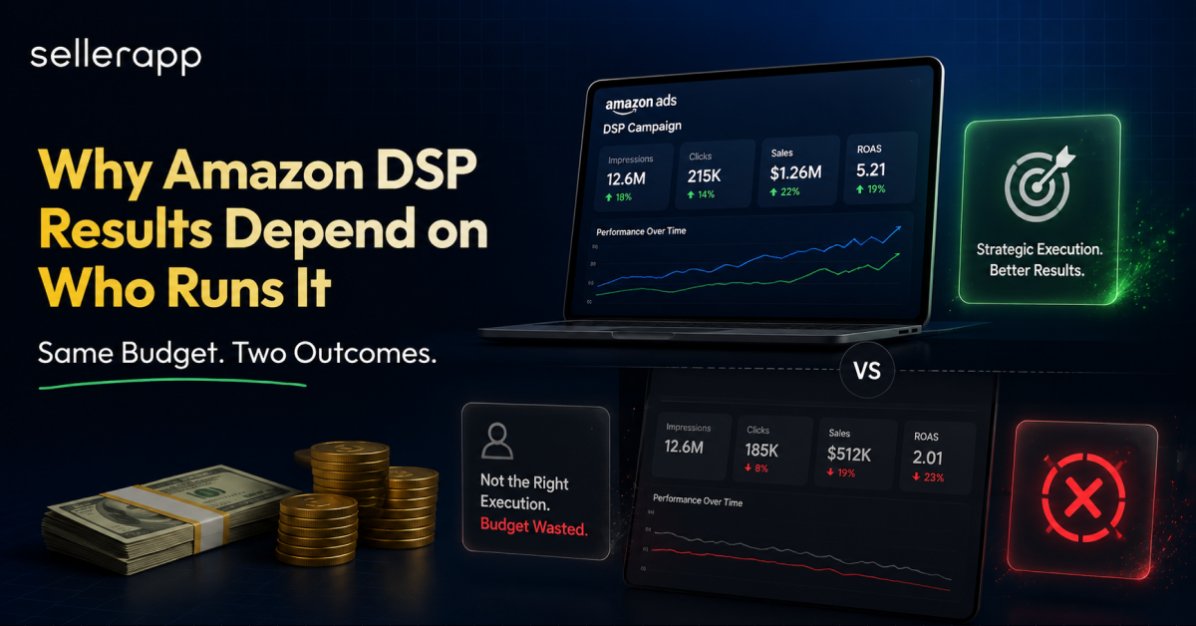

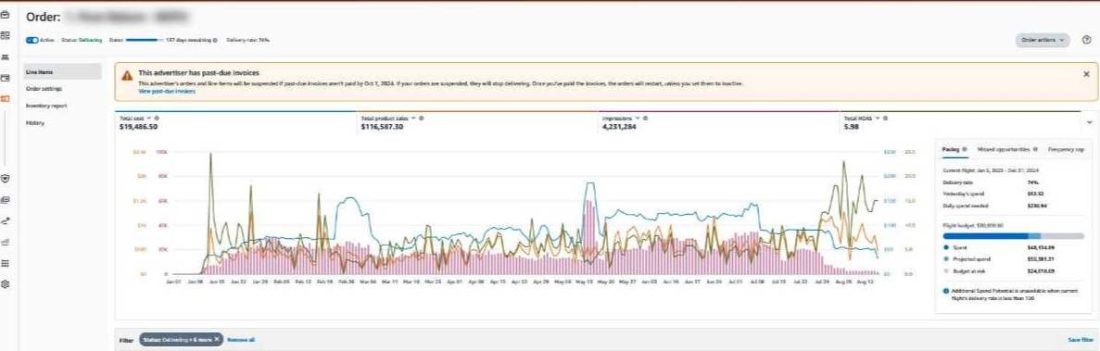
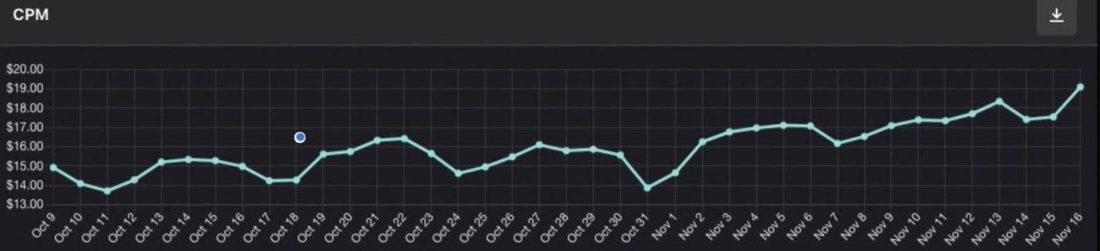
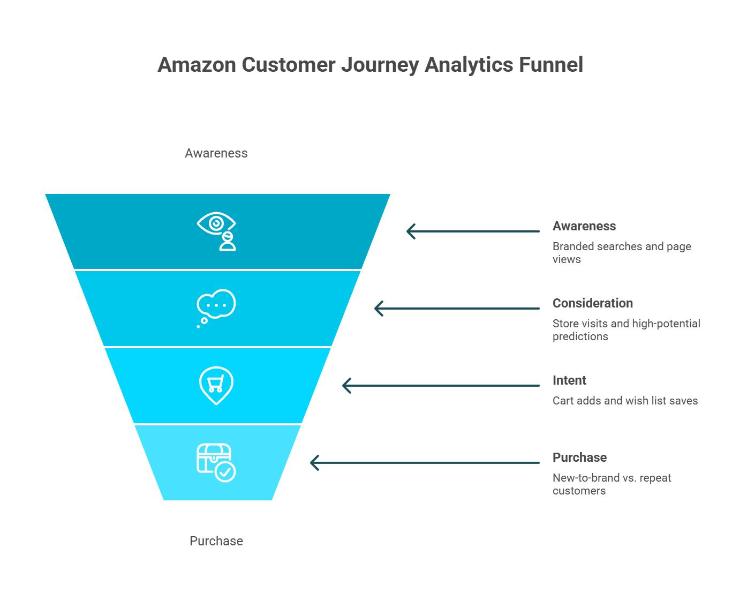
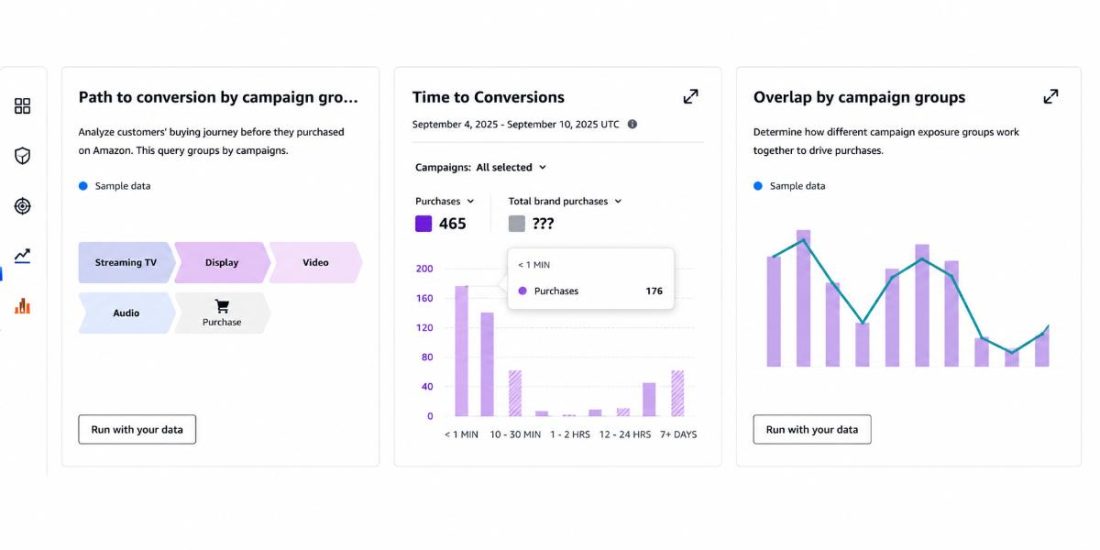
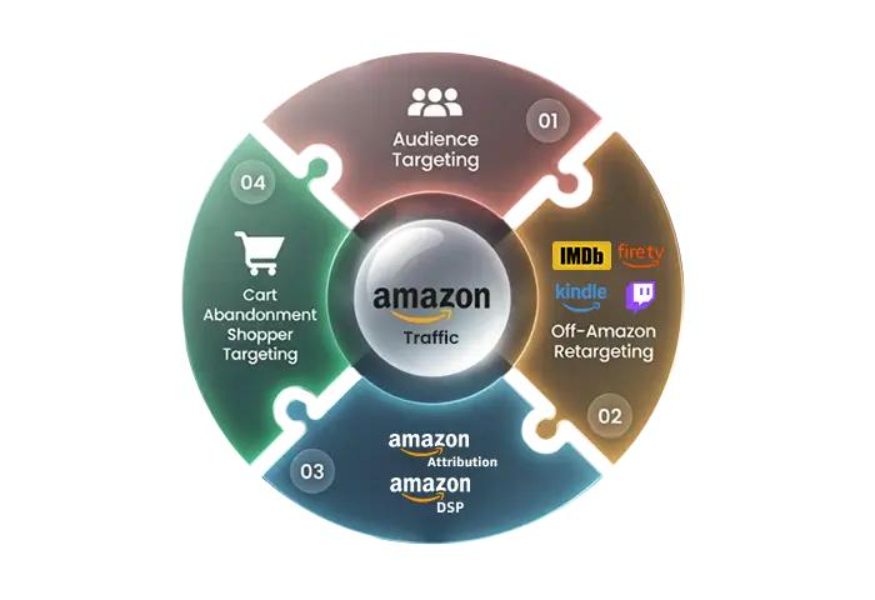

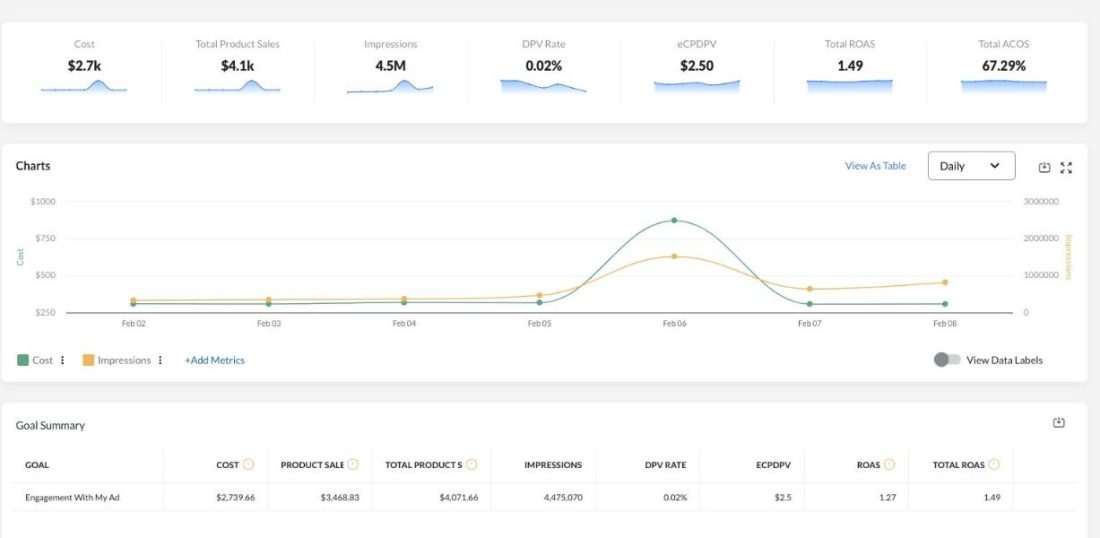

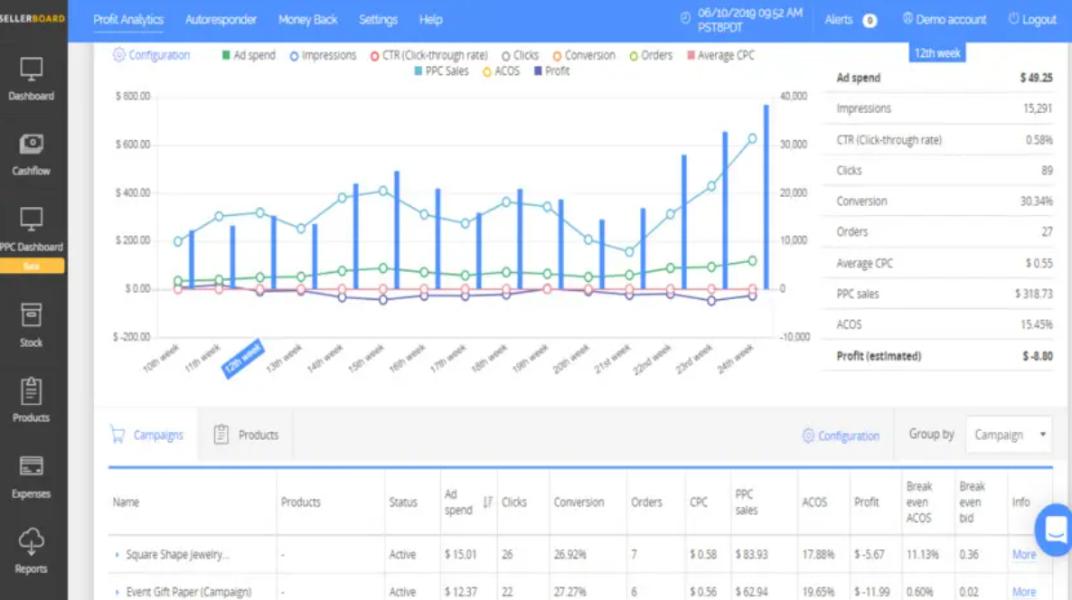
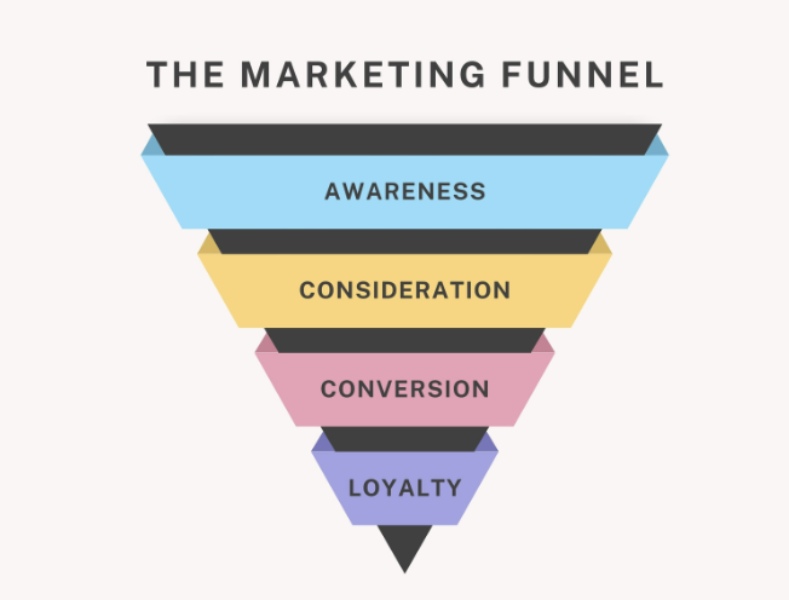
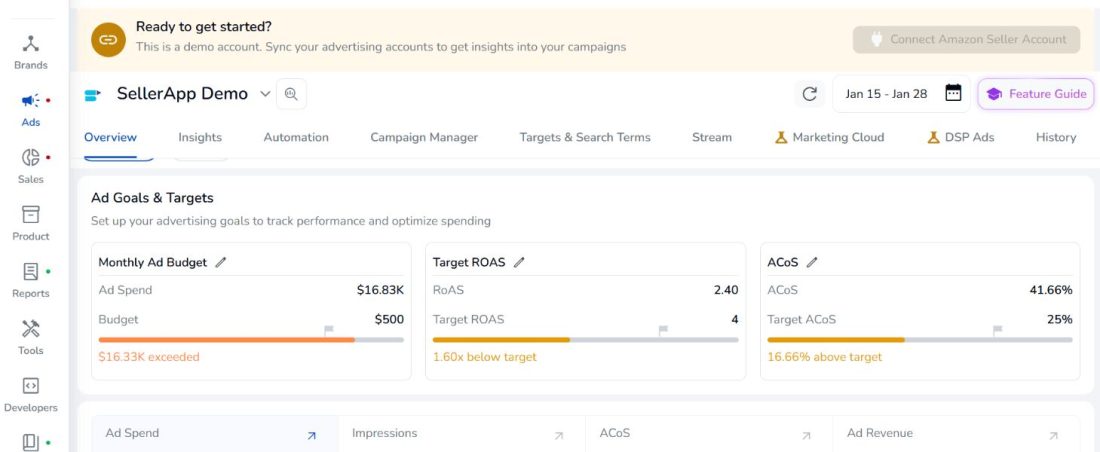
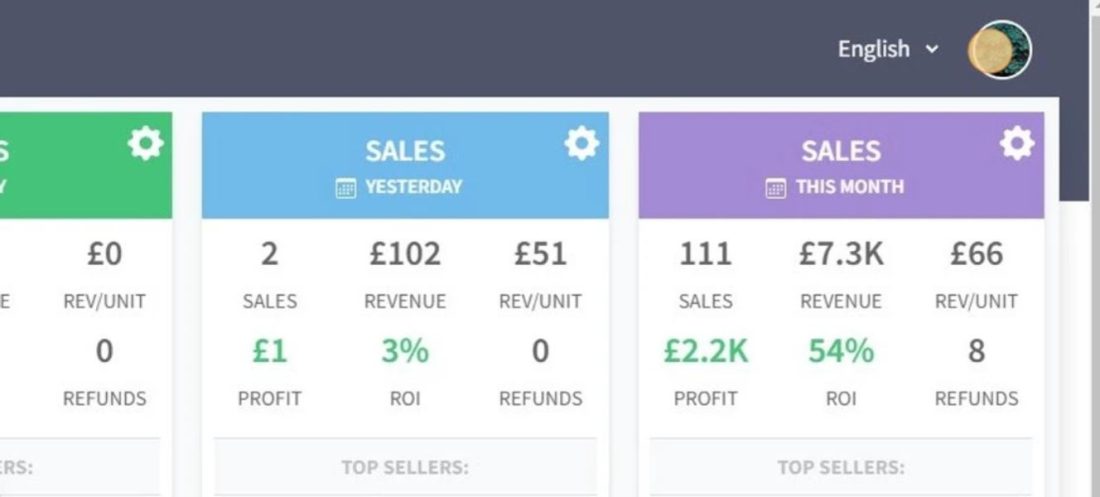
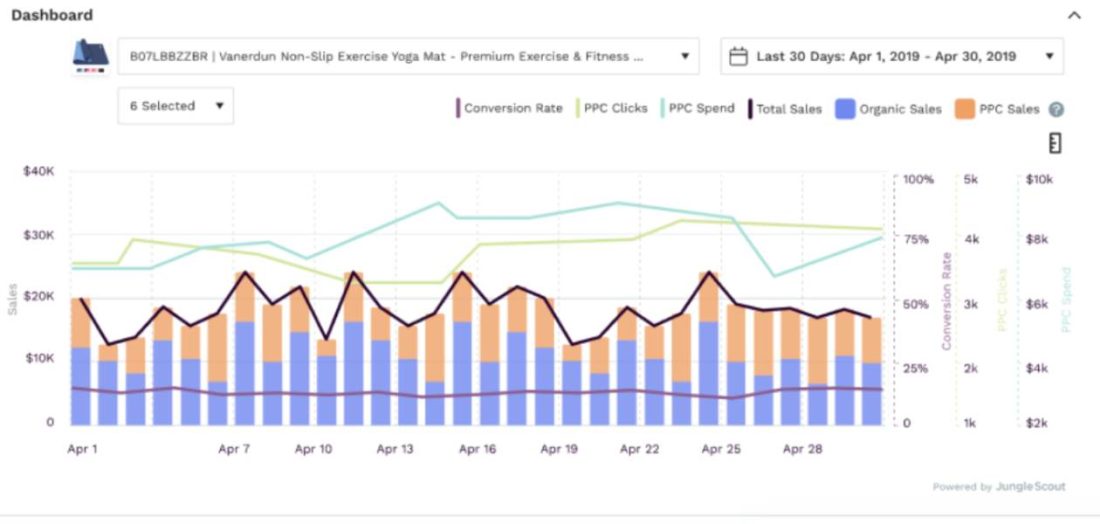
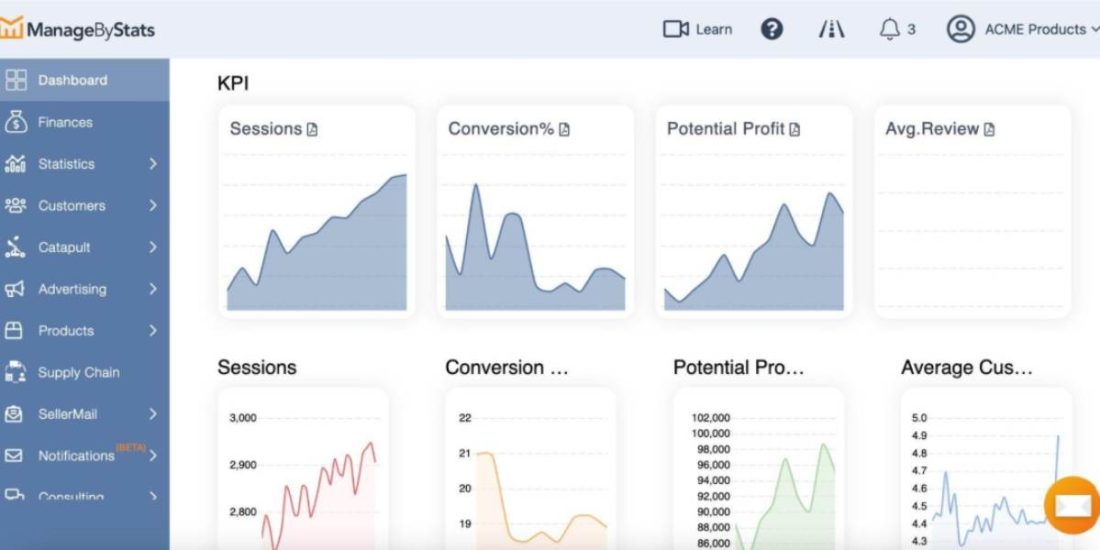
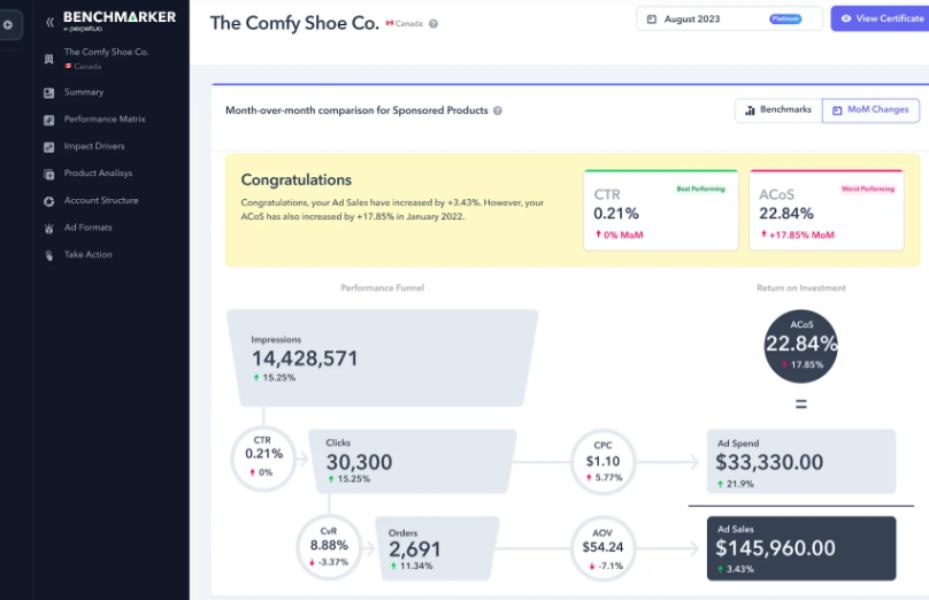
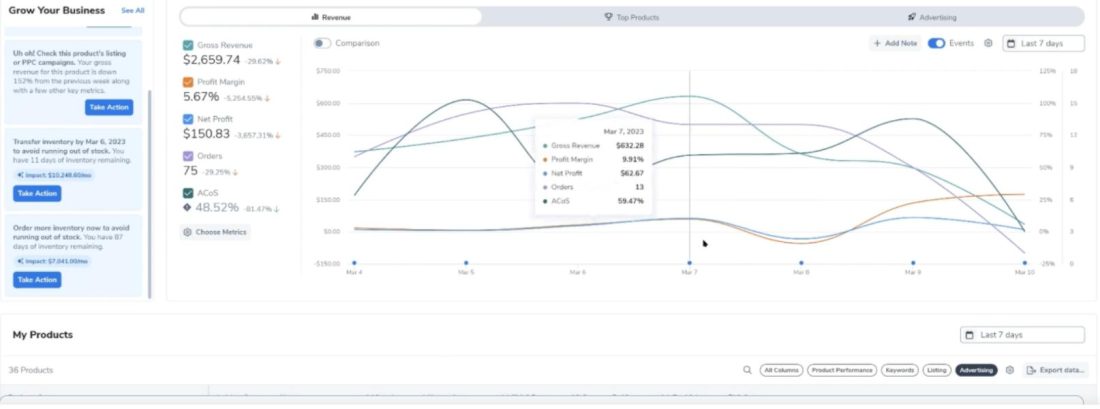
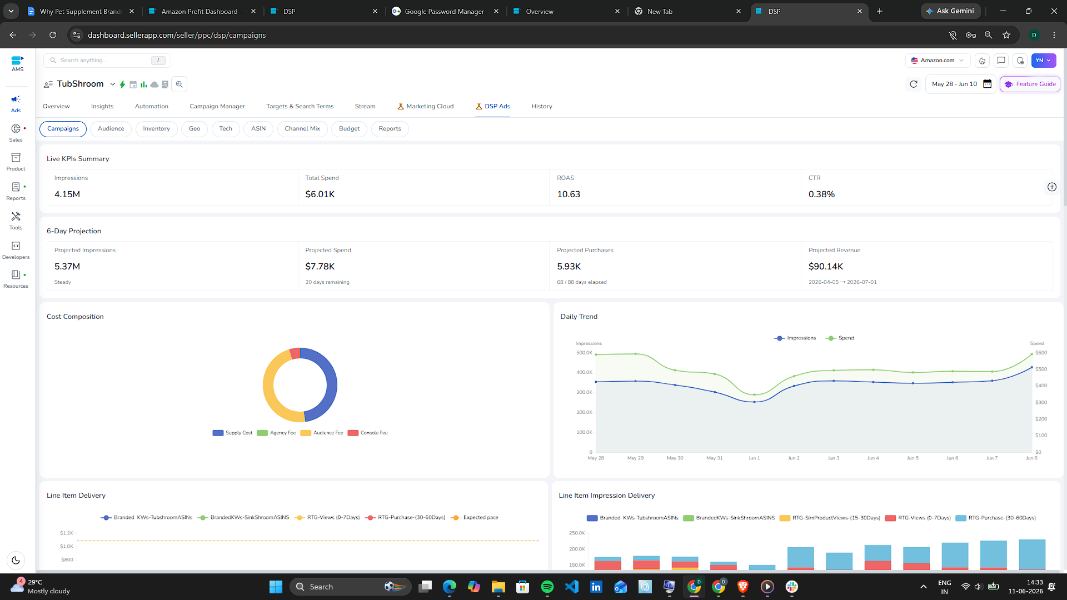
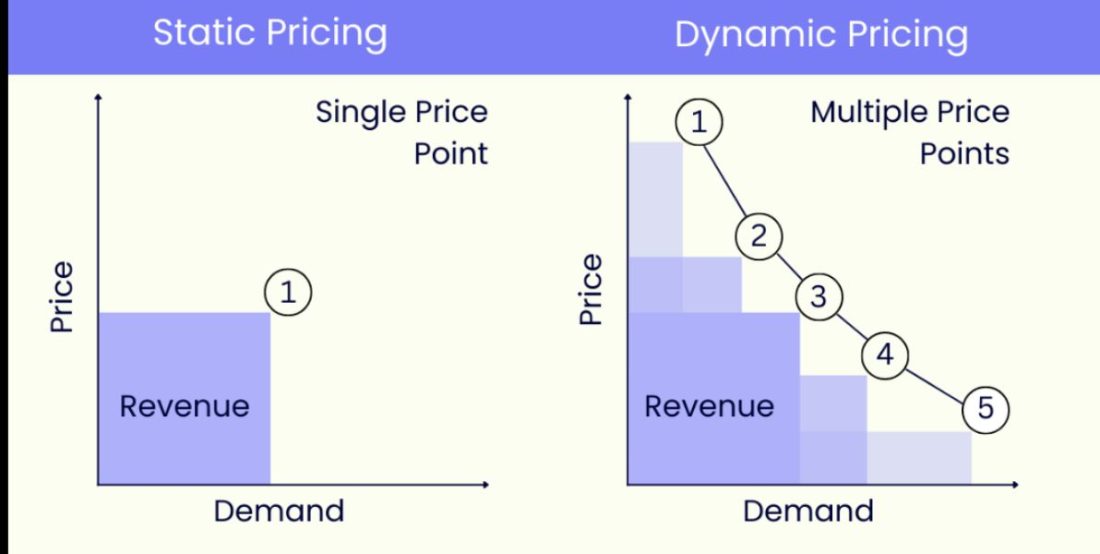
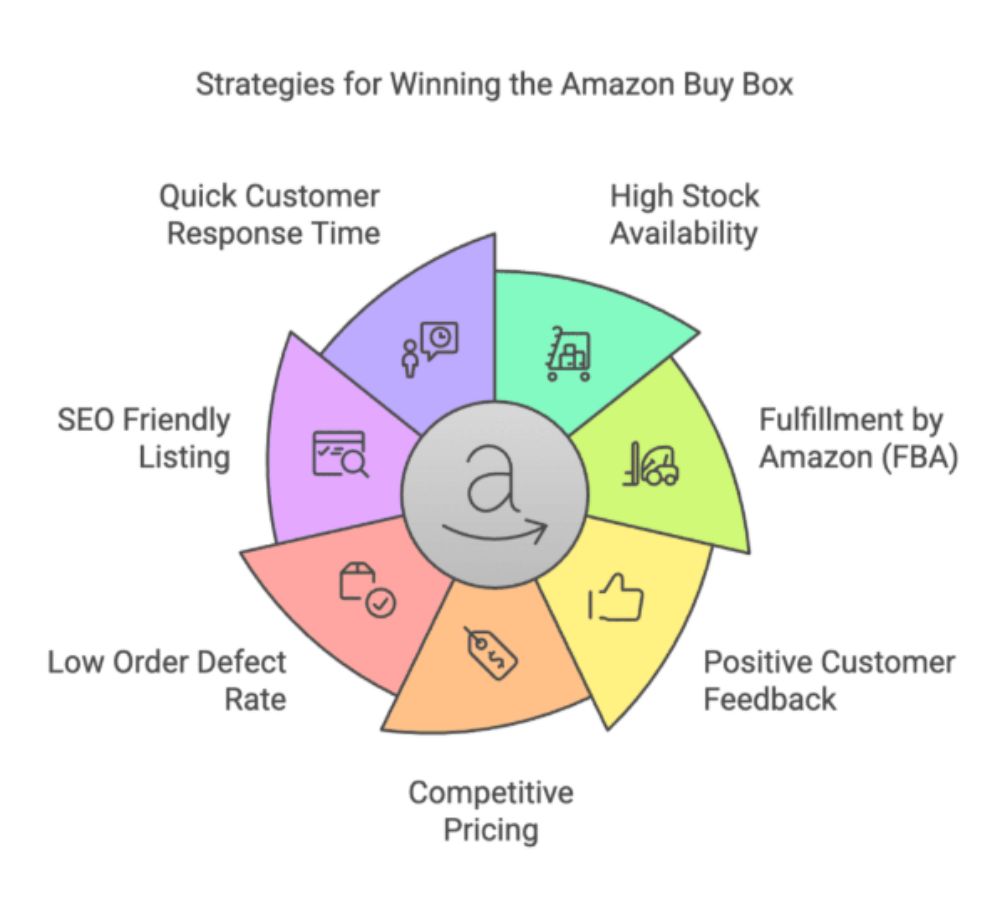

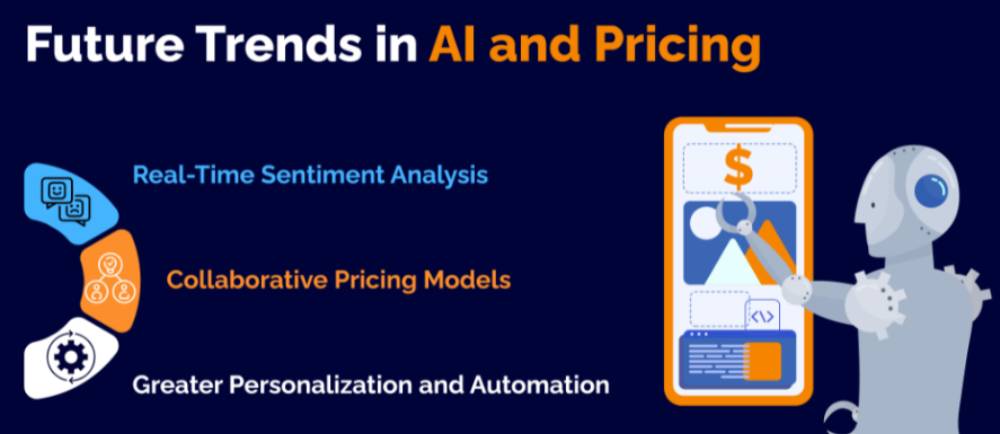
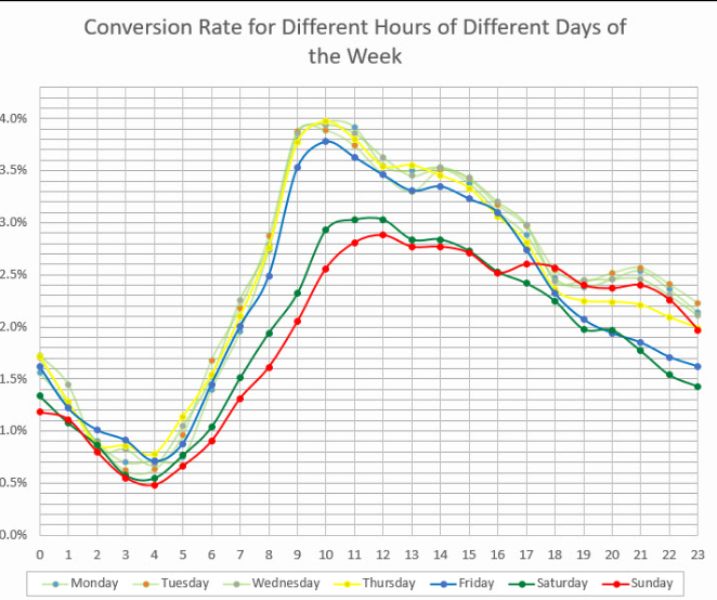
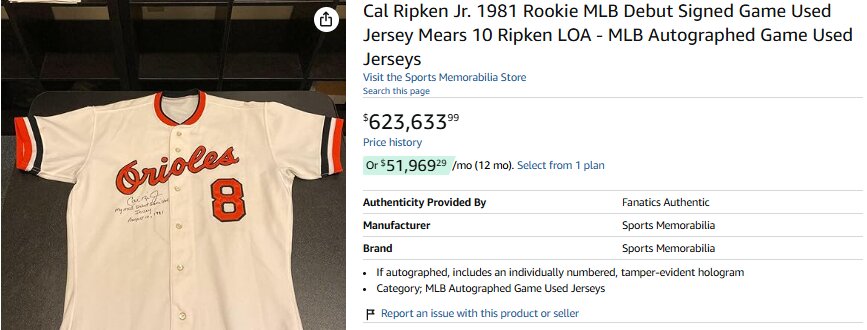
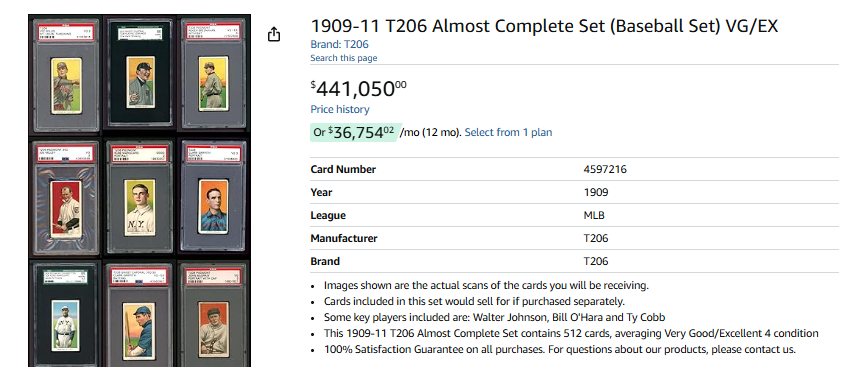
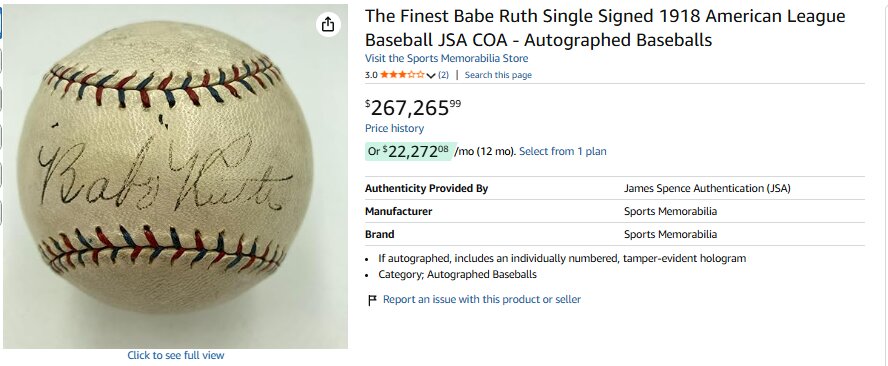


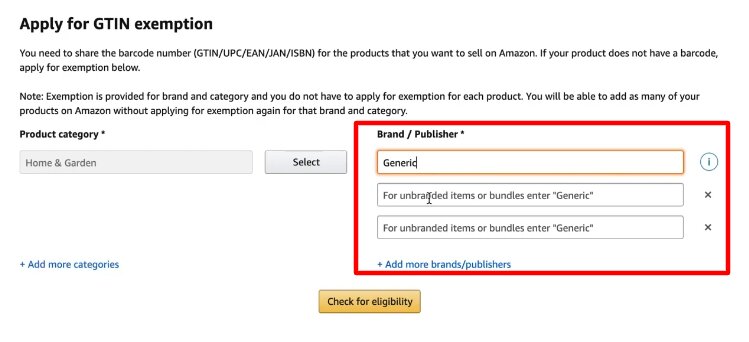



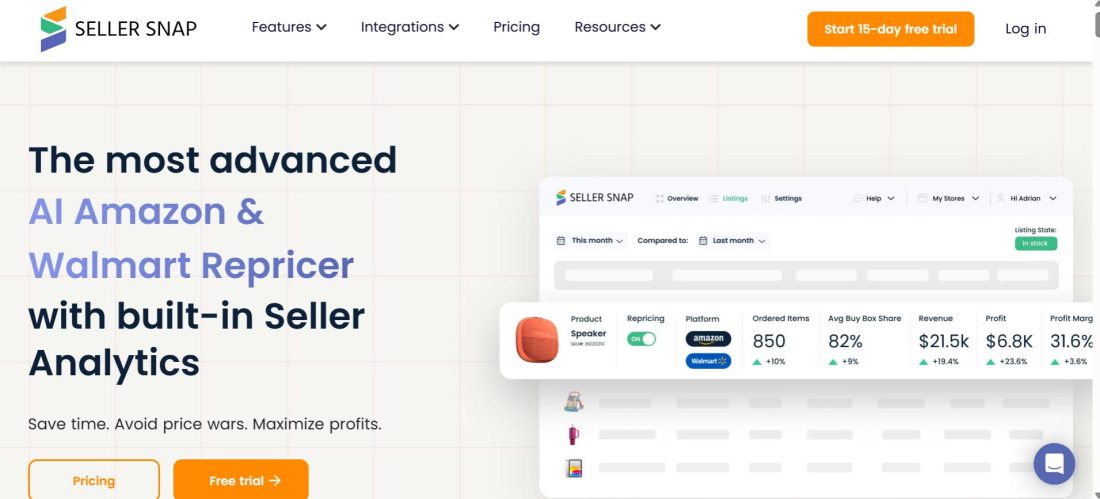


![Amazon Prime Christmas Sale 2026 Guide [Win Big with Smart Seller Strategies this Q4]](https://www.sellerapp.com/blog/wp-content/uploads/2025/12/amazon-chrismas-prime-sale.jpg "Amazon Prime Christmas Sale 2026 Guide [Win Big with Smart Seller Strategies this Q4] 60")
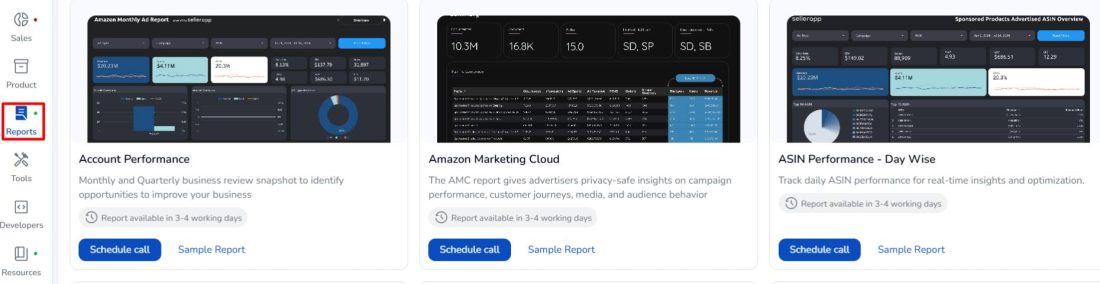

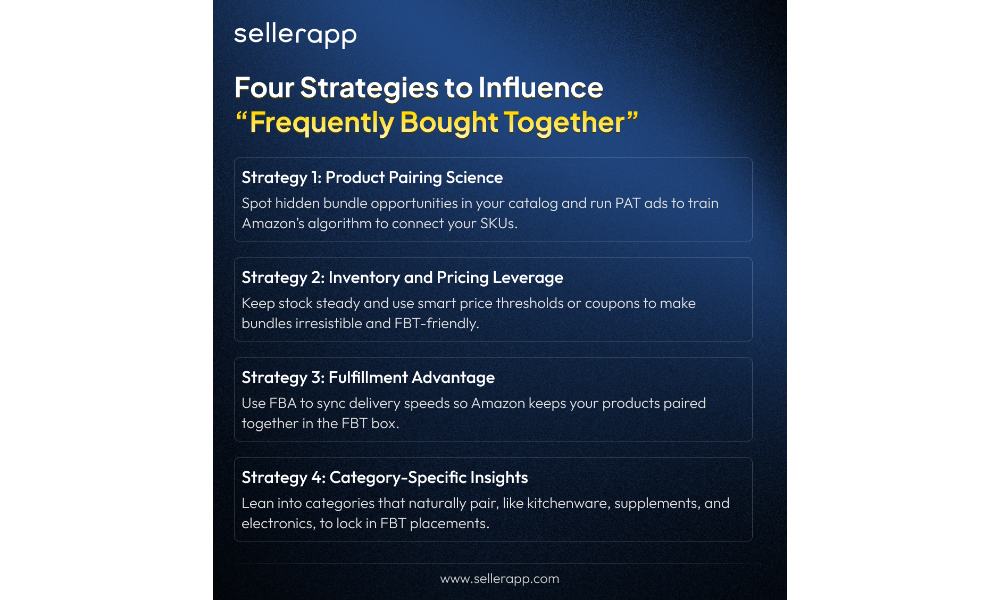
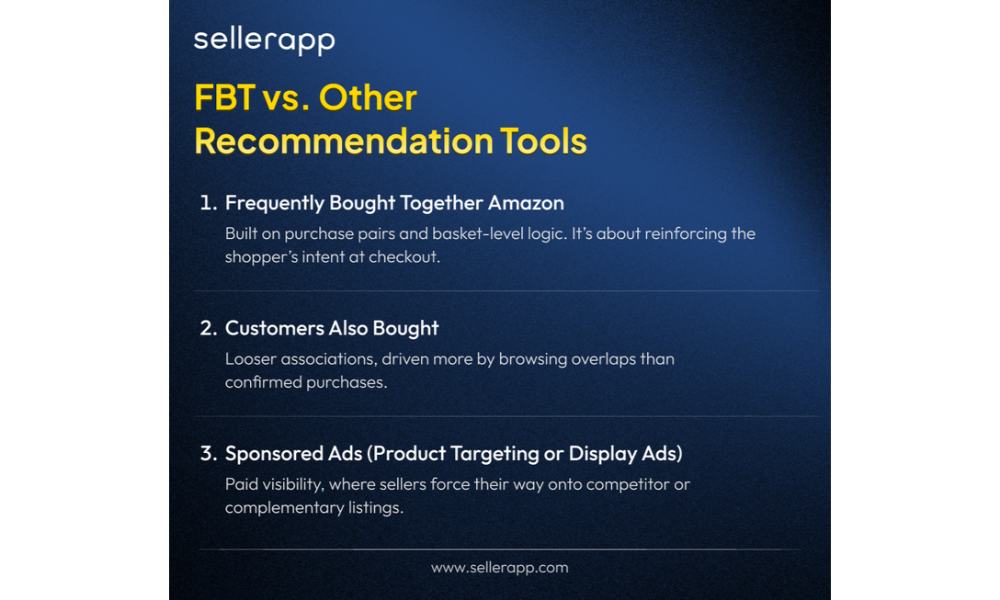
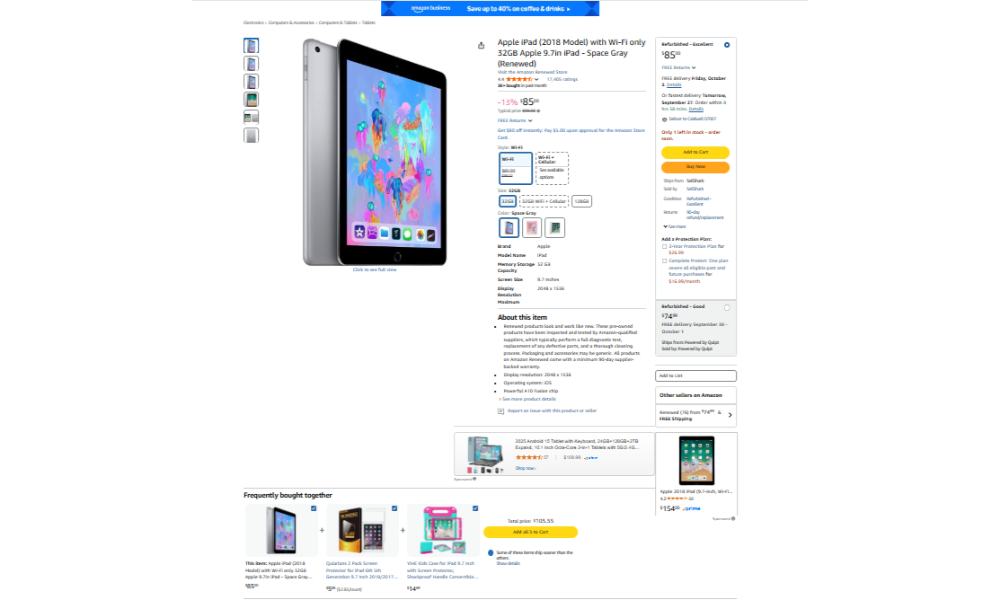
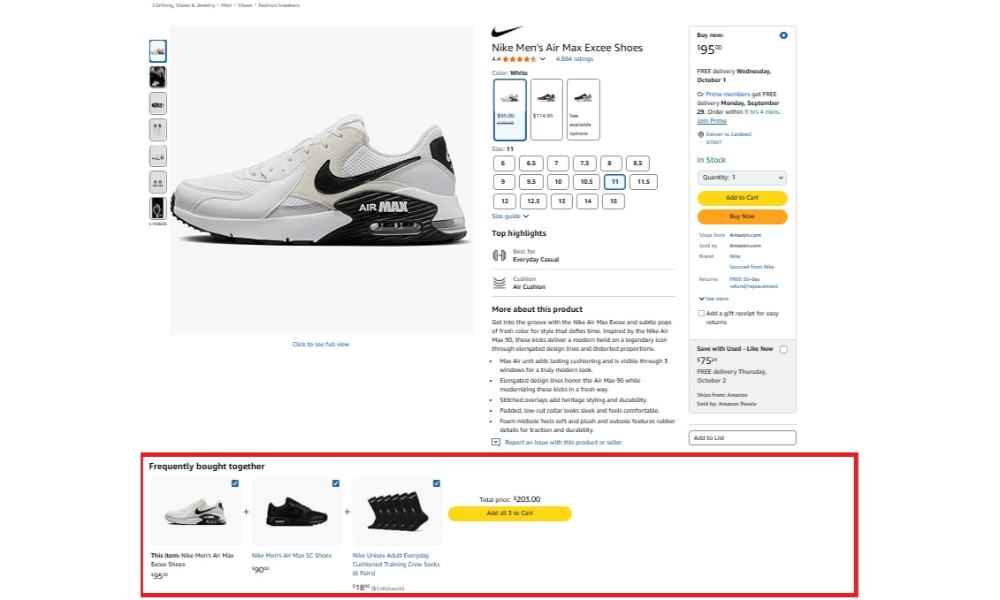





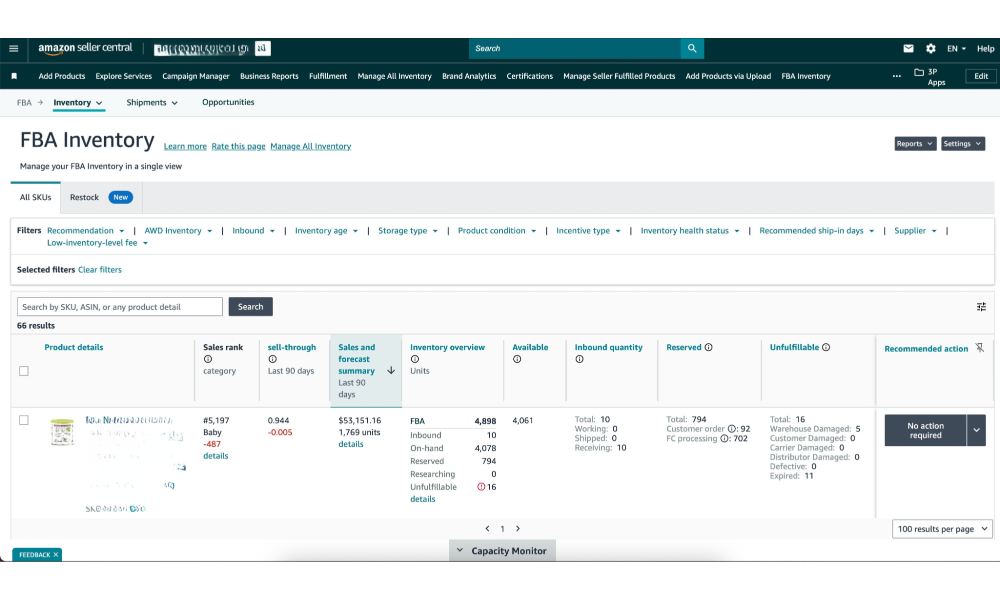
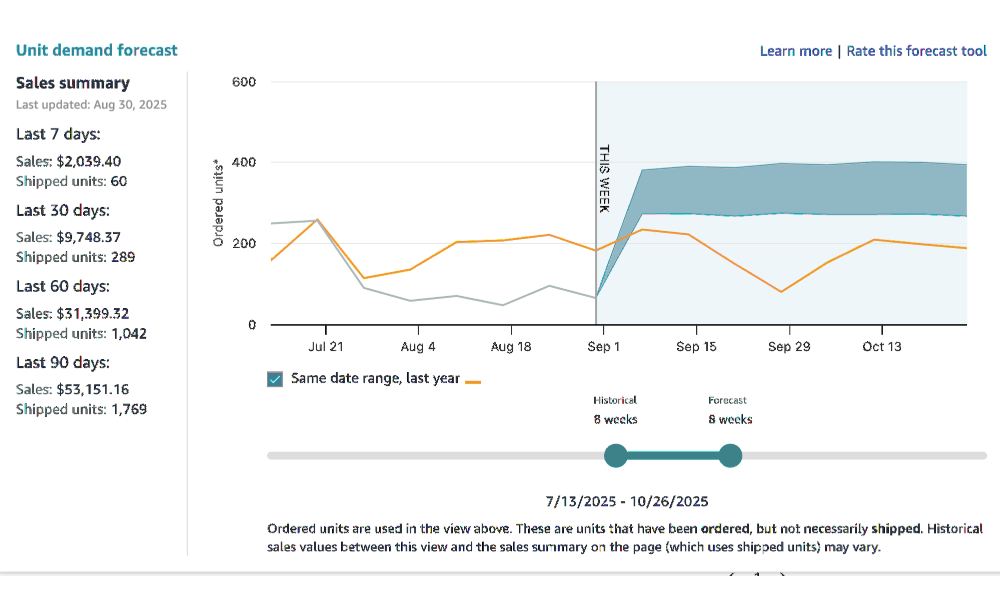

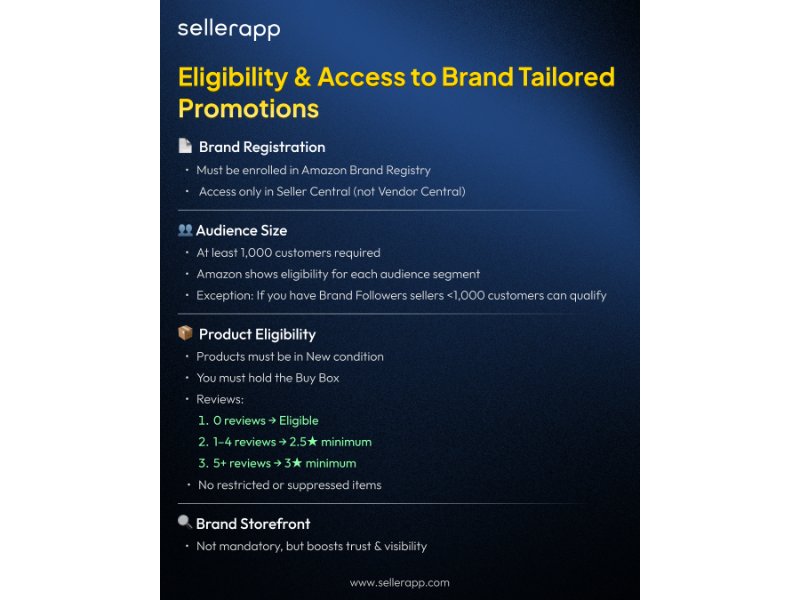
![The Ultimate Amazon Halloween 2026 Guide [Crush your Q4 Goals!]](https://www.sellerapp.com/blog/wp-content/uploads/2025/10/amazon-halloween.jpg "The Ultimate Amazon Halloween 2026 Guide [Crush your Q4 Goals!] 86")