

You’re three days from tax deadline when your accountant emails: “Need documentation for $12,847 in Amazon business purchases.” You start digging through your inbox. Half the receipts are missing. Your laptop crashed in September and took three months of records with it. Amazon’s order history exists somewhere, but downloading 200+ individual receipts sounds like a special kind of torture.
This scenario plays out thousands of times daily across small businesses, freelancers, and Amazon sellers. The problem isn’t that people don’t buy things legitimately. It’s that receipt management is fundamentally broken, and Amazon’s scale makes it worse.
Enter the Amazon receipt generator market. These tools exploded between 2020 and 2026, and not just because of fraud. They solve genuine business problems: lost receipts for real purchases, VAT invoice requirements across European marketplaces, professional B2B invoicing for Amazon Business customers, and accounting software that demands specific formats Amazon doesn’t provide.
But here’s the uncomfortable part. The same technology that helps legitimate businesses also enables fraud so sophisticated that even trained accountants struggle to spot fakes. AI can now generate Amazon receipts that pass visual inspection perfectly. The trust infrastructure business transactions rely on is cracking.
This guide cuts through the noise. You’ll learn exactly when Amazon receipt generators serve legitimate business needs, how to use them without legal risk, which tools actually work in 2026, and how to avoid the mistakes that get Amazon seller accounts suspended. We’ll cover everything from IRS documentation requirements to Amazon’s supplier verification process to AI-generated fraud prevention.
Whether you’re reconstructing lost receipts for expense reports, managing Amazon Business invoicing, or navigating VAT compliance across EU marketplaces, you need to understand this landscape. Let’s start with what actually matters.
TL;DR: Everything You Need to Know About Amazon Receipt Generators
Amazon receipt generators exist in a gray area where legitimate business needs meet potential fraud risks. The legitimate uses are straightforward: you lost a receipt you need for expense reporting, your accounting software requires Amazon invoices in specific formats, or you’re an Amazon seller providing professional invoices to business customers.
Quick Checklist for Using Amazon Receipt Generators Safely:
- Understand your actual legal need before generating any receipt
- Know that the IRS accepts reconstructed receipts under specific conditions (Cohan Rule)
- Never create fake receipts for transactions that didn’t happen
- Use legitimate tools that create receipts for real purchases only
- Keep original payment records (bank statements, credit card transactions) as backup
- Understand Amazon Business Pay by Invoice if you’re a B2B seller
- Know when Amazon requires supplier invoices to prevent account suspension
- Choose the right generator for your specific use case
Key Statistics for 2026:
- 78% of small businesses now use digital receipt management systems
- AI-powered fake receipt generation increased fraud attempts by 340% since 2023
- Amazon Business serves over 6 million business customers globally
- 40% of paper receipts become unreadable within 2 years
- Receipt scanning apps now achieve 99% OCR accuracy
Three paths forward:
If you’re a small business owner or freelancer, you need receipt generation tools primarily for professional invoicing and expense management. If you’re an Amazon seller, your needs revolve around Amazon Business invoicing, VAT compliance, and supplier documentation. If you’re a buyer reconstructing lost receipts for legitimate expense reporting, you need to understand IRS requirements and proper documentation methods.
Understanding the Legitimate Universe of Amazon Receipt Generators
Let’s break down actual legitimate use cases because the internet has muddied these waters considerably.
Expense Report Reconstruction
Sarah, a marketing consultant, bought a $240 webcam through her personal Amazon account for client video calls. Legitimate business expense. She saved the Amazon email but her laptop died three months later. Now her accountant needs a proper receipt for tax filing.
This is the most common legitimate use case. The transaction was real. The purchase is documented in her credit card statement and Amazon order history. She’s not creating a fake Amazon receipt for a transaction that never happened. She’s reconstructing documentation of a real purchase.
The IRS allows this under the Cohan Rule, established in a 1930 tax court case. Even without original receipts, you can claim legitimate business expenses if you can demonstrate they occurred. Bank statements, credit card records, and Amazon order confirmation emails serve as supporting documentation.
VAT Invoice Requirements for European Sellers
European Amazon marketplaces have mandatory VAT invoice requirements. If you’re selling on Amazon.de, Amazon.fr, or Amazon.es, you must provide proper VAT invoices to business customers with specific elements: your VAT registration number, the customer’s VAT number, unique invoice reference, itemized pricing with VAT breakdown, and country-specific legal text.
This isn’t optional. This is legal compliance. Many sellers use Amazon invoice generators to create compliant VAT invoices with their templates that include additional company information required by their accounting systems.
Amazon Business Seller Documentation
When you’re an Amazon Business seller serving B2B customers, professional invoicing becomes competitive advantage. Enterprise procurement departments expect specific invoice formats, purchase order matching, and documentation that facilitates three-way matching between purchase orders, receipts, and invoices.
Amazon generates invoices for Pay by Invoice transactions, but many B2B sellers need additional documentation with project codes, contract numbers, or specific formats their customer’s procurement systems require.
Small Business and Freelancer Invoicing
Freelancers sometimes use Amazon Business to purchase supplies for client projects. They need to generate client invoices that include Amazon purchases as line items. An Amazon receipt generator lets them create professional client-facing invoices incorporating Amazon purchases along with service fees, maintaining consistent branding.
Financial Software Integration
Modern accounting software requires specific data formats. QuickBooks expects invoices one way, Xero another. Amazon’s native invoice format doesn’t always import cleanly. Amazon receipt generators designed for accounting integration extract data from Amazon orders and format it specifically for your accounting software’s requirements, eliminating manual data entry errors.
When Receipt Generators Cross into Fraud Territory (The Dark Side)
Amazon receipt generators have a fraud problem. Back in 2010, a fake Amazon receipt generator started circulating on hacking forums. Scammers would create HTML files that looked exactly like Amazon receipts, contact sellers claiming they never received items, and demand refunds.
Fast forward to 2026, and AI capabilities evolved dramatically. ChatGPT and similar tools can generate convincing receipt data. A recent Accounting Today article highlighted that expense management systems relying on visual inspection can no longer trust what they see. Fraudsters fabricate Home Depot receipts, restaurant bills, and Amazon receipts in minutes using freely available AI tools.
For Amazon sellers specifically, the fraud risk manifests when Amazon’s algorithm flags you for investigation and demands supplier invoices proving you source legitimate products. Some sellers, panicking, have used fake invoice generators to create supplier documentation that doesn’t exist.
This is catastrophically stupid.
Amazon’s investigators are trained to spot manipulated documents. They verify supplier websites, call supplier phone numbers, and cross-reference information. If they suspect document tampering, they annotate your account with “forged documentation.” That annotation essentially kills your selling account.
Creating fake supplier invoices isn’t just an Amazon policy violation. It could constitute wire fraud or mail fraud. The consequences extend beyond losing your Amazon account.
“We’ve seen sellers lose six-figure businesses literally overnight because they panicked when Amazon asked for supplier invoices and created fake documentation. The tragedy is that in most cases, if they’d simply worked with their actual suppliers to get proper invoices, Amazon would have accepted the documentation. The cover-up is always worse than the crime.” – Brij Purohit, Co-Founder of SellerApp
What Amazon Actually Requires for Supplier Invoices
Let’s get specific about Amazon’s supplier invoice requirements because this is where sellers most frequently mess up.
Amazon requests supplier invoices in several trigger scenarios. The most common is authenticity complaints where a buyer or brand owner files a complaint claiming the product is counterfeit. Amazon immediately pulls your listing and demands proof of authentic sourcing.
The second trigger is proactive verification. Amazon’s algorithm flags certain listings before allowing sales. This happens with high-value items, brand-name products, and new sellers in established categories.
When Amazon requests your supplier invoice, they look for:
The invoice must be dated within the last 12 months. If your inventory sits in Amazon FBA warehouses for more than a year, you have a fundamental business problem.
High quality and legible. Blurry scans, badly photographed invoices, obvious compression artifacts all trigger red flags.
Cannot be handwritten. Amazon rejects these automatically.
Supplier’s website URL must appear on the invoice, and that website must be functional and professional. Amazon investigators will visit it.
Supplier’s address must match the address listed on their website.
Your address must match your Amazon Seller Central address exactly.
Quantity must support your sales volume. If you sold 500 units but your invoice shows 100 units purchased, Amazon rejects it.
Amazon investigators verify suppliers actively. They will call the phone number on the invoice. They will check online presence. They will sometimes email suppliers directly. You need to warn your suppliers they might receive verification contact from Amazon.
Understanding IRS Requirements for Reconstructed Amazon Receipts
The IRS requires substantiation for any business expense you deduct. Substantiation means providing evidence that proves the expense occurred, shows the amount, demonstrates business purpose, and happens within the tax year you’re claiming.
The famous $75 rule confuses people. The IRS states that for certain expenses under $75 (excluding lodging), you don’t necessarily need a receipt. But you still need substantiation: date, amount, place, and business purpose. The $75 rule doesn’t excuse documentation.
The Cohan Rule provides flexibility when original receipts are lost. The IRS must allow reasonable estimates of legitimate business expenses even without receipts, provided you demonstrate the expenses occurred and provide credible estimates.
For Amazon purchases specifically, you have multiple substantiation layers even without the original receipt. Your credit card statement shows the Amazon charge with date and amount. Your Amazon order history shows exactly what you purchased. Amazon’s emailed order confirmations provide additional verification.
This is where an Amazon receipt generator serves a legitimate purpose. You’re formatting information that already exists and is independently verifiable into receipt form. The critical distinction is verifiability.
What’s not legitimate is using a receipt generator to create documentation of purchases that never happened. That’s not reconstruction. That’s fabrication and tax fraud.
SellerApp Case Study: How Jennifer Reconstructed Two Years of Lost Business Expenses
Jennifer, a freelance graphic designer, lost two years of expense receipts when her computer was stolen. Tax season was approaching, and she had roughly $18,000 in legitimate business expenses she could no longer document properly.
Her Starting Position:
- Lost digital copies of approximately 200 business expense receipts
- Primarily Amazon purchases, office supplies, and software subscriptions
- Credit card statements available but not itemized for tax filing
- Facing potential $4,500 additional tax liability if expenses couldn’t be substantiated
The Process We Followed:
Week 1: We audited what documentation Jennifer could still access. She had credit card statements, bank statements, could log into Amazon to view order history, and most software subscriptions had account portals showing payment history.
Week 2-3: We systematically reconstructed her Amazon business expenses. Amazon’s order history showed every purchase with dates, amounts, and item descriptions. We cross-referenced these against credit card statements. For each legitimate business purchase, we used an Amazon receipt generator to create properly formatted receipts matching Amazon’s standard format.
Week 4-5: For software subscriptions, we contacted vendors and requested invoice history. Most SaaS companies provided documentation going back 24 months. For office supply purchases at physical stores, we used credit card merchant codes and transaction dates to create itemized expense logs.
Week 6-8: We implemented a robust documentation system going forward with automatic receipt forwarding to cloud-based expense management, accounting software cloud sync, and monthly review processes.
Result: Jennifer’s tax preparer accepted the reconstructed documentation and filed claiming the full $18,000 in legitimate business expenses. She saved approximately $4,500 in taxes. Two years later, she’s never lost another receipt.
Why This Worked: The reconstruction focused on verifiable transactions with independent supporting documentation. Every reconstructed receipt traced back to a credit card charge, Amazon order record, or vendor account. The Amazon receipt template simply formatted existing information rather than creating false documentation.
The Complete Tool Comparison: Amazon Receipt Generators for 2026
Let’s compare actual tools available in 2026, focusing on real capabilities and ideal use cases.
For Expense Report Reconstruction: Receipt Generator (receiptgenerator.io)

This platform specifically targets replacing lost receipts for expense reporting. Clean interface, straightforward process. You select Amazon as merchant type, enter transaction details, customize the format, and download a professional PDF.
What works: Receipts look accurate to Amazon’s format with all proper fields. High PDF output quality. Free with no signup required.
What’s limited: Manual entry only, no Amazon account connection. Only practical for occasional use when you lost specific receipts.
Pricing: Free
Best for: Freelancers and small business owners who occasionally need to reconstruct a lost Amazon receipt for legitimate expense reporting.
For VAT Invoice Requirements: Billdu
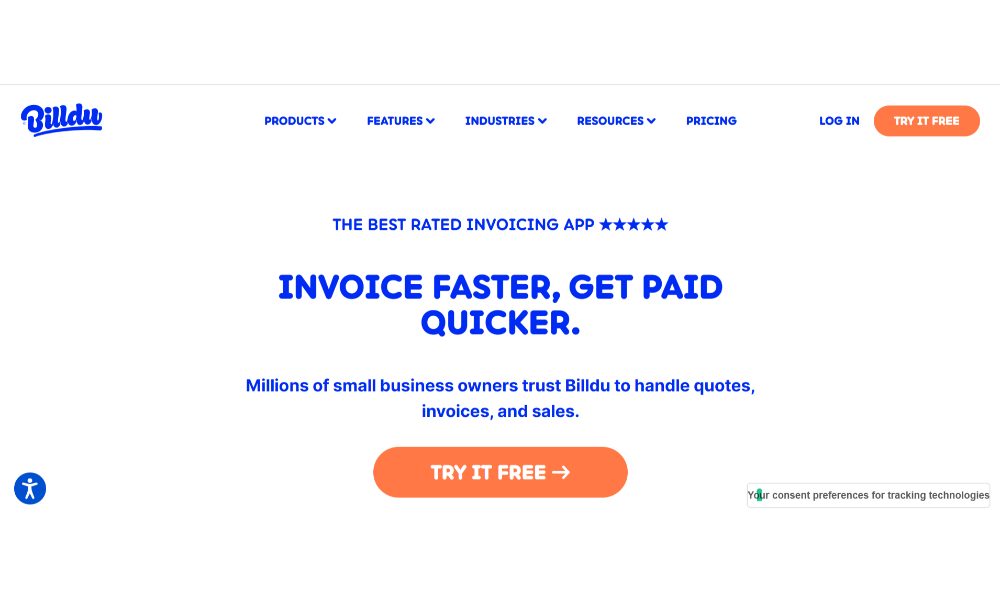
Comprehensive invoicing platform built with EU VAT requirements in mind. Based in Europe and includes all legally required fields for different EU countries automatically.
What works: VAT invoice templates include proper legal fields. Handles multi-currency correctly. Can brand invoices with company logos. Paid plans include recurring invoice automation and payment tracking.
What’s limited: Manually entering order information unless you pay for API integrations. Free tier limits basic invoice creation without automation.
Pricing: Free tier available. Paid plans start around $12/month.
Best for: Amazon sellers in European marketplaces who need proper VAT invoices without complex accounting integration requirements.
For Accounting Software Integration: Zoho Invoice
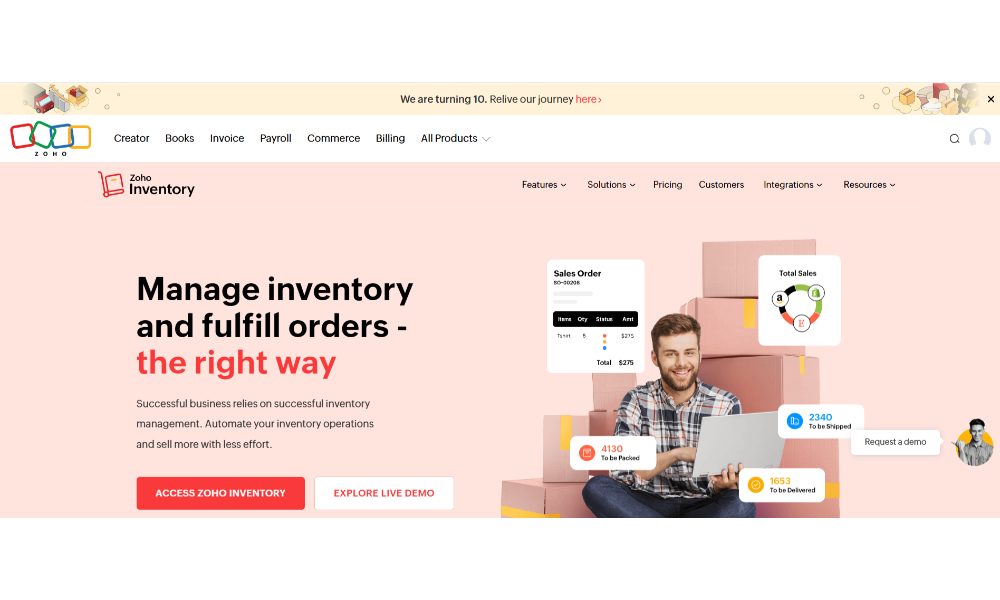
Part of the Zoho business software ecosystem. Strength is integration with accounting platforms and automated workflow capabilities.
What works: Integrates with QuickBooks, Xero, and major accounting platforms. Automates invoice sending, payment reminders, recurring billing. Tracks invoice status automatically. Multi-currency and tax rate support. Mobile app for on-the-go invoicing.
What’s limited: Free tier restricts to 5 customers and limited automation. Doesn’t automatically pull Amazon order data without custom integrations.
Pricing: Free tier for up to 5 customers. Standard plan $15/month. Professional plan $40/month.
Best for: Small to medium businesses needing invoicing integrated with accounting workflow and willing to invest in paid platform for automation.
For Simple Freelancer Invoicing: Wave
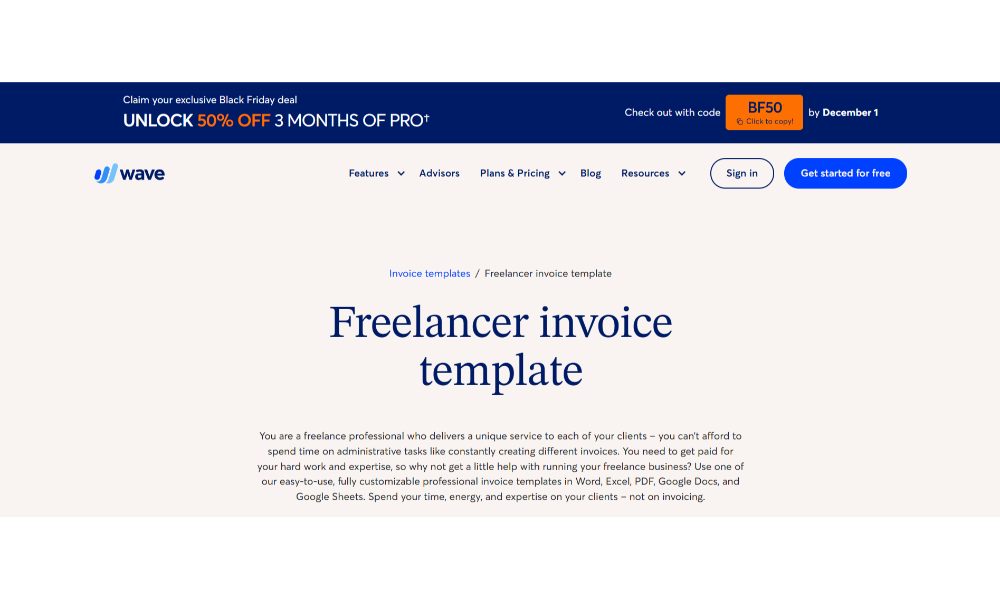
Completely free invoicing that actually delivers. Wave makes money on payment processing and payroll, so core invoicing and accounting features are genuinely free.
What works: Actually free without massive limitations. Professional customizable invoice templates. Automated payment reminders. Integration with Wave’s free accounting features. Mobile app for creating invoices anywhere.
What’s limited: No automation for pulling Amazon order data. Manual invoice detail entry. Payment processing fees slightly higher than competitors.
Pricing: Free for core invoicing. Payment processing: 2.9% + $0.60 for credit cards.
Best for: Freelancers and very small businesses who occasionally need to invoice for Amazon purchases as part of service projects.
For High-Volume Sellers: Seller Central Native Invoicing
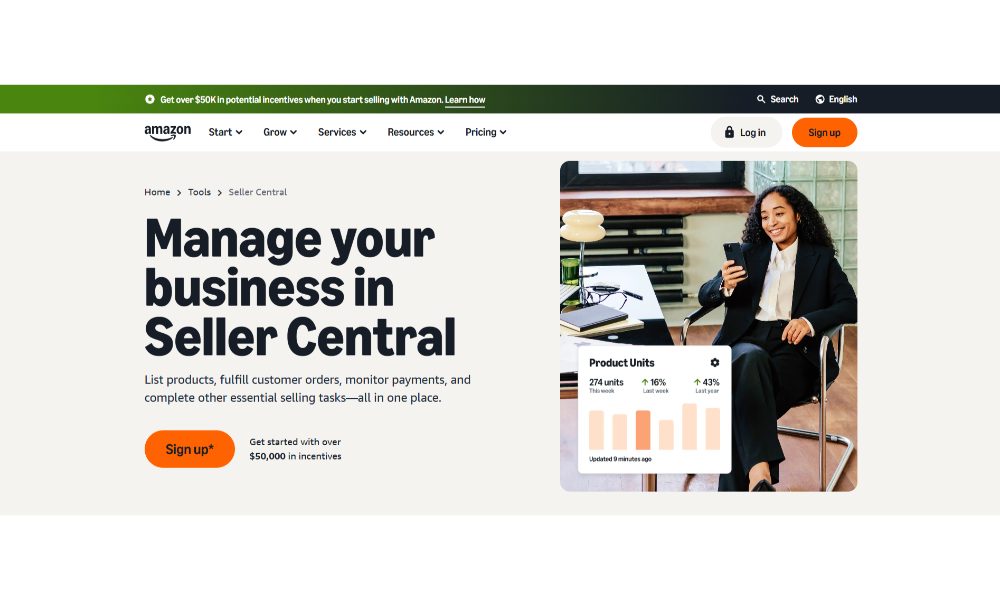
Amazon Seller Central has built-in invoicing that many sellers don’t fully utilize. If you’re an Amazon Business seller, Amazon can automatically generate and send invoices.
What works: Completely free (included in selling fees). Automatic generation and delivery when orders ship. Seamless with Pay by Invoice system. Includes all necessary order details.
What’s limited: Limited customization for branding. Doesn’t include additional fields some customers require. No external accounting system integration.
Pricing: Free, included with Professional selling plan
Best for: Amazon Business sellers needing basic automated invoicing without special customization requirements.
Amazon Business Pay by Invoice (What Sellers Need to Know)
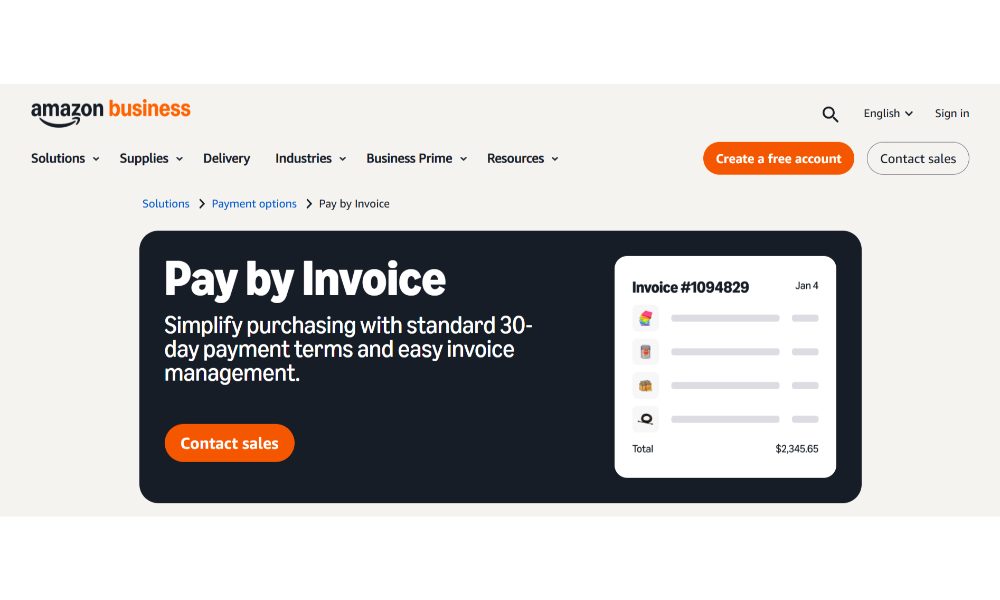
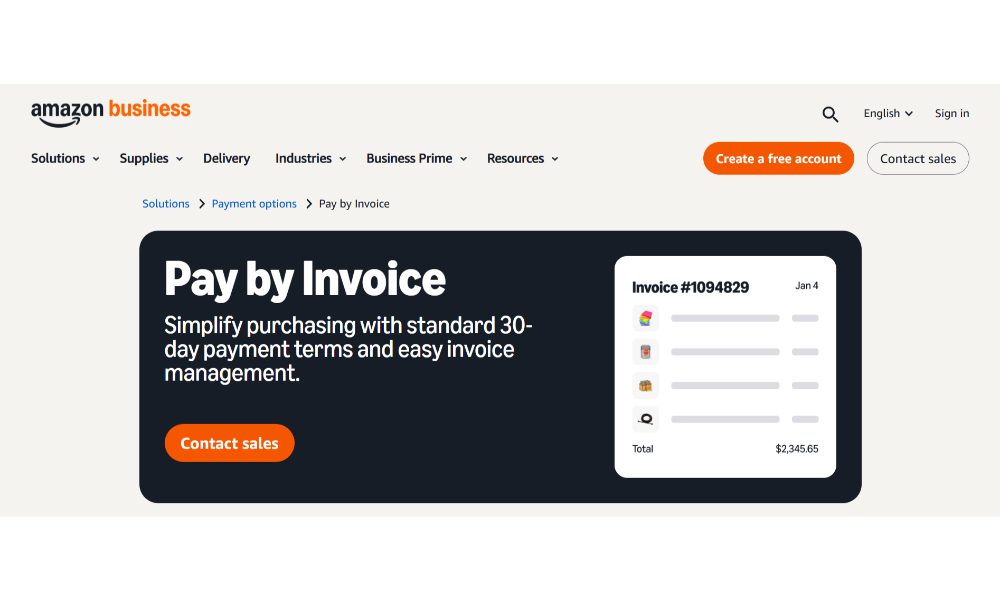
Amazon Business Pay by Invoice is invite-only for qualified business customers. When businesses sign up for Amazon Business accounts, Amazon assesses creditworthiness. Approved businesses receive an email to activate a credit line for invoice purchasing.
Once activated, business customers can purchase from any Amazon seller using Pay by Invoice. They don’t pay at checkout. Amazon generates an itemized invoice when the order ships, with payment due in 30 days standard or up to 60 days for Business Prime enterprise customers.
From your perspective as a seller, the process is transparent. You don’t do anything different. Amazon guarantees your payment regardless of whether the business customer pays their invoice on time or defaults.
Payment timing differs from standard orders. Regular orders typically pay out within 14 days. Pay by Invoice orders show as “deferred transactions” in your payment dashboard. These convert to actual payments when the customer pays their invoice or at latest seven days after the invoice due date.
A business customer places a $10,000 order May 1st. You ship May 3rd. Amazon issues an invoice with payment due June 2nd. The customer pays June 15th. You receive funds around June 20-23rd. That’s roughly 50 days from order to payment versus 17 days for standard orders.
Amazon offers expedited payment for invoiced orders at 1.5% processing fee. For the $10,000 order, that’s $150 to get paid immediately rather than waiting 50 days.
The business case isn’t about payment timing. It’s about market access. Many B2B buyers cannot purchase without invoicing capability. Their accounting systems don’t support credit card purchasing. Their procurement policies require invoice-based purchasing with proper documentation.
By supporting Pay by Invoice, you become eligible for B2B purchase orders that weren’t previously possible. You’re competing for an entirely different customer segment with typically much larger order values.
“The biggest mistake we see sellers make is treating Amazon Business like consumer sales. These are procurement professionals with specific documentation requirements. Getting invoicing right from day one determines whether you land that $50,000 purchase order or lose it to a competitor who has their paperwork together.” – Dilip Vamanan, Co-Founder of SellerApp
SellerApp Case Study: How Amazon’s Supplier Invoice Request Nearly Destroyed Sarah’s Business
Sarah sold supplements on Amazon for 18 months with steady growth reaching $35,000 monthly. She sourced from a reputable US manufacturer with proper invoices. Then she received the dreaded email.
“We have removed the following product listings because we received information indicating that the items may be inauthentic…”
Her Starting Position:
- 8 supplement ASINs instantly suppressed (70% of monthly revenue)
- 14 days to respond with supplier documentation
- She had supplier invoices, but they were 16 months old
- Manufacturer had updated invoicing systems and couldn’t easily retrieve old invoices
- Manufacturer’s website had new domain
- She initially considered using an invoice generator to create recent-looking invoices
The Process:
Day 1-2: We immediately advised against fake invoices, explaining this would likely result in permanent suspension. We created a documentation strategy proving authenticity through multiple verification layers.
Day 3-6: We worked with Sarah’s manufacturer to obtain updated invoices covering recent purchases. We expedited this by offering a $500 rush fee. While waiting, we compiled supporting documentation: manufacturer certificates of analysis, FDA registration, import records, bank records, email correspondence.
Day 7-11: We created a detailed explanation letter addressing why original invoices were older (large upfront inventory purchases) and explaining the manufacturer’s system transition. We received updated invoices covering the last 10 months with all required information.
Day 12: We submitted comprehensive documentation: recent supplier invoices, certificates of analysis, FDA facility registration, bank records, explanation letter, and direct manufacturer contact information.
Day 14: Amazon requested clarification about the manufacturer’s domain change. We immediately responded with documentation showing the transition.
Day 18: Amazon cleared verification and reinstated all 8 ASINs. Sarah lost approximately $15,000 in sales during suppression but maintained her Amazon selling ability.
Result: She avoided account suspension and business closure. More importantly, she established proactive supplier documentation maintenance rather than relying on old invoices.
Why This Worked: We focused on authentic documentation and thorough verification rather than shortcuts. Comprehensive supporting evidence beyond just invoices made verification easy for Amazon’s investigators.
How to Build a Bulletproof Receipt Management System
Here’s exactly how to set up receipt and invoice management that prevents problems before they start.
Step One: Separate Business and Personal Amazon Accounts
If you’re running a business, establish a dedicated Amazon Business account separate from personal shopping. Use a dedicated business credit card for all Amazon Business purchases. This creates clean transaction trails. Set up a dedicated business email for your Amazon Business account.
Step Two: Implement Automated Receipt Capture
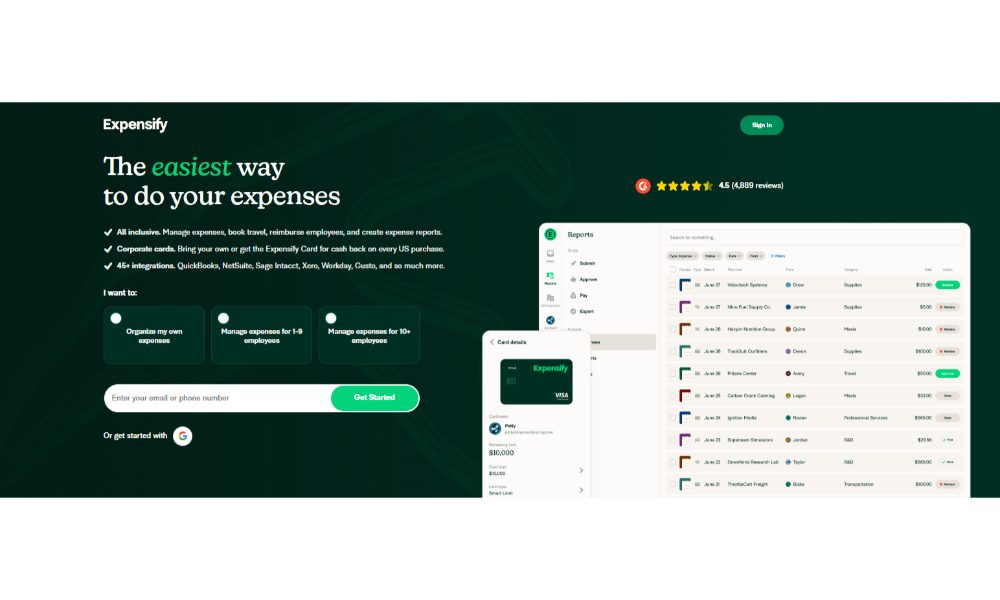
Don’t save individual receipt emails manually. Set up Gmail filters that automatically forward Amazon order confirmations to cloud-based expense management systems like Expensify, Shoeboxed, or Receipt Bank. These extract relevant data from emails, create expense records automatically, and store documentation.
For API-level integration, services like Ramp and Brex connect directly to Amazon Business accounts and pull transaction data automatically.
Step Three: Maintain Amazon Order History Access
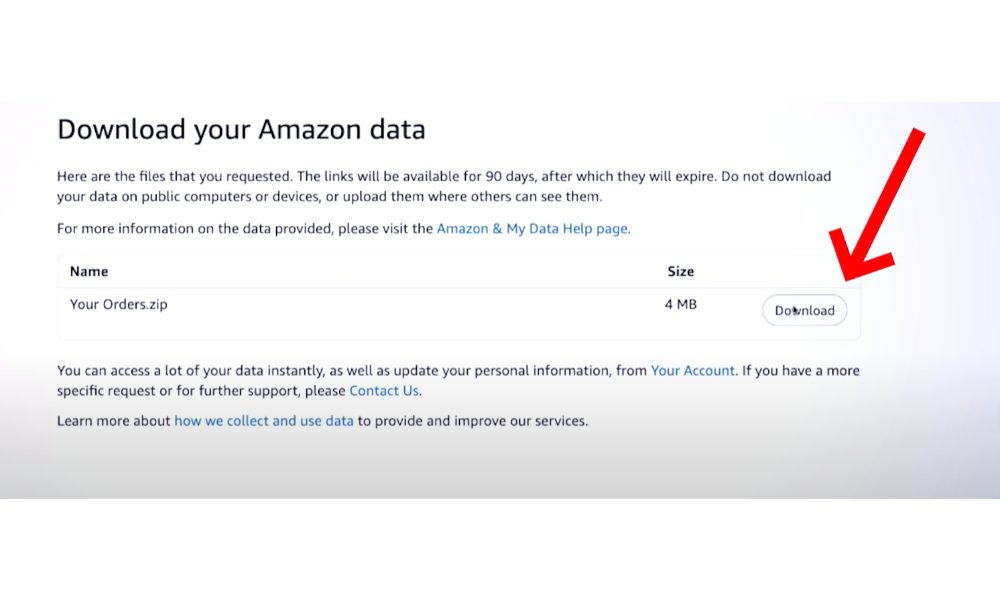
Amazon keeps your complete order history available indefinitely. This is your best backup documentation. Document your Amazon account credentials in a secure password manager with backup access for your bookkeeper.
Quarterly, export your Amazon order history to CSV or PDF and save to cloud storage separate from Amazon. This takes 10 minutes per quarter and prevents catastrophic documentation loss.
Step Four: For Sellers, Maintain Supplier Documentation Proactively
Don’t wait for Amazon to request supplier invoices. The moment you establish a relationship with a new supplier, obtain proper documentation. Request professional invoices on company letterhead with complete contact information.
Create a supplier documentation folder in cloud storage. For each supplier, maintain business registration documents, website screenshots, contact information, and invoice copies. Update quarterly.
For international suppliers, request export customs documentation in addition to invoices. Chinese suppliers can provide export declarations serving as additional verification.
Step Five: Implement Monthly Documentation Reviews
Block 30 minutes monthly to review Amazon purchases in your expense system. Verify every purchase has a receipt attached. Add business purpose notes while context is fresh. Flag missing receipts for immediate reconstruction.
For Amazon sellers, review supplier invoice coverage monthly. Calculate current inventory levels and project forward 90 days. Do existing supplier invoices cover projected inventory?
Common Mistakes That Get Sellers in Trouble
Using the Same Invoice Repeatedly: Submitting the same supplier invoice for different ASINs or time periods triggers immediate flags.
Not Warning Suppliers About Verification: Your supplier receives unexpected Amazon verification calls and seems confused or denies the transaction.
Accepting Invoices With Information Errors: Invoice shows your company name spelled wrong or outdated address. Always verify invoice accuracy before accepting.
Waiting Until Last Minute: Amazon gives 14 days to respond. Waiting until day 13 to contact suppliers creates problems when they’re on vacation or need time to locate records.
Drop Shipping Without Proper Documentation: Drop shippers often don’t have supplier invoices until after sales. If Amazon requests verification before first sale, you’re stuck.
Editing Supplier Invoices After Receipt: Amazon investigators can detect PDF manipulation. Always request corrected invoices from suppliers rather than editing documents yourself.
Final Thoughts: How to Navigate Amazon Receipt Generators Successfully
The Amazon receipt generator landscape in 2026 is vastly more sophisticated than simple template fillers. Legitimate business needs drive most usage: expense report reconstruction, VAT invoice compliance, professional B2B invoicing, and accounting system integration.
But the technology exists in permanent tension between legitimate business needs and fraud potential. AI capabilities that help legitimate users also enable increasingly sophisticated fraud. The response from accounting systems, the IRS, and Amazon has been shifting away from visual document verification toward independent transaction verification.
The practical takeaways are straightforward.
If you’re a small business owner or freelancer, focus on tools that help document real transactions more efficiently. Use automation to capture receipts from Amazon purchases automatically. Maintain your Amazon order history as permanent verification.
If you’re an Amazon seller, treat supplier documentation with appropriate seriousness. Establish relationships with suppliers who provide professional invoices. Maintain organized records proactively rather than scrambling when Amazon requests verification.
If you’re reconstructing lost receipts for legitimate expense reporting, understand that the IRS cares more about transaction verification than perfect receipts. Bank statements plus Amazon order history provide strong substantiation.
The future of receipt management is moving toward automated verification through transaction data rather than manual inspection of receipt images. This is good news for legitimate businesses because it makes proper documentation easier while making fraud harder.
Amazon receipt generators aren’t going away. They’re becoming more sophisticated and more integrated into broader financial management systems. Understanding how to use them appropriately, legally, and effectively continues mattering for anyone who buys or sells on Amazon.
The dividing line between legitimate use and fraud is simple: are you documenting real transactions or fabricating fake ones? Stay on the right side of that line, maintain proper verification documentation, and receipt generators become helpful business tools rather than dangerous temptations.
Related Posts:
Frequently Asked Questions
Yes, if you’re documenting legitimate purchases verifiable through bank statements and Amazon order history. Creating receipts for purchases that never happened is tax fraud.
The IRS cares whether you can substantiate the underlying transaction. If you can show the Amazon charge on your credit card, demonstrate the order in Amazon account history, and provide reasonable business purpose, reconstructed receipts serve as valid documentation.
Yes, quite effectively. Verification includes automated checks for document manipulation, manual review by trained investigators, direct supplier verification, and cross-referencing against known supplier databases.
The IRS $75 rule means you don’t necessarily need formal receipts for certain expenses under $75 (excluding lodging). But you still need substantiation showing date, amount, payee, and business purpose.
The IRS recommends keeping tax-related receipts for at least 3 years from filing date, but longer retention is advisable. The safest approach is keeping digital receipt records permanently since storage costs essentially nothing.