Follow ranking history
See whether a movement is isolated or part of a longer pattern.
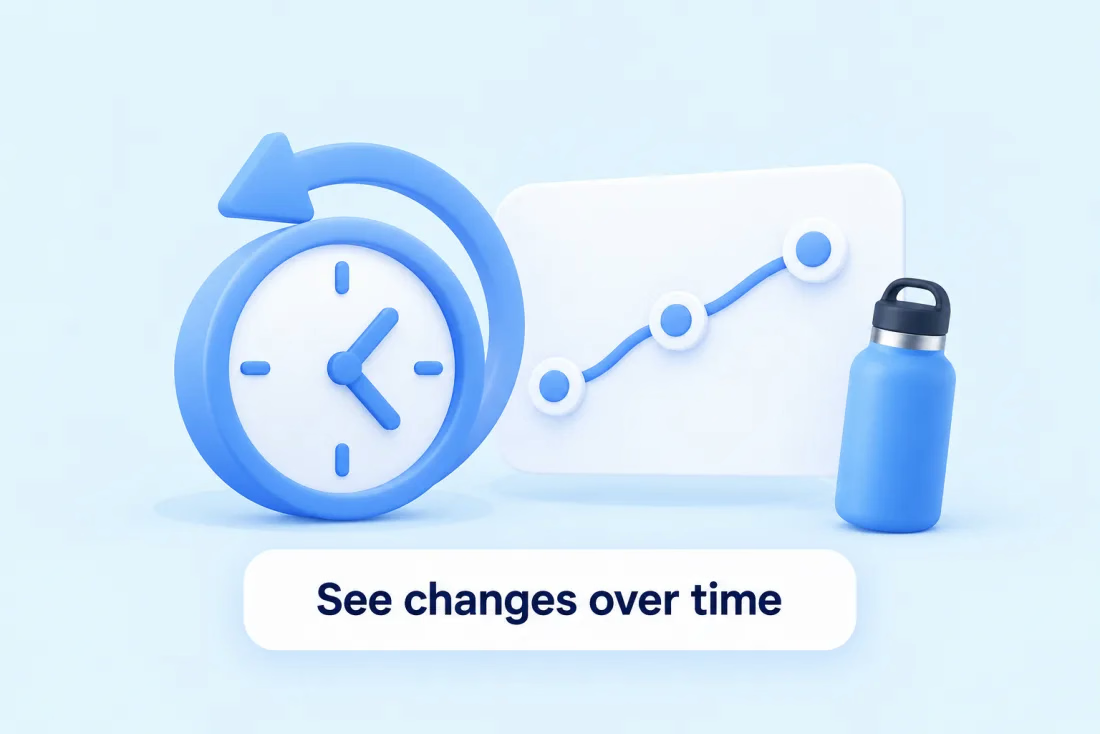
Export keyword data as CSV.
Track keyword positions, follow changes over time, and compare competing products to guide your next listing or advertising decision.

See how your product ranks for the same keyword over time.
Dropped 7 places
The same product now appears lower for this keyword.
History builds from the first observation after you add keywords.
Lower numbers are better positions.
This keyword has moved down. Review competing listings and keyword relevance.
See whether a movement is isolated or part of a longer pattern.
Export keyword data as CSV.
See how your product’s position compares for the same search term.
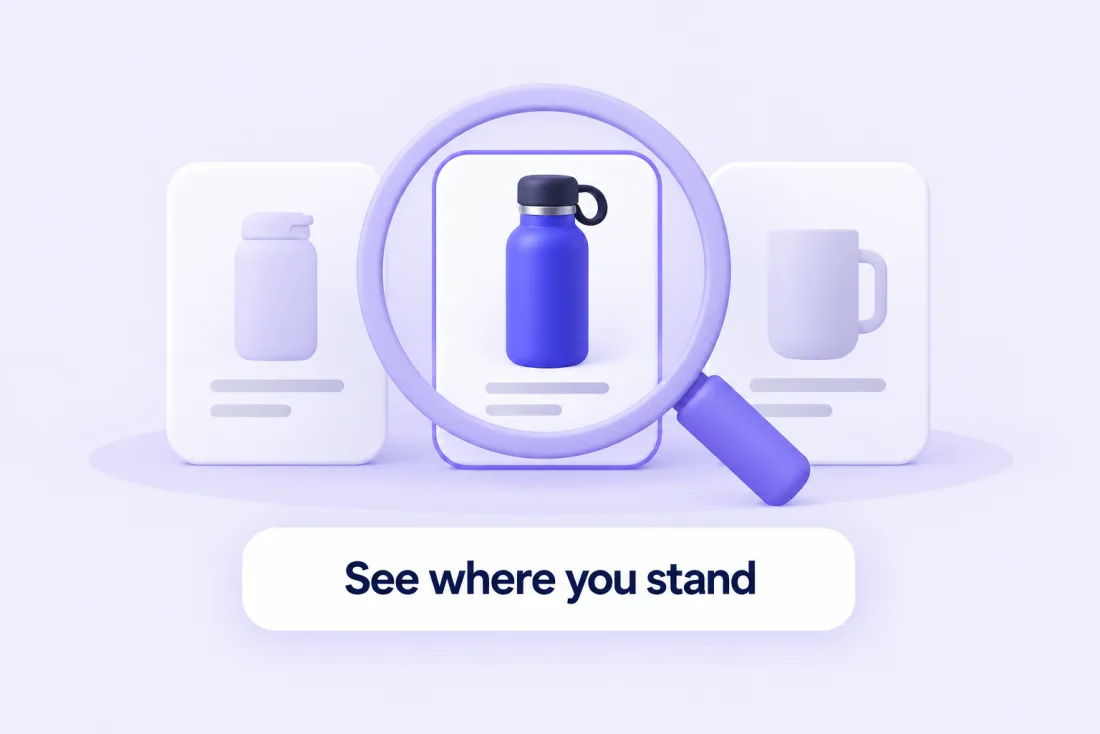
Rankings show position only, not competitor sales or traffic.
Review its history, indexing, and listing relevance.
Compare relevant listing content and keyword coverage.
Review ad performance and profitability before adjusting spend.
Tracking gives you evidence for a decision. It doesn’t establish why a position changed.
Use Keyword Research or Product Keywords, then add the terms you choose to the tracker.
Investigate indexing, improve relevant listing content, or review advertising.
From day one, SellerApp’s innovative tools and expertise have been our driving force, propelling our brand towards sustainable growth.


Open it in Product Intelligence and go to the Keyword Tracker tab.
Paste the terms you want to follow, or add them from your keyword research.
History grows as observations are collected from the day you start.
How many products and keywords you can track depends on your plan. Need more? Talk to our team.
SellerApp checks Amazon search results periodically and records where your product appears for each keyword you add. Each check is an observation, and together they form your ranking history.
Page rank, current position and position change update every 12–24 hours. The “Last updated” time shows when each observation was collected. For an on-the-spot check, the SellerApp Chrome extension works separately from scheduled dashboard tracking.
Indexing is whether Amazon associates your product with a search term at all. Ranking is where your product appears in results for that term. A product can be indexed and still not appear within the tracked results; that’s different from not being indexed. Index Checker covers indexing.
Yes. You can track competitors’ keywords to see where your listing stands against theirs for the same terms. Rankings show position only; they don’t reveal a competitor’s sales, traffic or conversion rate.
History begins with the first observation after you add a keyword, then builds with each update. Positions from before you started tracking aren’t available.
Tracking limits depend on your plan. See Pricing for current plans, or contact sales@sellerapp.com if you need a larger tracking quota.
Yes. Keyword data can be exported as a CSV file for further analysis.
No. Tracking shows where you rank and how that changes. Improvements come from what you do with that information, such as listing updates or advertising decisions, and results depend on many factors.
Each keyword is tracked for a specific Amazon marketplace, shown alongside its data. Coverage for your marketplace is confirmed when you set up tracking; contact us if you have a specific marketplace in mind.
Bring your product and priority keywords into one clear tracking view.