Amazon Product Pricing API

Build smarter pricing features. Without building the data infrastructure.

Access structured Amazon pricing data through SellerApp’s API to power competitor tracking, price comparisons, and pricing intelligence in your application.

Illustrative walkthrough in four stages: a pricing request for ASIN B0EXAMPLE01 on Amazon US goes to the SellerApp Pricing API, which returns structured pricing data. Your application shows the current price of $39.00 against a competitor at $36.50 and flags that the competitor dropped below your price.

The data problem

Build your pricing feature. Simplify the data work.

Four scenes: your pricing feature needs structured data from a product listing. Building it yourself means a pipeline your team runs: collect changing prices, standardize different formats, and maintain retries and upkeep. With SellerApp, the Pricing API returns a structured response to your application. Your team then builds the pricing experience, such as reviewing prices and building workflows. You still own storage, caching and app logic.

Your feature needs structured pricing data.

Your team runs and repairs the data pipeline.

Start with structured pricing responses.

Build the pricing experience your customers need.

You own storage, caching and app logic.

The data

Pricing data, ready for your application.

Explore the data behind your pricing decisions.

Current price
Example product: blue insulated water bottle

The listing price for a new-condition product.

Documented field
From response to feature

See how pricing data becomes a feature in your application.

Follow the data as your pricing view comes together.

  1. 1 of 5 · Product

    First, connect the response to the right product.

    "asin": "B0EXAMPLE01",
    "title": "Insulated Water Bottle, 750 ml"
    Insulated Water Bottle, 750 mlB0EXAMPLE01
  2. 2 of 5 · Current price

    Turn the price and currency into a readable price display.

    "listing_price_new": 39.00,
    "currency_code": "USD"
    Current price$39.00USD · new
  3. 3 of 5 · Seller context

    Show how many sellers are associated with this listing.

    "number_of_sellers": 2
    Sellers on this listing2 sellers
  4. 4 of 5 · Fee breakdown

    Your application combines the returned fee components.

    "referral_fee": 5.85,
    "fba_fee": 4.37
    Amazon fees
    Referral $5.85FBA $4.37
    $10.22Calculated in your application
  5. 5 of 5 · History and alerts

    Store observations over time to build price history and your own alerts.

    Price history from your stored observations
    Alert me if price drops below $37.00Your application’s alert rule

    History, storage and alert logic are managed by your application.

  6. SellerApp supplies the data. Your application creates the experience.

View the request and full response
Request
curl --location 'https://api.sellerapp.com/sellmetricsv2/products?geo=us&productIds=B0EXAMPLE01&price_detail=1&fee_detail=1' \
  --header 'client-id: YOUR_CLIENT_ID' \
  --header 'token: YOUR_TOKEN'
Response
[{
  "product_attributes": {
    "asin": "B0EXAMPLE01",
    "title": "Insulated Water Bottle, 750 ml",
    "number_of_sellers": 2
  },
  "price_details": {
    "listing_price_new": 39.00,
    "currency_code": "USD"
  },
  "fee_details": {
    "referral_fee": 5.85,
    "fba_fee": 4.37
  }
}]
Illustrative sample. Values are placeholders. See documentation for the full schema.
Open the API documentation
What you can build

One pricing data source. Many products you can create.

Competitor price monitoring

Which competing offer changed?

Help users compare available offers and spot changes.

Example product: blue insulated water bottle
Insulated Water Bottle, 750 mlB0EXAMPLE01 · illustrative
Your offer$39.00
Seller BLower than your offer$36.50
Seller C$41.00

See which offer needs a closer look.

Illustrative example. Confirm offer-level data availability with the API team.

Historical price intelligence

Is this price unusual over time?

Use stored observations to put the current price in context.

Example product: blue insulated water bottle
Insulated Water Bottle, 750 mlB0EXAMPLE01 · illustrative
EarlierLatest
Latest observation is lower than the earlier ones

Understand the current price in context.

Your application stores observations and calculates comparisons. Confirm any API-provided historical coverage separately.

Pricing recommendations

What price fits your costs and rules?

Combine pricing data with your own costs and decision logic.

API data
Listing price$39.00
Amazon fees$10.22
Your inputs
Unit cost$14.00
RuleWithin 3% of listing price
Your pricing logic
Suggested price$37.90Leaves $13.68 after the displayed fees and cost. Not a net margin: fees can change at a new price.

Build recommendations around your business rules.

Your application calculates suggestions. The Pricing API does not change Amazon prices.

Featured Offer intelligence

How does your offer compare with the Featured Offer?

Put the available Featured Offer information beside your own offer.

Example product: blue insulated water bottle
Insulated Water Bottle, 750 mlB0EXAMPLE01 · illustrative
Your offer$39.00
Featured OfferSeller B$36.50

Your offer is $2.50 higher

Understand the offer gap before deciding what to do.

Confirm Featured Offer fields for your marketplace. Price alone does not determine Featured Offer selection.

Automated price alerts

When should your application notify a user?

Check new observations against rules defined in your software.

RuleNotify below $37.00
CheckSeller B: $36.50Rule matched
Example notificationSeller B is below $37.00

Turn a relevant change into an actionable notification.

Your application schedules requests, checks rules, and sends notifications.

Integration

Your data. Your application.

  1. Define your needs

    Agree on data, markets and volume.

  2. Test a response

    Validate data with your credentials.

  3. Connect your app

    Map the response into your software.

  4. Build your feature

    Launch and review usage as you grow.

SellerApp Data access, documentation and agreed support.

Your team Integration, storage and application operation.

Technical specification

Understand the integration before committing to it.

Documented in the published referencePending verification with the API team

Authentication

Documented

Each request sends two headers: client-id and token. SellerApp issues the credentials. Keep them server-side.

--header 'client-id: YOUR_CLIENT_ID'
--header 'token: YOUR_TOKEN'
To confirm: credential rotation and per-environment keys.
From data to decisions

Turn product pricing data into useful decisions.

Price changes

When did a competitor change its price?

Compare stored observations to pinpoint the change.

Competitive position

How does this product compare with the market?

Place your price among competing offers.

Profitability

What’s left after product costs and fees?

Combine the API’s price and fees with your own costs.

Pricing alerts

When should your app flag a pricing opportunity?

Set a threshold. Your app checks and notifies.

Data quality

Know the data behind your pricing decisions.

Illustration: a product card linked to a globe and stacked history charts

The right coverage

Confirm what you can retrieve.

  • CoverageProducts, offers & marketplaces
  • Historical depthAvailable lookback
  • ConsistencyPrice & currency formats
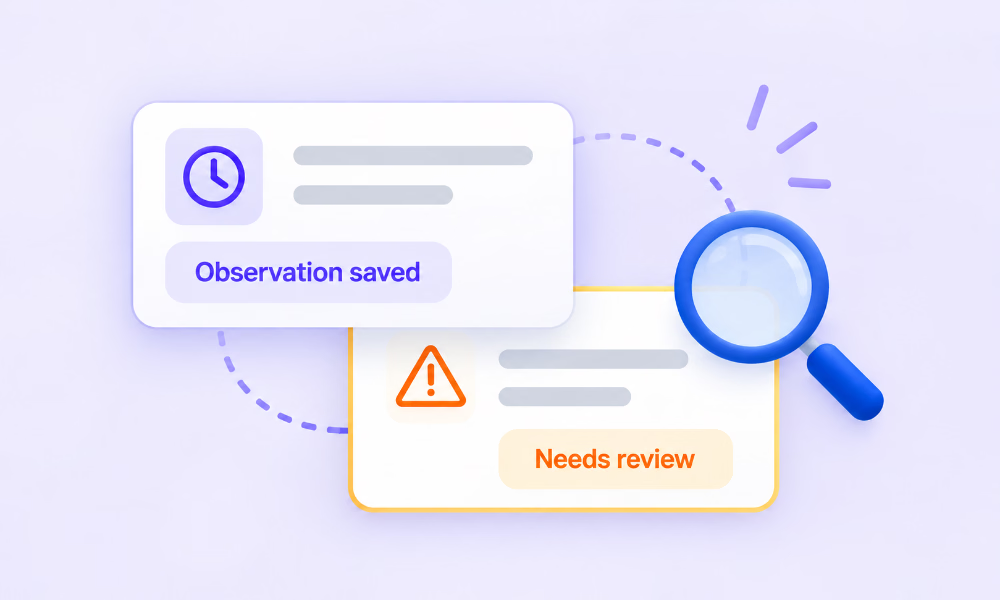
Illustration: an observation-saved card and a needs-review card under a magnifying glass

Data you can assess

Understand timing and missing responses.

  • FreshnessWhen values were observed
  • ObservabilityMissing, delayed or failed responses
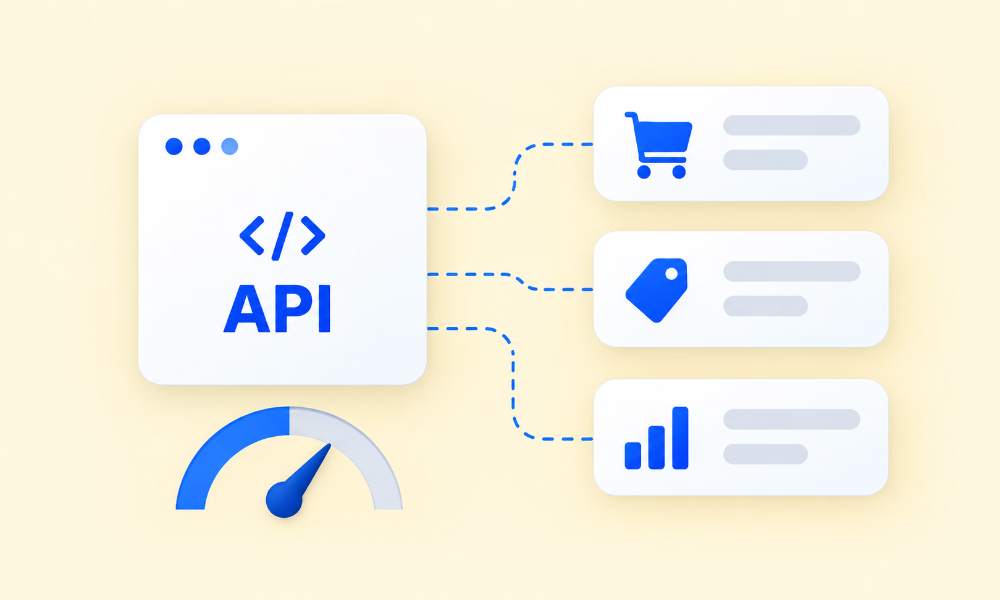
Illustration: an API window connected to commerce data tiles beside a capacity gauge

A fit for your workload

Agree how the integration will operate.

  • AvailabilityService terms & any agreed SLA
  • ScalabilityRequest volume & capacity
Proof

Real teams. Real integrations. Useful outcomes.

Quantum NetworksSellerApp API customer
Challenge

Evaluating pricing and margin during product onboarding

Assessing brands’ pricing took manual effort.

Solution

SellerApp’s margin calculator module

Pricing intelligence built into their evaluation process.

Result

A more efficient onboarding and product-assessment workflow

No figures are claimed.

Source: SellerApp API Solutions document. This shows pricing-related intelligence in use, not a specific Pricing API endpoint. Other SellerApp API customers use reviews, keyword, sales-estimate and product-attribute data.

API pricing

Choose the data access your product actually needs.

Access and commercial terms depend on the agreed plan. Bring these answers and we’ll scope it with you.

Your scoping sheet
  1. Request volumeExpected calls per day or month
  2. MarketplacesWhere your customers sell
  3. ProductsNumber of ASINs you’ll monitor
  4. HistoryHow far back you need data
  5. FrequencyHow often you’ll refresh each product
  6. SupportThe integration help you expect
  7. GrowthWhere volume is heading in 12 months
FAQ

Questions technical teams ask

What data is available through the Amazon Product Pricing API?

The published Product Details reference returns listing price and currency, Amazon referral and FBA fees, and the number of sellers. Competitor offers, Buy Box, price history and shipping are described for this API; we confirm their fields for your use case.

Which Amazon marketplaces are supported?

You choose a marketplace with the geo parameter, for example us. We confirm the full list for pricing data during evaluation.

How frequently is pricing data updated?

Confirm with the API team. Update frequency depends on marketplace and product, and we only call it real-time if the confirmed freshness supports that.

Can I retrieve historical pricing data?

Historical pricing is described for this API. Depth and granularity are confirmed with the API team. You can also store each response to build your own history.

Does the API include competitor offers?

Offer-level competitor pricing is described for this API. We confirm the fields and coverage before you integrate.

Can I retrieve Buy Box or Featured Offer information?

Featured-offer information is described where available. We confirm the fields for your marketplace. The API supports analysis, not Buy Box wins.

How do I authenticate my requests?

Each request sends client-id and token headers, using credentials SellerApp issues.

What does the JSON response look like?

A JSON array with one object per product, grouped into product_attributes, price_details and fee_details. See the example above and the API documentation.

What are the rate limits?

They depend on your plan and are confirmed during commercial evaluation.

Does the API support bulk data requests?

To confirm. Batch options for pricing data are confirmed with the API team.

How should I handle missing or delayed data?

Log each response status, retry transient failures with backoff, store values with timestamps and show users when data was last observed. Error codes are confirmed with the API team.

Can the API directly change Amazon product prices?

No. The Pricing API supplies data. Any price changes happen in your own software or through Amazon’s tools.

Can I build a repricing engine using this data?

Yes, as an input. Your engine applies your rules and costs and makes any price changes through its own integration.

What determines API pricing?

Request volume, marketplaces, number of products, history needs, refresh frequency and support. Discuss API pricing.

Can I test the API before committing?

Ask the API team about evaluation access for your use case.

Is technical integration support available?

Yes, the scope is agreed per integration. Talk to us about what your team needs.

Can my company use the data inside a commercial SaaS product?

That’s covered by your agreement. Confirm your use case with the API team.

What licensing, caching and redistribution restrictions apply?

They’re set in your agreement. Confirm caching and redistribution terms before you build.

What happens if our request volume increases?

We review volume, coverage and plan with you as your product scales.

How is SellerApp different from accessing Amazon’s own APIs?

Amazon’s own APIs mainly cover your authorized seller account. SellerApp supplies structured product and competitor data. Confirm which fits each feature you plan to build.

Talk to an API specialist

Your next pricing feature starts with the right data.

Tell us what you’re building, which Amazon marketplaces you need, and the pricing intelligence your application requires. We’ll help you evaluate the right API integration.

  • Fields and marketplace coverage for your features
  • Freshness, history and volume
  • Access, pricing and support scope
Talk to an API SpecialistFields marked * are required.
First Name required.
Last Name required.
Enter a valid business email.
Phone number required.

We use your details only to discuss your integration.

Request received

Thanks. Someone from the SellerApp API team will be in touch to review your requirements.

All pages