
Amazon Listing Optimization · Managed Service

Better listings. An expert team. A clear plan.

We research, rewrite, and refine your Amazon listings. You review the changes before they go live.

  • 5K+Listings handled
  • 128M+Keyword repository
  • 21,000+Sellers on SellerApp
  • 19Amazon marketplaces supported
What we uncover

A listing can look fine and still be leaking sales.

  1. Search coverage

    Shoppers use relevant terms the ASIN barely captures.

    “insulated water bottle” is barely captured in the title
  2. Imagery

    Images don’t resolve common buying questions.

  3. Keyword gap

    Important keywords are missing or underrepresented.

  4. Competitor gap

    Competitor listings communicate the category better.

    Competitors A–C lead with insulation
  5. Buried benefits

    Key product benefits sit where shoppers don’t read.

  6. A+ Content

    A+ Content doesn’t strengthen differentiation.

  7. Conversion

    The product receives traffic but converts poorly.

    Investigating: traffic arrives, orders lag
  8. Content hierarchy

    The order of information doesn’t match shopper intent.

We don’t start by rewriting. We start by finding what is actually holding the ASIN back.

The SellerApp listing framework

Get found. Get understood. Get chosen.

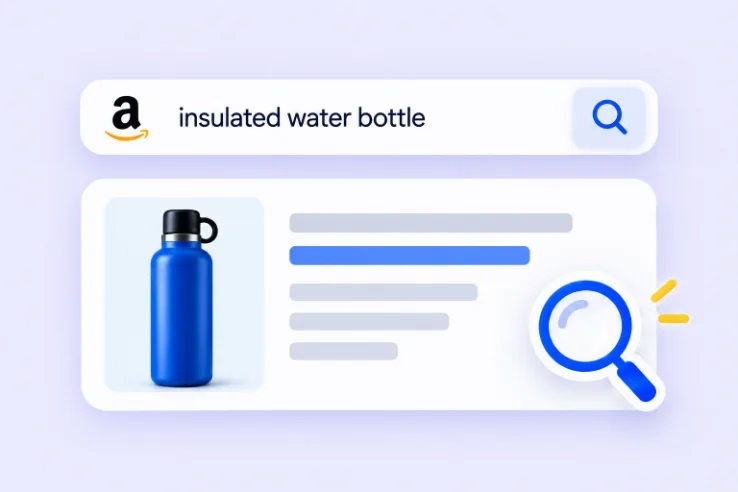
  • Lavender search illustration: shopper search for “insulated water bottle” finding the listing

    Get found

    Connect your listing with relevant shopper searches.

    • Search relevance
    • Indexing
    • Keyword coverage
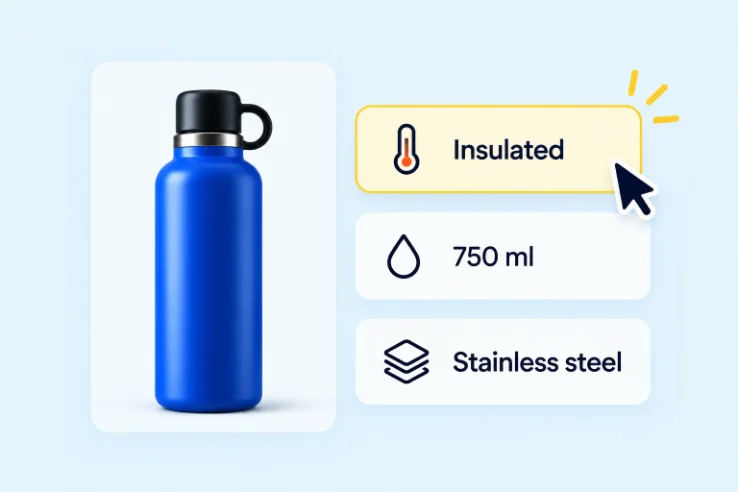
  • Pale-blue illustration: bottle with Insulated, 750 ml and Stainless steel benefit tags

    Get understood

    Make your benefits and differences clear at a glance.

    • Positioning
    • Benefits
    • Use cases
    • Differentiation
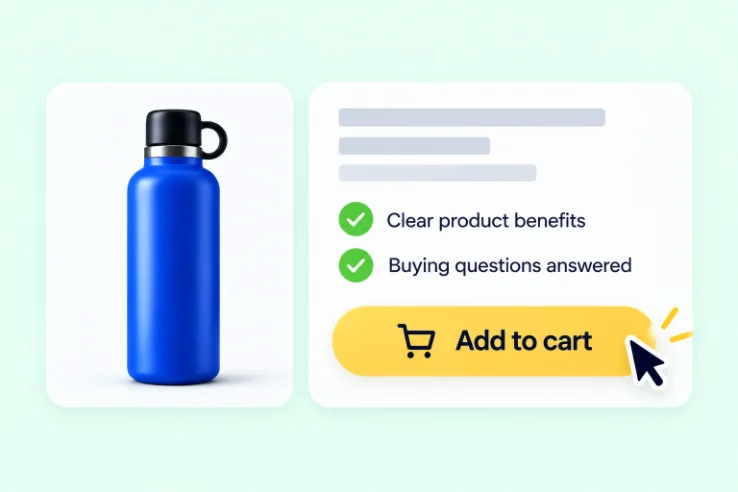
  • Mint illustration: listing with confidence checks and an Add to cart moment

    Get chosen

    Answer buying questions and build purchase confidence.

    • Conversion
    • Objection handling
    • Trust
    • Purchase confidence

Adding more keywords is not listing optimization.

Every recommendation balances:
  • Discoverability
  • Persuasion
  • Category relevance
  • Brand consistency
The full process

What actually happens when SellerApp manages your listings.

01 / 06 · Baseline

We establish where every priority ASIN stands today.

Before anything changes, we read the listing the way search and shoppers do.

  • Current listing
  • Keyword footprint
  • Search visibility
  • Category positioning
  • Conversion signals
  • Competitors
  • A+ Content
  • Imagery
  • Shopper language
  • Reviews, where useful
OutputListing opportunity map

02 / 06 · Opportunity discovery

We find the search and conversion opportunities competitors are leaving open.

Keywords are organized by the shopper intent behind them, not collected by the hundred.

  • Keyword universe
  • Reverse ASIN
  • Category search behavior
  • Competitor positioning
  • Customer vocabulary
OutputKeyword + positioning strategy
03 / 06 · Listing architecture

Before we write, we decide what every part of the PDP needs to accomplish.

Strategy comes before copywriting. Each element gets one clear job.

OutputListing blueprint
04 / 06 · Build

Our Amazon specialists turn the strategy into the new listing.

Every change traces back to the blueprint: where a keyword sits, which benefit leads, what each section answers.

  • Title
  • Bullets
  • Description
  • Backend terms
  • A+ Content
  • Image direction, where in scope
05 / 06 · Review

You see what we’re changing and why.

Every recommendation arrives with its reason and the signal behind it, ready for your review.

OutputRecommendations for approval
See the flow ↓
06 / 06 · Measure + improve

The listing goes live. The learning starts.

We read the response against the goal we agreed, then decide the next refinement.

OutputNext optimization priorities
See the loop ↓
You stay in control

Your account. Your brand. No black box.

Follow a listing recommendation from our first finding to your approval and final handoff.

Try the walkthrough. Your approval here only advances this preview.

Step 1 of 7 · Recommend

We identify a change worth making.

We recommend bringing the product’s defining benefit forward in the title.

Step 2 of 7 · Compare

See exactly what we propose.

Compare your current title with the recommended version.

Step 3 of 7 · Explain

Understand the reason.

Important shopper intent appears too late in the current title.

Step 4 of 7 · Evidence

See what informs the decision.

Search and competitor analysis inform the recommendation.

Step 5 of 7 · Expected effect

Know what the change aims to improve.

Stronger relevance for the core search and a clearer proposition at a glance.

Step 6 of 7 · Your review

Now it’s your decision.

Review the proposed title. Approve it or ask for a revision.

Step 7 of 7 · Handoff

Your approved content, ready for your team.

SellerApp delivers the final content for your team to upload in Seller Central.

Proposed title

Your Brand Insulated Stainless Steel Water Bottle, 750 ml, Blue, for Gym, Office and Travel

Click “Approve change” to see the handoff.

You approve the decisions that matter to your brand. SellerApp does the research, the writing, and the follow-through.

What we manage

Every part of the listing has a job.

01Title

Make relevance clear from the first words.

Search relevance and immediate positioning.

02Bullets

Put benefits and buying answers first.

Benefit hierarchy, with purchase questions answered early.

03Images

Show the value before shoppers read.

Each view earns its place in the gallery.

04Description

Explain the details that support a decision.

Education and persuasion beyond the bullets.

05A+ Content

Explain differences and resolve objections.

Modules planned around what blocks the purchase.

06Brand Story

Connect the product to your wider brand.

Context that links this ASIN to your catalog.

07Backend search terms

Add relevant search coverage behind the scenes.

Seller-side terms, not visible to shoppers.

Complete overview

One coordinated listing.

Seven parts, managed together.

  1. 1Title
  2. 2Bullets
  3. 3Images
  4. 4Description
  5. 5A+ Content
  6. 6Brand Story
  7. 7Backend search terms

Better listing decisions.
Before and after launch.

SellerApp intelligence finds opportunities. Our experts turn them into action.

  1. Find the opportunityKeyword, market and listing intelligence.
  2. Make the right moveExpert priorities, positioning and content.
  3. Keep improvingPerformance insights guide the next change.

Technology informs. Specialists decide. Your listing keeps evolving.

Why SellerApp

What would you have to assemble to do this without SellerApp?

  • Keyword intelligence
  • Amazon strategist
  • Conversion copywriter
  • Competitive analyst
  • A+ / creative expertise
  • Performance measurement
  • Ongoing optimization
One SellerApp listing optimization team
  • Keyword intelligence
  • Amazon strategy
  • Conversion copy
  • Competitive analysis
  • A+ and creative direction
  • Measurement
  • Ongoing optimization

One team responsible for turning marketplace intelligence into better product detail pages, and continuously improving them.

No five-way coordination. SellerApp owns the system.

How success is measured

We agree on the goal before we change the listing.

Existing ASIN needing improvement

Traffic or visibility exists, but the listing isn’t earning what it should.

Potential focus
ConversionRelevant trafficDiscoverability

New product launch

The listing has to be found and indexed before it can prove itself.

Potential focus
IndexingVisibilityRelevant sessionsEarly conversion signals

Established product ready to scale

A proven product with room to win more of the category.

Potential focus
Category visibilityConversionSales contribution
Customer evidence

Real accounts. Specific work. Measurable results.

Each result came from a managed engagement. We show the scope so the attribution is clear.

Else NutritionBaby nutrition · Amazon US + Walmart
  1. One SellerApp pod ran advertising, listings, and expansion, growing the account from 15 to 93 campaigns.

  2. Efficiency improved, then the brand expanded to Walmart.

25% → 6.7%TACoS · ACoS 66% → 17.6%
ReelskinDTC brand · Amazon
  1. A full-funnel strategy lifted conversion rate while keeping premium pricing intact.

  2. Sales grew from $13.7K to $47K+; best-seller rank rose from #400 to #36.

+241%Total sales · +941% ad revenue
Oogie’s SnacksGourmet popcorn · Amazon
  1. A full-funnel strategy organized around flavor and pack size, plus support for a new product launch.

  2. Sales grew from roughly $5K to $24K in five months; ad revenue nearly tripled.

4.8×Total sales growth in five months
FAQ

Questions serious sellers ask us

How do you decide which listings to optimize first?add

We agree your priority ASINs with you at the start, then use the baseline to rank where search visibility, positioning, or conversion gaps are largest relative to the product’s importance to your business.

Do you rewrite every listing immediately?add

No. We diagnose first. Some ASINs need a full rebuild; others need targeted changes to a title, a bullet order, or backend terms. The baseline decides which.

How do you balance Amazon SEO with conversion?add

By deciding each element’s job before writing. The title carries primary relevance and positioning, bullets carry purchase drivers and objections, and backend terms carry additional relevant coverage, so keywords never crowd out the reasons to buy.

How do you choose keywords?add

We use SellerApp’s keyword research tools, Reverse ASIN, and our keyword repository to map the relevant search universe, then organize terms by shopper intent. Specialists decide which terms have the most potential for your product and where each belongs on the page.

How do you make sure the content still sounds like our brand?add

We work from your brand guidelines, approved claims, and compliance constraints, and every recommendation comes to you for review before it’s finalized.

Do we approve changes before they go live?add

Yes. You see what we’re changing, why, and the signal behind it, and you approve or request changes before anything is published.

Who publishes the changes in Seller Central?add

We deliver the final, approved listing content to your team, who upload it in Seller Central. We don’t need access to your Seller Central account to prepare listings.

How do you measure whether the optimization worked?add

Against the goal agreed for each ASIN before work starts. Depending on that goal, we look at measures such as search visibility, indexing and ranking, relevant sessions, conversion rate, and sales.

Do you optimize A+ Content and images?add

Yes, within your agreed scope. For brand-registered products we research and create A+ Content, and we give expert feedback and recommendations on product images and videos.

What happens after the initial optimization?add

Optimization continues. We monitor how the listing responds and how the category moves, then recommend the next refinement through the same review process.

Can you optimize listings across multiple Amazon marketplaces?add

Yes. We support Amazon marketplaces including the US, Canada, Mexico, Brazil, the UK, Germany, France, Italy, Spain, the Netherlands, Poland, Sweden, Turkey, Saudi Arabia, the UAE, India, Japan, Singapore, and Australia. Ask us about a specific marketplace.

Amazon listing audit

Let’s find out what your listings are leaving on the table.

We’ll review your priority ASINs and show you where search visibility, positioning, or conversion can improve.

  1. Share your priority ASINsTell us your store, marketplace, and the products that matter most.
  2. We review the listingsSearch visibility, positioning, and conversion signals for each.
  3. Walk through the findingsIf working together makes sense, we propose a scope.
Get My Amazon Listing AuditRequired fields are marked.
Enter your first name.
Enter your last name.
Enter a valid work email.
Enter a phone number.
Choose a marketplace.
Choose an option.
Add a store name, ASIN, or product URL.

We use your details only to prepare and discuss your audit.

Request received

Thanks. Our team will be in touch to schedule your listing audit.

All pages