Amazon Best Seller Tools To Improve Your Amazon Sales!
Discover opportunities. Maximize your sales. Grow your Amazon business!

Amazon Best Seller Tools For Free to Boost Your Amazon Business

Amazon FBA Calculator
Calculate your FBA profitability the Amazon FBA calculator, analyze your pricing points, costs including FBA charges and profit
- Accurate fee and profit estimates
- Compare FBA vs. FBM
- Plan for profitable products

Amazon Keyword Search
Get a list of highly relevant keywords that are Amazon auto suggested or trending and shortlist them on search volume and CPC
- Find relevant & high-volume
- Check search volume & trends
- Uncover low-competition opportunities

Amazon Reverse ASIN
View top keywords used in any Amazon ASIN and check its corresponding page rank to optimize the listing or run ppc campaign
- Analyze top-ranking product strategies
- Find new keyword opportunities
- Improve PPC and organic rankings

Listing Quality Checker
Evaluate the quality of the listing with the Listing Quality Analyzer to improve both the Desiribility as well as the Discoverability
- Get a listing quality score
- Identify content and SEO gaps
- Improve visibility and conversions

Product Description Editor
Effortlessly create professional product listings that are attractive and converting. No HTML knowledge required at all.
- Convert and clean formatting
- Remove unwanted characters
- Create polished, professional copy
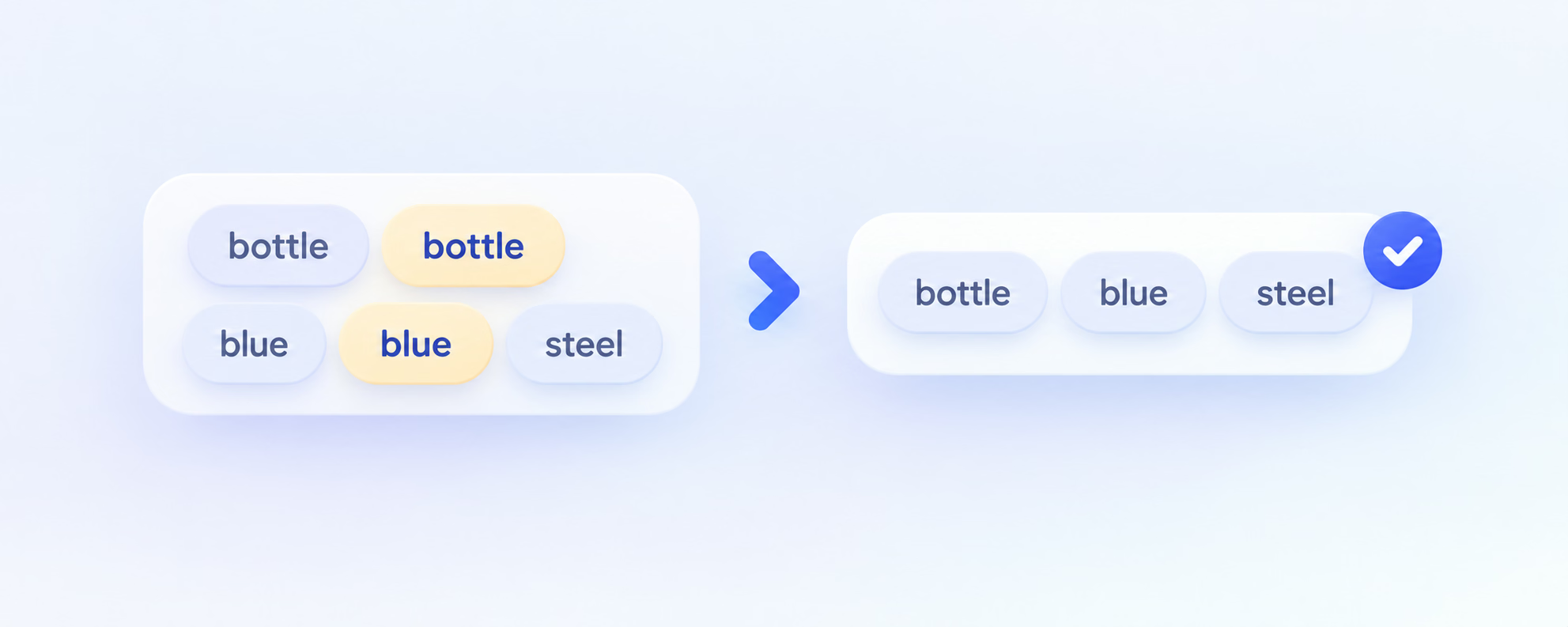
Duplicate Keyword Remover
Quickly remove repeated keywords and duplicate words from messy keyword listings to create a clean, precise and optimized listing for your Amazon product.
- Clean up keyword lists instantly
- Remove duplicates and variations
- Save time and improve campaign focus
Additional Tools to Support Your Amazon Business

Amazon PPC Audit
Identify inefficiencies in your Amazon advertising and get actionable recommendations.
- Find wasted ad spend
- Improve overall account performance
- Discover campaign opportunities

Amazon ACoS Calculator
Check your advertising cost efficiency and understand profitability.
- Calculate ACoS and TACoS
- Understand break-even ACoS
- Plan profitable ad strategies

Amazon Sales Estimator
Estimate potential sales for a product and gauge market demand before you invest.
- Validate product ideas
- Estimate demand and revenue
- Make data-driven sourcing decisions
Powerful Chrome Extensions for Amazon Sellers

SellerApp Chrome Extension
Open an Amazon listing and see the keywords associated with that listing, right inside Chrome.
- Keywords for any Amazon listing
- Works on Amazon product pages
- Real-time keyword ranking updates

FBA Calculator for Amazon
Calculate net profit, net margin and ROI directly on the Amazon product listing you are researching.
- Net profit, margin and ROI
- Enter your own cost factors
- Runs in desktop Chrome
Yes. The free tools on this page are free to use. The calculator on the Amazon FBA Calculator page is free and needs no sign-up, and the SellerApp FBA Calculator Chrome extension is free as well — there is no hidden cost for either.
Some tools work without an account. Where a tool shows a set of results and the rest of your research — such as the remaining keywords for a search, keyword difficulty analysis and keyword tracking — lives in the SellerApp dashboard, continuing there needs an account. Which features your account can use depends on your plan.
They are estimates, and their accuracy depends on the numbers you enter. Amazon's fees and rates change, and shipping and storage costs move with volume and season, so no calculator can be exact. Update your inputs regularly and treat the output as a decision aid rather than a quote.
Marketplace coverage depends on the tool. Each tool's marketplace dropdown is the source of truth — for example, the Amazon FBA Calculator page supports the United States, United Kingdom, Canada, United Arab Emirates, Spain, Netherlands, Saudi Arabia, Singapore, Brazil, Poland, India, Australia, Japan, Mexico, Germany, Italy, France and Sweden. Extension coverage is published separately on the Chrome Web Store listing.
The SellerApp Chrome extension works from a product: open an Amazon listing and it shows the keywords associated with that listing. The separate SellerApp FBA Calculator extension returns net profit, net margin and ROI for the listing you are researching. Both run in desktop Chrome.
Yes. Additional features such as keyword tracking and keyword difficulty analysis are available in the SellerApp dashboard, depending on your plan. See pricing for plan details.
SellerApp offers 24*7 customer support through email and chat. You can email us at support@sellerapp.com, and someone from our team will reach out to you.